Why Joining Two Ethernet Cables Can Cause Network Issues
While using an RJ45 coupler to connect two Ethernet cables might seem like a quick fix for a short cord, it can introduce unexpected network problems and connection failures.
 Radwan AbdulhadiEditor and technology writer
The Temptation of the RJ45 Coupler
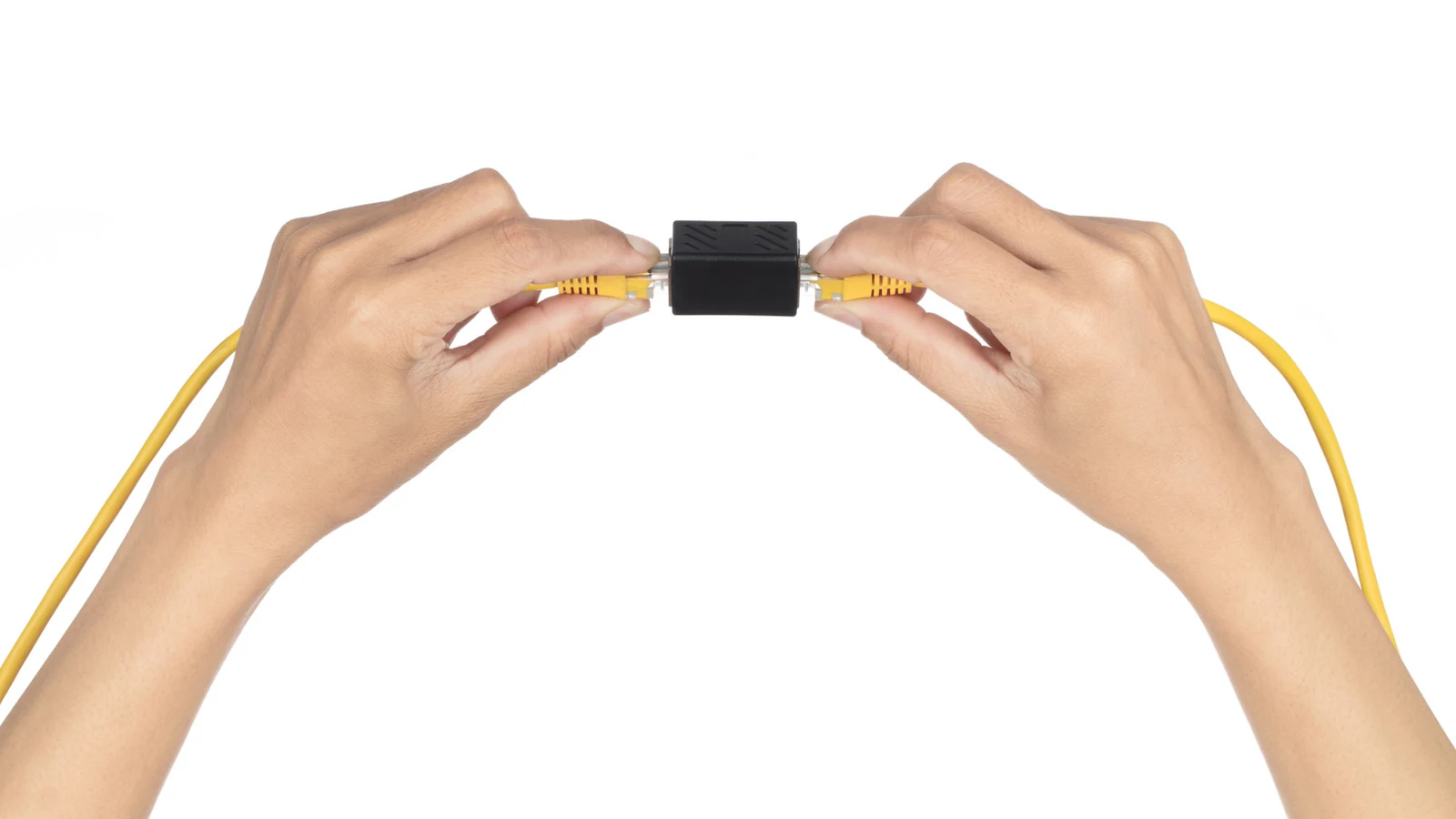
Moving your desk a few feet can sometimes leave a previously sufficient Ethernet cable just a bit too short. If you happen to have a second cable nearby, a small RJ45 coupler allows you to connect them together effortlessly without needing an outlet, a setup guide, or network certification. A quality coupler should not noticeably slow your internet connection either.
However, that small adapter introduces another connection that you will need to inspect if the network begins acting up. For a permanent setup, a single longer cable is usually much simpler. If you are exploring the physical boundaries of your setup, it helps to remember that The other limit is Ethernet cable length.
Why Joining Ethernet Cables Causes Problems
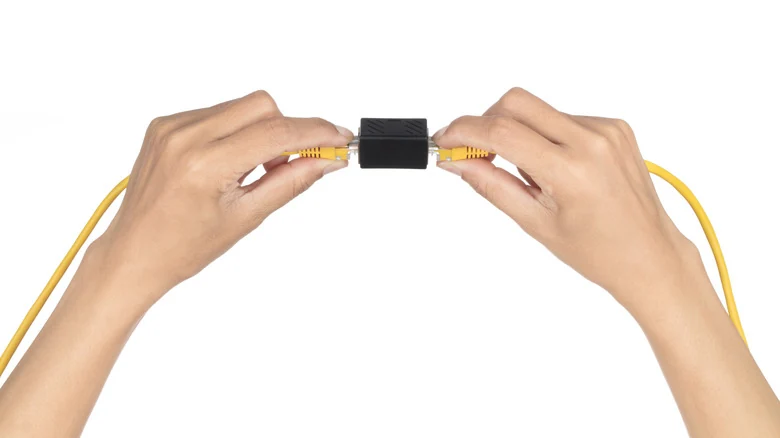
An Ethernet coupler is simple hardware consisting of two RJ45 sockets connected together, meaning it does not increase signal strength or establish a separate Ethernet link. While a single coupler works perfectly well with good connectors, the additional connection remains a potential failure point, particularly if the adapter is poorly made or susceptible to physical bumps.
A bad join can trigger occasional dropouts, transmission errors, or cause a link to fall back to 100 Mbps instead of 1 Gbps. Before spending an afternoon rebooting your router or calling your internet provider, testing with a good-quality unjoined cable is recommended.
Furthermore, testing by trueCABLE tested various combinations of Cat6 and Cat6A cables and couplers using a Fluke DSX-8000 cable tester. Configurations with three couplers generally passed, while four couplers failed, illustrating why adding unnecessary joins is a bad idea.
Opting for a Single Longer Cable
When connecting a single PC or console, starting out with an Ethernet cable that is long enough to reach from end to end is often the best approach. This eliminates extra connection points and avoids the need for external power outlets for additional hardware. Leaving some slack when routing the cable around furniture is also advised.
Typically, a reliable Gigabit connection can be achieved using good Cat5e or Cat6 cables. Users should keep in mind that an expensive Cat8 cable won't magically fix poor cord routing.
Using a Network Switch as an Alternative
Replacing an existing, deeply routed cable can be a difficult task, especially if you suddenly need multiple ports near an entertainment center for a TV, console, and streaming box. In these scenarios, a small unmanaged network switch makes sense.
Unlike a coupler, a network switch actually creates separate Ethernet links, each maintaining its own distance limit. Basic unmanaged five-port Gigabit switches usually cost around $15 and require zero configuration, though they do require power and a 1 Gbps model will downgrade transfers via faster cable standards.
Anyone installing a security camera or wireless access point should note that a standard non-PoE switch will not supply Power over Ethernet to connected devices. A PoE-capable switch or injector is required for hardware that needs such power support.
Sources
- EngadgetWhy you might not want to join two Ethernet cables (and what you should do instead)
Continue chronologically


Related stories
Why Your Home Network Needs Both Ethernet and Wi-Fi
Discover how combining Ethernet and Wi-Fi creates a balanced, reliable home network that balances maximum speed with wireless convenience.

Why Ethernet Cables Use Twisted Wires Inside
Explore the science and history behind twisted pair wires in modern Ethernet cables, from Alexander Graham Bell to reducing electromagnetic interference.
Can You Run Regular Ethernet Cables Outside?
Explore the risks of using standard indoor Ethernet cables outside, and learn how to choose proper outdoor and direct-burial cables safely.
Why Flat Ethernet Cables Might Harm Home Networks
Explore the performance tradeoffs, signal interference risks, and physical durability issues of flat Ethernet cables compared to traditional round ones.