Why You Need to Backup Data From Your Older Thumb Drives
Transferring important files to a thumb drive offers great portability, but portable storage is volatile and degrades over time.
 Radwan AbdulhadiEditor and technology writer
The Declining Popularity of Portable USB Sticks
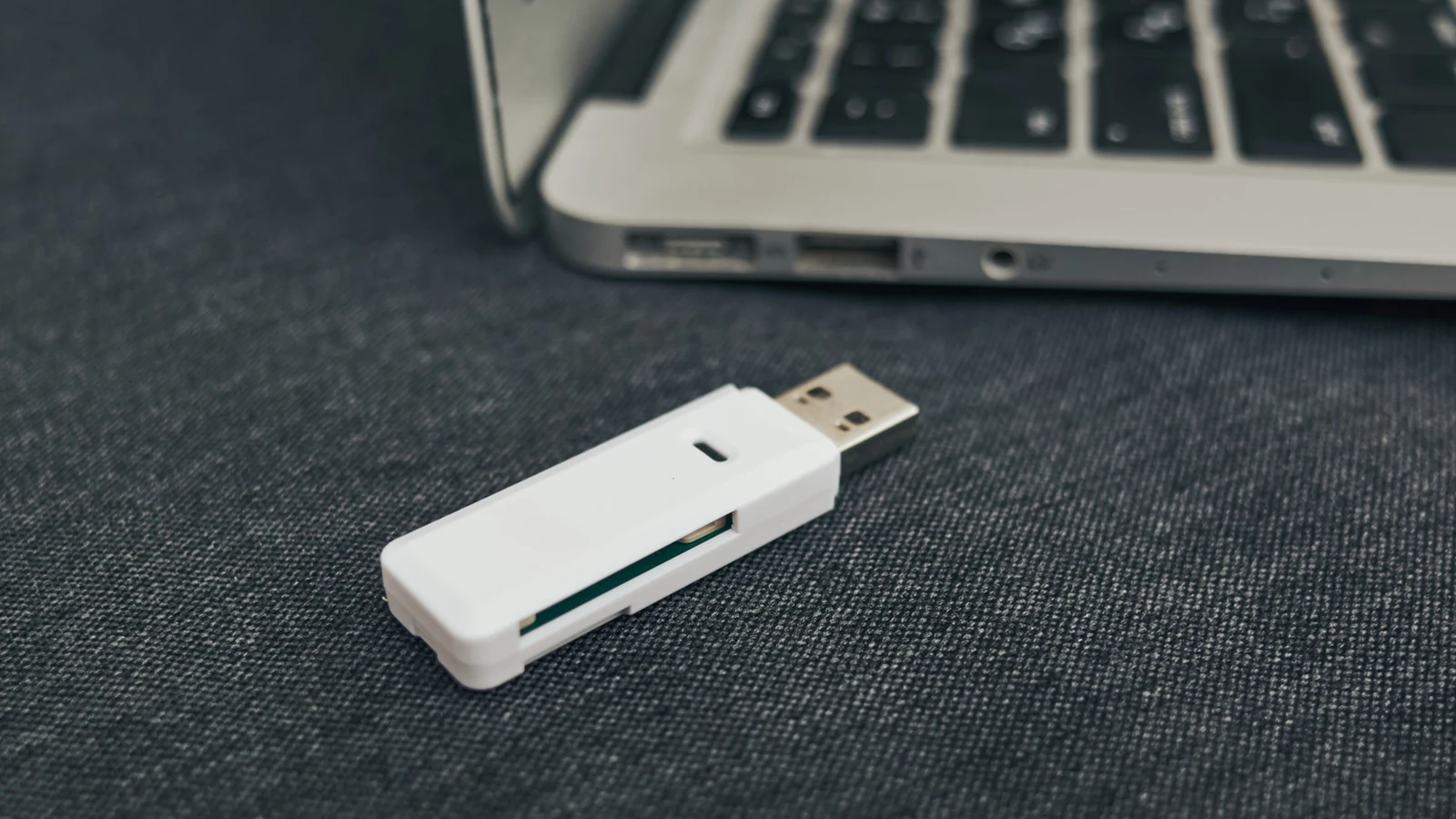
USB thumb drives do not seem as popular as they once were, a trend that makes sense given how they have been rendered unimportant or obsolete for many of the everyday tasks they were originally built to handle. Modern technologies such as email, chat applications, and AirDrop make transferring smaller files a breeze, while larger files are frequently stashed and shared using online services like iCloud or full-size external solid-state drives.
Despite these shifts, many people continue keeping files on thumb drives because they fit their lifestyles or simply out of habit from media collected over the past decade or two. There is undeniable appeal in the portability of a tiny USB stick, especially with memory prices shooting up into the stratosphere and making unnecessary hardware purchases less desirable.
Finite Write Cycles and the Threat of Bit Rot
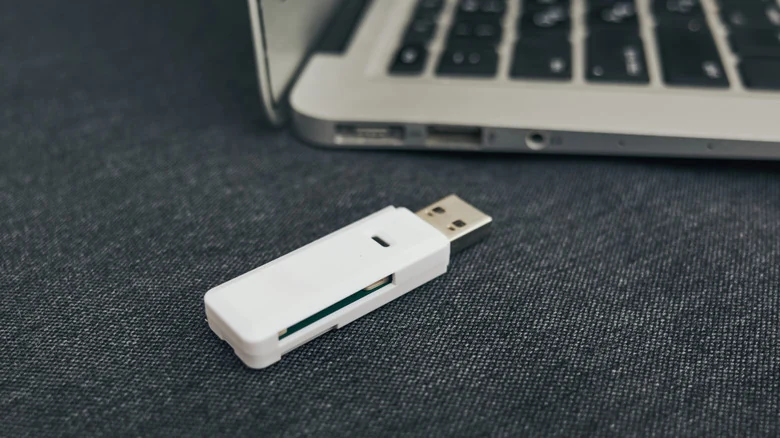
Even without the risks of physical loss or accidental damage, a ticking clock governs the lifespan of portable flash storage. All flash storage features a finite number of write cycles, typically falling between 10,000 and 100,000 for a standard thumb stick. This limit rarely causes issues during archival storage, but copying files on a daily or weekly basis gradually reduces the amount of usable space until the drive eventually fails.
Unlike regular solid-state drives, users cannot run TRIM commands to recover some of that room on thumb drives. Adding to this hardware constraint is a less consistent threat known as bit rot. Flash memory depends on cells holding an electrical charge to represent data. Over time, these cells lose electrons, potentially leading to flipped bits and eventual data corruption.
Hardware Vulnerabilities and Environmental Risks
While thumb drives lack moving parts, they still depend on delicate components like physical connectors and internal controller chips. These parts can fail due to impacts, corrosion, or shoddy manufacturing standards. For instance, a drive stored in a humid environment can easily become contaminated with mold.
Furthermore, anything as small as a thumb drive carries a high risk of physical destruction or misplacement. A user might accidentally leave one behind at the office or toss it out of a bag while rushing through an airport. For individuals who move frequently, small possessions can easily vanish.
Best Practices for Protecting Important Files
When data is truly important, technology experts frequently recommend the 3-2-1 backup rule. This approach dictates that files should be saved across at least three distinct locations, consisting of two local drives and a cloud upload. Some cautious users take extra precautions by keeping one of those drives at a separate physical address or inside a fireproof safe to guard against local disasters.
Relying entirely on the cloud also presents complications, including recurring subscription fees, unexpected internet outages, and occasional catastrophic failures at major datacenters. Additionally, storing everything online leaves data vulnerable if a cloud provider operates with poor security practices or collaborates with authoritarian governments.
Managing Less Critical Data
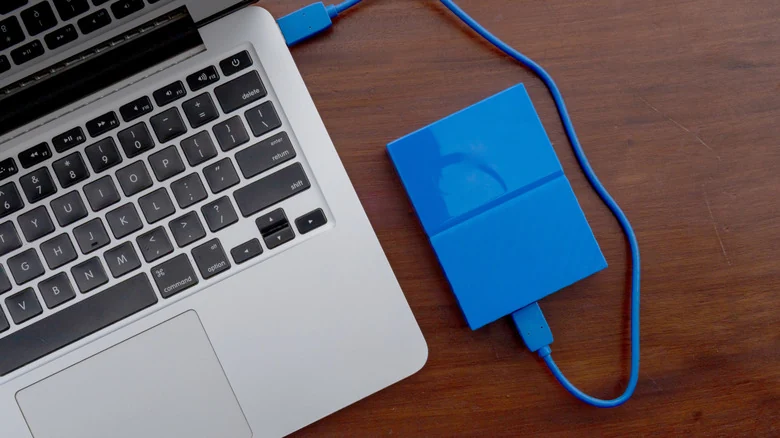
For files that are less than critical but still desirable to retain, users should ensure their duplicate copies are stored in easily identifiable and retrievable locations. A computer's internal drive can serve this purpose, though external solid-state drives or cloud storage remain safer bets in case a computer suddenly stops working.
If a primary machine fails completely, recovering files directly from its internal storage can become complicated and time-consuming. Such situations often require physically extracting the drive and finding alternative hardware to plug it into, emphasizing the importance of proactive file migrations and regular backups.
Sources
- EngadgetWhy it's important to backup data saved on your older thumb drives
Continue chronologically


Related stories
Understanding the 3-2-1 Rule for Backing Up Your Data
Learn how the classic 3-2-1 backup rule can help protect your important personal files, photos, and records from unexpected hard drive disasters.
Why Flat Ethernet Cables Might Harm Home Networks
Explore the performance tradeoffs, signal interference risks, and physical durability issues of flat Ethernet cables compared to traditional round ones.
How much does DDR5 RAM speed matter for gaming?
Explore how memory bandwidth and latency impact gaming frame rates, and whether high-end DDR5 RAM speeds are genuinely worth the extra cost.

How to Improve Your PC Airflow and Cooling Performance
Learn essential strategies to improve your PC's airflow, manage fan placement, control case pressure, and keep all your components running cool.