How to Improve Your PC Airflow and Cooling Performance
Improving your PC's airflow is essential to maintaining system performance and preventing components from overheating.
 Radwan AbdulhadiEditor and technology writer
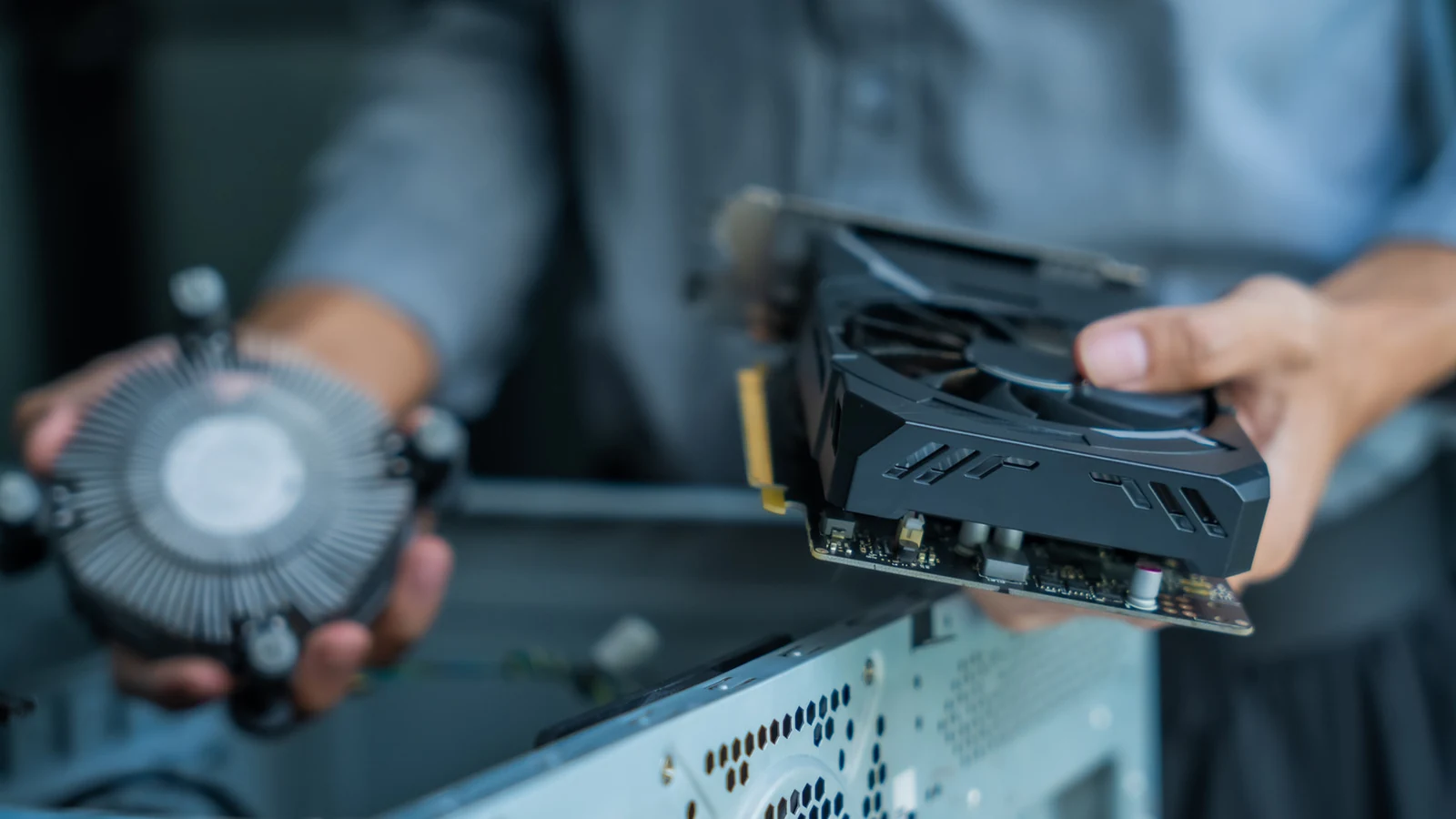
Understanding PC Airflow and Placement
When building or upgrading a computer system, users often focus heavily on performance upgrades like graphics cards rather than cooling mechanics. However, managing airflow is crucial to keep all your components running cool over the lifespan of the hardware.
PC components generate significant heat during operation, which can degrade system performance if trapped inside the enclosure. The primary function of cooling fans is to draw cooler external air over internal components and push heated air outside. As a foundational step, users should place their PC in an open area with decent ambient airflow rather than confining it to a room corner or crowding it near other electronics.
Fan Placement and Case Pressure Dynamics
Proper fan placement relies heavily on natural thermodynamic principles, as hot air naturally rises. Because the hottest components—the CPU and GPU—are typically located near the rear of the case, cooling setups should pull cool air from the front and bottom while exhausting hot air out the top and back.
Cooling fans also directly influence the internal air pressure of a PC case. When internal pressure exceeds external pressure, positive pressure forces air outward through any available gaps. Conversely, lower internal pressure draws air inward through those gaps, introducing unwanted dust. While completely neutral pressure is ideal, achieving it is difficult, making slightly positive pressure the preferred target to minimize dust accumulation.
Fan Size, Speed, and Maintenance Strategies
When selecting replacement or supplementary fans, size and speed are critical parameters. Standard case fans measure 120mm, and larger alternatives typically move more air at a lower pressure. Because larger fans are usually quieter, they represent an appealing choice for noise-sensitive environments.
Intake fans positioned at the front and bottom must pull air through protective mesh screens, which reduces incoming air pressure. Consequently, running intake fans at higher speeds can help overcome this restriction. Beyond fan configuration, routine maintenance is essential. Regularly opening the case to clear dust with pressurized air and maintaining clean dust filters will prevent thermal throttling and hardware degradation.
Case Selection and Cable Management
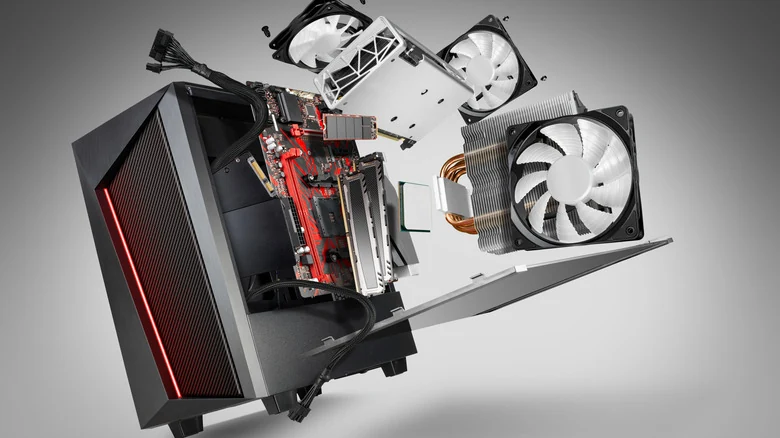
While specialized cases built for optimal airflow are available on the market, users can achieve effective cooling performance no matter what case you have, provided certain structural and organizational rules are followed.
Builders should avoid enclosures featuring solid front panels and instead choose designs equipped with mesh front panels that allow unrestricted airflow into intake fans. Furthermore, proper cable management is vital to ensure that air flows seamlessly from the front to the back of the case without obstruction.
Sources
- EngadgetHow to improve your PC's airflow for better cooling
Continue chronologically

Related stories
Why Flat Ethernet Cables Might Harm Home Networks
Explore the performance tradeoffs, signal interference risks, and physical durability issues of flat Ethernet cables compared to traditional round ones.
How much does DDR5 RAM speed matter for gaming?
Explore how memory bandwidth and latency impact gaming frame rates, and whether high-end DDR5 RAM speeds are genuinely worth the extra cost.
Why Your Apple AirPods' Battery Drains So Fast
Discover why your Apple AirPods battery drains quickly, how to check for charging issues, and practical steps to make them last longer.

How to Fix Apple AirPods When They Won't Connect to iPhone
Learn why your Apple AirPods fail to connect to your iPhone and discover quick troubleshooting steps, from checking batteries to resetting devices.