Understanding the 3-2-1 Rule for Backing Up Your Data
Protecting your digital files from unexpected disasters can be streamlined by following a classic, reliable data preservation framework.
 Radwan AbdulhadiEditor and technology writer
The Origin and Basics of the 3-2-1 Backup Framework
Whether dealing with photographs, videos, financial records, or other personal documents, generating vast amounts of digital information over the years is common. Realizing that important files are gone for good due to a hardware failure can cause immediate panic, making sure that your data is safe and backed up is a critical task for any computer user.
To prevent catastrophic data loss from a single fried hard drive, a classic framework known as the 3-2-1 rule provides a structured approach. First popularized by photographer Peter Krogh in his 2009 book, The DAM Book: Digital Asset Management for Photographers, the framework dictates how many copies of your data you need, what types of media they should reside on, and where those copies should live.
Breaking Down the Three Core Requirements
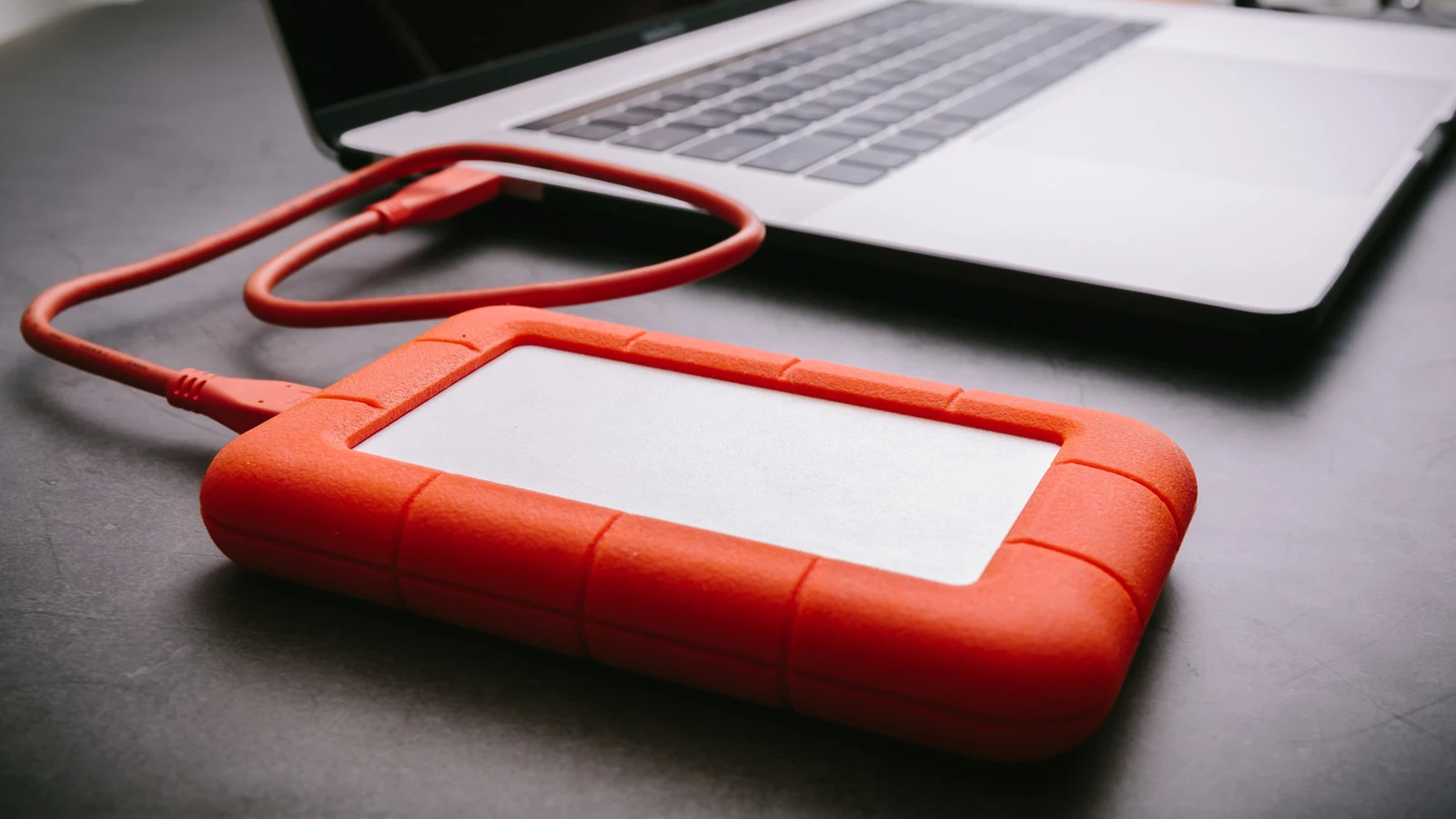
At its baseline, the 3-2-1 rule specifies that you need three total copies of your data. Storing only a single copy of your favorite vacation photos on an SSD leaves you vulnerable if that drive fails. Even creating multiple copies on local drives can still leave you exposed in the event of a localized disaster like a flood, house fire, or burglary.
To mitigate these risks, the framework requires storing those three copies across two types of media, which in modern terms is often interpreted as two different hardware devices. Furthermore, one of those copies must be kept offsite. Keeping an offsite copy far enough away ensures that a disaster affecting your primary location will not simultaneously compromise your backup.
Modern Adaptations and Storage Options
As technology and potential threats have evolved over the years, the ways people implement the 3-2-1 rule have shifted as well. While burning CDs is largely a thing of the past and worries about media obsolescence have changed, discussions in communities like Reddit highlight how conscientious users tailor the rule to fit their personal needs and feasibility.
A typical modern setup might involve keeping files on your primary laptop, backing them up to an external hard drive, and utilizing a private cloud server. Users may also incorporate mainstream options, though relying solely on consumer syncing services requires careful attention to detail.
Cloud Services and Contemporary Cybersecurity Landscape
When building out a backup strategy, many individuals turn to platforms like iCloud or other cloud providers. However, it is important to note that depending on the specific service and your syncing configurations, deleting a file locally from your computer might also remove it from the cloud storage container.
To address varying storage limitations and pricing tiers, numerous platforms now offer automatic full backups for consumer devices. At the same time, the ever-shifting cybersecurity landscape has introduced new caveats to traditional redundancy practices, such as the reality that a networked offsite copy can still remain vulnerable to sophisticated ransomware attacks.
Conclusion on Maintaining Digital Redundancy
While the prospect of establishing a comprehensive data backup routine can initially feel overwhelming, the 3-2-1 rule provides a straightforward methodology to preserve important files. By taking a few proactive steps to generate multiple copies and storing them across different physical and digital locations, users can significantly reduce the risk of permanent data loss.
Sources
- EngadgetWhat is the 3-2-1 rule for backing up your data?
Continue chronologically


Related stories
Reddit to Require User Login as Search Traffic Drops
Reddit plans to shift to a logged-in-only experience as search referrals decline, starting with tests in select non-US markets.

Why You Need to Backup Data From Your Older Thumb Drives
Discover why older USB thumb drives are at risk of data loss and corruption, and learn why it is important to back up your files elsewhere.
Reddit to Become a Logged-In-Only Website
Reddit confirms plans to shift into a logged-in-only experience, starting with tests outside the US as search referral traffic declines.

Reddit Rolls Out Separate 'For You' and 'Following' Feeds
Reddit is updating its homepage by splitting its main feed into separate 'For You' and 'Following' sections for better content discovery.