Why You Should Avoid Plugging In a Damaged External Hard Drive
Resisting the urge to test a dropped external hard drive is critical, as immediate power can cause permanent data destruction.
 Radwan AbdulhadiEditor and technology writer
The Hidden Fragility of External Hard Drives
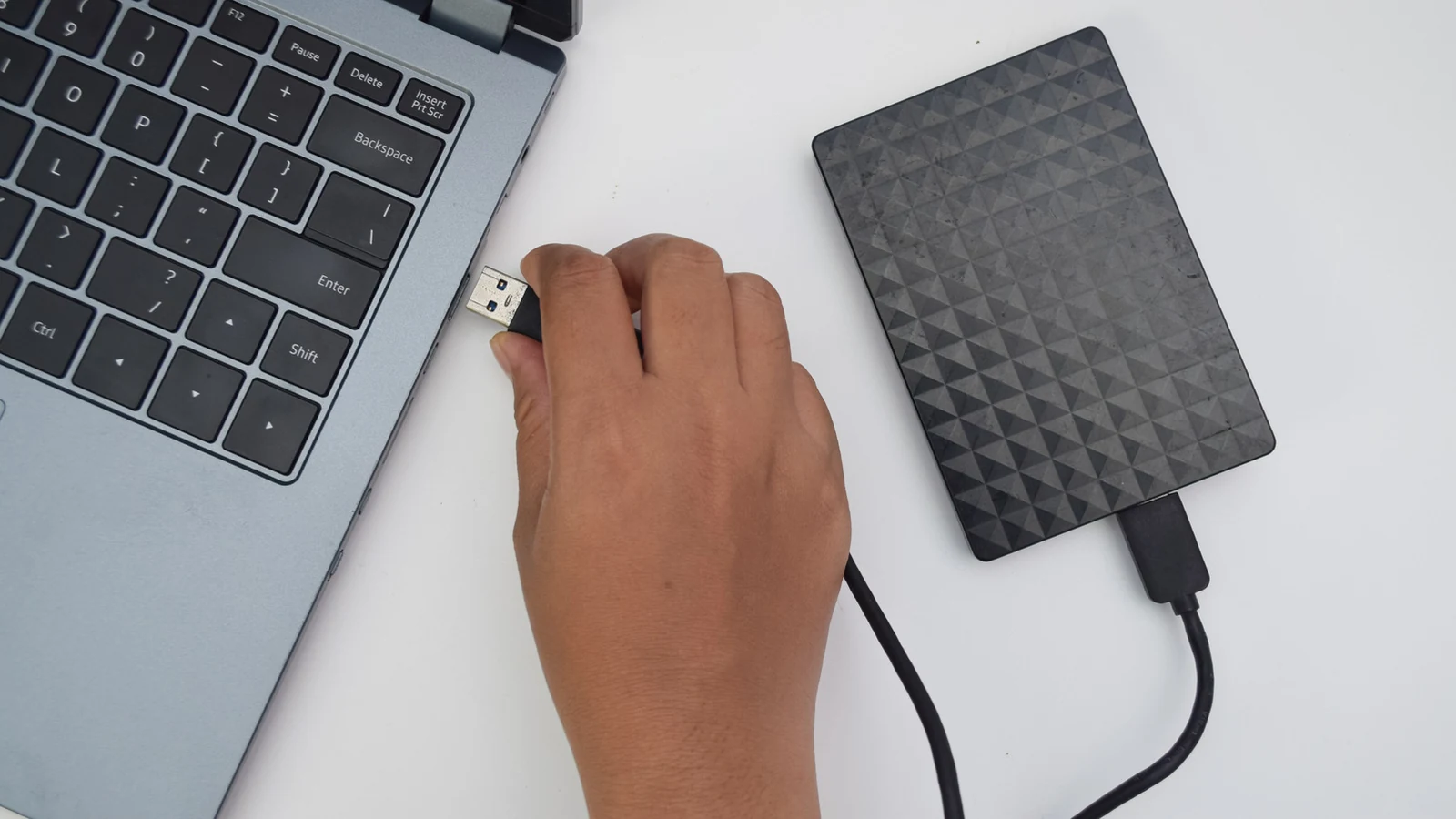
According to reporting by Engadget, external hard drives might look sturdy on the surface, but beneath their enclosures lie delicate moving parts—sometimes even glass—working together to store and retrieve data. Because of this structural sensitivity, users should resist the immediate urge to plug in a drive after it has taken a fall or suffered impact.
Unlike faster and more resilient external SSDs, traditional external hard drives are significantly more susceptible to physical damage. Inside a typical HDD, the read/write heads and platters operate nanometers apart. Even a minor drop can close that microscopic gap. While the data on the drive is often still intact immediately following an impact, plugging the device in can instantly turn a minor incident into permanent data loss.
What Happens When You Power a Damaged Drive
External hard drives spin at exceptionally high speeds, typically 5,400 or 7,200 RPM. This rapid rotation is a primary reason why plugging in a damaged drive is so dangerous, as it allows damage to spread rapidly across the storage components. If a drop misalignes the read/write heads, connecting the drive forces those heads back over the sensitive data-storing platters.
This forced contact can scratch the magnetic surface of the platters, resulting in irreversible data loss. Furthermore, any microscopic debris generated from the initial scratch can become caught in the high-speed spin, colliding with and contaminating other parts of the platter surface. These risks multiply exponentially if the drive was actively running at the moment it fell.
Complications in Professional Data Recovery
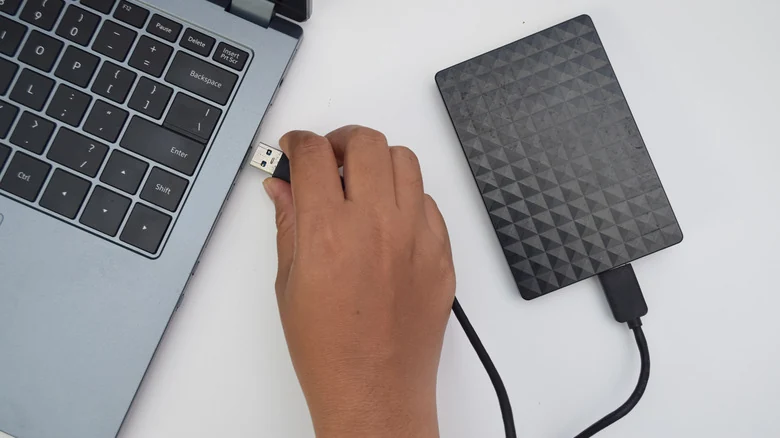
When a damaged drive is sent to technicians, professional data recovery typically involves replacing broken components with donor parts and copying data off the platters bit by bit. However, if a user plugs the drive in after the initial impact, each subsequent spin-up deepens the scratches on the platters.
This ongoing friction turns recoverable files into permanently lost data, complicating repairs and drastically reducing the chances of a successful data recovery operation. Technicians advise treating any seriously impacted drive as damaged until its condition can be safely verified.
Safe Handling and Professional Evaluation
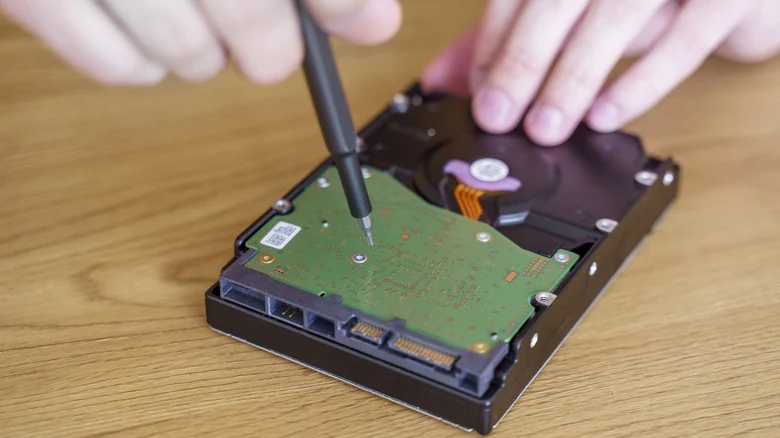
If an external drive takes a fall, the most important rule is to keep it disconnected from any computer, or unplug it immediately if it is still attached. Users should strongly resist the temptation to tap, shake, open, or freeze the enclosure, as these actions can severely worsen the internal condition.
For critical data that lacks backups, professional evaluation by an established data recovery service is the only truly safe assessment method. If the data is less valuable and the user is willing to accept the risk, a single cautious test can be performed by listening closely to the drive as it spins up.
Diagnostic Testing and Ongoing Maintenance
During a careful single test, users should listen for abnormal noises like clicking, beeping, or grinding, or watch to see if the drive repeatedly restarts. If any of these warning signs occur, the drive should be unplugged immediately.
If the drive mounts normally, users should copy their most important files off immediately before attempting to check the hard drive's health through SMART monitoring software. Utilizing diagnostic tools can help identify hardware warnings, but proper habits—such as avoiding movement while running, using procedures to eject external drives properly, and making sure to store the old drive properly when archived—remain essential for long-term data safety.
Sources
- EngadgetWhy it's important to avoid plugging in a damaged external hard drive
Continue chronologically

Related stories
Why You Should Avoid Using a Screen Protector on Your MacBook
Discover why putting a screen protector on your MacBook can do more harm than good, risking your display, coating, and overall device health.
A Guide to Cleaning Vinyl Records Across Budgets
Discover the right way to clean your vinyl records, from basic carbon fiber brushes and budget wet washing to advanced ultrasonic cleaners.

Smart Switches vs Smart Bulbs: A More Inclusive Home Upgrade
Discover why smart switches offer a more inclusive, practical, and reliable alternative to individual smart bulbs for shared household lighting.

What to Know Before Buying a Wireless CarPlay Adapter
Discover what to look for when buying a wireless CarPlay adapter, including vehicle compatibility, Bluetooth standards, iOS updates, and auto-reconnect features.