Why Are Some Locations Blurred Out on Google Maps?
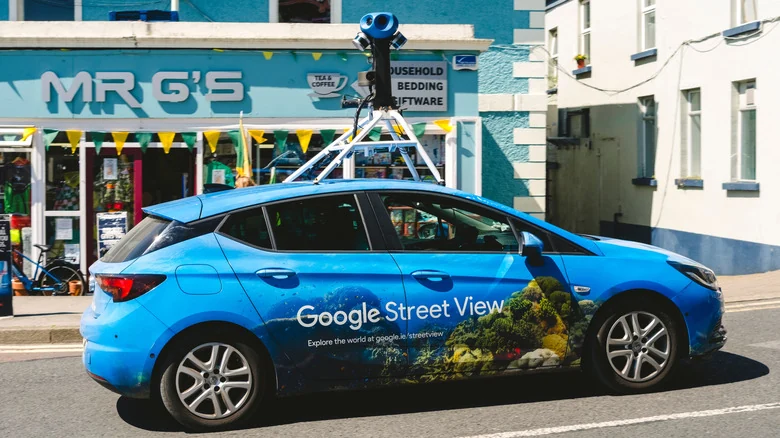
Google Maps users frequently encounter blurred locations across Street View, a measure implemented primarily to protect security and enhance personal privacy.
 Radwan AbdulhadiEditor and technology writer
The Purpose of Blurring on Street View
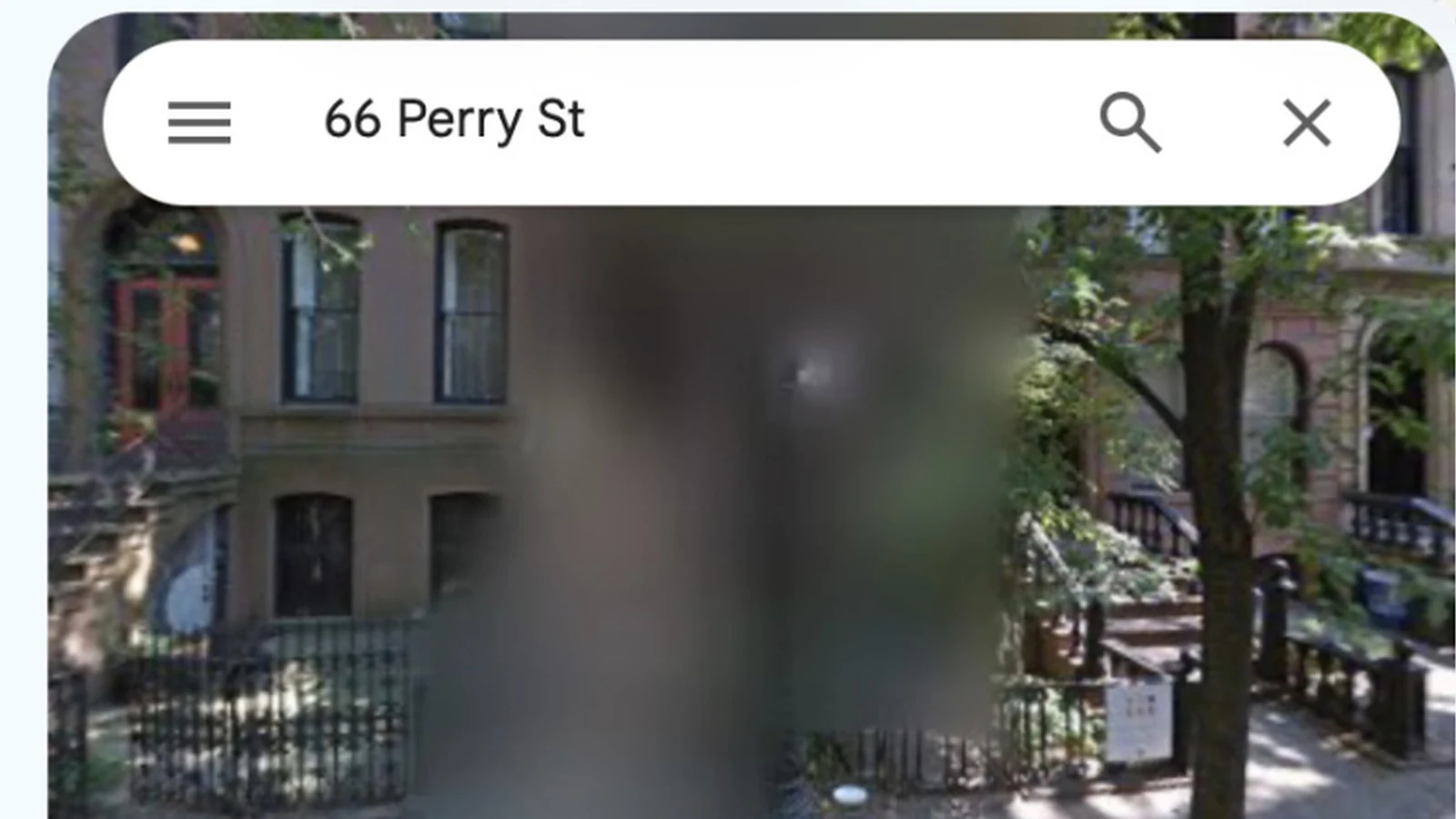
When using Google Maps, it is not uncommon to run into blurred-out locations. According to insights reported by Engadget, Google masks locations by blurring them on Street View to protect the privacy of key people and places. This action is typically taken in response to requests from government entities, digital privacy campaigners, and individual customers.
Detailed information provided by Street View can offer insight into property layouts, values, and security protections. Because police, criminals, open-source investigators, and journalists might utilize Street View in their line of work, blurring this data reduces a digital footprint and helps protect occupants.
Which Locations Are Typically Blurred?
Several categories of properties and zones frequently undergo the blurring process. Military and highly secure government locations often appear obscured, and these secure zones may also be censored across other Google Earth products.
Additionally, the homes of celebrities, VIPs, and high-net-worth individuals are regularly masked. Privacy advocates and citizens who place a high value on digital privacy also request these measures. Furthermore, blurs can occasionally be applied in error due to a mistaken address.
In certain nations, including Germany and the Netherlands, residents possess a legal right to request that their homes be blurred on mapping services, which explains why a high volume of properties in those regions receive this treatment.
Default Redactions and How to Request Blurring
Google's Street View service already blurs human faces and license plates automatically using built-in automated tools. If these tools fail to redact an item properly, users can submit a request for removal using the same process applied for property blurring.
To request a blur for your home, you must open Google Maps and drag the pegman to your target location. Once you find the property in Street View, you can click or tap the three dots in the top-left corner or select the 'Report a problem' text in the bottom right of the window.
Users are required to adjust the view to focus on the home, face, or object they want to obscure. Google will ask for an email address to verify the request, and submitters may also need to provide proof of tenancy or property ownership.
The Permanent Nature of Street View Blurring
Google does not provide a mechanism to undo the blurring of a location once it has been applied. The measure is completely permanent. As a result, while obscuring a property can bolster physical security, it is a decision that requires careful consideration.
Making a property permanently blurry prevents neighbors from exploring the broader street layout via Street View and restricts potential future buyers or owners from seeing the building before visiting.
There is also a counterintuitive argument regarding security: burglars studying a neighborhood for targets might view a blurred property as more attractive, assuming the obscuring indicates something valuable is hidden inside.
Blurring on Other Mapping Services
Blurring a property on Google Maps Street View does not automatically obscure that same location across alternative mapping services. If you want to secure privacy elsewhere, procedures differ across platforms. For Apple Maps, users can email request details to MapsImageCollection@apple.com.
Other regional street-level imaging platforms, such as Baidu Maps, Mapillary, and Karta View, may also offer options to blur specific locations upon direct request. Meanwhile, Microsoft has removed its Streetside imagery from Bing Maps entirely as part of its migration to Azure Maps.
Sources
- EngadgetWhy are some locations blurred out on Google Maps?
Continue chronologically

Related entity coverage
Related stories
How to Keep Your Phone Cool While Using CarPlay and Android Auto
Discover practical tips to prevent your iPhone or Android device from overheating while connected to CarPlay or Android Auto during drives.

How to Change Your Home Address on Google Maps
Learn how to update, change, or secure your home address on Google Maps using the web browser or mobile app for Android and iPhone.
What Happens to Google and Apple Accounts After You Die
Explore how Google and Apple handle user data, legacy contacts, and account deletion after a person passes away in the digital age.

Android Auto Gaming Support Officially Launches for Cars
Android Auto now supports in-car gaming while parked. Discover which games are available, how to install them, and how safety measures work.