What Does the Yellow Light on Your Alexa Device Mean?
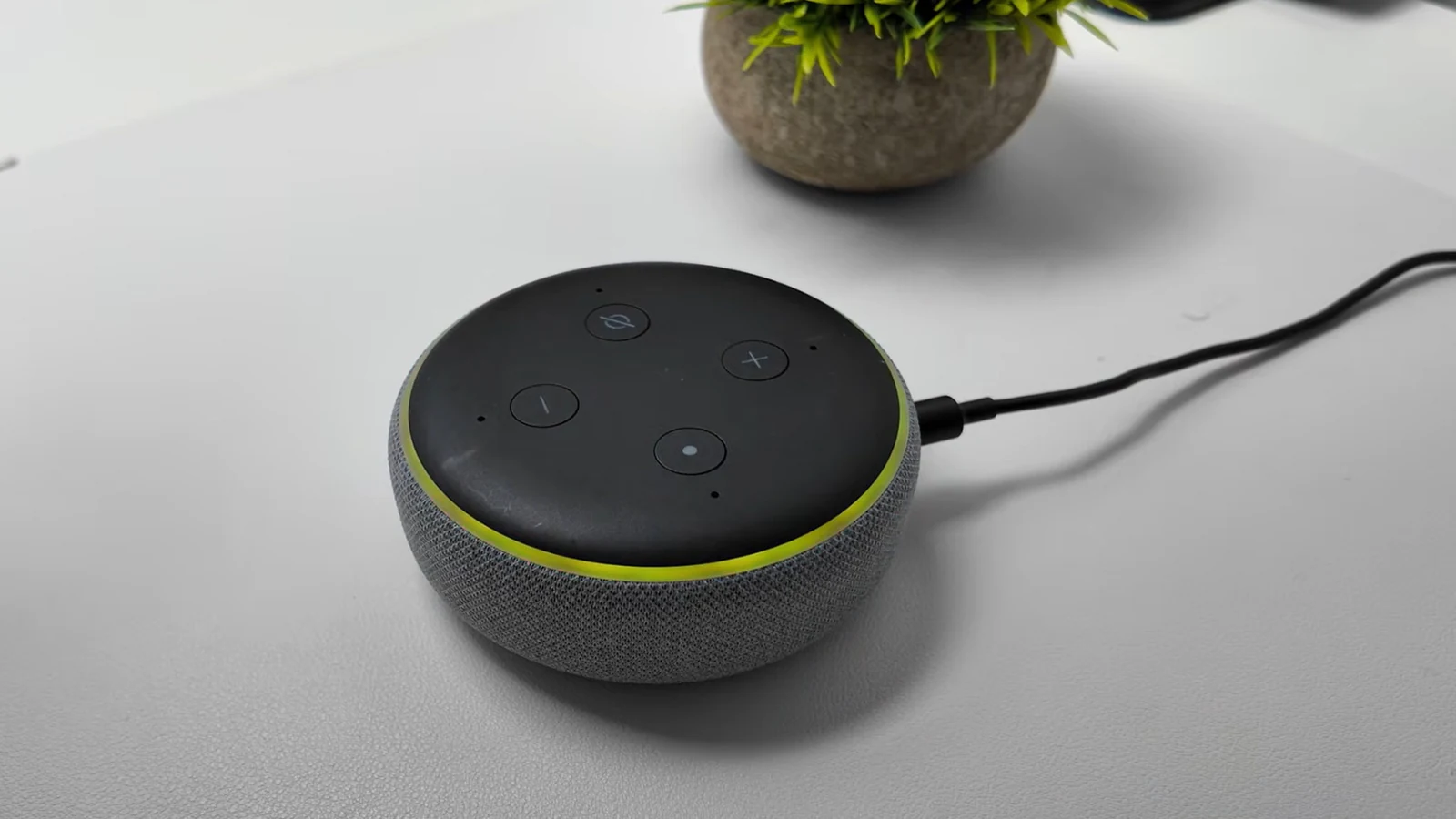
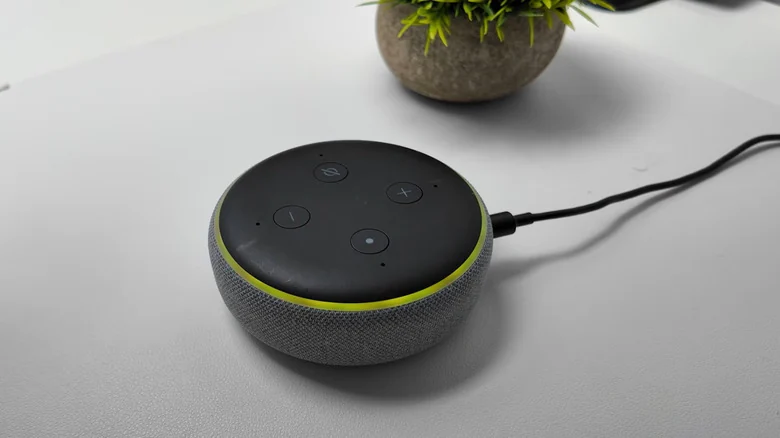
If your Amazon Echo is flashing a yellow light in slow bursts, it means Alexa has a message or notification waiting for you.
 Radwan AbdulhadiEditor and technology writer
Understanding the Echo's Yellow Notification Ring
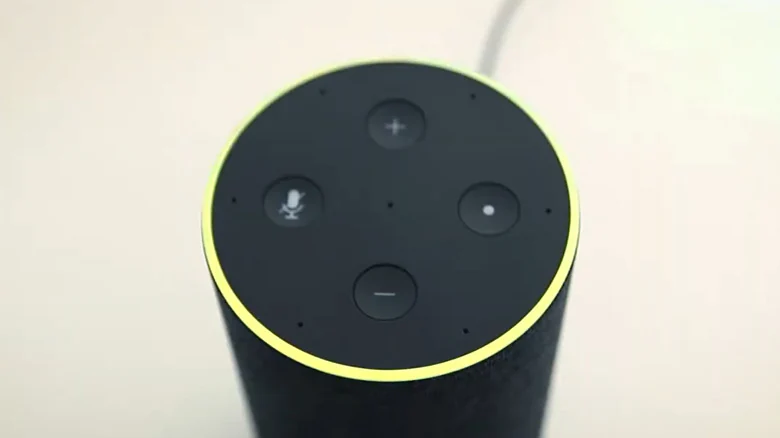
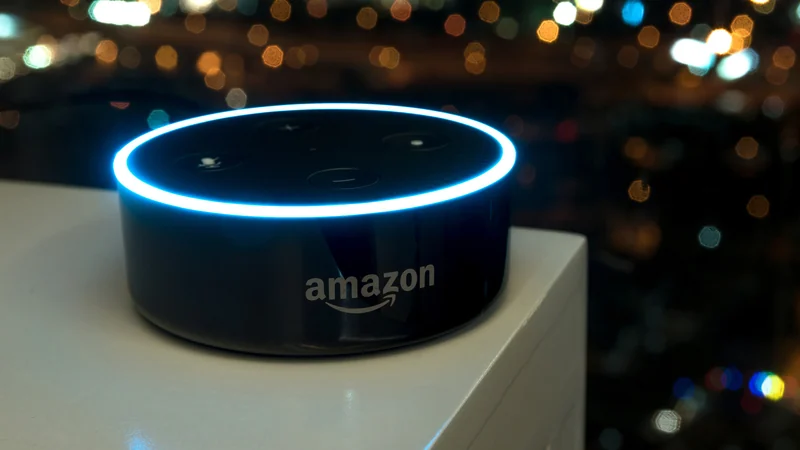
The light ring on your Amazon Echo serves as a vital information hub for smart home users. While the recognizable blue ring is the most common indicator, the device can actually display nine different color notifications designed to grab your attention. If you spot a flashing yellow ring around your device, it is important not to panic. A yellow light pulsing in slow bursts every few seconds simply means that Alexa has a message or notification waiting to be shared.
Introduced back in 2017, this notification system transforms a standard Echo into a proactive assistant capable of alerting users to breaking news, calendar reminders, and shipping updates. For instance, the system triggers alerts whenever Amazon has shipped your latest package, helping you keep track of deliveries. It is also integrated with advanced functionalities such as Alexa for Shopping's price-drop alert tool to keep you informed on deals.
How to Clear the Yellow Light and Review Messages
When your device begins flashing its yellow light, clearing the notification is straightforward. You can resolve the alert simply by asking Alexa a direct question regarding your status. Try speaking phrases such as "What notifications do I have?" or "What messages do I have?" Once prompted, Alexa will recite a list of relevant notifications, allowing you to respond accordingly.
To navigate through multiple alerts during this process, you can utilize simple voice commands. Words like "next" or "repeat" will help you move through the backlog of notifications smoothly until the yellow light ring disappears.
Managing Reminders and Smart Camera Alerts
Missed reminders are another frequent cause of the flashing yellow light on an Echo device. If a reminder triggered the alert, you can clear it by asking, "What are my reminders?" From there, users can issue commands to turn off, dismiss, snooze, or reschedule the reminder. To adjust these preferences, navigate to the Notifications section of the Alexa app, select Reminders on this Device, and toggle the notifications on or off.
Additionally, notifications may appear if an Alexa-connected smart camera or doorbell detects a person, a package, or a similar camera event. Users can manage these alerts within the Alexa app by selecting Devices, choosing the connected camera, and opening Device Settings. From there, you can toggle Person or Package Detection Announcements as needed, which may activate the yellow ring when your Alexa+ answers the doorbell.
Customizing Notification Settings in the App
To fully customize how and when your Echo alerts you, you can use the Alexa app on a phone or tablet. Tapping the More symbol, which resembles three horizontal lines, and selecting Settings via the gear icon will grant you access to the Notifications section. In this menu, users can toggle specific features, services, and apps on or off to curate their alert preferences.
Users can also manage notifications related to Alexa Skills, which are voice-activated applications that expand device capabilities across health, fitness, productivity, smart home features, sports, education, and trivia games. To edit these specific alerts, open the app, go to More, select Skills and Games, navigate to Your Skills, choose Settings, and open Manage Account Permissions to toggle notifications and save changes.
Decoding Other Echo Light Ring Colors
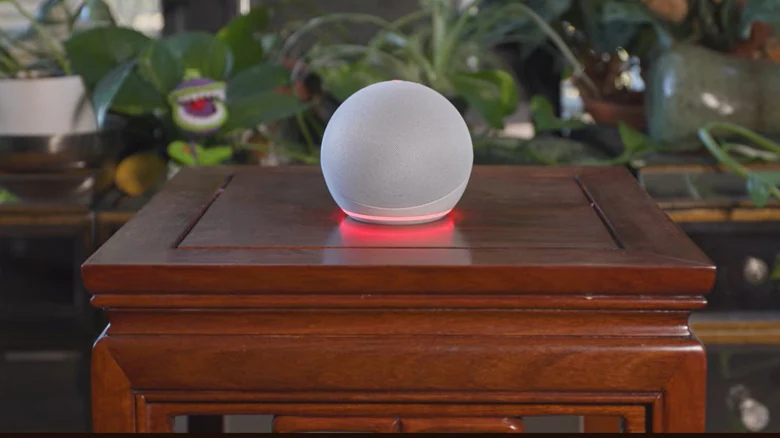
Aside from the yellow indicator, Amazon Echo devices utilize a variety of other light patterns and colors to communicate status. The familiar cyan light indicates that Alexa is listening and processing a request, and it also shimmers when the device receives a software update. A teal-blue light signals that Alexa is waiting for a command, while spinning shades of blue usually mean the device is starting up or restarting following a software update.
Other colors include a red ring, which appears when the microphone button is pressed to show that microphone functionality is disabled, and a bright orange ring indicating setup mode or internet connection issues. A pulsing green light points to an incoming call or an active Drop In intercom session, a purple flash denotes Do Not Disturb mode, and a white light reflects the current volume level whenever adjustments are made.
Sources
- EngadgetWhat does the yellow light on your Alexa device mean and how do you clear it?
Continue chronologically

Related stories
Common Amazon Alexa Problems and Simple Ways to Fix Them
Discover simple troubleshooting steps for common Amazon Alexa issues, from voice recognition problems and long responses to unresponsive devices.
How to fix smart speaker voice recognition issues
Learn how to fix smart speaker misunderstanding issues with universal placement tips and specific settings adjustments for Alexa, Google Home, and Apple HomePod.
Why Amazon Alexa Devices Listen and How to Control Data
Explore how Amazon Alexa devices listen for wake words, what data is stored, and how users can adjust privacy settings and mute microphones.
Amazon Debuts Alexa Photo Frame and Echo Time Smart Clock
Amazon has unveiled five new Alexa devices, featuring the new Alexa Photo Frame and Echo Time smart clock alongside upgraded Echo hardware.