GitHub CLI Adds Expiring, Auto-Refreshing OAuth Tokens
GitHub has launched a public preview allowing users to utilize expiring, automatically refreshing OAuth credentials in the GitHub CLI, enhancing security by limiting the lifespan of leaked tokens.
 Radwan AbdulhadiEditor and technology writer

Public Preview of Expiring OAuth Tokens
GitHub has announced a public preview enabling developers to use expiring and automatically refreshing OAuth credentials within the GitHub CLI. When opting into this feature, the tool stores an expiring access token alongside a rotating refresh token, automatically handling updates whenever necessary. This allows users to stay authenticated without undergoing manual re-authentication, ensuring that any leaked access token becomes unusable within hours rather than persisting indefinitely.
The feature is introduced as part of GitHub CLI v2.103.0. To start using the new functionality, developers can download or update their environment using the official instructions provided via Install or upgrade. Users can also consult the documentation on Authenticating with GitHub CLI for comprehensive guides on managing these refreshable tokens.
How to Enable and Configure Expiring Credentials
Beginning with version 2.103.0, users can pass the new --expiring flag during login by executing the command gh auth login --expiring. For those who prefer to enable the behavior permanently without typing the flag every time, configuration can be updated by running gh config set expiring_credentials enabled. Once configured, the CLI manages credential refreshes automatically in the background during daily usage.
To verify the current state of an expiring credential, including the exact expiration time of the active access token, users can execute the gh auth status command. The implementation is fully backward compatible and strictly opt-in; if developers choose not to use the flag or configuration setting, existing sign-ins and manually supplied tokens will continue to function exactly as before.
Git Integration and Version Recommendations
For developers who authenticate to git over HTTPS and wish to utilize expiring tokens, GitHub strongly recommends configuring the CLI as a git credential helper by running gh auth setup-git. This configuration allows the tool to properly serve and refresh credentials for git operations. Furthermore, users are advised to upgrade to git version 2.46 or newer, which enables the CLI to correctly mark expiring credentials so they are not cached past their lifetime. On older versions of git, the tool remains operational but issues a one-time recommendation to upgrade.
The system relies on what the server issues. The --expiring flag explicitly requests refreshable credentials, but if a server does not support them, the CLI will cleanly fall back to traditional nonexpiring tokens. GitHub plans to make expiring credentials the default option for new sign-ins in a future release.
Considerations for Scripts and Workflows
Because expiring access tokens are short-lived, automated processes, scripts, and extensions that capture a token once and reuse it later may experience disruptions. Scripts that run gh auth token and store the result, or copy tokens into external tools, will eventually hold an expired credential. Developers consuming tokens outside of the CLI are advised to read tokens fresh each time using gh auth token rather than caching values.
Workflows that heavily depend on long-lived static tokens should hold off on opting into the feature until adjustments can be made. However, when configured properly as a git credential helper, background refreshes ensure that standard HTTPS git operations continue uninterrupted.
Platform Support and Feedback
Expiring tokens are currently supported on github.com and ghe.com. For users running GitHub Enterprise Server, the feature is supported starting with GHES 3.23, while earlier versions will gracefully fall back to standard nonexpiring behavior. Additional details can be found directly on the official GitHub Changelog.
Developers encountering issues or wishing to share feedback regarding the new authentication public preview are encouraged to participate by opening an issue in the cli/cli repository.
Sources
- GitHub ChangelogGitHub CLI: Opt in to expiring, auto-refreshing OAuth tokens
Continue chronologically

Related entity coverage
Related stories
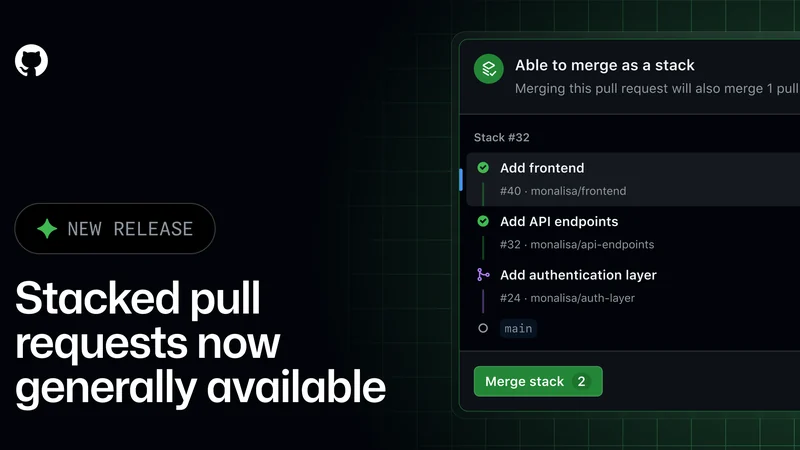
GitHub Stacked Pull Requests Reach General Availability
GitHub stacked pull requests are now generally available, introducing improvements for code reviews, automated merges, and branch management.
GitHub Announces Major Security Improvements for SSH
GitHub is removing several outdated SSH algorithms, adding a post-quantum key exchange method, and requiring larger RSA SSH keys for improved security.

GitHub Introduces Push Attribution Commits in Preview
GitHub launches a limited public preview for durable push attribution, recording authenticated users alongside commit author and committer fields.
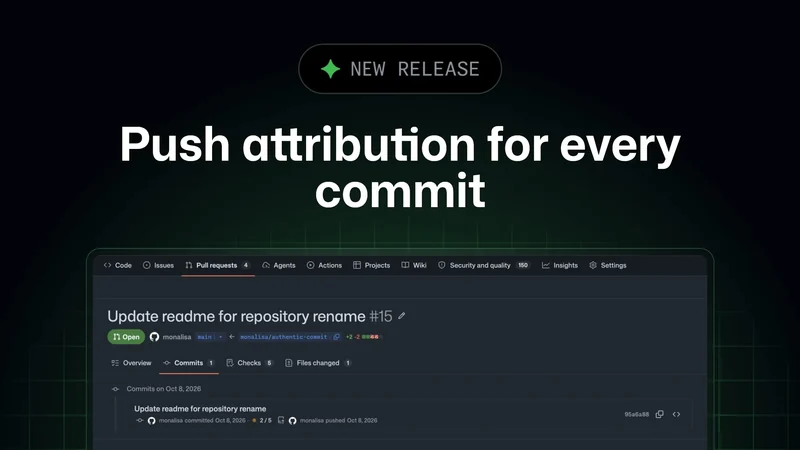
GitHub Actions to Block pull_request_target by Default
GitHub Actions will block pull_request_target events by default in public repositories starting December 2, 2026, enhancing security.