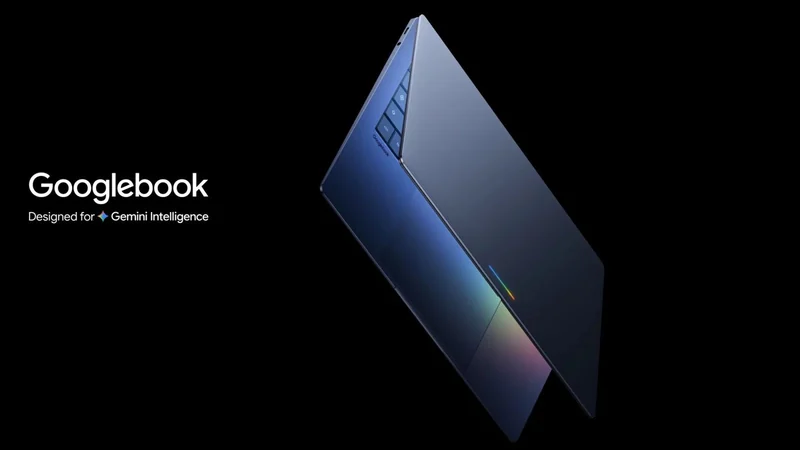
Android Powers the Promise and Pitfalls of Googlebooks
Google's new Android-powered laptops showcase a split personality, offering convenient mobile app integration while struggling with fundamental desktop capabilities.
 Radwan AbdulhadiEditor and technology writer
The Android Foundation of Googlebooks
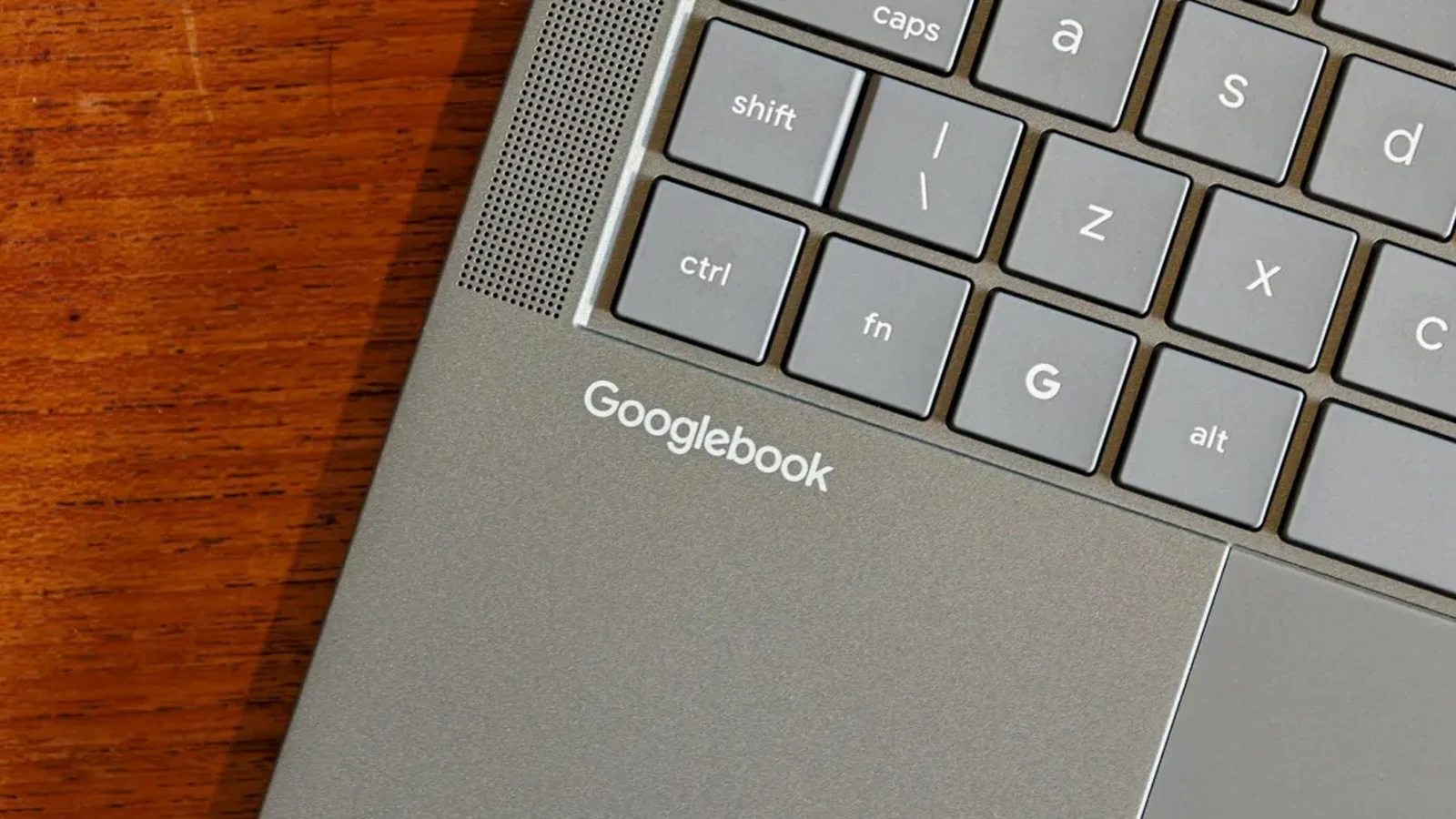
The setup process for the new Googlebooks is deeply rooted in the Android ecosystem. Reviewers testing hardware from manufacturers like Asus and HP note that initialization takes only a few minutes, incorporating biometric registration, Google account logins, and phone synchronization to locate existing backups and apps. Depending on the specific model, the system either defaults to installing every application from a connected phone or limits deployment strictly to desktop-optimized titles. If Googlebooks ultimately succeed, Android will receive much of the credit; conversely, any failure will trace directly back to the same operating system foundations.
Connectivity and Cross-Device Frustrations
Despite a seamless initial setup, maintaining a stable connection between a Googlebook and an Android phone proves remarkably challenging. Features such as file-sharing, app casting, and notifications often falter after the initial configuration. Fully pairing a laptop to a smartphone frequently demands toggling cross-device settings, multiple system restarts, and maintaining both active Bluetooth connections and the same local Wi-Fi network. Offline use breaks these communication bridges entirely. Reviewers testing diverse hardware combinations experienced fluctuating reliability, whether connecting to review units like an Oppo phone I’ve been reviewing, a Vivo X Fold 6, or Google’s own Pixel 11 Pro Fold.
App Ecosystem and Desktop Limitations
Using mobile software on a traditional laptop form factor introduces distinct advantages and severe disadvantages. On the positive side, compact mobile versions of services like Netflix and HBO Max allow users to download video content for offline viewing, potentially replacing a dedicated tablet. However, a vast number of productivity apps remain frustrating to navigate. Mobile versions of Slack and Adobe products often fall short of their true desktop equivalents. Furthermore, software tagged in the Play Store as "Optimized for desktop" frequently exhibits stretched user interfaces with rudimentary keyboard and mouse support that ignores right-clicks or unpredictably shifts into portrait orientations.
Software Omissions and Missing Play Store Titles
Even Google's native software exhibits limitations within the new hardware environment. The version of Chrome provided on Googlebooks lacks advanced feature parity found on other platforms, omitting profile switching, split-view tab opening, and custom search engine shortcut creation. Additionally, despite Google's assurances regarding the breadth of the Play Store library, certain applications cannot be installed. Software like the login authorization tool Okta and the social platform Bluesky are inaccessible on both Arm-based and alternative hardware configurations, challenging prior expectations regarding architecture compatibility.
Evaluating Android App Casting on Laptops
As an alternative to native installation, Googlebooks support Android app casting, allowing users to project specific phone applications directly onto the laptop screen. Unlike traditional screen mirroring that broadcasts the entire mobile interface, this implementation targets individual apps through a dedicated taskbar drawer or synced notifications. While unsuited for heavy media streaming or multitasking, casting excels at quick interactions like updating payment settlements or replying to messaging apps without reaching for a physical phone. Nonetheless, long-term utility remains questionable, as casting prevents direct file-system access and disables copy-and-paste capabilities between the laptop and the mirrored application.
Sources
- The VergeAndroid is the best and worst thing about Googlebooks
Continue chronologically
Related entity coverage
Related stories
Evaluating Googlebooks and the New Android Laptop OS
An evaluation of Googlebooks and the new Android-powered laptop operating system, examining hardware, setup, and current software limitations.
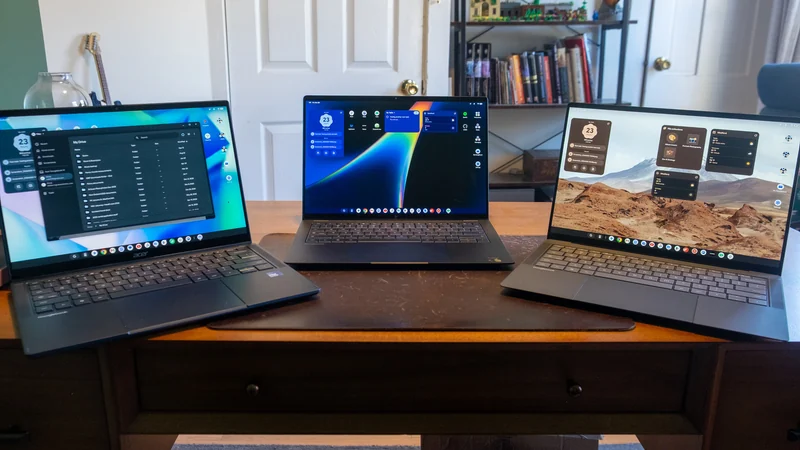
Google Admits Intel Googlebooks Face Android App Issues
Google acknowledges that Intel-based Googlebooks may encounter performance issues with a small handful of Android apps upon launch.
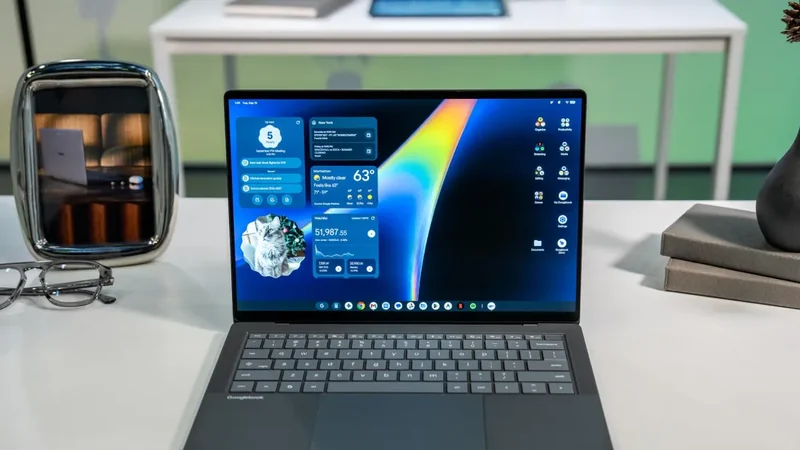
Googlebooks Emerge Alongside Traditional Chromebook Models
Google introduces the new Googlebooks laptop line running a custom version of Android, while traditional Chromebooks remain in the ecosystem.
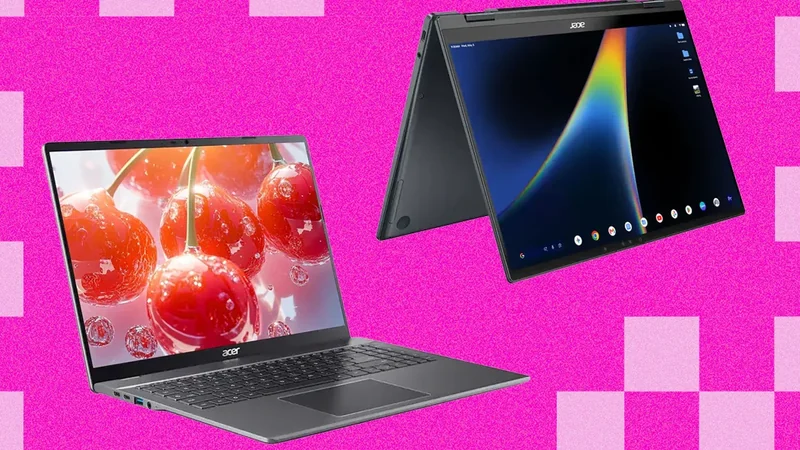
Intel Googlebooks May Struggle With Some Android Apps
Google reveals that certain Android apps may face performance issues on Intel-based Googlebooks due to their original design for Arm chips.