Android Studio Rabbit 2 Launches with Bring Your Own Agent Support
The latest stable release of Android Studio introduces Bring Your Own Agent functionality, allowing developers to integrate their preferred coding agents directly into their production workflows.
 Radwan AbdulhadiEditor and technology writer
Bring Your Own Agent Integration
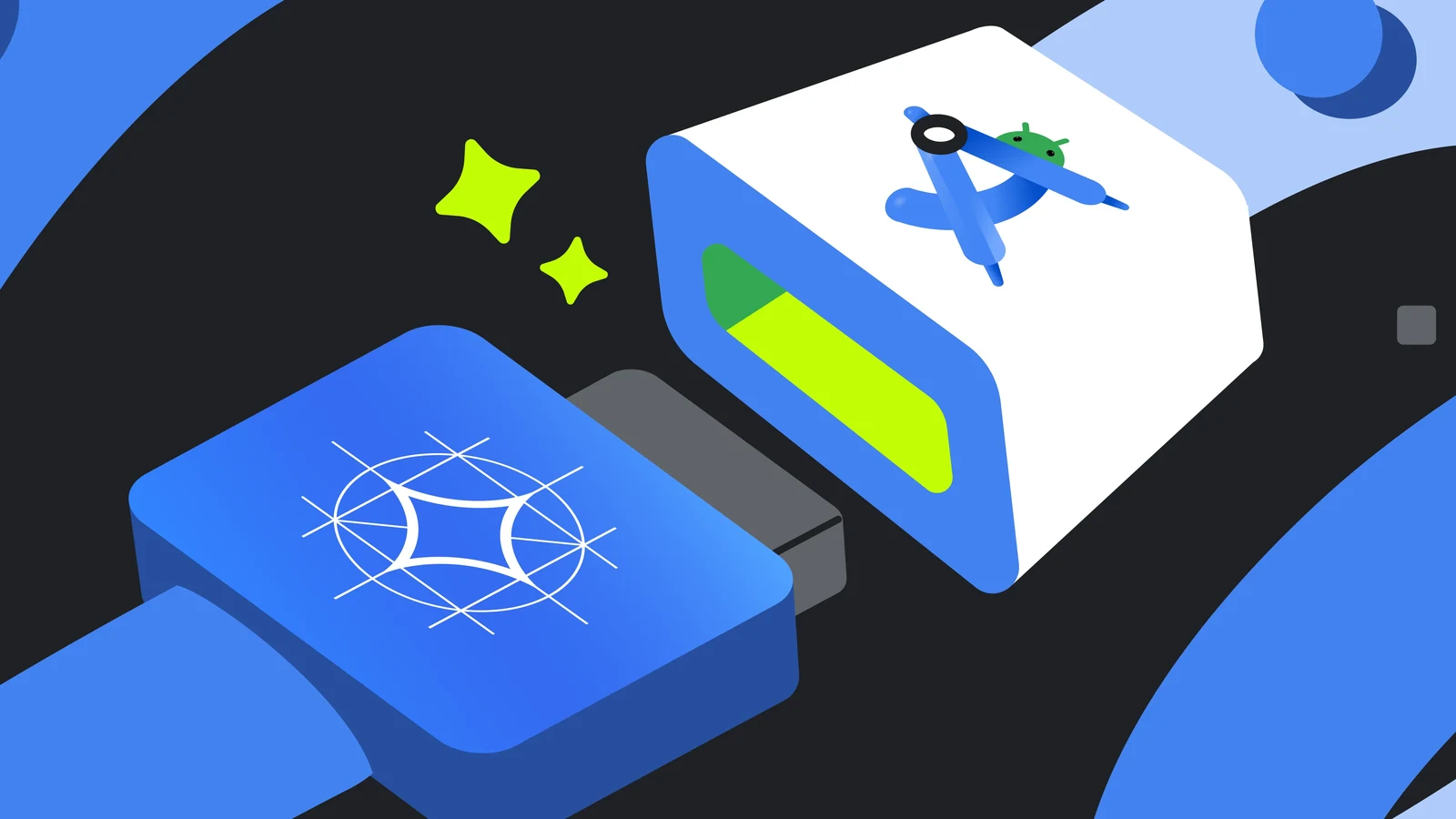
Android Studio Rabbit 2 is officially stable and ready for production workflows, introducing a major focus on flexibility and workflow customization. Developers can now utilize the Bring Your Own Agent (BYOA) feature to integrate their preferred coding agents directly into the development environment. Whether a project requires a specific ACP-compliant agent, cost-efficient processing, or a provider aligned with enterprise agreements, the platform accommodates these diverse requirements.
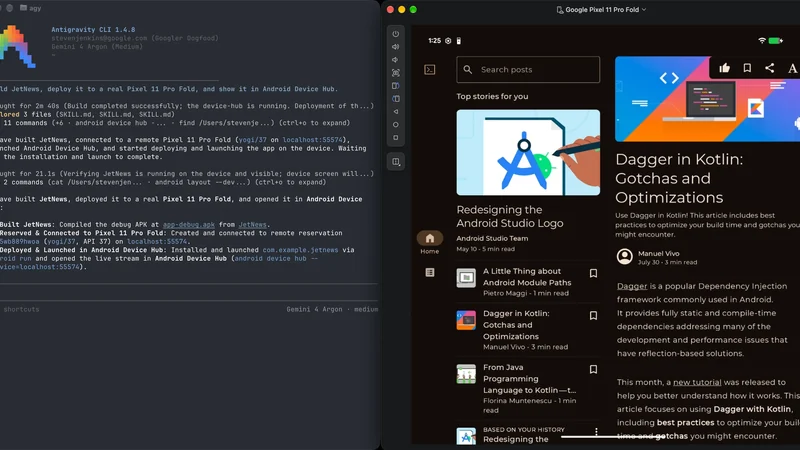
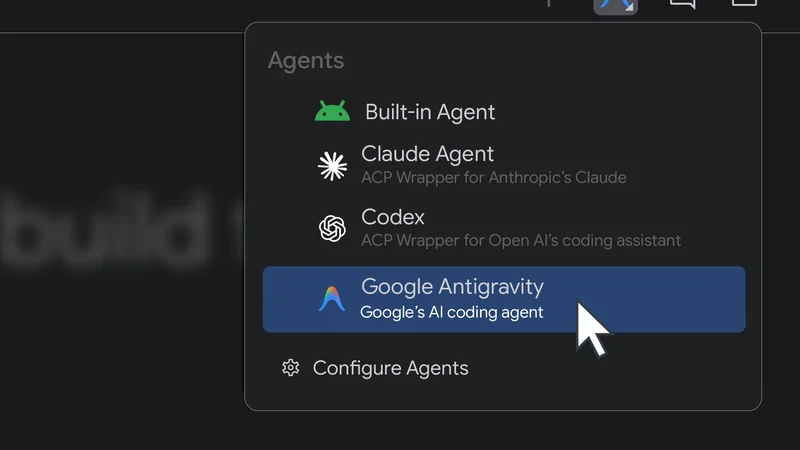
Users can select from a catalog of over 40 coding agents, which includes Claude Agent, Codex from OpenAI, Junie, and Google Antigravity. These integrated solutions have direct access to core development tools like the Android Emulator, Build Systems, and Logcat. Furthermore, they can leverage Android skills to execute complex development tasks. To begin using BYOA, developers can open the agent window, select a preferred agent, authenticate, and submit their initial prompt.
Agent Skills Manager and Capabilities
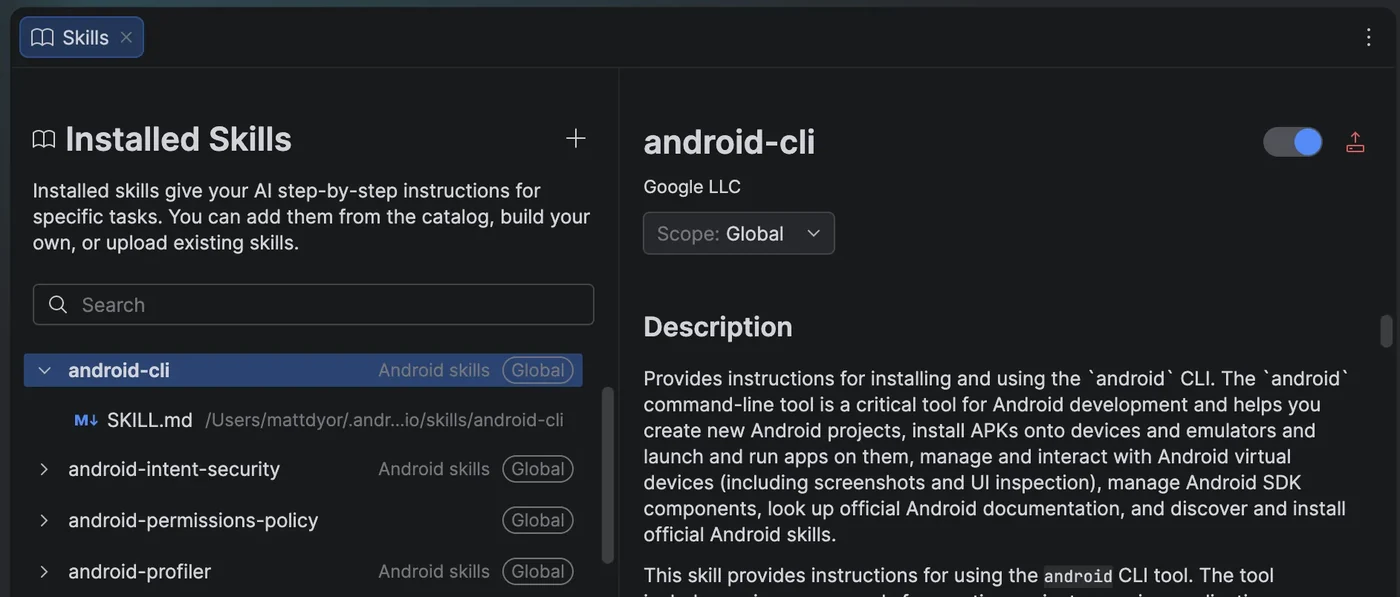
Managing specialized workflows and procedural guidance for AI agents is streamlined through a new skill manager tool built directly into the platform. Android Studio comes pre-loaded with various Android skills and Firebase agent skills designed to handle tasks such as migrating legacy XML Views to Jetpack Compose, upgrading to AGP 9, implementing adaptive layouts for foldables and tablets, and integrating CameraX or Firebase services.
Developers can easily access the Skills editor tab through multiple entry points. Options include the Agent panel's three-dot menu by selecting Manage Agent Skills, typing the @ symbol in the chat box and clicking Manage skills, or navigating directly through the main settings menu.
Android XR Emulators and Profiling Improvements
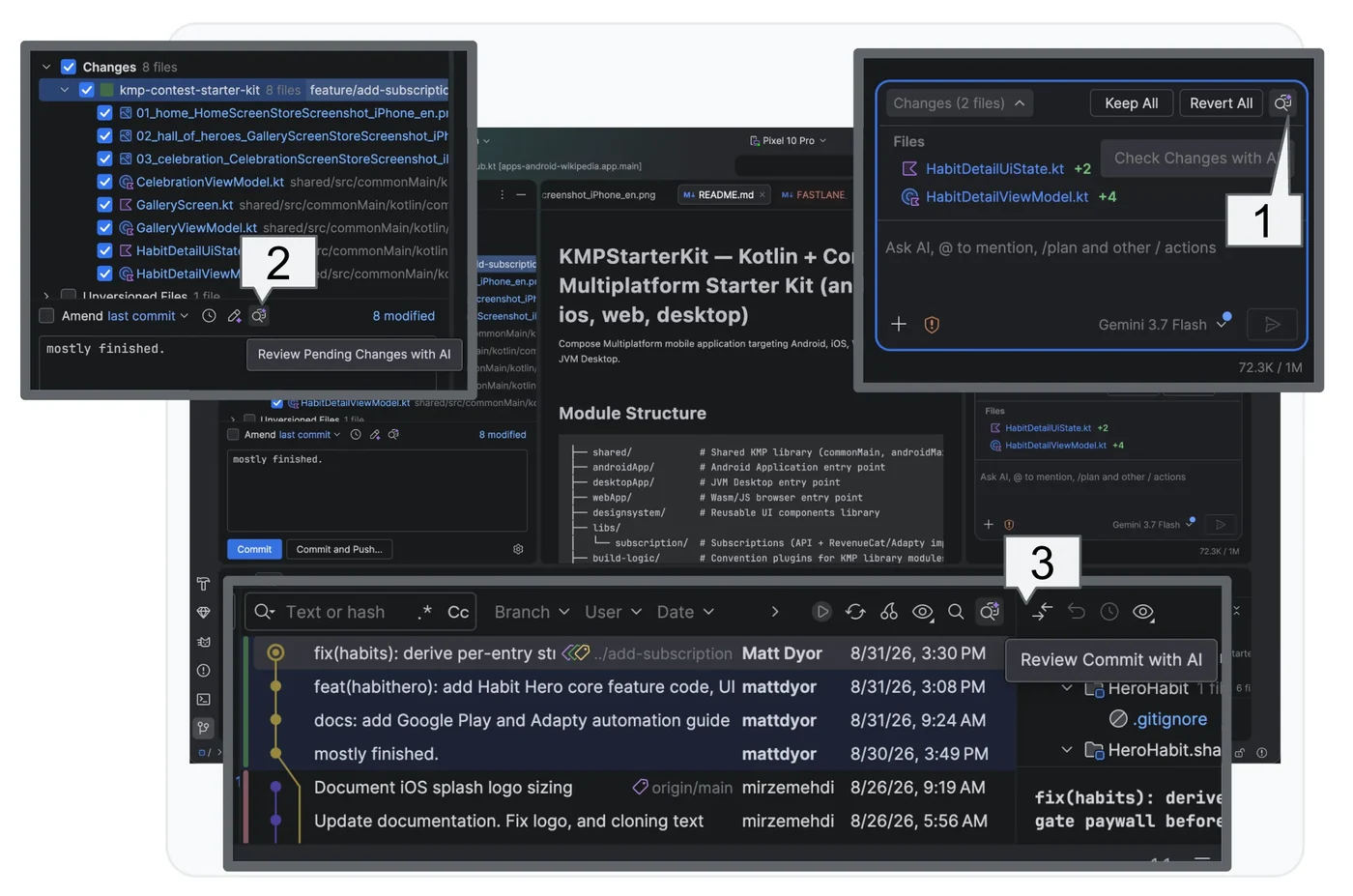
The latest stable release also features fully stabilized Android XR Emulators for XR glasses, audio glasses, and display glasses. These tools allow developers to build, iterate, and test immersive experiences straight from a laptop. The updated display glasses Emulator supports custom environments via 360-degree photos or live video feeds from connected cameras, enabling testing of physical environments from any location.
Additional hardware updates include new LED indicators for microphone and camera states, alongside improvements to the Pairing Wizard for faster and more reliable virtual phone and glasses pairing. Additionally, LeakCanary is now directly integrated with the built-in agent to diagnose and resolve memory leaks. The system generates narrative explanations and suggests specific code fixes, which can be tested within the Profiler task.

Enterprise Governance and AI Change Review
For engineering teams requiring enterprise-grade governance, strict data privacy controls, and integration with internal knowledge bases, full support for Gemini Enterprise remains a cornerstone feature. It guarantees that source code and workspace context are never retained or utilized to train global foundation models, while providing comprehensive compliance audit logging and centralized administrator controls.
To address the engineering bottleneck of verifying rapid agent-generated code, Android Studio introduces AI Change Review. This feature initiates reviews by identifying recommended fixes before launching a guided walkthrough. Rather than forcing developers to read files alphabetically, the walkthrough categorizes and prioritizes related diff chunks across the project into logical themes to accelerate code verification.
Sources
- Android DevelopersYour favorite agents are now integrated in Android Studio
Continue chronologically

Related entity coverage
Related stories
Android Studio Introduces Bring Your Own Agent Support
Android Studio now supports the Bring Your Own Agent feature, allowing developers to integrate preferred coding agents into the platform.
Google Prepares System Status Bar for Future Wear OS Release
Google reveals plans to add a persistent system status bar to Wear OS applications in a future platform release, previewed via a canary emulator.
Android Dev Summit Highlights New Tools and Agent Integrations
Discover the latest Android developer tools, performance updates, and AI agent integrations announced during the Android Dev Summit.
Gemini 4 Argon Arrives for Android Developers
Google launches Gemini 4 Argon for Android developers, bringing advanced agentic engineering, closed-loop build self-correction, and production-ready Jetpack Compose UI features.