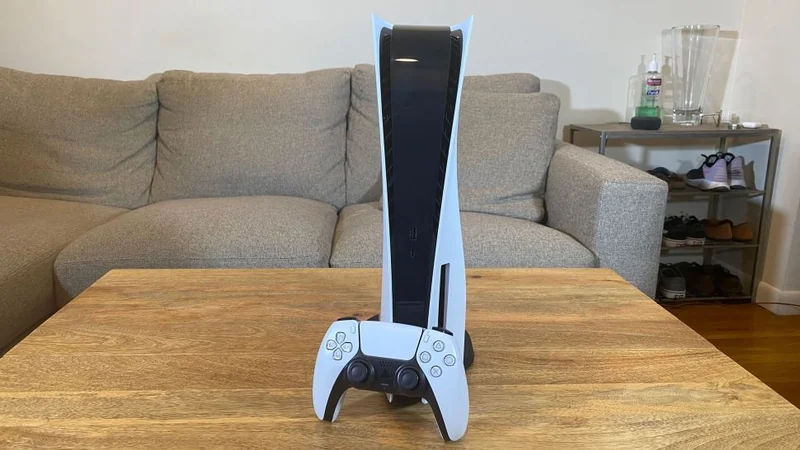
How to Clean Your PlayStation 5 Without Causing Damage
Basic maintenance keeps your PlayStation 5 running smoothly, but overzealous cleaning can damage the console.
 Radwan AbdulhadiEditor and technology writer
The Importance of Basic Maintenance
Cleaning a PlayStation 5 isn't as exciting as playing its best games, but it remains an important task to perform on occasion. With PlayStation 5 prices climbing, owners certainly do not want to find themselves suddenly in the market for a new console due to a total lack of maintenance. Dust buildup inside the system restricts airflow and forces the hardware to work harder to cool itself down.
At the same time, overzealous cleaning can prove just as dangerous as neglecting the system entirely. There is no need to completely tear down a PlayStation 5 to carry out a basic maintenance cleaning, but the process does require a light and careful touch.
Preparing and Cleaning the Exterior
Before starting any cleaning procedure, users must never begin right after using the console. Proper preparation involves shutting down the system, unplugging all cables, and letting the hardware fully cool before placing it on a flat, clean surface.
To begin, wipe down the outside surfaces to remove any visible exterior dust or grit. Users should avoid bleach or chemically treated cloths and must refrain from using excessive force. Instead, Sony advises in its safety guide [PDF] to give the console a modest wipe-down using a clean, soft cloth.
Although some recommendations suggest using rubbing alcohol and other liquid cleaners, the internal and external components of a PS5 consist of ABS, polycarbonate, and a blend known as PC-ABS. Each of these materials has distinct chemical vulnerabilities. Sony specifically recommends against using alcohol because it may discolor the console or degrade its materials.
Tackling Vents and Removing Covers
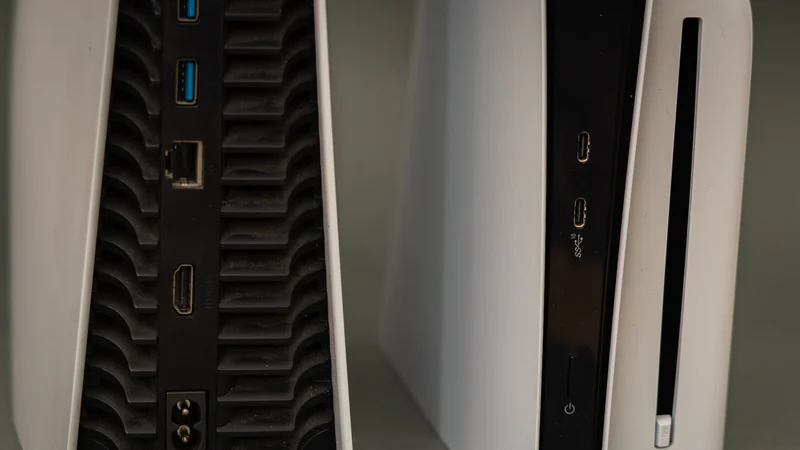
Much of the initial cleaning stage focuses on the outside vents. Users can vacuum them if necessary, but they should stick with a small handheld vacuum or a compressed air and vacuum combination rather than heavy-duty industrial shop vacs. Taking adequate time and using a cotton swab helps capture any dust that the vacuum leaves behind, while an old toothbrush serves as a helpful soft brush for scraping off caked-on dirt.
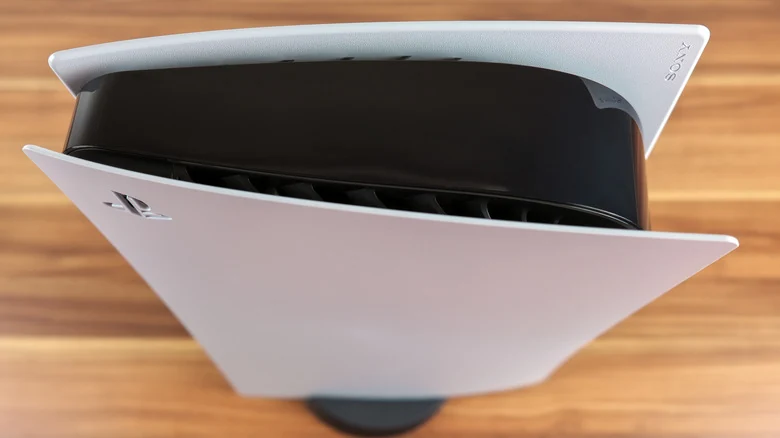
Once exterior cleaning is finished, users can proceed to take off the outer covers for a more comprehensive cleaning session. These covers are designed to be removed, but they are fairly flimsy and require a slow, careful approach. The exact removal method differs depending on whether the hardware is an original PS5 or a Slim or Pro system.
Owners can consult Sony's instructions for removing the covers for visual illustration and guidance during this step.
Cleaning Internal Spaces and the Fan
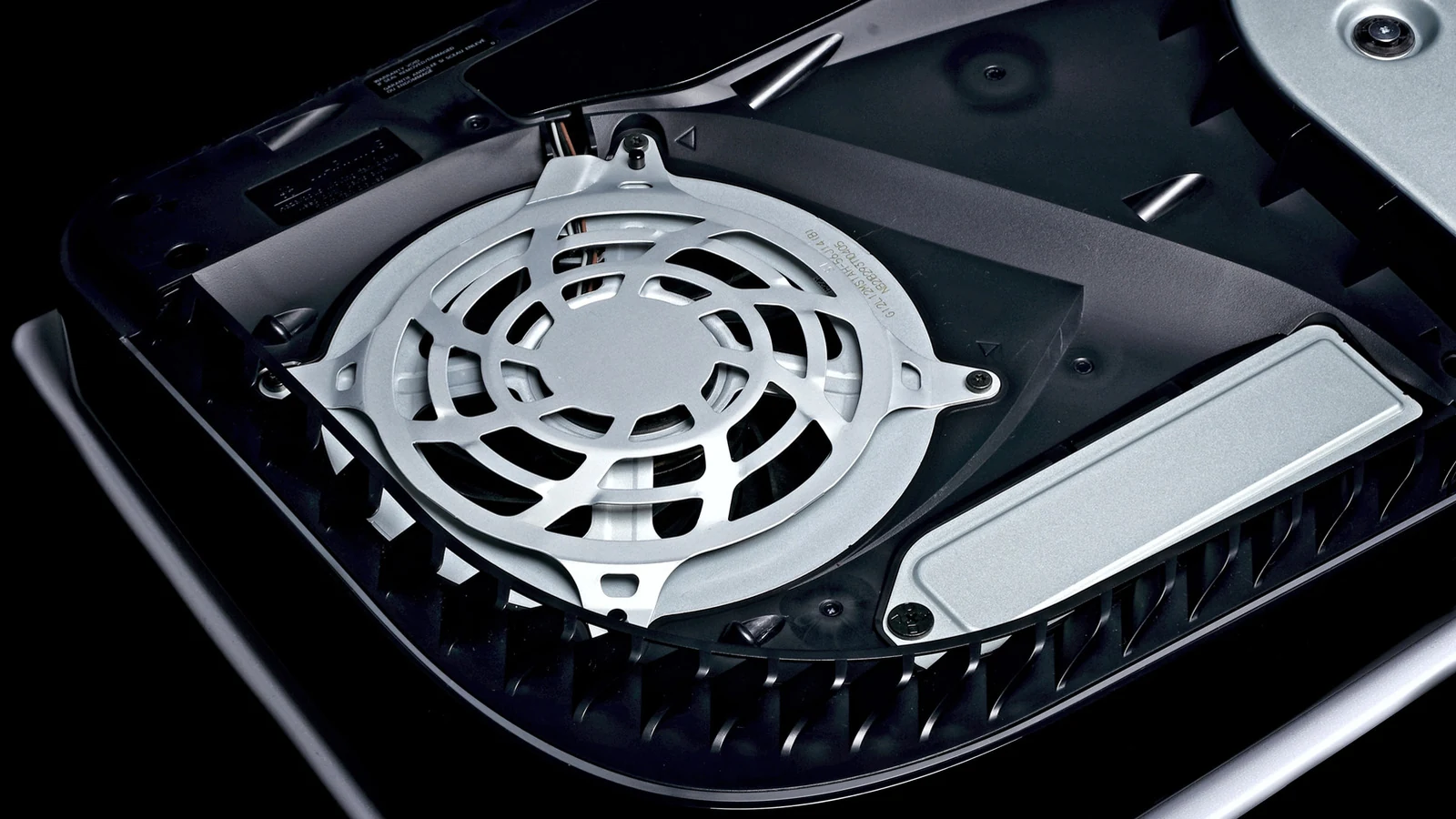
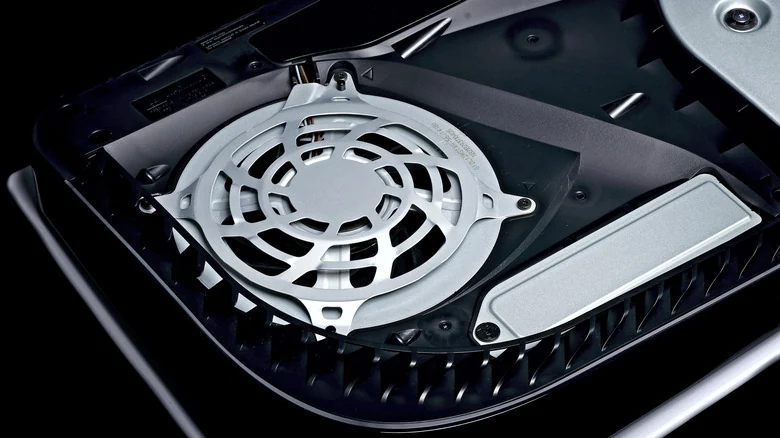
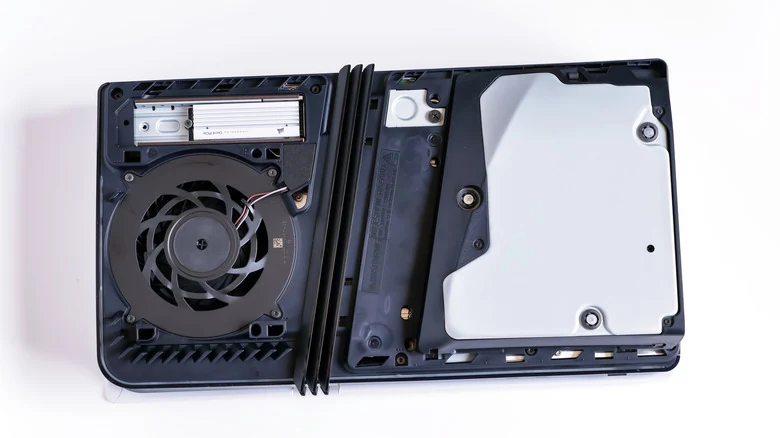
With the covers set aside, users can employ the same microfiber cloth and handheld vacuum to collect any accessible trapped dust. There is no need to disconnect the fan or remove internal screws; cleaning should focus solely on what is accessible on both sides. Anyone using canned air must be very careful not to let the fan spin, which can generate an electrical charge capable of damaging the system. A cotton swab can be used to safely jam the fan blades before blowing air toward the area.
Additionally, users should look for the triangular "dust catcher" spots specifically designed by Sony to gather debris for easy removal. While deeper internal cleaning is technically possible, it introduces the risk of damaging internal components. Furthermore, Sony's warranty explicitly excludes any damage caused by unauthorized opening or work performed inside the PlayStation 5, meaning further disassembly proceeds entirely at the owner's risk.
Reassembly and Proper Placement
After finishing the cleaning process, users should reverse the earlier steps to reinstall the covers, reattach the stand, and reconnect all cables. Failing to reconnect the console covers correctly can lead to airflow problems and risk shortening the life of your PlayStation 5, so proper alignment is essential.
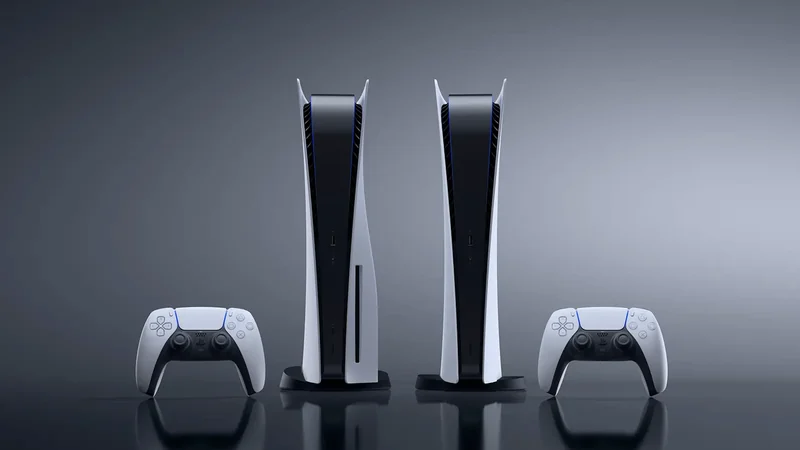
The console can be used in either a vertical or horizontal placement, as the system is engineered for both orientations. Regardless of the chosen setup, using the appropriate stand remains crucial. While positioning the console vertically without a stand is technically possible, it tips over much more easily and sits closer to the ground, making it far more susceptible to dust accumulation.
The original PS5 ships with an adjustable base supporting both positions, whereas the PS5 Slim and PS5 Pro include only horizontal stands, with vertical stands sold separately for $30. Finally, owners should ensure there is at least four inches of space between the console and nearby walls, avoid cramped enclosed spaces like entertainment centers, and clean the surrounding area to minimize future dust buildup.
Sources
- EngadgetHow to clean your PlayStation 5 without damaging it
Continue chronologically
Related stories
Understanding the PlayStation 5 Game Library Padlock Symbol
Discover why a padlock icon appears on your PlayStation 5 game library and learn step-by-step methods to restore game access and licenses.
Jailbroken PS5s Can Now Run Steam PC Games Locally
Jailbroken PlayStation 5 consoles can now run Steam PC games using a newly adapted launcher that creates individual home screen tiles.
Is Your PlayStation 5 Plugged Into the Wrong HDMI Port?
Discover if your PlayStation 5 is connected to the right HDMI port to unlock 4K, 120Hz, VRR, and other advanced display features.
Jailbroken PS5 Runs Local AI Models Past 100 Tokens
A new fork of the PS5LM project enables jailbroken PlayStation 5 consoles to run local AI language models natively using both the GPU and expanded RAM.