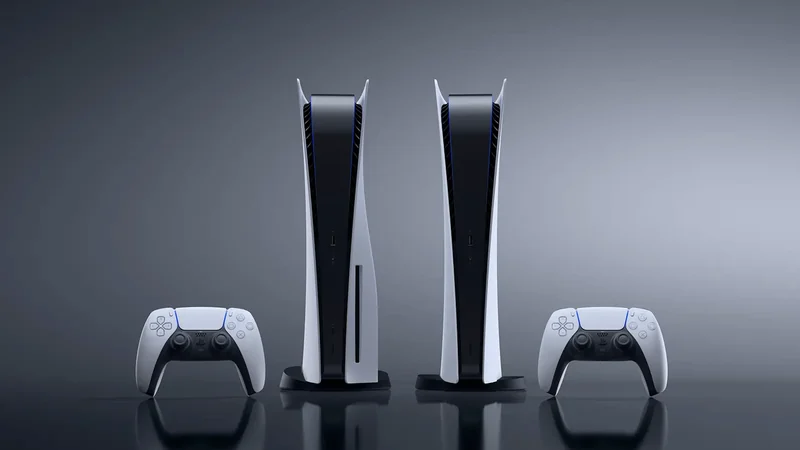
Understanding the PlayStation 5 Game Library Padlock Symbol
A padlock icon on a PlayStation 5 game thumbnail indicates that the digital license is currently invalid, often due to subscription lapses, server hiccups, or authentication issues.
 Radwan AbdulhadiEditor and technology writer

The Meaning Behind the Padlock Icon
Digital game licenses are not always permanent, and encountering a padlock icon over a game thumbnail can be a baffling experience for PlayStation 5 owners who have paid for and installed a title. When purchasing games from an online store, consumers typically receive just a license to download and play, leaving Sony with final control over access rights associated with the account.
This locking mechanism can occur due to a subscription lapse, a temporary server hiccup, or withdrawal of a license by the platform holder. With Sony's plans to stop making disc-based games slated for the future, ensuring digital platforms work seamlessly is increasingly important for players relying entirely on digital libraries.
Verifying Accounts and Network Status
The first step in resolving access restrictions is verifying that the console is signed into the correct PlayStation account that holds the purchase history or active subscriptions. Users can check their transaction history or look up subscription details directly through the system settings menus to confirm active status.
Additionally, players should verify whether the PlayStation Network is currently online by checking the PlayStation Status page. If the network experiences an outage, authentication processes can fail temporarily and lock users out of their installed games.
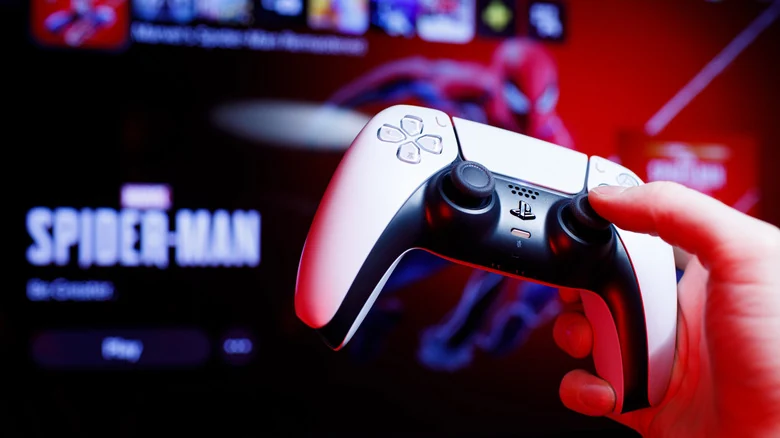
Managing Subscriptions and Gamesharing
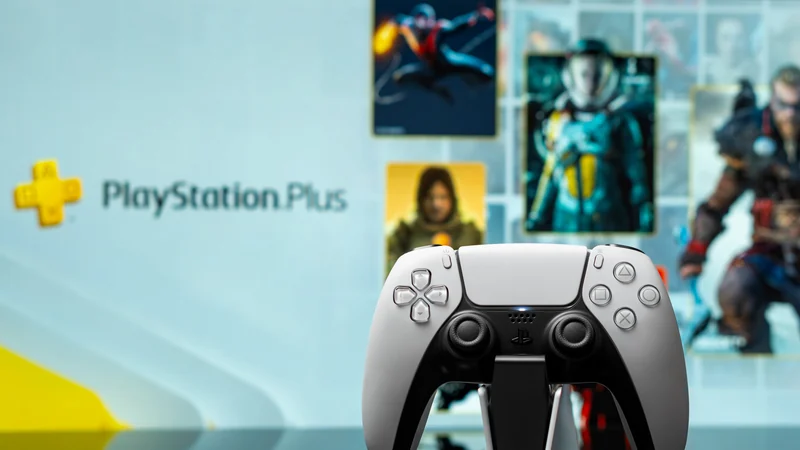
For titles tied to PlayStation Plus, users must confirm they maintain an active subscription and that the specific game remains part of the current active library. Because titles are added and removed regularly, games previously downloaded may show a padlock if they rotate out of the catalog or if the subscription expires. Current offerings can be reviewed on the PlayStation Plus website.
When multiple people share a single console, players can play another person's games under their own account as long as the owner has designated the system properly. Account holders can learn how to set a PS5 as a home console to ensure that shared offline play and library sharing functions correctly across authorized users.
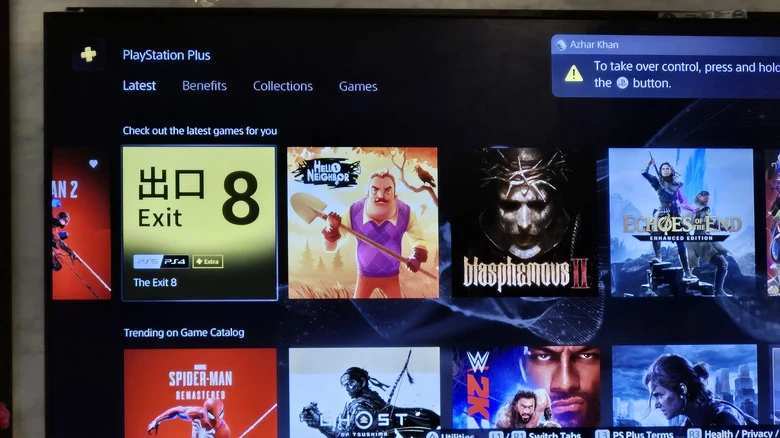
Restoring Licenses and System Updates
If account details and subscriptions check out, forcing the console to re-authenticate can clear the padlock. Users can navigate to an individual game in the library, press the Options button on the controller, and select the option to restore the license. Alternatively, multiple licenses can be refreshed simultaneously through the system settings menu.
Basic troubleshooting procedures like restarting the console or installing the latest system software updates can also rule out minor bugs. Checking system software update settings ensures the hardware runs the most stable version available.
Disc Authentication and Hardware Checks
Padlock icons are not exclusive to digital copies and can also appear on physical media if the console fails to recognize the disc as an authentication key. Owners should ensure the correct disc is inserted cleanly and facing the correct direction, keeping in mind proper placement whether the console is positioned vertically or if the console is horizontal.
In extreme scenarios where database glitches persist, users can boot the console into Safe Mode by holding the power button until the second beep sounds, then selecting options to clear the cache and rebuild the database. If these troubleshooting steps fail to resolve the issue, contacting PlayStation Support remains the final option.
Sources
- EngadgetThe meaning behind the padlock symbol in your PlayStation 5 game library
Continue chronologically


Related stories
PlayStation Plus Cost From 2010 to 2026: Price and Tier Changes
Explore how PlayStation Plus pricing and features have evolved from its single-tier 2010 debut to the current Essential, Extra, and Premium tiers.
How to Clean Your PlayStation 5 Without Causing Damage
Learn how to safely clean your PlayStation 5 to remove dust, improve airflow, and keep your console running at its best without voiding your warranty.
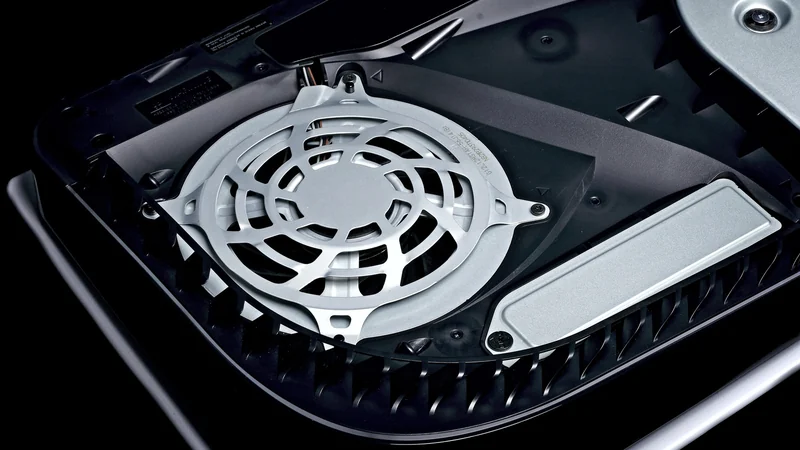
Is Your PlayStation 5 Plugged Into the Wrong HDMI Port?
Discover if your PlayStation 5 is connected to the right HDMI port to unlock 4K, 120Hz, VRR, and other advanced display features.
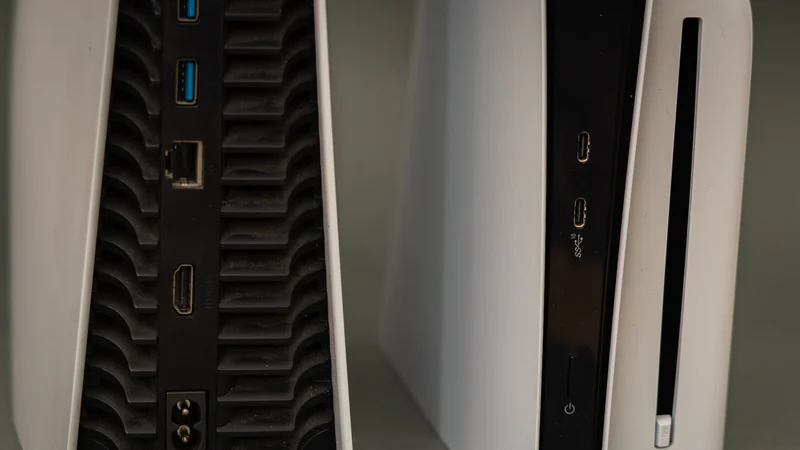
Jailbroken PS5s Can Now Run Steam PC Games Locally
Jailbroken PlayStation 5 consoles can now run Steam PC games using a newly adapted launcher that creates individual home screen tiles.