Android CLI Adds Device Streaming and New Skills
The latest updates to Android CLI introduce remote access to physical devices through Android Device Streaming and expand the ecosystem of structured AI agent skills.
 Radwan AbdulhadiEditor and technology writer
Android CLI and Remote Device Streaming
Android developers now have access to new updates within the official command-line tooling. According to an announcement from the Android Developers team, the latest tooling expansion brings remote access to physical devices directly into the command-line interface.
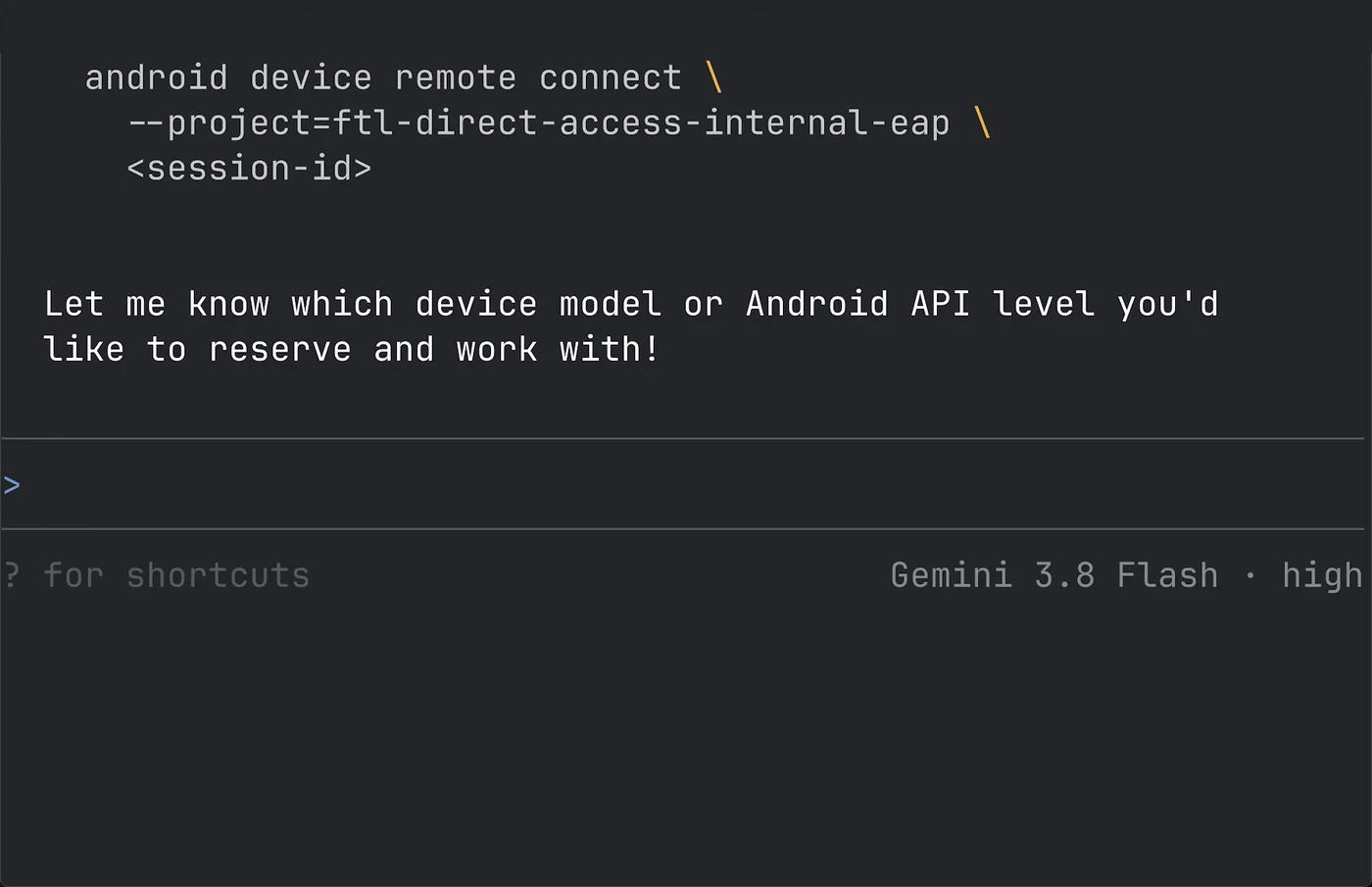
Testing applications on real hardware remains critical for catching hardware-specific or operating system-specific issues, but developers do not always possess physical access to every necessary configuration. With the integration of Android Device Streaming into the Android CLI, AI agents can interact with remote physical devices as if they were physically plugged in over USB.
Through a secure ADB over SSL connection, agents can spin up remote devices, deploy application builds, collect logs and traces, and capture headless screenshots straight from the terminal environment.
Expanding the Android Skills Repository
To address the knowledge gap between default large language model training cutoffs and specific platform standards, the development team continues to scale its repository of structured instructions. These configuration files, structured as SKILL.md documents, ground AI agents with official guidance directly from the documentation portal.
With more than 20 skills currently available, developers can equip their AI agents to tackle specialized workflows. These tasks range from auditing app manifests, runtime permissions, and privacy disclosures for Play policy compliance to configuring unit test suites, managing CameraX code migration, and handling credential manager updates using Jetpack.
Environment-agnostic by design, these skills integrate smoothly across multiple setups. Whether writing code inside development environments or working alongside third-party assistants, developers can manage skills effortlessly via straightforward command-line instructions.
Deep Dive Into Wear OS Compose Material 3
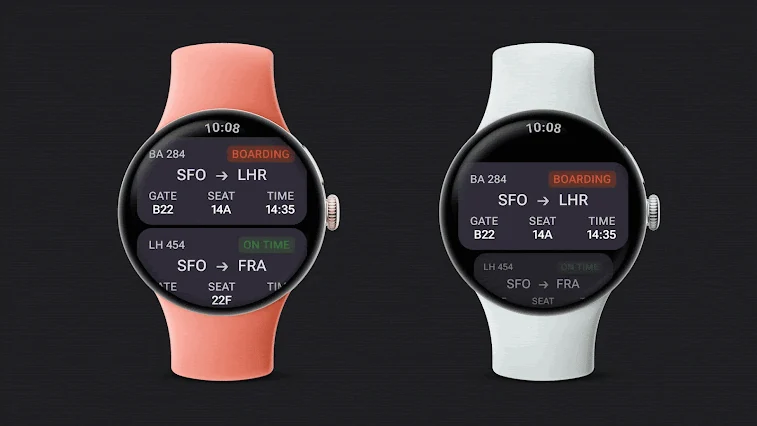
Developing applications for Wear OS involves unique architectural decisions, such as accommodating round viewports, implementing rotary input, supporting ambient display modes, and minimizing power consumption. Without dedicated guidance, language models often miss these platform-specific patterns.
To solve this challenge, the engineering team introduced the Wear Compose Material 3 skill. Early adopters reported substantial productivity improvements after utilizing the update. For instance, the engineering team at FotMob successfully modernized an existing Wear M3-based application, migrating multiple lists to TransformingLazyColumn elements and removing legacy custom wrapper code in a single afternoon.
Getting Started with the Command-Line Tool
Developers looking to incorporate these new capabilities can install the command-line interface using a single setup command. Once configured, running the initialization command sets up the environment agent, allowing teams to browse available skills and add them directly to their project directories.
Comprehensive release notes and documentation are available for teams seeking deeper technical details on configuring remote streaming devices and integrating specialized agent skills into their existing workflows.
Sources
- Android DevelopersDevice Streaming and Android skills - available in Android CLI
Continue chronologically


Related entity coverage
Related stories
Google Releases September 2026 System Updates for Android
Google's September 2026 system updates introduce new Motion Assist features, expanded local currency support, and significant Google Play Store improvements.
Google launches Android Bench 2.0 for long tasks
Google’s Android Bench 2.0 adds long-horizon tasks, agent evaluation and continuous scoring to measure AI performance on complex Android work.
Google's Googlebooks Aim to Bridge Android Phones and Laptops
Google's first Googlebooks go on pre-order October 4, promising deeper Android phone integration, AI tools, and a new Android-based foundation.
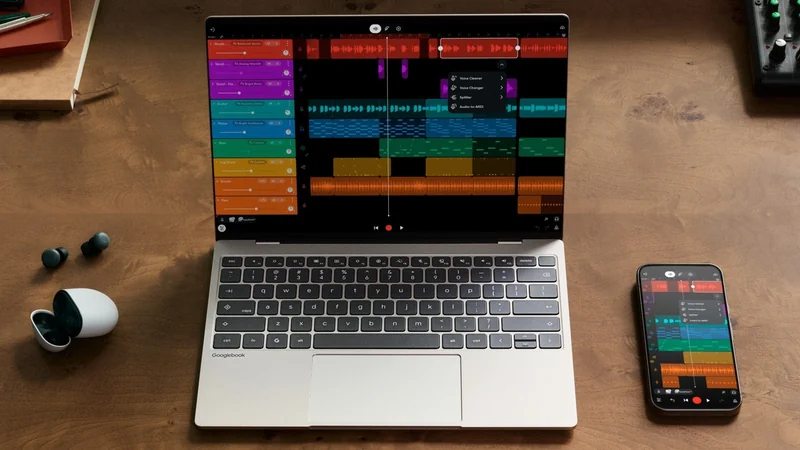
Google Launches Googlebook Laptops for Android Users
Google has officially unveiled Googlebooks, a new line of laptops designed to provide seamless connectivity and synergy with your Android smartphone.