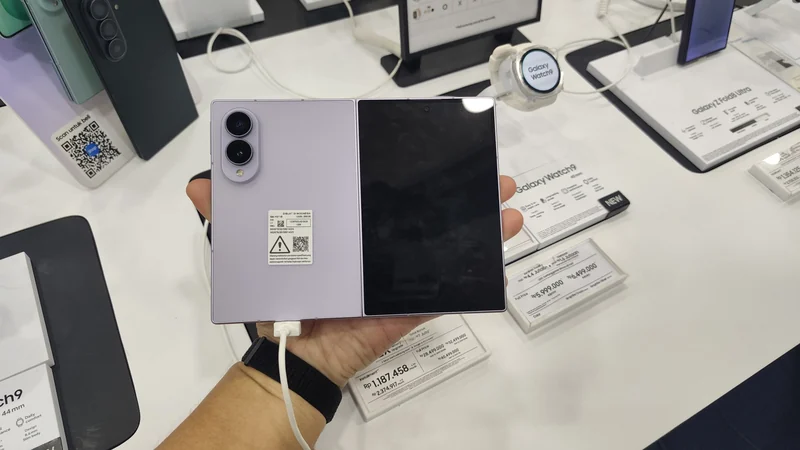
Samsung Releases One UI 9 With Advanced Galaxy Customization
Samsung's latest One UI 9 update brings a wide range of new customization features to newer Galaxy devices, allowing users to deeply personalize their phone interfaces.
 Radwan AbdulhadiEditor and technology writer
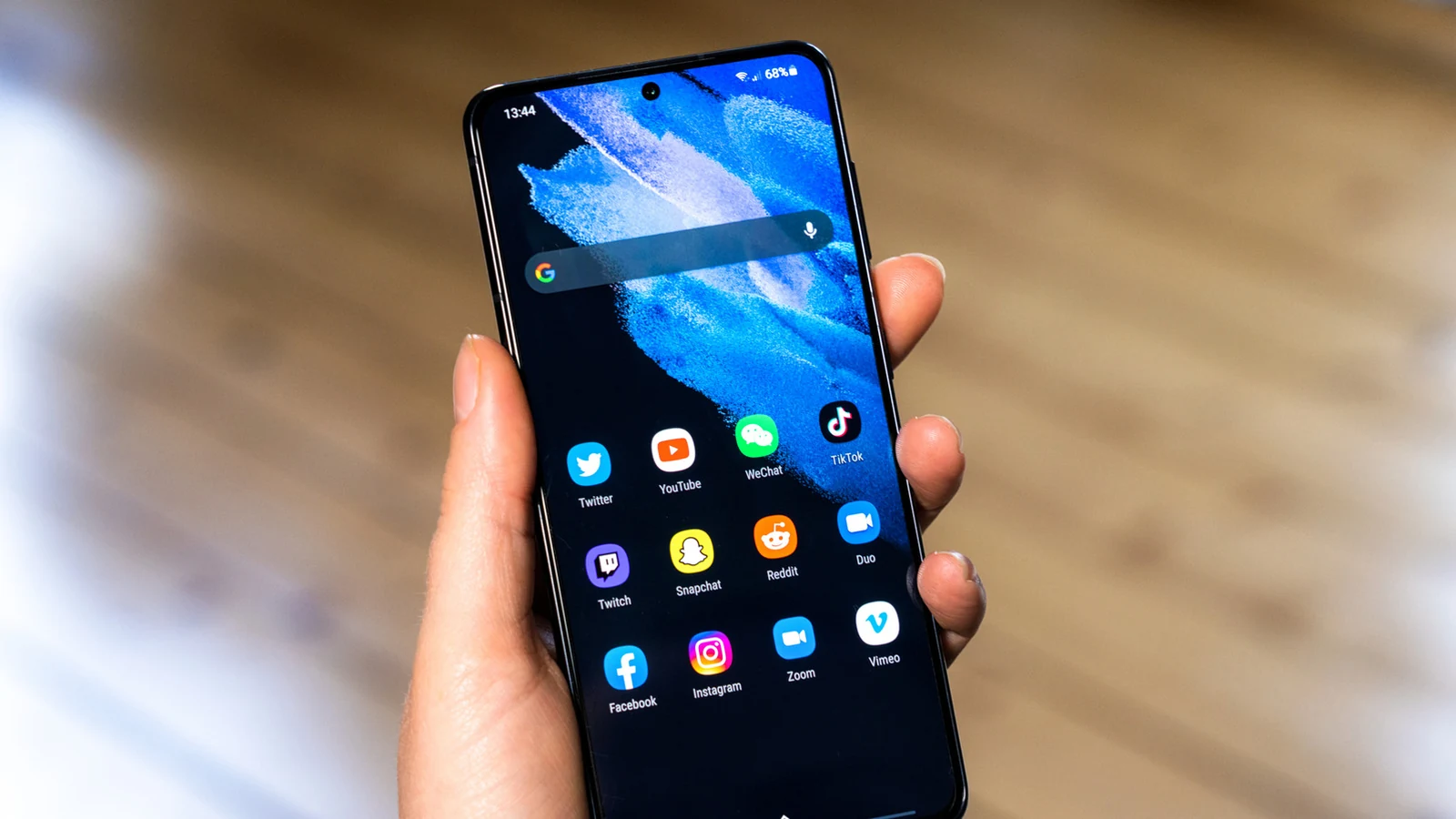
One UI 9 Brings Expanded Personalization to Galaxy Phones
Samsung has officially begun rolling out One UI 9 to newer Samsung Galaxy devices, bringing a substantial inventory of handy features and interface updates. While the patch includes eye-catching additions such as Samsung's new My Fancam feature, the software update also grants users far more control over the overall look and feel of their hardware.
The new release focuses heavily on small but impactful changes that add up to a much more flexible experience. Whether users are looking for new toggles or deeper adjustments to the Quick Panel, One UI 9 offers myriad improvements to help tailor devices completely.
Good Lock and Home Up Customization Options
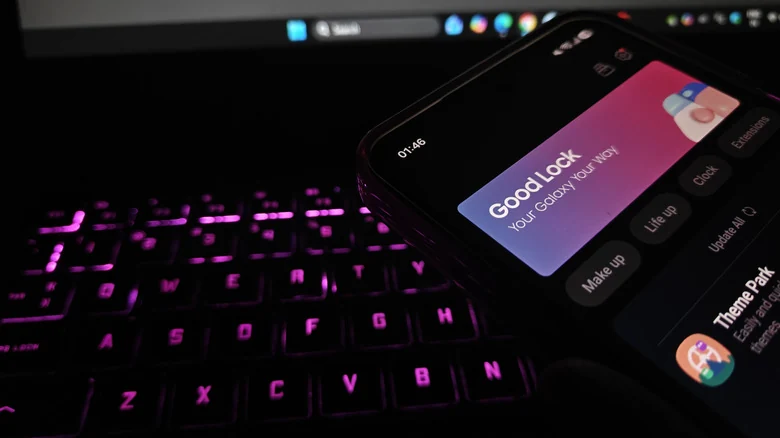
To get started with the full breadth of available layout changes, users need Samsung's official Good Lock suite and its associated Home Up application. These tools unlock much of the new personalization potential included in the software update.
A notable addition within Home Up is the Favorites Background option located in the Home Screen settings. Once activated, users can add blur and shadow effects, change background images and colors, and completely remodel the visual style of their favorite areas. A similar set of options is also accessible for the Edge Panel.
New Multi-Finger Gestures and Motion Controls
Ever since Samsung's One UI 9 betas began to release, users have experimented with an expanding collection of gesture options. The updated software introduces advanced multi-finger gestures within the Gesture settings menu.
Galaxy owners can now assign specific swipe or pinch motions using two, three, four, or five fingers to designated actions. For instance, a user can configure a two-finger downward swipe to take a screenshot or adjust system volume levels, providing a granular level of navigation control.
Quick Panel Redesigns and Layout Freedom
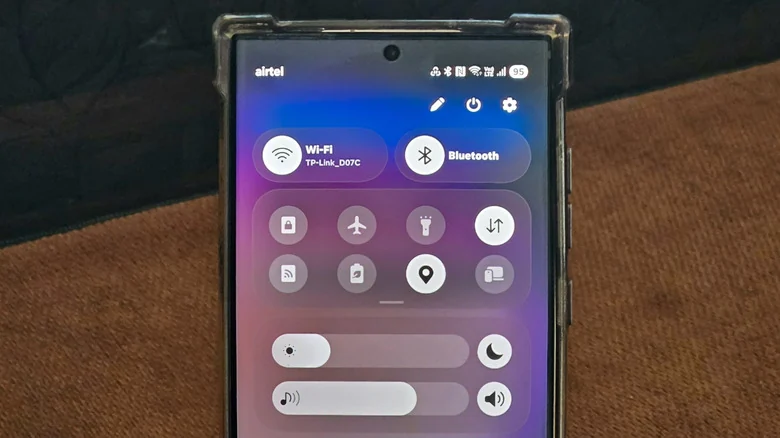
Customization in One UI 9 extends deeply into system controls. Users operating any of the Samsung phones that have received the One UI 9 update can now access extensive layout tools by tapping the Edit icon inside the Quick Panel.
The updated Quick Panel editor allows individuals to drag elements to new positions, resize them by pulling their right corners, or delete them entirely. Deleted toggles can be easily restored by selecting Add a control. Furthermore, Samsung has removed sizing caps entirely, and users can navigate to Panel Settings > Together via the Edit menu to combine separated panels into a single unified shade.
Sources
- EngadgetCustomizing your Samsung Galaxy phone is a bit easier with One UI 9
Continue chronologically

Related stories
How to Customize the Side Button on Your Samsung Galaxy Phone
Learn how to personalize your Samsung Galaxy side button for quick access to your favorite apps, voice assistants, and productivity shortcuts.
How to Block and Unblock Numbers on Your Android Phone
Tired of spam? Learn how to effectively manage your block list on Android phones, including specific steps for Samsung and Google Pixel devices.
Samsung Art Store Debuts First Cinematic Collection From A24
Samsung introduces its first-ever cinematic collection on the Samsung Art Store, featuring 38 stills from acclaimed films produced by studio A24.
How to Run Samsung DeX on Your Galaxy Z Fold 8 Inner Screen
Unlock a desktop-like experience on your Galaxy Z Fold 8 by using the Gadesk app to run Samsung DeX directly on the device's main inner display.