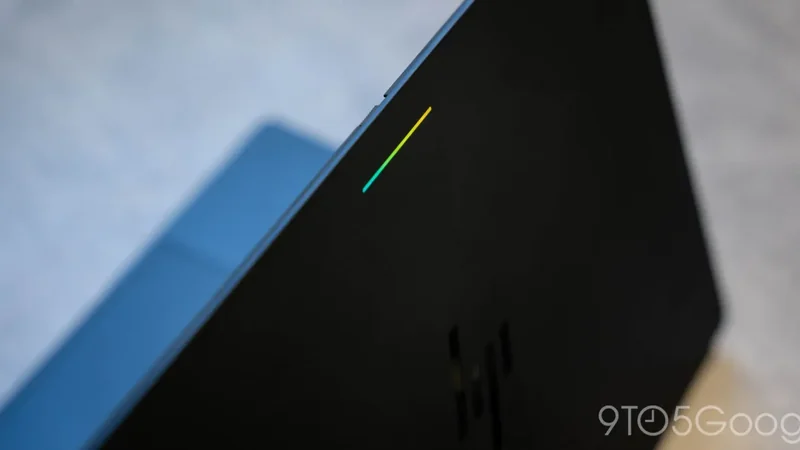
Chrome 156 for Googlebook Launches With 14 Updates
Google has officially begun rolling out a fresh browser release following the previous update from two weeks ago, bringing a total of 14 new features and improvements to users.
 Radwan AbdulhadiEditor and technology writer
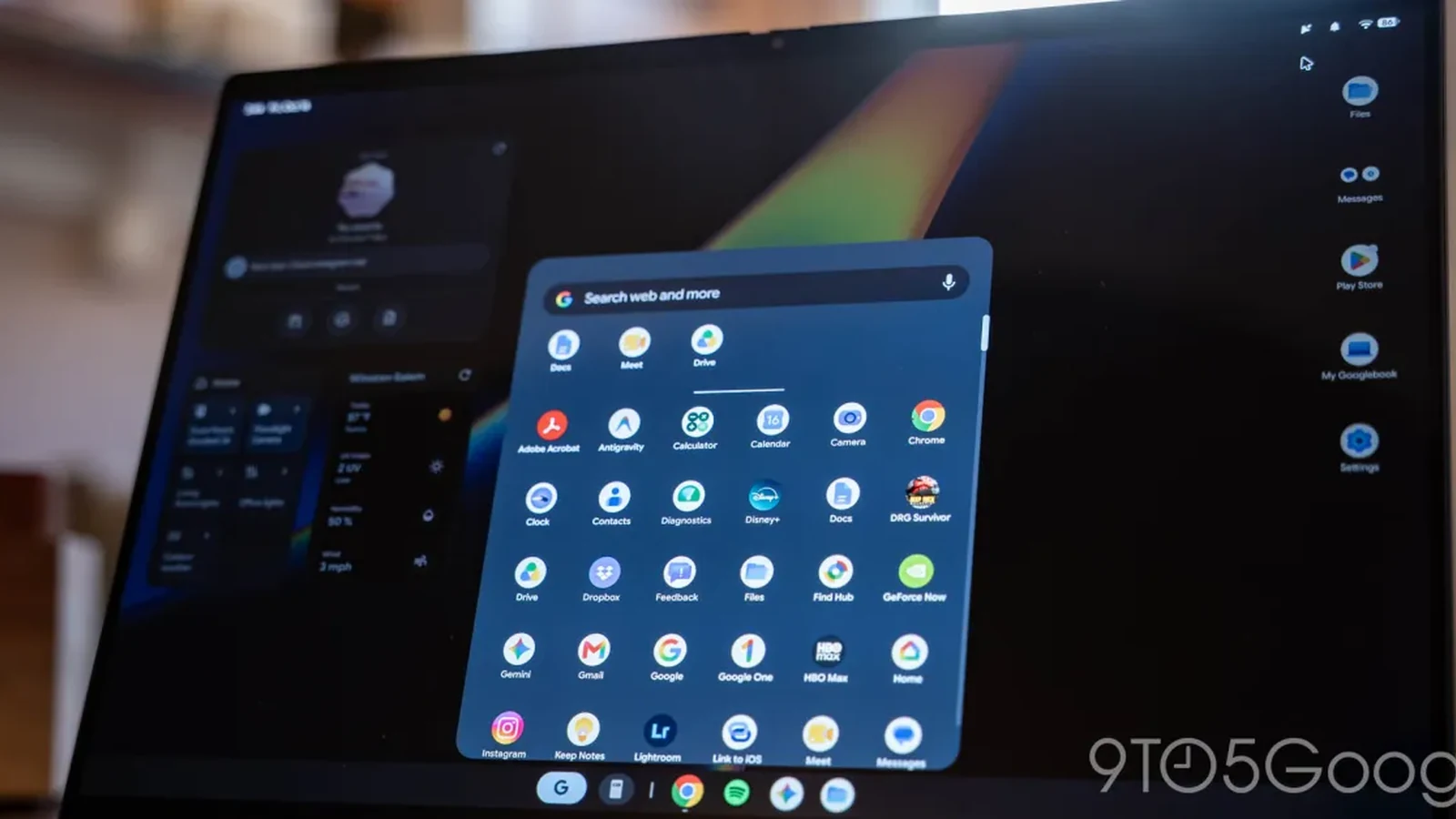
Chrome 156 Deployment and Overview
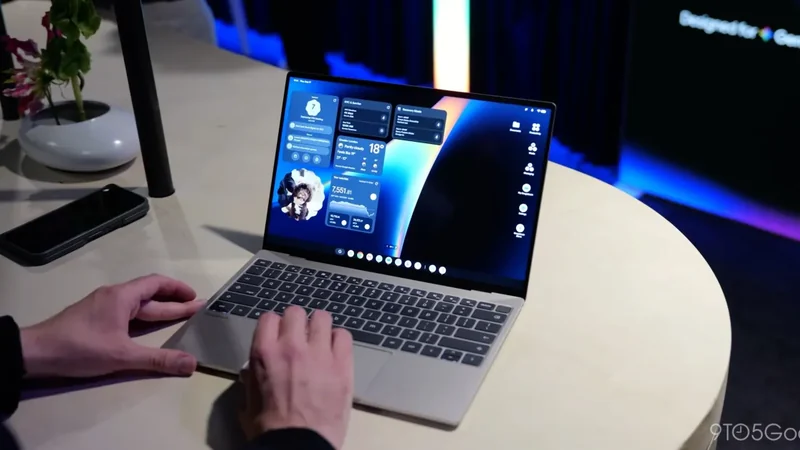
Google is rolling out Chrome 156 for Googlebooks with a slew of improvements and bug fixes. This follows the last browser update two weeks ago, continuing the rapid development cadence for the platform.
Users are seeing the latest version widely rolling out via the Play Store today. It arrives shortly after the stable release started appearing on desktop and mobile platforms, though availability varies.
New Features and AI Mode Additions
In terms of new features, Google has introduced a notable addition to the browser interface. Items in the address bar’s AI Mode menu now show hover tooltips when users pass their mouse over them.
Alongside this addition, the AI Mode animation has been refined so that it waits for expansion to complete before playing, resulting in a more consistent visual experience. Furthermore, the menu for adding tabs and files to an AI Mode search features a new header, and the address bar properly displays hint text alongside a blinking cursor.
Keyboard Shortcut Enhancements
A significant portion of the remaining updates focuses on refining keyboard interactions and shortcuts across the browser environment. For instance, Alt+Tab now switches windows on fullscreen sites and apps when keyboard lock is turned on, behaving similarly to its implementation on other desktop operating systems.
With this behavior enabled, users no longer need to hold the Escape key to exit fullscreen before switching tabs. Additionally, the Alt+Shift+Enter shortcut now opens a typed query in a new background tab while keeping the user on their current page.
Navigation and text editing within the address bar have also received adjustments. When typed text wraps to multiple lines, users can now utilize the up and down arrow keys to move the cursor smoothly between lines for easier editing while suggestions remain hidden.
Productivity and Media Improvements
Beyond general navigation, specific web applications and document tools have been optimized in this release. Google Docs users can now successfully copy large selections and tables without encountering previous limitations.
In addition to office document enhancements, streaming capabilities have been addressed. Performance has been noticeably improved for Facebook Live video streams, ensuring smoother playback during live broadcasts.
Stability and Interface Bug Fixes
Stability improvements form a critical part of the deployment, covering 1Password and various other browser extensions, third-party applications, and general tab functionality to reduce unexpected crashes.
Visual and interface bugs have also been resolved. Site icons and Google icons now appear correctly when clicking into the address bar from a webpage or search results page, and stale icons are properly removed whenever the URL bar is cleared.
Other fixes include ensuring the close button successfully dismisses third-party sign-in prompts, enabling a Save As dialog for file downloads to help choose save locations, and resolving naming issues with duplicate downloads so files open correctly in apps.
Rounding out the fixes, the context menu now opens reliably when right-clicking links located on the Incognito new tab page, addressing previous interaction hurdles.
Sources
- 9to5GoogleChrome 156 for Googlebook rolling out with 14 updates across sites, shortcuts, more
Continue chronologically


Related entity coverage
Related stories
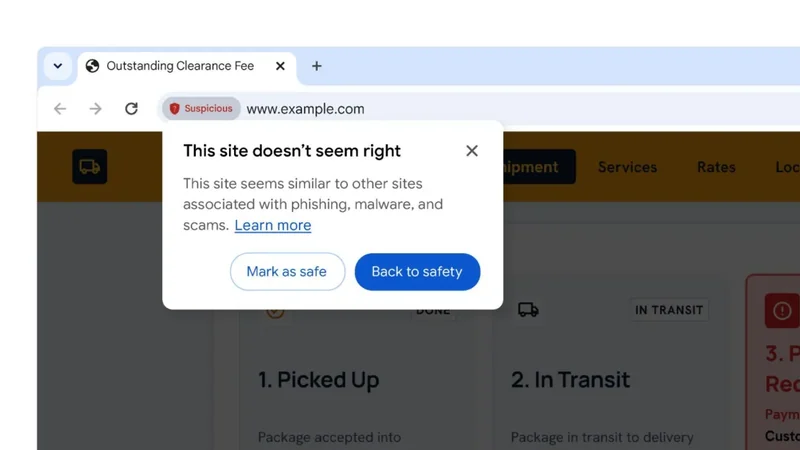
Google Chrome Introduces Suspicious Site Warnings
Google Chrome is launching a new two-stage browser safety feature designed to warn users about suspicious and dangerous websites before they visit them.
Googlebook Bootloader Unlocking Confirmed With Magisk Root Support
Google has confirmed that the bootloader on the Android-based Googlebook can be unlocked, and Magisk root support is actively in the works.
Googlebook Linux Terminal Preview Brings VM-Backed AI Tools
Google introduces the Googlebook Linux Terminal Preview, a secure VM-backed environment designed to support agentic AI workflows and developers.
Googlebook Hidden Glowbar Disco App Turns Laptop Lid Into Light Show
Discover Googlebook's hidden Glowbar Disco app, a secret Easter egg that lets you customize your laptop's LED light bar with colors, animations, and music sync.