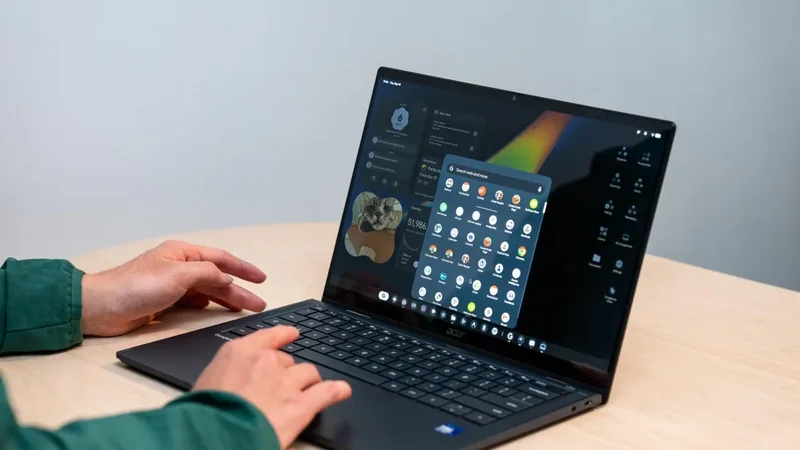
Googlebook Bootloader Unlocking Confirmed With Magisk Root Support
Google has officially confirmed that users can unlock the bootloader on the Android-based Googlebook platform, opening the door for advanced customizations and testing.
 Radwan AbdulhadiEditor and technology writer
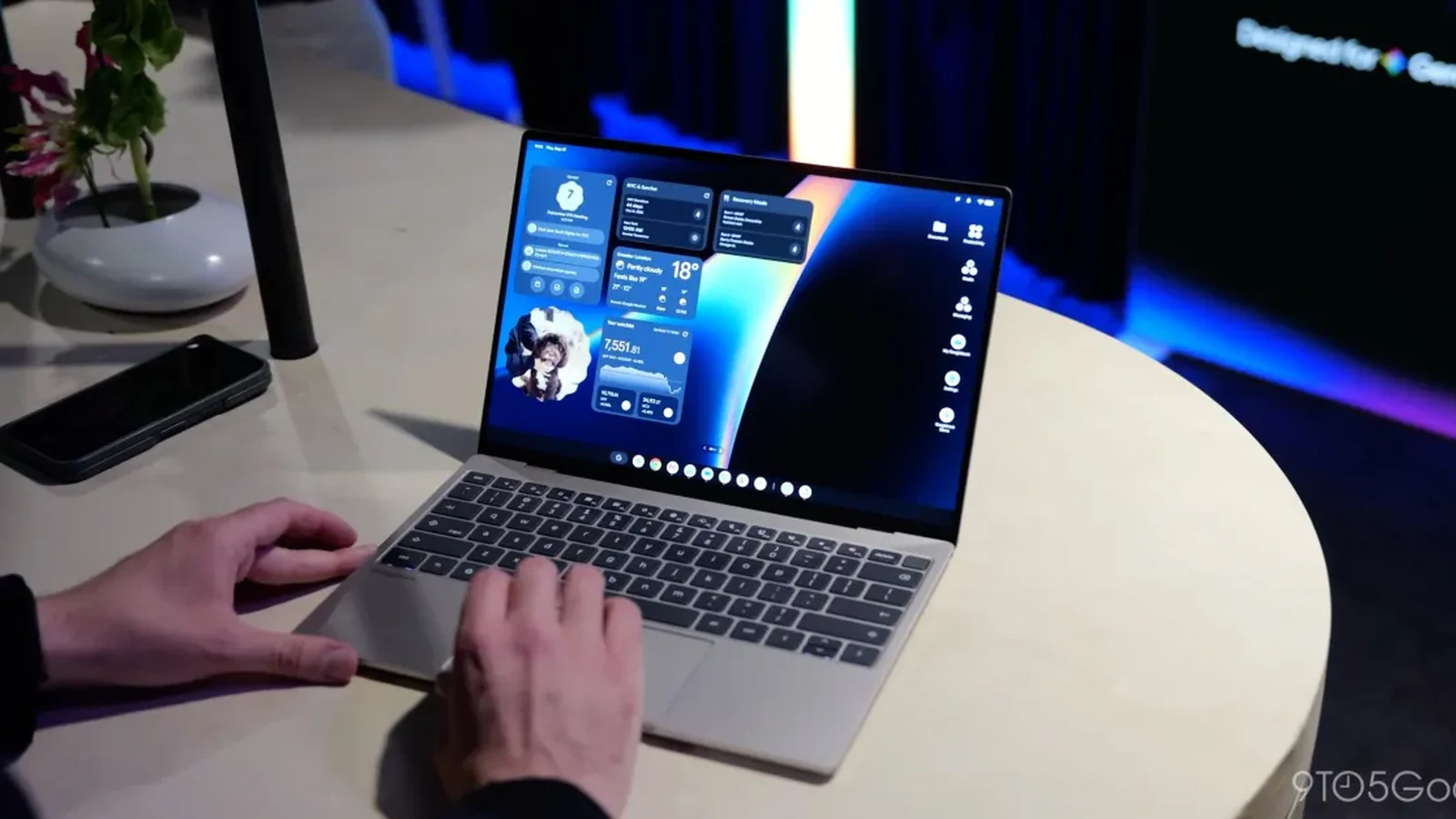
Googlebook Bootloader Unlocking Details
The Android-based platform known as Googlebook offers users the potential to extend capabilities beyond default factory configurations. Google has officially confirmed that users can unlock the bootloader on a Googlebook, providing a pathway for advanced operations. Detailed instructions are outlined on a support page published by the company, explaining the precise process for interested individuals.
According to the documentation, developers or advanced users can unlock their device’s bootloader to install a custom version of the operating system or test an application. However, the company stresses that most users do not need to unlock their Googlebook bootloader for standard daily activities.
Step-by-Step Unlocking Procedure
The process to unlock the bootloader shares similarities with other Android-based hardware. Similar to a Pixel or other Android phone that easily supports bootloader unmasks, users must first enable OEM unlocking via the device settings menu and developer options.
Once OEM unlocking is enabled, users need to press and hold the Esc and F2 keys simultaneously while pressing the power button. All keys should be released as soon as the screen lights up. From that point, the bootloader unlock option is located directly under the advanced options menu.
Magisk Root Support on the Horizon
Beyond official bootloader support, third-party modding communities are already targeting the hardware. Magisk developer John Wu confirmed on Twitter/X that support for Magisk is actively in the works for the Googlebook ecosystem.
In a separate social media post, Wu referred to Googlebook as the ideal platform for Android modding. Modern Android smartphones frequently suffer from broken application functionality—such as banking apps failing to run—when root access is acquired. Wu noted that bringing Magisk and its associated benefits to the platform requires specific code adjustments, but development is moving forward.
Broader Ecosystem Context
The introduction of the Googlebook platform brings several distinct developments to the wider mobile ecosystem. Software availability and hardware configurations are expanding rapidly across the product line. For instance, Fantastical’s long-awaited Android debut begins today on Googlebook, marking a notable software milestone for the platform.
Additionally, auxiliary software releases continue to arrive on digital storefronts, as demonstrated when the Google Antigravity Googlebook app hits the Play Store. These app releases highlight the growing software catalog available to users.
Hardware Considerations and Performance
While customization and root capabilities appeal to advanced users, hardware variations introduce specific performance considerations. Reports indicate that Googlebooks with Intel chipsets might have trouble with ‘complex’ Android apps, which may influence how developers and power users choose to utilize their devices.
As the ecosystem continues to evolve, the combination of official bootloader unlock capabilities and upcoming root solutions positions the hardware as an interesting frontier for mobile enthusiasts. Further updates regarding Magisk integration and platform modifications are expected as developers continue testing the limits of the Googlebook operating environment.
Sources
- 9to5GoogleYou can unlock a Googlebook’s bootloader, Magisk support in the works
Continue chronologically


Related entity coverage
Related stories
Fantastical finally arrives on Googlebook, Android phones delayed to 2027
Flexibits brings its acclaimed calendar app to Google’s new laptop platform today, while smartphone and tablet support remains pending.
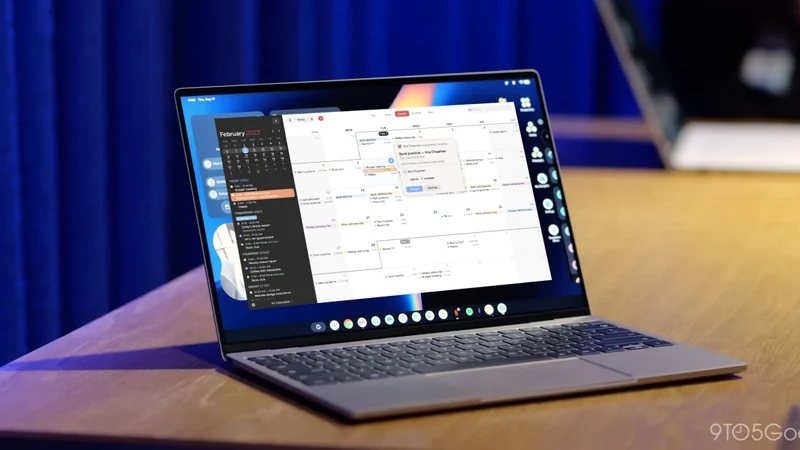
MediaTek Debuts Dimensity CX C10 Max for Lenovo Googlebook
MediaTek has announced its new flagship laptop chip, the Dimensity CX C10 Max, designed to power upcoming Lenovo Googlebook hardware.
Google Launches Googlebook Laptops for Android Users
Google has officially unveiled Googlebooks, a new line of laptops designed to provide seamless connectivity and synergy with your Android smartphone.
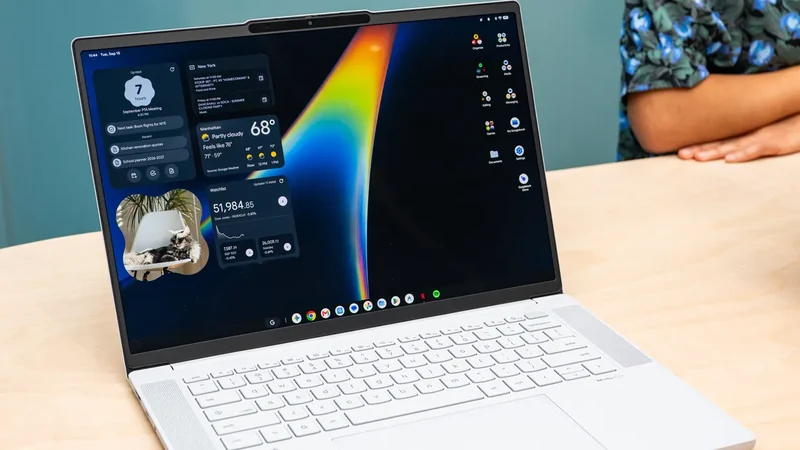
Google Launches Android-Powered Googlebook Laptop Lineup
Google is introducing its new line of Android-based Googlebook laptops on October 4th, featuring deep mobile integration and Gemini AI capabilities.