Apple iPhone Lockdown Mode: Pros and Cons of Extreme Security
Apple's extreme security feature provides robust defense against commercial spyware, but its heavy restrictions make it unnecessary and inconvenient for the average user.
 Radwan AbdulhadiEditor and technology writer
Understanding Apple's Lockdown Mode
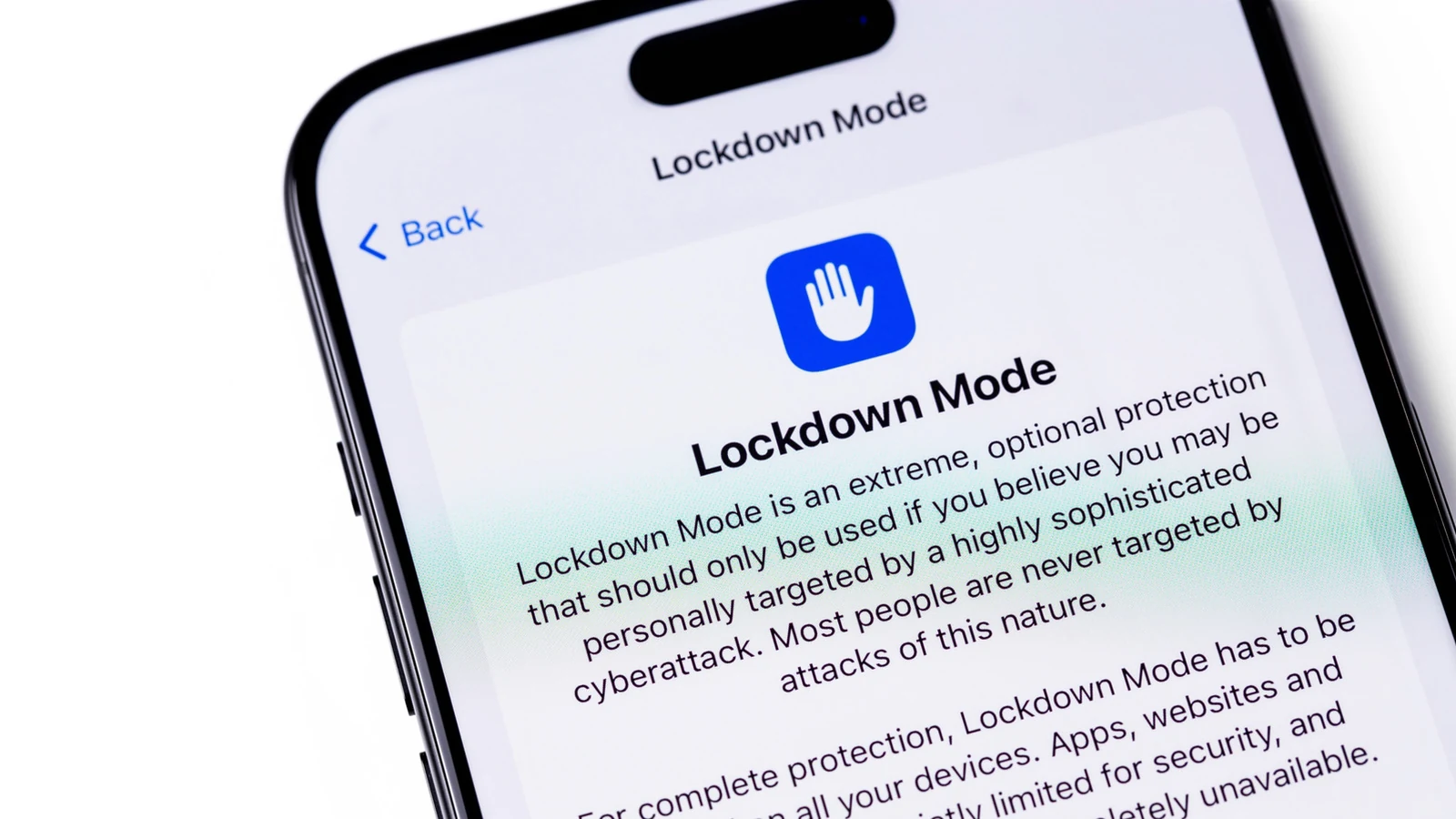
Apple's [iPhone's Lockdown Mode has been around since 2022](https://www.engadget.com/apple-lockdown-mode-security-ios-16-ipados-macos-ventura-bug-bounty-174802942.html), serving as an extreme layer of security for individuals who may be targeted by commercial spyware. While it is well-hidden inside the Settings app, the tool is not intended for the average person. Instead, it targets high-risk individuals such as journalists, activists, and politicians who could face attacks from sophisticated threats like [NSO's Pegasus](https://www.engadget.com/nso-spyware-targeted-journalists-politicians-190234376.html).
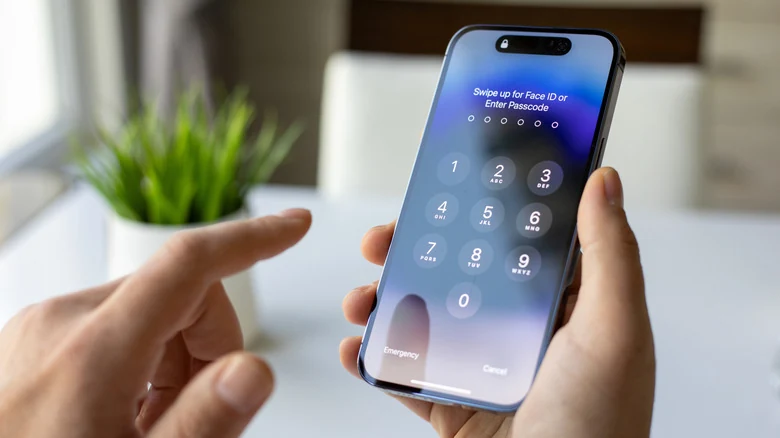
The feature is available on any device running iOS 16 or newer, iPadOS 16 and later, watchOS 10 and newer, and macOS 13 Ventura and later. Users can activate it by navigating to Privacy & Security within the Settings app, scrolling down to find the feature, tapping Turn On & Restart, and confirming with a device passcode. Disabling the setting follows the exact same path.
Functional Limitations and Trade-Offs
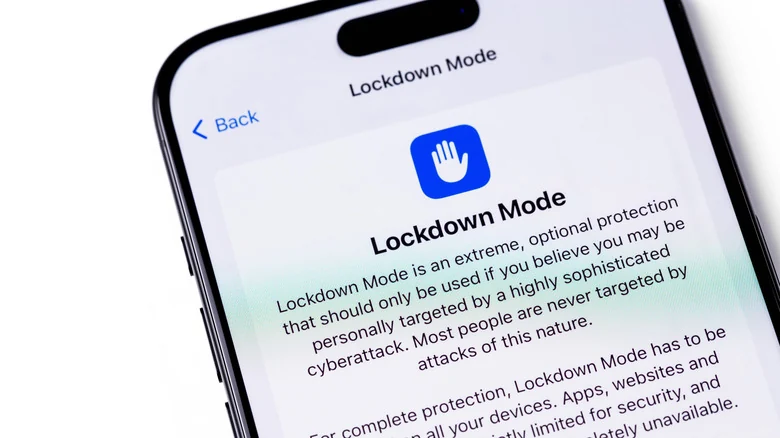
The strength of Lockdown Mode lies in its aggressive restriction of everyday device features. In the Messages app, most attachment types are blocked entirely, and link previews are disabled because they can function as a backdoor for malicious software. Additionally, the feature restricts JavaScript execution in web browsers, which can cause some websites to load slowly or fail to function altogether. FaceTime calls are also restricted, meaning only individuals whom the user has called recently can reach them.
Connectivity is similarly impacted. When the device is locked, wired connections are disabled, preventing communication with computers or accessories unless the passcode is entered. Wireless connectivity changes include stopping the iPhone from automatically connecting to unsecured networks, and support for 2G and 3G networks is completely disabled.
Furthermore, users cannot install configuration profiles, posing a hurdle for those whose schools or employers require them. Apple Watch users will notice that phone call notifications from the iPhone do not appear on their wearable devices. Other Apple services experience reduced functionality, including unavailable Home invitations, restricted Game Center access, and limited photo sharing.
Proven Efficacy and Trust
The aggressive nature of the tool stems from real-world threat vectors. In 2023, an exploit known as "Blastpass" [used iMessage to install the Pegasus spyware on Apple devices](https://www.engadget.com/update-your-iphone-now-to-patch-a-major-pegasus-vulnerability-114009683.html). However, security researchers discovered that devices running Lockdown Mode remained entirely immune to the attack.
Apple demonstrates high confidence in the feature's architecture through its [reward through its Security Bounty program](https://www.engadget.com/big-tech/apple-doubles-its-biggest-bug-bounty-reward-to-2-million-102844667.html), offering a 100 percent bonus on top of standard payouts to anyone capable of bypassing the protection mechanism. By cutting off potential attack vectors, the feature trades convenience for maximum security.
Customization Options and Risks
Users retain some flexibility while utilizing the tool. Specific contacts can be excluded from messaging restrictions to allow family members to send videos or documents. Websites and apps can also be exempted from the security parameters, though doing so lowers the overall defensive posture and introduces vulnerability.
For individuals who suspect they are being targeted, keeping all default protections active is recommended. In certain situations, [Apple may even send you a notification if it believes you've been targeted by spyware](https://www.engadget.com/2236825/apple-warnings-mercenary-spyware-attacks/), giving affected users a clearer indication of whether extreme measures are necessary.
Is Lockdown Mode Necessary for Most Users?
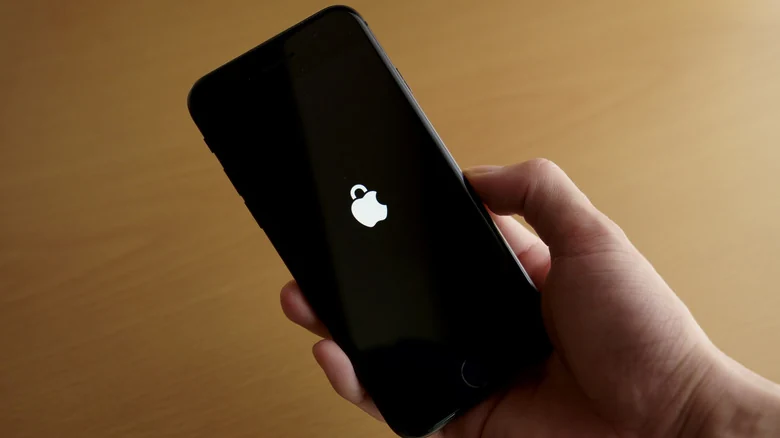
For the vast majority of iPhone owners, Lockdown Mode is unnecessary. Standard Apple devices already include comprehensive built-in privacy and security protections. Because commercial spyware like Pegasus generally focuses on public figures and is deployed by state actors targeting political opposition, everyday users do not face these specific risks.
While curious users can test the feature for a few days to understand its constraints, the resulting inconveniences typically outweigh the extreme level of security required by only a tiny fraction of device owners.
Sources
- EngadgetiPhone Lockdown Mode: The pros and cons of enabling Apple's security feature
Continue chronologically


Related entity coverage
Related stories
No Man’s Sky lands on iPhone and iPad October 28
Hello Games is bringing the full No Man’s Sky experience to iPhone and iPad on October 28, with a free trial and a $19.99 purchase price.

How to Reduce Mobile Data Usage on Your iPhone
Discover effective ways to lower your iPhone's mobile data usage, from enabling Low Data Mode and managing app settings to adjusting App Store rules.
How to Use the iPhone Voice Memos App for Audio Recording
Learn how to capture high-quality audio on your iPhone using the built-in Voice Memos app, featuring tips on transcription, editing, and multitrack recording.
iPhone Clock App Alarm Scrolling Limit Discovered at 4:39
Discover the hidden limit in the iPhone Clock app alarm settings, along with other lesser-known visual details and features in Apple's default app.