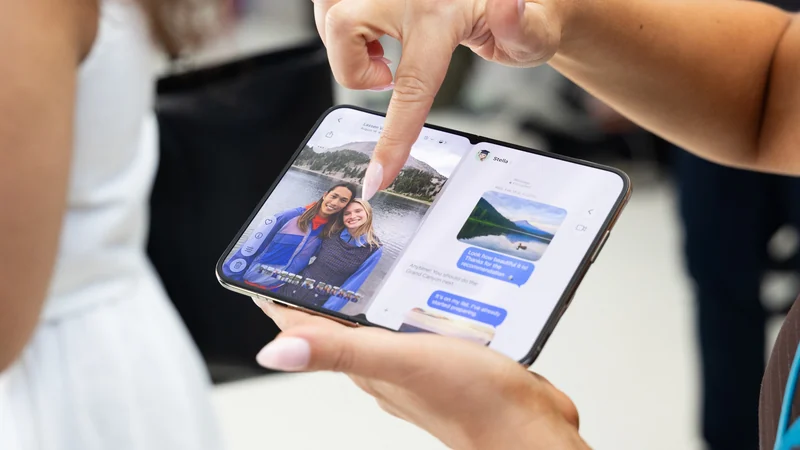
Working a Full Day on Apple’s iPhone Duo
Putting Apple's new folding handset through a complete workday reveals the distinct advantages and software hurdles of working from a 7.6-inch screen.
 Radwan AbdulhadiEditor and technology writer
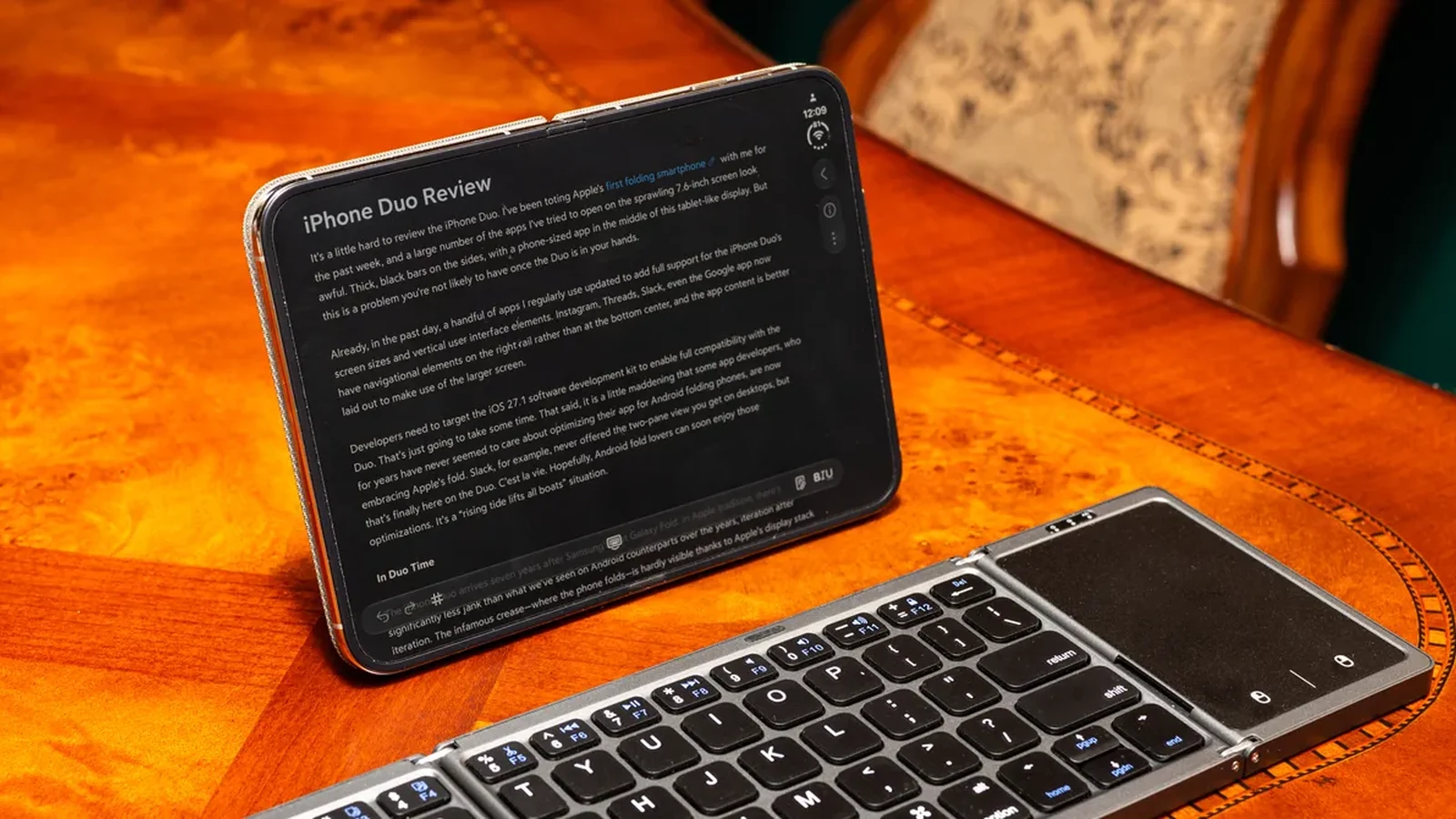
Testing Apple's First Folding Handset for Work
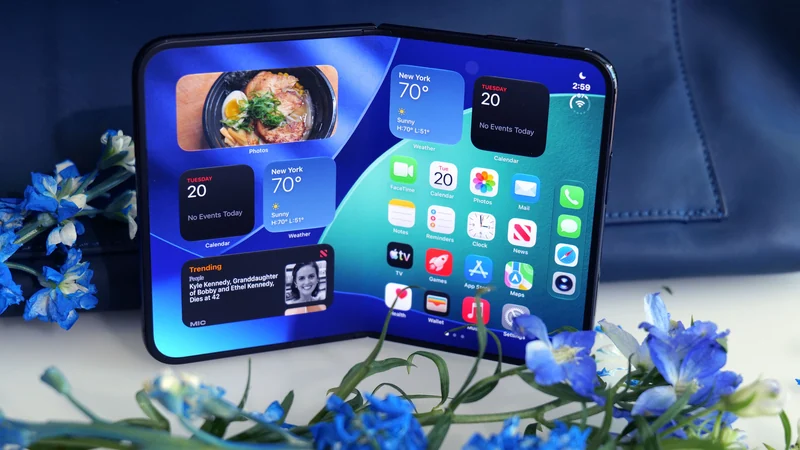
When consumers evaluate the cost of buying both an iPhone and a secondary tablet for productivity away from a desk, the combined total comes quite close to the price tag of Apple's first folding smartphone, the iPhone Duo. This pricing raises practical questions about whether a single device can successfully bridge the gap between mobile communication and workstation computing. To find out, a full workday of writing and communication was conducted entirely on the new hardware.
Writing an entire review on the device relied heavily on optimized note-taking applications that scale effectively to the expanded canvas. While some applications adapt smoothly to the folding display, many standard apps still require time for proper optimization. Despite these initial software ecosystem growing pains, the experience of drafting long-form text on the device proved surprisingly manageable when paired with appropriate external accessories.
Navigating iOS Hurdles and Mouse Support
Operating systems designed primarily for touch interfaces face unique challenges when adapted to productivity workflows. Unlike traditional desktop environments, iOS does not natively recognize a standard Bluetooth mouse or trackpad right out of the box. Users must instead navigate into the accessibility settings and manually enable AssistiveTouch to unlock an iPad-like cursor. This cursor becomes essential for navigating the user interface and selecting text precisely without constantly reaching out to touch the screen.
Even with a cursor enabled, certain multi-step tasks remain slower compared to a traditional desktop setup. Pasting hyperlinks or performing rapid research queries can feel cumbersome, often leading users to save those final administrative touches for a traditional desktop computer. Furthermore, hardware accessories like a folding Bluetooth keyboard and a protective folio kickstand play an indispensable role in transforming the pocketable phone into a stable, usable emergency workstation.
Multitasking Restrictions and Screen Real Estate
Apple maintains strict control over how users interact with its operating systems, resulting in arbitrary multitasking restrictions on the folding screen. When opening two applications in a split-screen configuration, the interface forces an equal 50-50 split. Unlike other mobile operating systems that allow users to drag the window border to adjust relative app sizes, iOS keeps both applications locked to identical screen dimensions in landscape orientation.
When turning the device into a portrait orientation to stack apps vertically, users face even greater limitations unless pinning specific video applications to the top portion of the display. Despite these rigid window management rules, Apple successfully implemented app pairs, allowing users to pin two frequently combined applications together so they appear instantly ready in the recent apps menu for quick retrieval.
Juggling Communication Apps and Video Calls
Managing a busy workday requires constant switching between messaging platforms, email clients, and video conference software. Recent software updates have helped certain communication tools adapt to the hardware; for example, specific messaging applications now fully support the larger display layout and a two-pane view, making it much simpler to monitor multiple active conversations simultaneously.
Video conferencing presented mixed results during testing. While the internal and external selfie cameras delivered impressive video quality, running a call on the 7.6-inch screen required careful positioning with a kickstand. In some orientations, laying the device flat and utilizing the outer screen created a setup that closely mimicked a traditional laptop experience, though full optimization varies wildly across different third-party productivity suites.
Battery Endurance and Long-Term Viability
One of the most encouraging aspects of running an intensive workday on the folding handset proved to be its energy efficiency. By early evening, after logging approximately six hours of active screen-on time, the remaining battery level held steady at roughly 45 percent. This robust power management ensures that mobile professionals can rely on the hardware for extended periods away from a standard wall charger.
Ultimately, while the form factor may feel slightly cramped for individuals accustomed to a full-sized tablet, completing focused, light tasks is entirely feasible with the correct combination of a portable keyboard and a stable stand. As software developers continue to update their applications and hardware ecosystems evolve further, folding mobile devices will continue to redefine expectations for portable office setups.
Sources
- WIREDI Worked for a Whole Day Using Only the iPhone Duo. Here’s How It Went
Continue chronologically

Related entity coverage
Related stories
iPhone Duo Reviews Highlight Apple's Foldable Polish
Initial iPhone Duo reviews evaluate Apple's first foldable device, highlighting familiar design challenges and high-end polish.
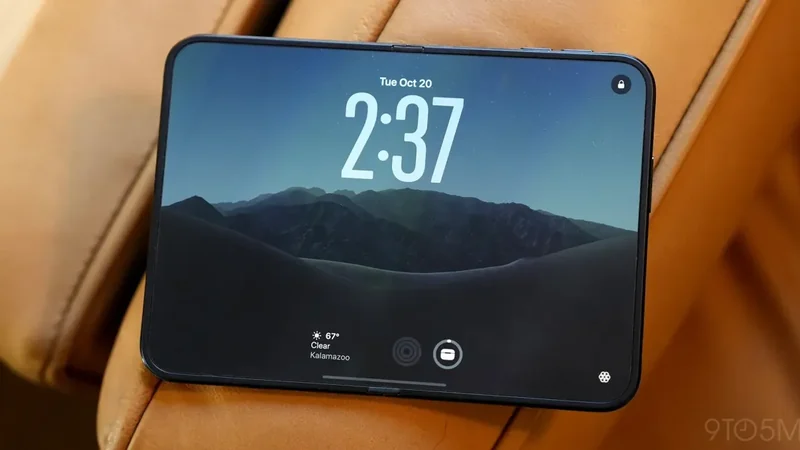
iPhone Duo Screen Size Sparks False Small Phone Hopes
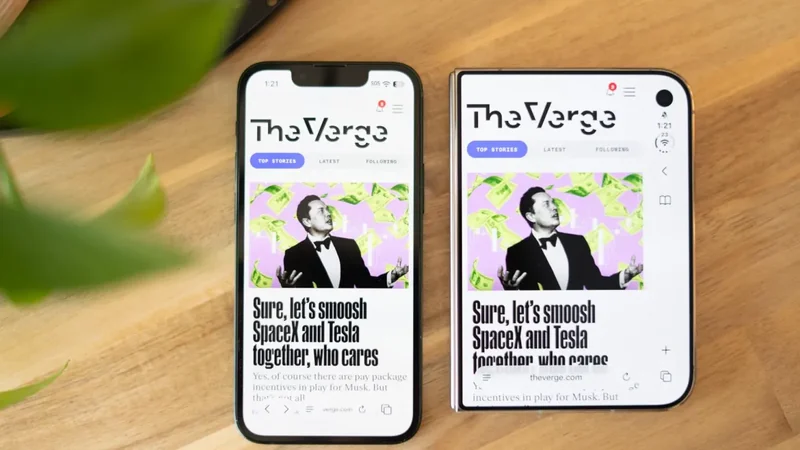
Despite a 5.4-inch cover screen matching the iPhone Mini, the iPhone Duo's weight, thickness, and width make it a poor substitute for a small phone.
Apple iPhone Duo Review: Inside Apple's First Foldable Phone
Read the comprehensive review of the Apple iPhone Duo, Apple's first-class foldable handset featuring dual screens, an A20 Pro chip, and a titanium build.
iPhone Duo vs. iPad Mini: Which Apple Device Is Right For You?
Compare Apple's foldable iPhone Duo and the iPad Mini to determine which device fits your tablet, multitasking, and workflow needs.