iOS 27.2 Brings Two Major CarPlay Features and Updates
Apple's latest mobile operating system update brings fresh features, interface changes, and expanded Siri capabilities to connected vehicle displays.
 Radwan AbdulhadiEditor and technology writer
Apple Releases iOS 27.2 with CarPlay Updates
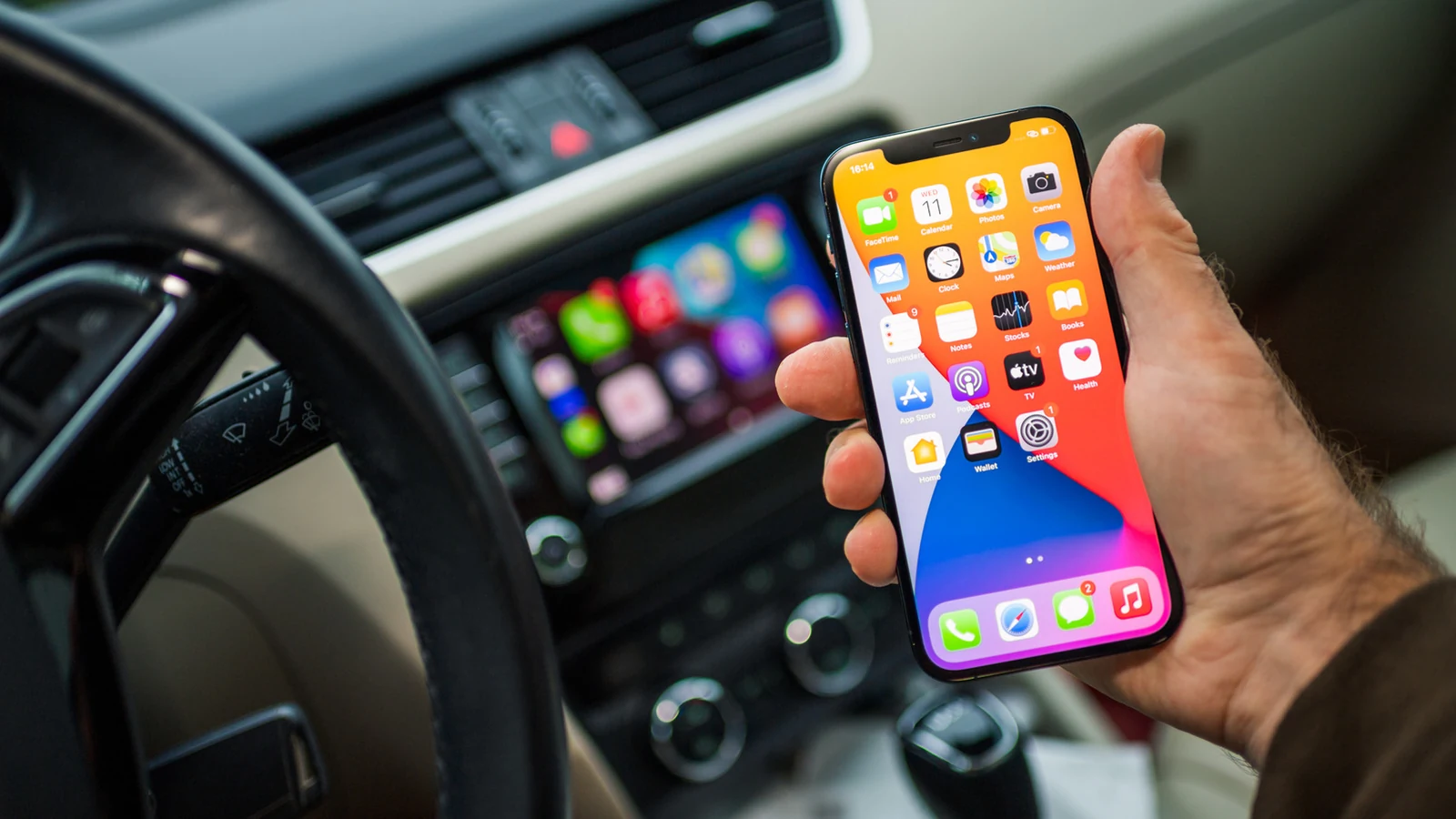
Apple has officially rolled out [iOS 27.2], bringing a host of system enhancements to iPhone users and directly affecting connected vehicle experiences. Because CarPlay is driven by the mobile operating system running on a connected device, the new software introduces notable adjustments to the in-car interface. Detailed further in reporting from [9to5Mac], the update specifically targets audio navigation and voice assistant capabilities.
The latest software package builds on broader updates covered extensively by [Engadget], noting that the rollout brings expanded functionality to both mobile handsets and dashboard displays. Drivers utilizing the ecosystem can expect several changes right away upon updating their devices.
Podcasts App Redesign on CarPlay
Among the primary interface adjustments is a complete redesign of the Podcasts application home tab. Apple has completely removed the traditional Up Next section, replacing it instead with two dedicated categories designed to streamline media navigation.
Users looking to track down the latest installments of their favorite shows will now find them located exclusively within the New Episodes section. Meanwhile, anyone hoping to pick up a show from the exact moment they left off can navigate directly to the newly introduced Continue Playing tab.
Siri AI Upgrades and Contextual Awareness
In addition to audio app layout changes, the new software release introduces advanced Siri AI capabilities to the driving interface. Mirroring the assistant's behavior on mobile handsets, Siri can now recall past conversations on CarPlay.
This conversational memory lets drivers ask the assistant to repeat previous information, such as earlier cafe recommendations provided during prior chats. Furthermore, Siri AI draws from a wider range of personal sources to construct detailed responses. These sources include voicemails, Safari history and Reading List entries, calendar event attendees, and photos attached directly within Messages.
Visual Adjustments and Community Reports
Beyond the core functionality upgrades, the update includes minor visual changes throughout the interface. Most notably, the familiar Music app icon has received a complete design pass. Apple has transitioned its classic red branding into a monochromatic style.
The icon now appears as a white background featuring a black music note when the system runs in standard mode. Conversely, when users activate dark mode, the color scheme inverts to a black background with a white music note.
Infotainment Compatibility Feedback
As users adopt the new version, community feedback has emerged across online forums. Members participating in discussions on the [CarPlay subreddit] have noted that certain third-party functionalities have shifted following the software installation.
Specifically, multiple users report that their infotainment systems no longer support APTV, an application previously utilized to stream videos directly onto car display screens. Apple has not issued a dedicated statement regarding third-party video app compatibility changes accompanying this mobile release.
Sources
- EngadgetiOS 27.2 brings two new features to Apple's CarPlay
Continue chronologically

Related entity coverage
Related stories
What the CarPlay bell icon means and how to manage it
Discover what the bell icon on your Apple CarPlay screen means, how it relates to Siri notifications, and ways to manage alerts while driving.

Apple Releases 27.2 System Updates With New Siri AI Tools
Apple has rolled out its 27.2 software updates across all platforms, bringing new Siri AI conversation recall features and five new languages.
Apple HomePod Mini 2 First Look: Speed, Style, and Bugs
A first look at the $149 HomePod Mini 2 reveals major speed improvements and a deep green design, but Siri AI and Mac speaker features fall short.
New Apple TV Refresh Rumored With Built-In Mic And Speaker Remote
According to the latest rumors, an overdue Apple TV refresh could feature a built-in microphone for Siri and an upgraded remote equipped with a speaker.