Apple HomePod Mini 2 First Look: Speed, Style, and Bugs
Apple's entry-level smart speaker returns six years after the original debut, bringing a faster S10 processor, Wi-Fi 6E support, and a striking new green color option.
 Radwan AbdulhadiEditor and technology writer
Introduction and Initial Impressions
When the $149 HomePod Mini 2 was first introduced at Apple’s Welcome Home event, initial reactions pointed toward disappointment. Six years after the launch of the original entry-level smart speaker, the second-generation device appeared to offer only a minor processor bump, cosmetic color updates, and improvements to AirPlay. Furthermore, with a price tag $50 higher than the original model's $99 debut, Apple kept the existing sound system intact, leading some observers to believe the company took a minimalist approach to the hardware update.
However, hands-on testing in home office environments tells a different story. The new Mini 2 proves significantly faster than its predecessor, initiating music playback within seconds and responding to smart home commands with rapid execution. For users frustrated by the extended waiting periods typical of the first-generation device, the performance enhancement provides a compelling reason to consider the hardware transition.
Performance Enhancements and Siri Improvements
The hardware architecture behind the device features the newer S10 processor, replacing the older S5 chip, alongside newly added Wi-Fi 6E support. While the most anticipated software upgrade, Siri AI, is slated for a future software update, the fundamental voice assistant capabilities show measurable improvements. Siri on the second-generation Mini operates much faster, routinely answering queries and executing basic requests in under three seconds.
When issuing commands to play music, check factual information, or control connected accessories like smart lights and window shades, response times consistently outperform the first-generation model. Older devices often required a wait of up to 10 seconds to complete identical tasks. In addition to speed gains, the Mini 2 handles smart home actions with quieter acknowledgments, executing adjustments without verbose verbal confirmations.
Design Updates and Aesthetic Variations
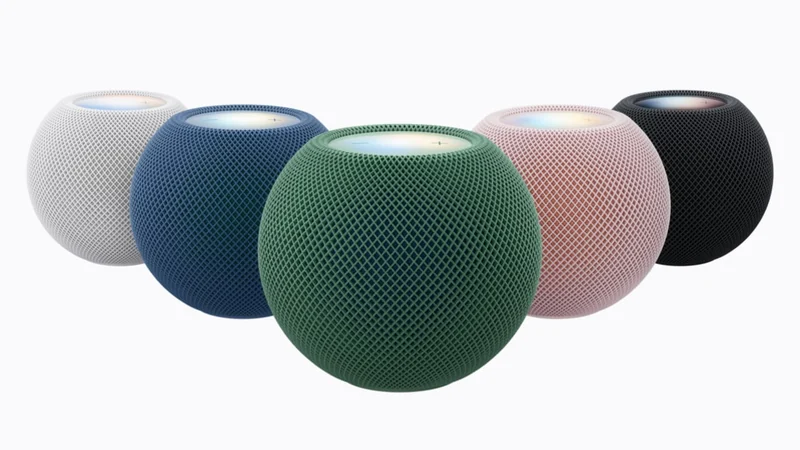
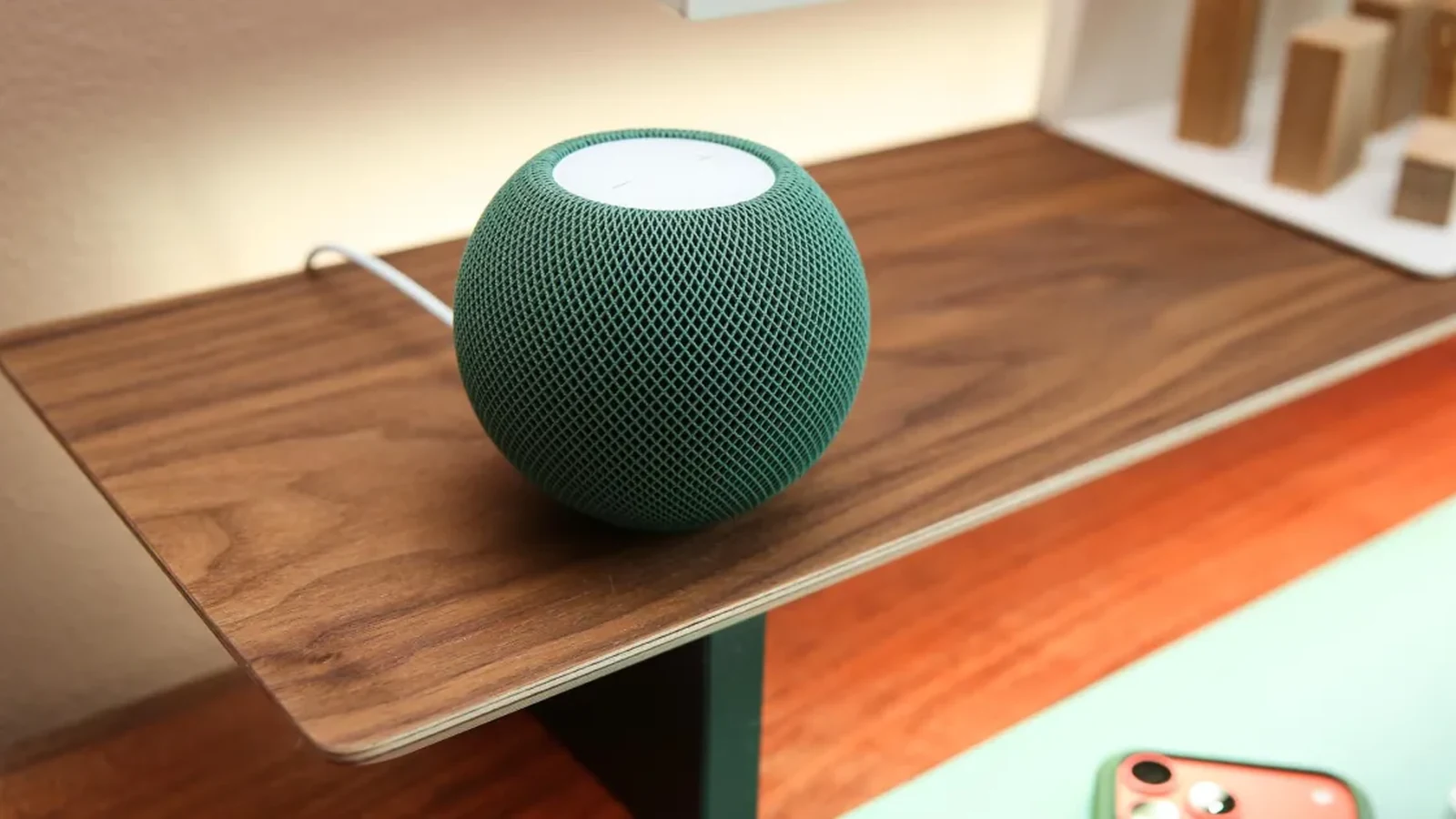
Aesthetic adjustments introduce a deep green option that reviewers describe as sophisticated and well-suited for diverse interior settings. This color stands in contrast to the brighter yellow and orange options seen in prior iterations. Other shades available in the lineup include a pale pink and a blue colorway that closely mirrors the previous generation's blue finish.
Placed alongside computer setups or monitor stands, the speakers maintain the compact form factor of the original design while delivering clear mids, balanced vocals, and notable bass performance. Utilizing two units as a stereo pair creates a room-filling audio profile, though using them strictly as computer peripherals represents a substantial investment.
New Controls and Sound Glow Features
Quality-of-life enhancements arrive through new software settings inside the Home app. Users can now lock the top touch controls of the speaker, preventing accidental activations—such as unexpectedly triggering music playback during nighttime hours. This locking capability applies broadly across both older and newer HomePod models.
Another addition to the top LED interface is Sound Glow, which synchronizes light colors with the album artwork of currently playing media. While compatible with the first-gen Mini and the second-gen HomePod, the visual effect is subtle and restricted to Apple Music and Podcasts, offering a modest visual accent rather than a transformative listening feature.
Mac Integration Hurdles and Conclusions
A major focal point of the second-generation release is its capability to serve as a default speaker for compatible Mac computers via a persistent AirPlay connection. Designed to create a direct point-to-point wireless link for single speakers or stereo pairs, the feature aims to streamline desktop audio routing. However, early testing on supported hardware, such as an M4 Mac Mini running macOS 27.2 alongside updated HomePods, encountered setup roadblocks.
During testing, the expected configuration options failed to appear within the macOS Sound pane, preventing the HomePod from establishing a true default system output device. Instead, the hardware connected via standard AirPlay protocols, carrying typical limitations such as audio drop-offs, latency with system notifications, and automatic reversion to built-in computer speakers following system restarts or Siri activations.
Even after complete device resets, the designated Mac speaker integration remained inaccessible, and Apple has not yet provided official comment. As testing continues, the combination of processing speed improvements and design choices positions the HomePod Mini 2 as a notable hardware revision, tempered by software features that remain incomplete or non-functional at launch.
Sources
- The VergeHomePod Mini 2 first look: Three things I love and one disappointment
Continue chronologically

Related entity coverage
Related stories
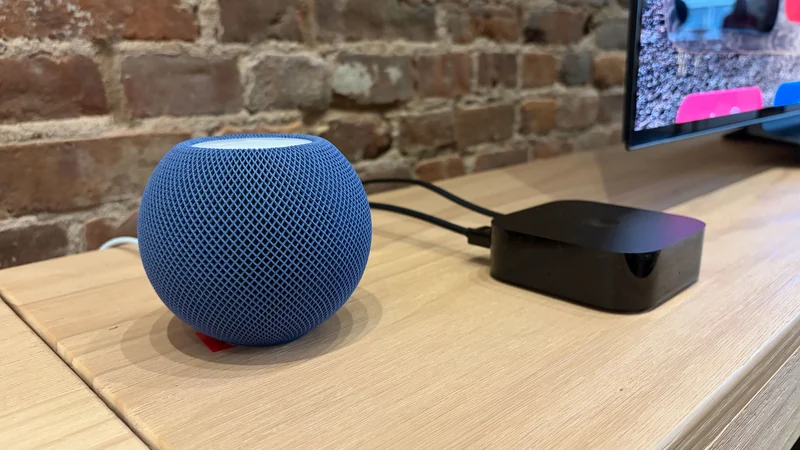
Hands-On With Apple TV 4K And HomePod Mini 2
Explore hands-on impressions of the updated Apple TV 4K, HomePod mini 2, built-in Siri AI features, and expanded home theater audio setups.
Why Your AirPods Keep Disconnecting and How to Fix It
Discover why your AirPods keep disconnecting or swapping devices without warning, and learn how to adjust your settings to fix the issue.
New Apple TV Refresh Rumored With Built-In Mic And Speaker Remote
According to the latest rumors, an overdue Apple TV refresh could feature a built-in microphone for Siri and an upgraded remote equipped with a speaker.
Apple announces HomePod mini 2 with Siri AI
Apple has announced HomePod mini 2 with Siri AI, new colors, enhanced audio features, and four-speaker surround sound with Apple TV 4K.