Google Photos Rolls Out Customizable Collections Tab Redesign
Google Photos for Android is introducing a major update that brings extensive customization options to the Collections tab, following earlier interface updates like the floating navigation bar.
 Radwan AbdulhadiEditor and technology writer
A Major Overhaul for the Collections Tab
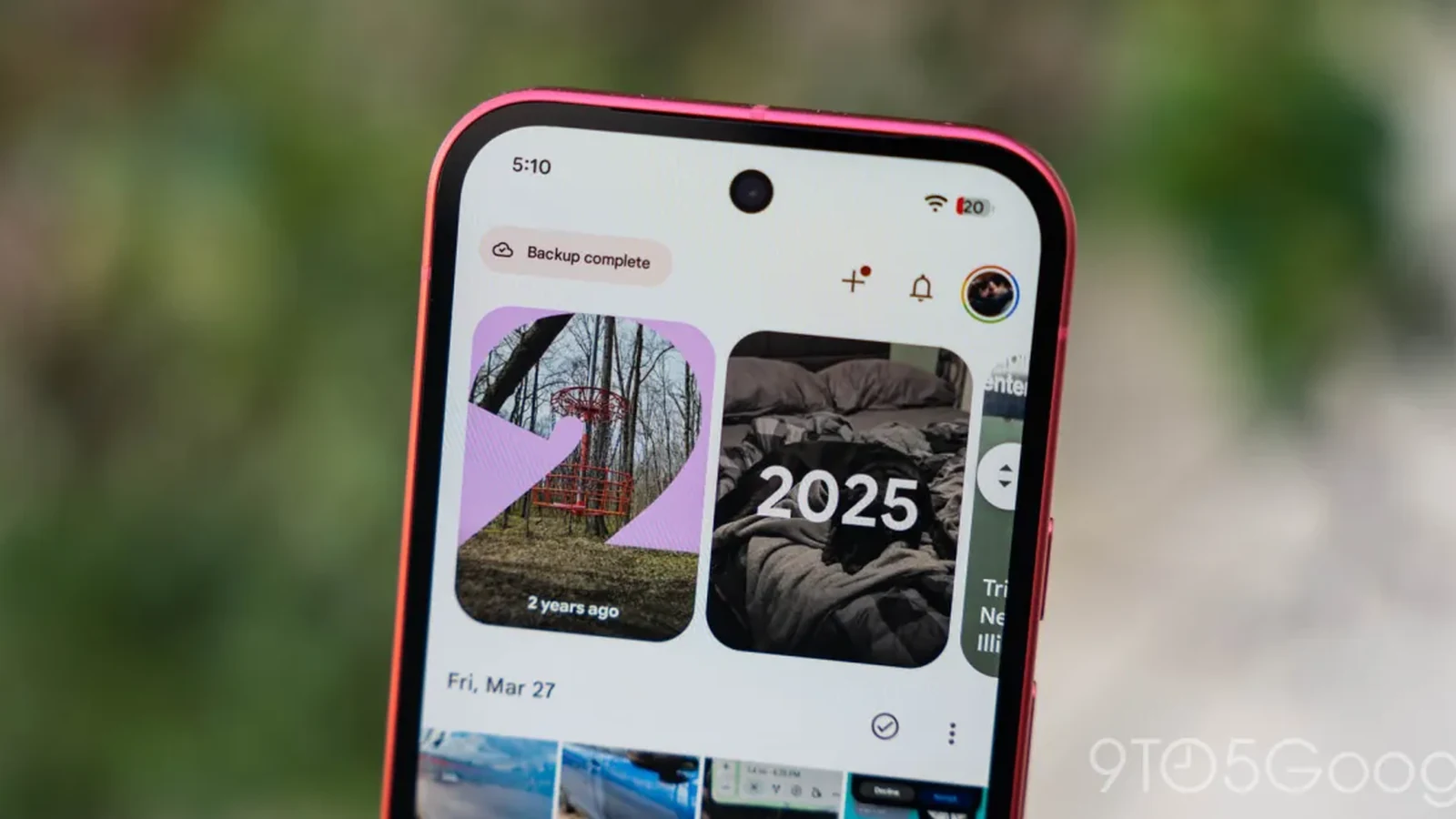
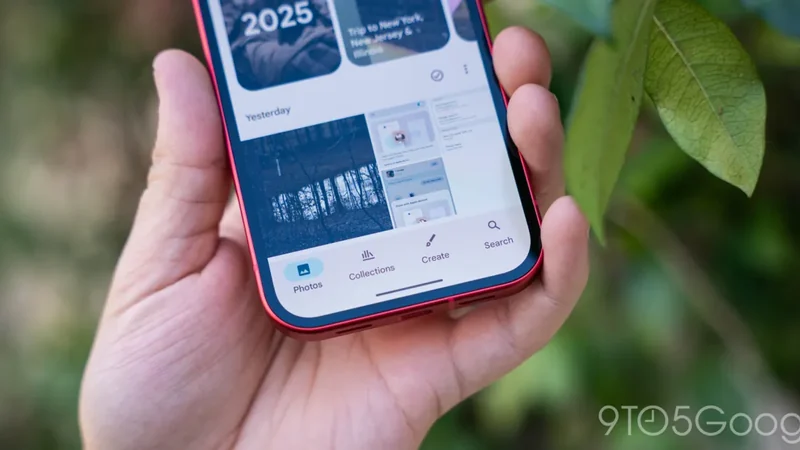
Google Photos for Android is introducing a significant update to its user interface, following the rollout of the floating navigation bar earlier this year. According to a report by 9to5Google, the update focuses heavily on personalization, giving users unprecedented control over how their photos and folders are organized within the app.
The previous layout relied on a fixed 2x2 grid structure at the top, featuring Favorites and Trash alongside dynamic shortcuts that changed based on user habits. Below that were large cards for categories such as Albums, On this device, People & pets, Wardrobe, Documents, Places, Stickers, and Moments, followed by an Android-specific list containing Screenshots, Videos, Recently Added, Archive, and Locked items.
Introducing the Pinned Section and Custom Carousels
The core of the new redesign centers around customization. The interface now starts with a dedicated 'Pinned' section configured as a carousel, letting users choose precisely which cards appear. By default, this carousel highlights Favorites, Screenshots, and Trash. For users who prefer a cleaner layout, the application also provides the flexibility to remove the Pinned section entirely.
Following the Pinned section, users will find individual carousels for other major categories, including On this device, Albums, People & pets, Wardrobe, Places, and Documents. A 'View all' button located in the top-right corner allows users to immediately jump into a full grid or list view of their content.
Hiding, Rearranging, and Other Collections
Beyond selecting pinned items, the redesign empowers users to hide individual sections completely and rearrange the order in which they appear on the page. This granular control ensures that the most frequently used photo categories remain easily accessible.
Rounding out the bottom of the page is the 'Other Collections' grid, which houses shortcuts for Favorites, Screenshots, Moments, Videos, Recently Added, Stickers, Creations, Archive, Locked, and Trash. A dedicated 'Reorder' button is conveniently placed at the very bottom of the view to manage the layout.
Availability and Rollout Details
The customizable Collections tab redesign is currently rolling out widely as part of version 7.97. While the update arrives via a server-side mechanism, users looking to trigger the new interface can often do so by restarting their mobile devices and subsequently launching the Google Photos app.
Sources
- 9to5GoogleGoogle Photos rolls out customizable redesign of your ‘Collections’ tab
Continue chronologically
Related entity coverage
Related stories
Google Fixes Annoying Photos Bug Hiding Edited Images
Google resolves a frustrating bug in its Android image gallery app that caused edited photos to disappear from other applications' image pickers.
Google Photos Fixes Bug That Hid Edited Images From Android Apps
Google has rolled out a fix for a frustrating bug in Google Photos that made edited pictures invisible to other Android apps since over the summer.
How to Clean Up Storage Space on Your Android Phone
Discover effective ways to reclaim storage on your Android device by managing apps, clearing caches, handling media, and utilizing smart tools.
Gemini for Android Rolls Out Side Panel and Settings Redesign
The Gemini app for Android has rolled out fresh redesigns for both its side panel and settings menu following previous updates.