How to Run Android Auto Outside Your Car for Productivity
A spare Android tablet, a USB cable, and a receiver app can bring the car-centric software to a desk or kitchen counter.
 Radwan AbdulhadiEditor and technology writer
Bringing Android Auto to Your Desk
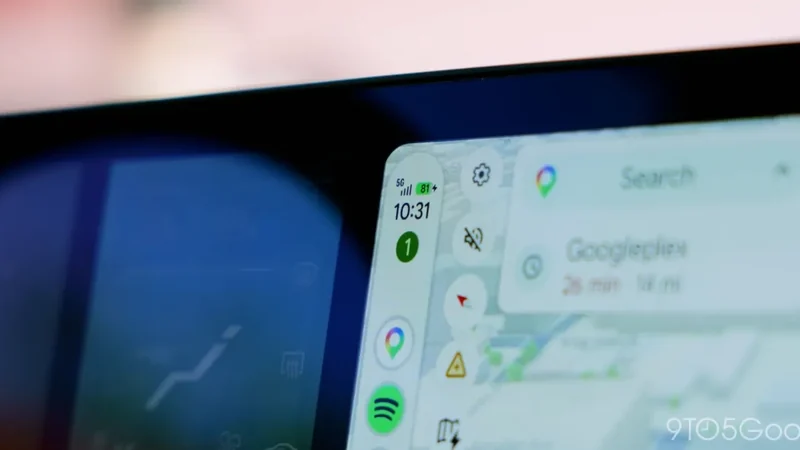
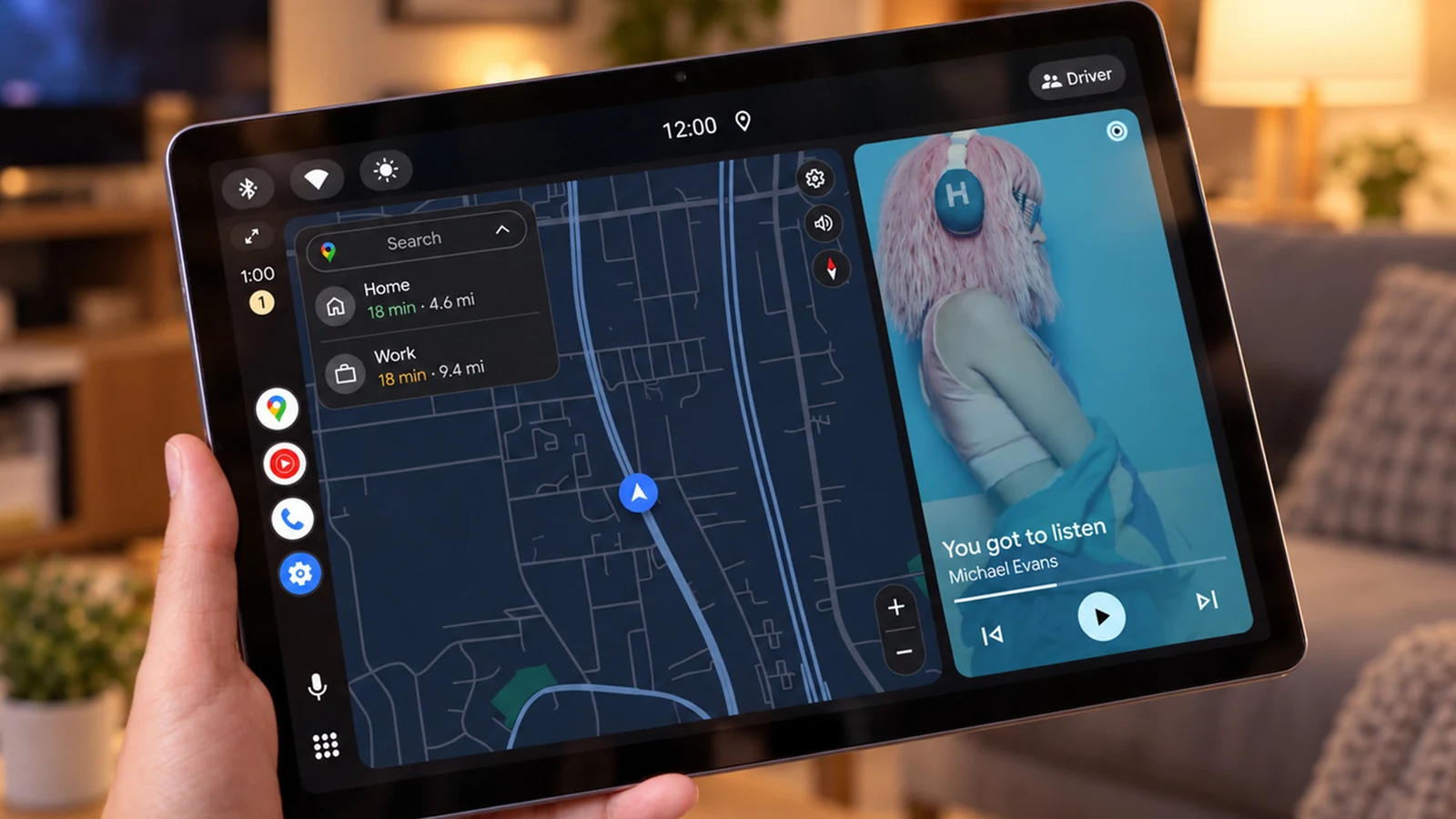
While typically reserved for vehicle dashboards, Android Auto can be used elsewhere with the right setup according to recent reports. By using a spare tablet, a USB cable, and a paid app, users can bring the software to a desk or kitchen counter. This method allows you to repurpose an old Android tablet as an Android Auto display even when you are nowhere near a vehicle.
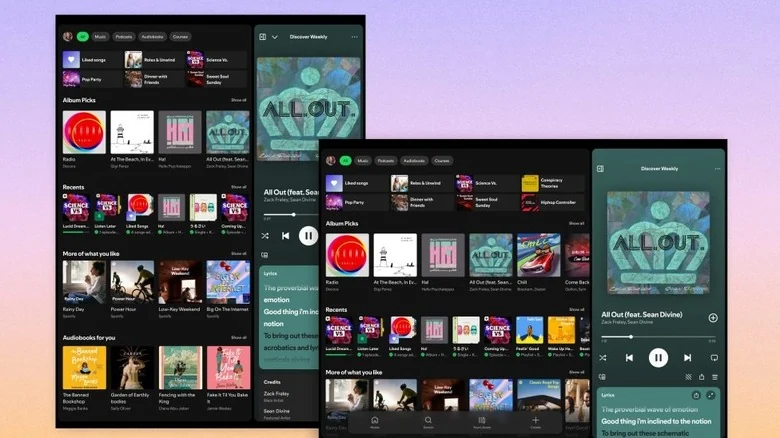
The software runs by having your phone handle the processing power while projecting a simplified interface onto a compatible second display. Because older or aging tablets often struggle to run modern standalone applications smoothly, offloading the processing to a capable phone can breathe new life into spare hardware.
Required Hardware and Apps
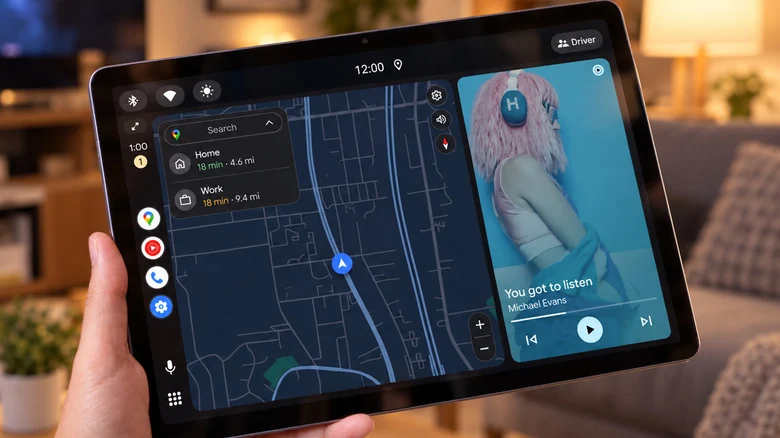
To set up a wired configuration, you will need an Android phone running Android 11 or newer, a spare Android tablet or phone, and a data-capable USB cable. Because Android Auto is already integrated into compatible phones, you only need to install a third-party receiver app on the second device.
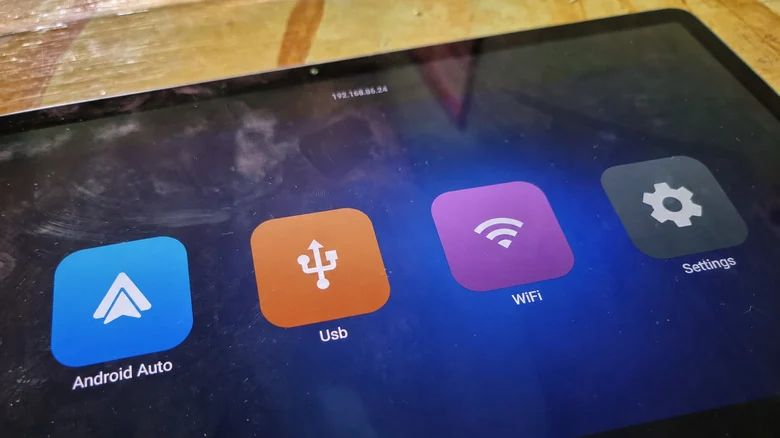
Available options on Google Play include Open Headunit, which is compatible with Android 5.0 or newer on the receiving device, and Headunit Reloaded. After connecting the tablet to your phone using a USB cable and selecting Android Auto in your phone's USB options, you can open the app on the tablet, grant permissions, and choose your phone from the device list to finish connecting.
Alternative Connection Modes and Developer Settings
If you prefer to avoid keeping your primary phone physically connected to the tablet, both receiver apps offer a Self-Mode. This alternative runs Android Auto directly on the same device, though it requires the secondary device to have a working Android Auto installation of its own.
Developers note that newer versions of Android Auto may require starting the head unit server through Android Auto's developer settings before Self-Mode will function properly. Wireless connections between the two devices are also possible, though they require more configuration steps than a standard USB connection.
Productivity Benefits and Distraction Filtering
Using Android Auto outside of a vehicle offers unexpected productivity benefits by acting as a distraction filter. Keeping a simplified screen in view on your desk or kitchen counter can help prevent you from constantly picking up your phone. With large, driving-friendly controls, you can easily pause music or skip podcasts without unlocking your handset.
Furthermore, messages can be read aloud and answered using voice commands. On compatible systems, assistant features can respond to queries and manage smart home gadgets, although this functionality can sometimes vary in reliability.
Because Android Auto limits the selection of active applications, users avoid opening endless feeds or getting distracted by social media when they only intended to check a simple notification or track title. However, the setup comes with minor compromises, such as maps dominating the dashboard display when stationary and primary phones needing to remain connected.
Sources
- EngadgetAndroid Auto can be used outside of your car: Here's how
Continue chronologically
Related entity coverage
Related stories
Google Fixes Android Auto Issues on One UI 9 Galaxy Phones
Google confirms a fix has been rolled out for Android Auto connection and performance problems on Samsung Galaxy devices running the new One UI 9 update.
Android Auto Gaming Support Officially Launches for Cars
Android Auto now supports in-car gaming while parked. Discover which games are available, how to install them, and how safety measures work.
Google Confirms Rollout of Fix for Android Auto Signal Icon
Google has officially confirmed that a fix is rolling out to resolve the missing cellular signal icon issue on Android Auto displays.
Google Confirms Fix for Missing Android Auto Signal Icon
Google has officially confirmed that a fix is rolling out to address the missing cellular signal icon issue on Android Auto displays.