Testing Windows 7 Gaming Performance on a Modern PC
An experiment tests how a 17-year-old operating system handles modern gaming hardware compared to contemporary software.
 Radwan AbdulhadiEditor and technology writer
Putting a Decades-Old OS to the Test
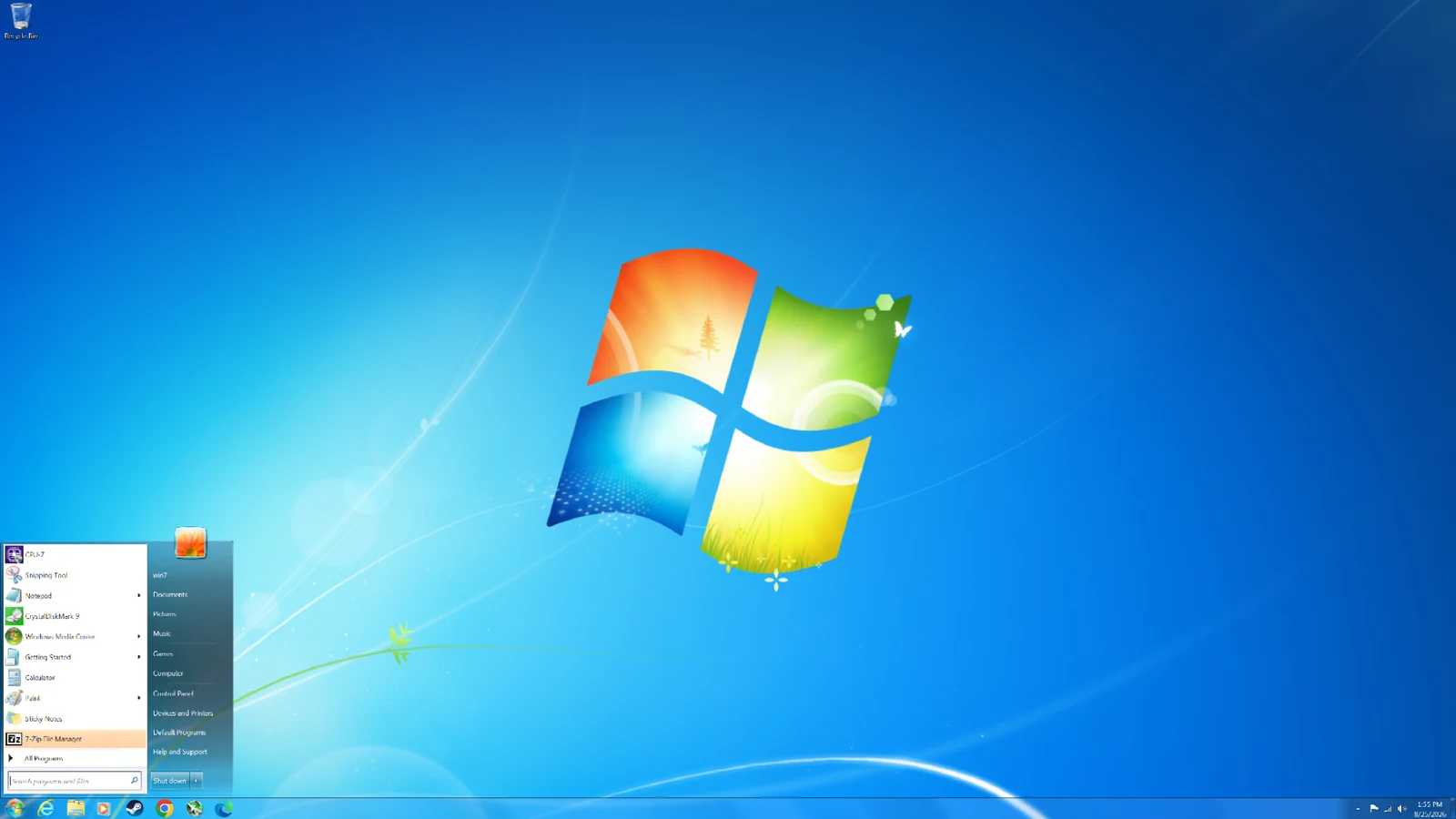
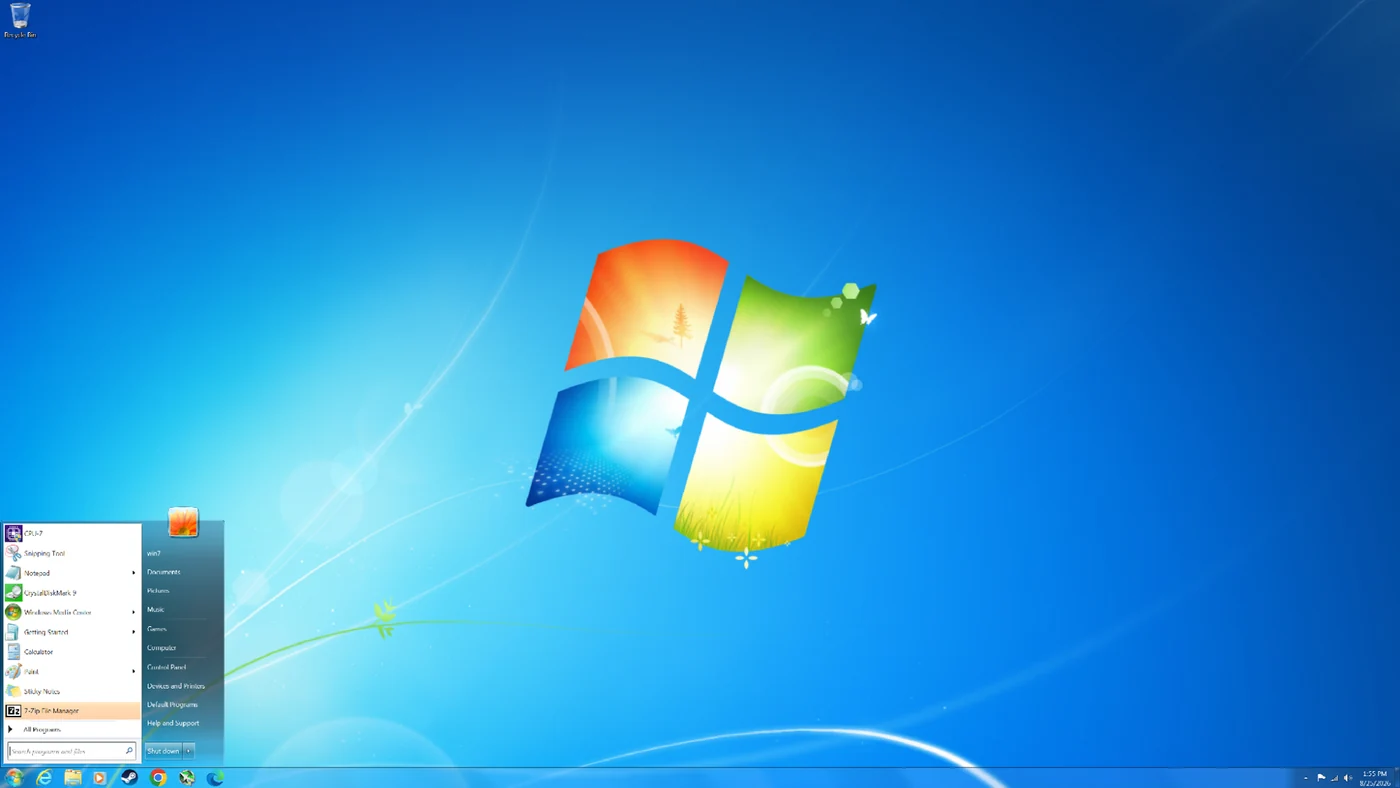
After launching in 2009 following the difficult reception of Windows Vista, Windows 7 remains one of the most beloved versions of the operating system. Even 17 years later, testers decided to install the legacy operating system on a modern gaming PC to see how its performance compares against contemporary systems like Windows 11
The evaluation put the aging operating system through its paces across eight DirectX 11 games and two DirectX 9 titles. While Windows 7 retained many underlying technologies introduced in Vista—such as improved memory management and native processor power management—running it on modern hardware presented unique software and driver challenges.
The Challenge of Modern Hardware Compatibility
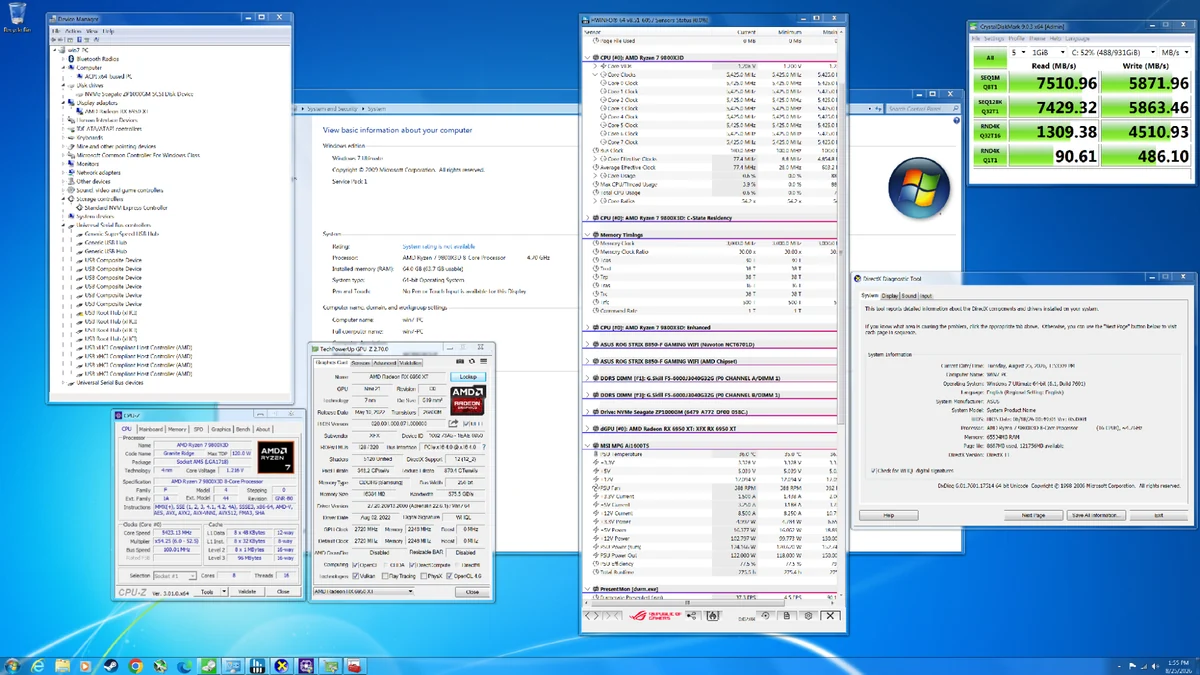
Getting Windows 7 running on a modern PC is not straightforward because the operating system predates many technologies standard in current hardware. For example, Windows 7 lacks native NVMe or USB 3.0 support, requiring users to slipstream necessary drivers into the installation ISO. Furthermore, there are no official chipset drivers for modern platforms like AMD's AM5.
Fortunately, the testing setup utilized an RDNA 2 GPU with Windows 7 driver support and a motherboard that still supported the Compatibility Support Module (CSM) and legacy boot. For the testing configuration, Secure Boot was disabled, CSM was enabled, and Boot Device Control was set to Legacy OPROM Only on Windows 7, while Virtualization-Based Security (VBS) and Hypervisor-Protected Code Integrity (HVCI) were disabled on Windows 11.
DirectX 9 and DirectX 11 Game Evaluation
The testing suite focused primarily on DirectX 11 titles, which both operating systems support natively. For DirectX 9 games, the Windows 11 system ran titles through the D3D9On12 mapping layer, whereas the Windows 7 system ran them natively. This setup gave Windows 7 a natural out-of-the-box advantage for DirectX 9 software.
Performance advantages varied depending on whether a given scenario was CPU-limited or GPU-limited. While Windows 11 often achieved higher average frame rates due to a more advanced graphics driver codebase, Windows 7 frequently demonstrated lower CPU overhead and superior frame pacing in specific situations.
Game-Specific Performance Insights
In Metro 2033 Redux, a title released in 2014 that is predominantly GPU-bound with occasional CPU bottlenecks, Windows 11 delivered a higher average frame rate. However, Windows 7 handled CPU-related performance drops much better, resulting in significantly stronger 1% lows.
Similarly, testing with Batman: Arkham Origins showed that when CPU-limited at 1080p, Windows 7 outperformed Windows 11 in both average frame rate and 1% lows. In Batman: Arkham Knight, Windows 7 again delivered higher performance at 1080p during CPU-limited conditions, while Windows 11 took the lead once the system became GPU-limited at higher resolutions like 1440p and 4K.
Source Information and Links
For complete details, full methodology, and additional game benchmarks, the original report can be read at Tom's Hardware. Readers can also review the platform terms and conditions or privacy policy for further information regarding the published content.
Sources
- Tom's HardwareWe tested gaming performance in 17-year-old Windows 7 on a modern gaming PC against Windows 11
Continue chronologically
Related stories
Microsoft adds Intel APX support to Windows 11 Insider
Microsoft is preparing for future processors by introducing an early Advanced Performance Extensions setting for Windows 11 Insiders.

Alienware RTX 5090 and Ryzen 9 9950X3D Gaming PC Deal
Discover a powerful Alienware gaming PC featuring an RTX 5090 and AMD Ryzen 9 9950X3D available for $7,499, offering surprising value amid rising hardware costs.
Oldest Working Windows 11 GUI App Found in 1992
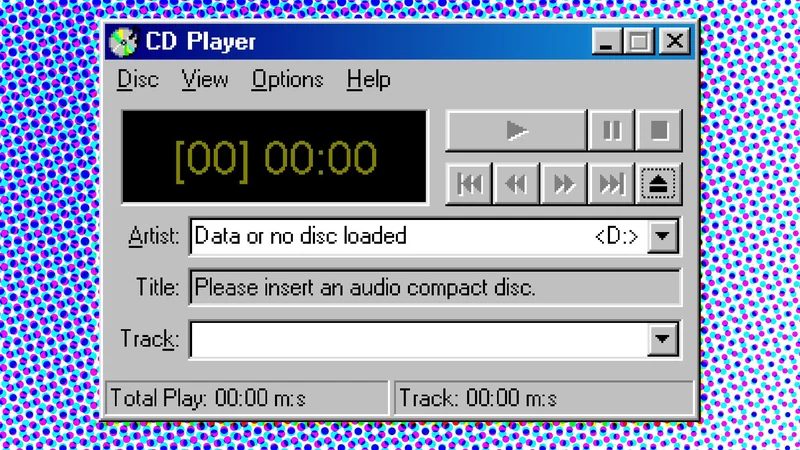
A technology enthusiast discovers that CDPLAYER.EXE from November 1992 is the oldest GUI application working natively on Windows 11.
Windows 11 Marks Five Years Since Official Release
Microsoft's operating system marks its fifth anniversary since release, reflecting on early hardware controversies, AI pushes, and recent updates.