Microsoft Surface Laptop Ultra Review: A New Arm-Based Pro Rival
Microsoft has partnered with Nvidia to release the Surface Laptop Ultra, an all-aluminum Windows competitor aimed at creative professionals and local AI tasks.
 Radwan AbdulhadiEditor and technology writer
Hardware Design and Display Features
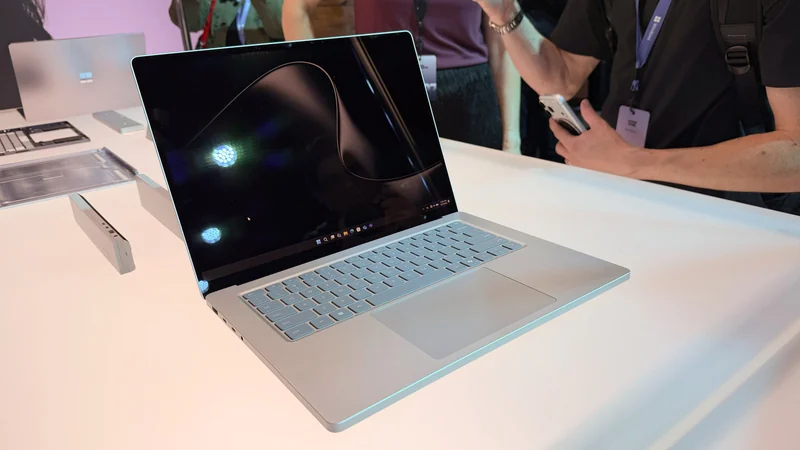
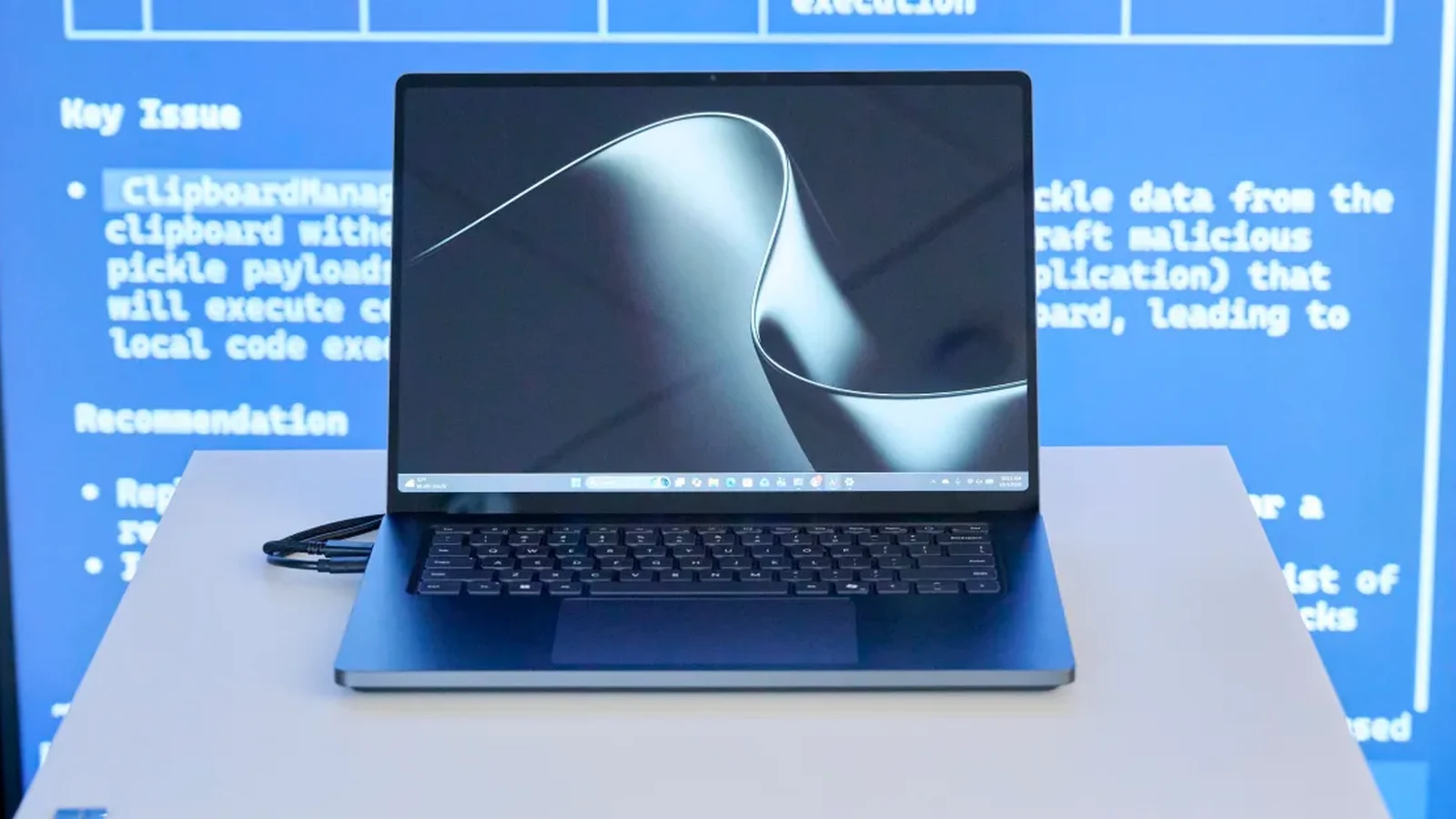
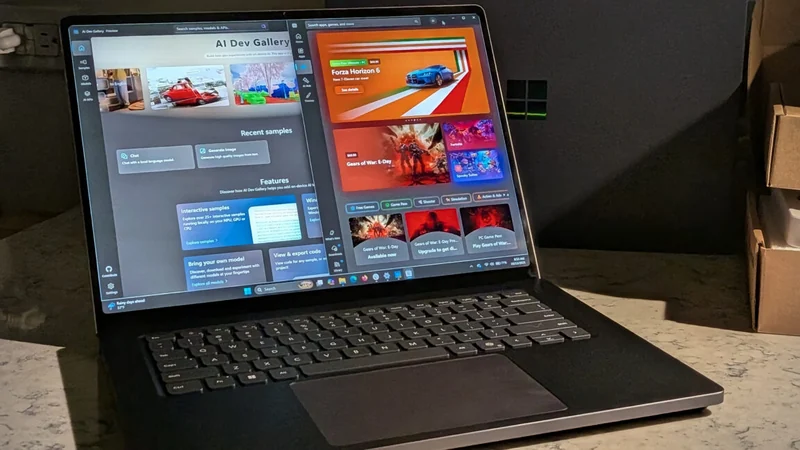
Microsoft has introduced a high-end Windows machine designed to compete directly with Apple's professional laptops. The hardware design incorporates an all-aluminum build, a large haptic trackpad, and a nightfall color option that mirrors space black finishes found on alternative pro laptops.
A standout hardware addition is the 15-inch mini-LED display, which delivers up to 2,000 nits of peak HDR brightness at 262 pixels per inch with a 3270 x 2180 resolution. Unlike traditional Apple pro laptops, the Surface Laptop Ultra utilizes a 3:2 touchscreen configuration tailored for tasks like reading text, writing code, and editing photos.
Performance and Nvidia RTX Spark Specifications
The laptop runs on Nvidia's new Arm-based RTX Spark chips, representing a significant push for Windows on Arm. The testing configuration features a 20-core CPU codesigned by Nvidia and MediaTek, paired with a 6,144-CUDA-core GPU roughly comparable to a mobile RTX 5060, alongside 128GB of unified memory and a 1TB Gen 5 SSD, priced at $5,899. Meanwhile, users can find the [Microsoft Surface Laptop Ultra](https://bestbuy.7tiv.net/c/482924/614286/10014?u=https%3A%2F%2Fwww.bestbuy.com%2Fproduct%2Fmicrosoft-surface-laptop-ultra-15-3k-touchscreen-nvidia-rtx-spark-n1x-18-core-2026-24gb-memory-512gb-storage-platinum%2FJJGXP3CQW2) starting at [$2599 at Best Buy](https://bestbuy.7tiv.net/c/482924/614286/10014?u=https%3A%2F%2Fwww.bestbuy.com%2Fproduct%2Fmicrosoft-surface-laptop-ultra-15-3k-touchscreen-nvidia-rtx-spark-n1x-18-core-2026-24gb-memory-512gb-storage-platinum%2FJJGXP3CQW2) or as [$2599 at Microsoft](https://www.microsoft.com/en-us/surface/devices/surface-laptop-ultra) for a configuration packing an 18-core CPU, a 5,120-CUDA-core GPU, and 24GB of unified memory.
According to initial reviews, the machine is built to handle local AI models, creative applications, and AAA games simultaneously. However, getting the full benefit from the high-end hardware often requires coding experience and familiarity with experimental AI agents.
Local AI Capabilities and Real-World Usage
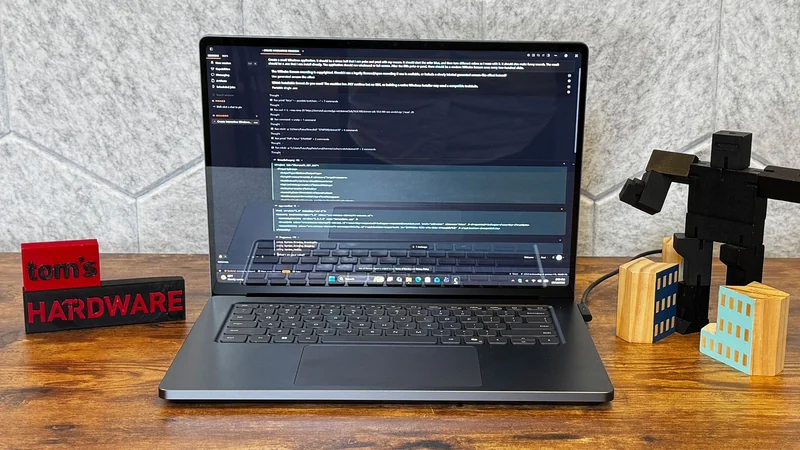
Out of the box, the laptop prompts users to select an AI agent from options such as Hermes, OpenClaw, and Perplexity. Testing these agents with models like Qwen3.8-27B demonstrated that running local AI can heavily load the system, causing cooling fans to spin at maximum speed and generating substantial heat during tasks.
While the promise of running local models natively on a Windows laptop is compelling, the current implementation feels closer to a beta experience. Users without specialized technical workflows may find that standard tasks require extra patience and trial-and-error configuration.
Ports, Magnetic Connect, and Peripherals
The port selection on the device includes three USB-C ports, a USB-A port, a single HDMI 2.1b port, an SD card reader, and a headphone jack. A notable innovation is Microsoft's Magnetic Connect feature, integrated into the right-hand USB-C port, which allows the charging cable to snap effortlessly into position.
The large haptic trackpad offers subtle tactile feedback across Windows 11 and compatible applications like PowerPoint, helping users align objects and navigate interfaces smoothly. Additionally, a 1080p front-facing camera supports Windows Hello authentication alongside Windows Studio Effects like automatic framing and background blur.
Hardware Quirks and Software Observations
Reviewers highlighted several minor hardware bugs and software quirks during testing. For instance, unplugging a fully charged laptop sometimes caused Windows to temporarily report a 97 percent battery level.
Addressing this behavior, Microsoft spokesperson Moses Nsereko explained that the device pauses charging when full and only resumes once the level drops to 95 percent to minimize long-term battery wear. Additional reports noted occasional speaker audio interference resembling firecrackers, minor display ghosting, and slow reboot times, though many of these issues are expected to be addressed through future software updates.
Sources
- The VergeSurface Laptop Ultra review: a different kind of MacBook Pro
Continue chronologically

Related entity coverage
Related stories
Nvidia RTX Spark Tested in Microsoft Surface Laptop Ultra
Tom's Hardware puts Nvidia's RTX Spark platform and Microsoft's Surface Laptop Ultra to the test, revealing strong local AI performance.
Surface Laptop Ultra: RTX Spark Hardware Meets Early Software Growing Pains
Microsoft’s new Surface Laptop Ultra enters the market as a high-end Windows competitor featuring Nvidia RTX Spark chips for local AI and gaming.
Microsoft Surface Laptop Ultra Review: RTX Spark Meets Design
Explore the new Microsoft Surface Laptop Ultra featuring Nvidia's RTX Spark platform, luxury design, robust ports, and Windows on Arm performance.
Microsoft Reveals Surface Laptop Ultra With NVIDIA RTX Spark
Microsoft introduces the Surface Laptop Ultra, a powerful premium device powered by NVIDIA's RTX Spark starting at $2,599 for developers and power users.