
How to Join a FaceTime Call from Android or Windows Devices
While FaceTime is traditionally associated with Apple, users on other platforms can participate in calls via web links. Here is how to navigate the cross-platform experience.
 Radwan AbdulhadiEditor and technology writer
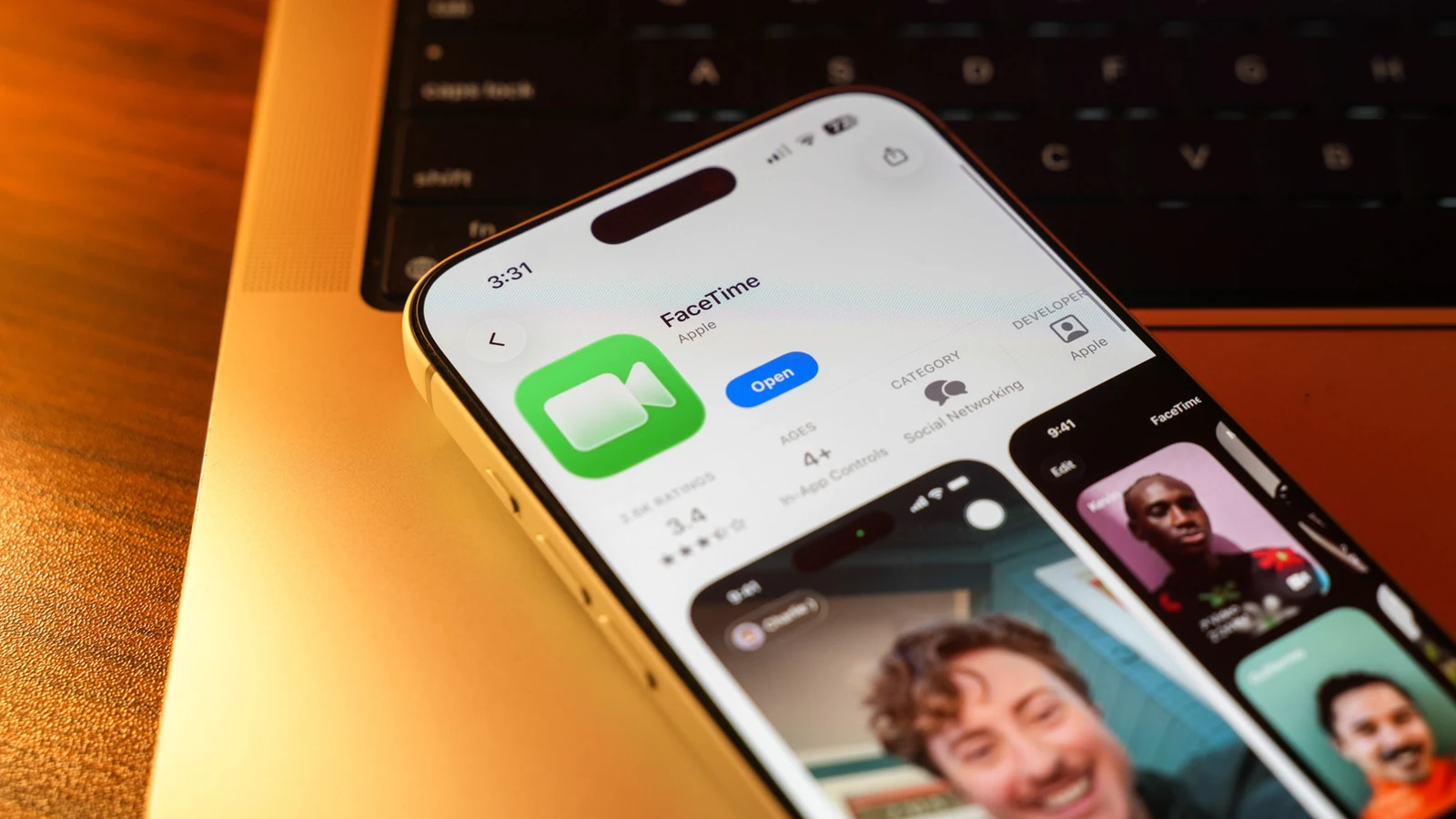
Breaking the Apple-Exclusive Barrier
For many years, FaceTime remained a siloed application, strictly reserved for the <a href="https://www.engadget.com/category/apple/">Apple</a> ecosystem. This limitation often created social friction when iPhone users attempted to coordinate video calls with friends who preferred Android or Windows hardware. However, this changed when <a href="https://www.engadget.com/apple-facetime-wwdc-2021-171840284.html">it arrived back in 2021 with iOS 15 and macOS Monterey</a>, introducing the ability for non-Apple users to participate in calls via a web browser.
While it is not a native application experience, this functionality allows those without an iPhone or Mac to stay connected. As noted by <a href="https://www.engadget.com/2260287/how-to-join-facetime-call-android-phone-windows-pc/">Engadget</a>, users do not need an Apple Account to join these calls, nor do they need to download specialized software, as the entire process is handled through a web browser.
The Process for Joining a Call
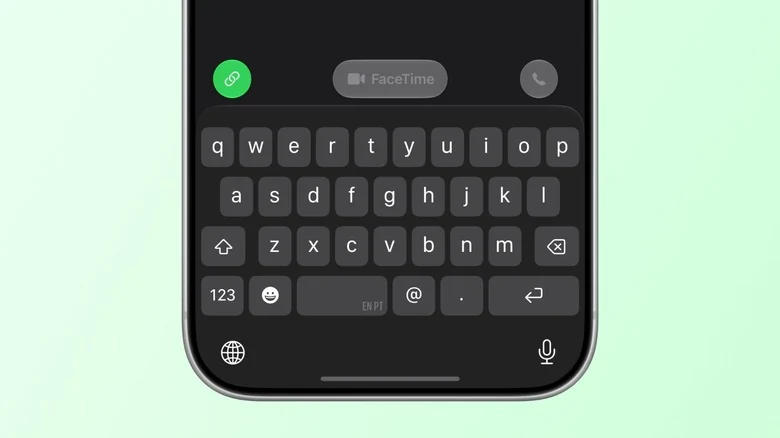
The primary limitation for non-Apple users is that they cannot initiate a FaceTime call; they must wait for an invitation. To begin, an iPhone, iPad, or Mac user must open their FaceTime app and tap 'New Call.' From there, they can select the 'Create Link' or 'Add People' option to generate a unique URL, which can be shared via message apps like <a href="https://web.whatsapp.com/">WhatsApp</a>.
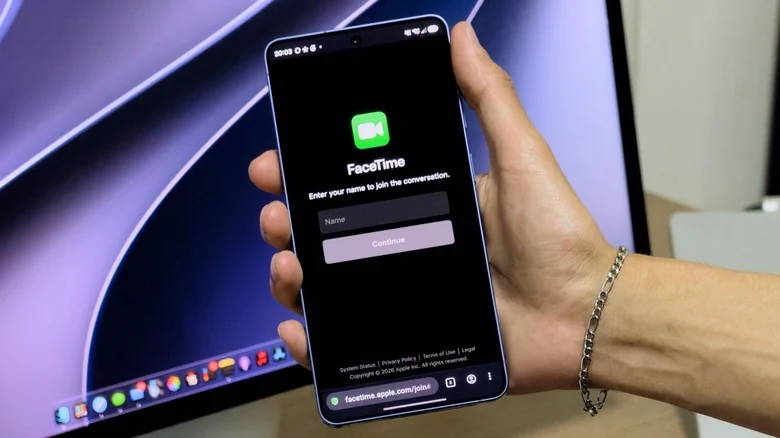
Once the link is received on an Android phone or Windows PC, the recipient simply opens it in their browser. The user is prompted to enter their name, after which the browser will request permission to access the camera and microphone. Once permissions are granted, the user can join the call. To ensure the experience is as stable as possible, Apple recommends maintaining a <a href="https://www.engadget.com/2250412/what-is-good-speed-home-internet-how-to-test/">strong internet signal</a> and using the latest versions of browsers such as Chrome or Edge.
Functionality and Feature Limitations
Participants joining from a web browser have access to essential call management tools, such as the ability to mute the microphone, toggle the camera, and enter full-screen mode. Both audio and video streams are supported, allowing for a functional communication experience.
However, the browser-based version lacks the depth of the native Apple experience. Users on non-Apple hardware are unable to utilize advanced features such as screen sharing. Furthermore, SharePlay, which allows users to synchronize media playback like movies or music, is currently unavailable on these devices.
When to Use Cross-Platform Alternatives
While FaceTime serves as a convenient tool for many, it is not the only option available for users needing cross-platform video conferencing. In many instances, using a dedicated application designed for multi-platform support may offer a more robust experience. Common industry alternatives include <a href="https://www.zoom.com/">Zoom</a>, <a href="https://meet.google.com/home">Google Meet</a>, or <a href="https://web.telegram.org/">Telegram</a>.
Sources
- EngadgetHow to join a FaceTime call with your Android phone or Windows PC