
Why the iPhone Does Not Support Wired Printer Connections
Apple's mobile operating systems were never engineered to support direct wired printer connections, leaving users with older equipment to rely on wireless workarounds.
 Radwan AbdulhadiEditor and technology writer
The Challenge of Wired Printing on iOS
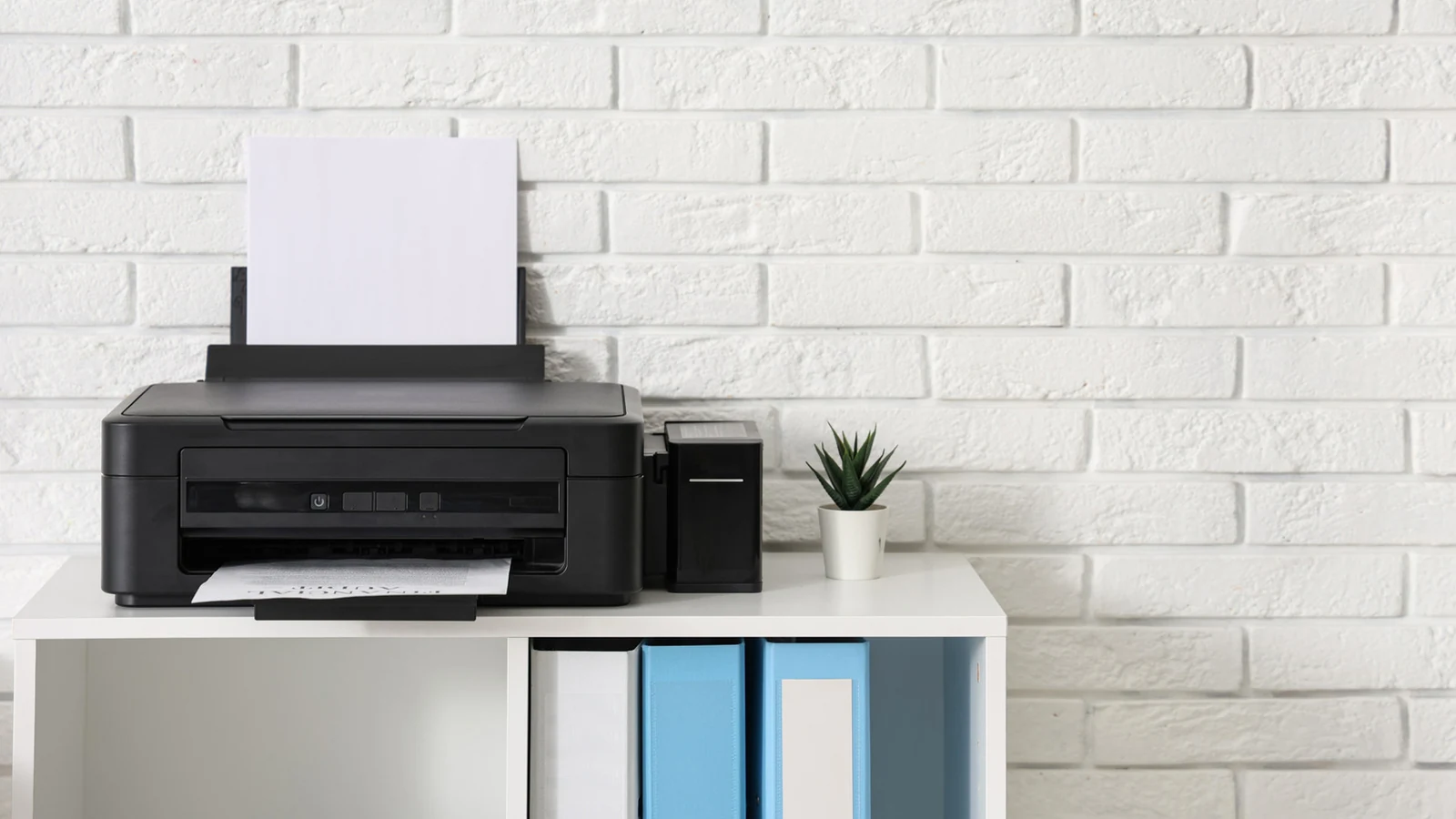
Printers are widely recognized as some of the most maligned and problematic pieces of tech, frequently causing errors even when users follow every setup step correctly. When attempting to connect an older printer without wireless capabilities directly to an iPhone using a cable, users quickly discover that the connection fails entirely.
The root cause stems from the foundational design of Apple's mobile devices. The iPhone was never designed to process print jobs over a physical cable, and plugging an iPhone into a printer via special adapters yields no results because iOS lacks the necessary software layer to communicate with the hardware.
The Absence of Native Driver Support
Every printer model requires a unique set of drivers to function correctly. While desktop operating systems allow users to easily download these drivers from manufacturer websites, iOS and iPadOS do not offer native driver support.
Apple's omission of driver support is an intentional design choice, as managing the vast array of hardware drivers would introduce massive complexity to mobile operating systems. Consequently, even when utilizing adapters that enable USB On-The-Go connections, an iPhone simply cannot recognize or talk to a connected printer.
Wireless Standards and App Limitations
Since late 2010, Apple has supported AirPrint, providing a streamlined wireless printing standard across iPhones and iPads. For legacy hardware, standalone applications created by manufacturers offer alternative wireless options, though their supported model catalogs only extend back so far.
Users looking for direct software solutions often encounter platform boundaries. While certain Android apps support direct USB printing, no direct equivalent exists on iOS, marking a notable disadvantage between Android and iPhone users.
Workarounds and Alternative Solutions
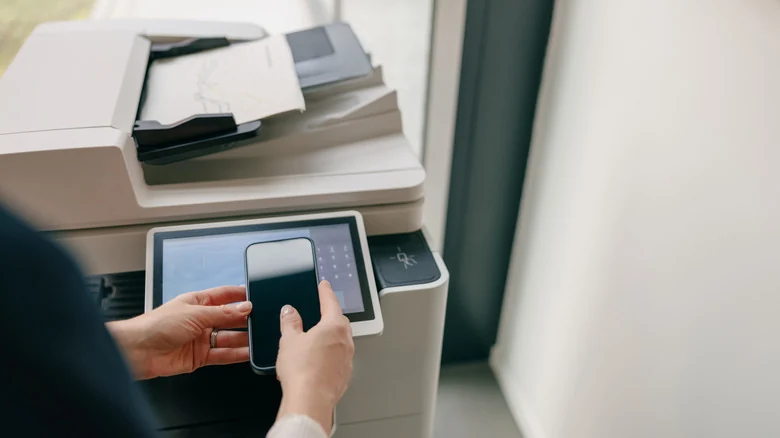
Although direct wired printing is unsupported, various software tools attempt to bridge the gap. Applications like PrintCentral Pro and PrintDirect offer some utility, but they typically rely on a computer middleman to route jobs from a phone to a USB printer.
Similarly, specialized utility software can force a USB printer to appear as a wireless option by creating an AirPrint bridge, though this method still requires an active computer. Advanced setups involving a Raspberry Pi print server are also possible, but transitioning to a modern, AirPrint-compatible printer remains the most practical recommendation for heavy mobile users.
Sources
- EngadgetWhy your iPhone hates printer cables