
E Ink Tablets vs. iPad: Choosing the Right Display Technology
While iPads offer high-performance multimedia capabilities, E Ink tablets provide specialized benefits for users prioritizing reading, writing, and long-term visual comfort.
 Radwan AbdulhadiEditor and technology writer
Understanding E Ink Technology
For users whose daily needs are straightforward, the market for digital reading and note-taking has expanded significantly. If you have previously utilized an <a href="https://www.engadget.com/mobile/tablets/best-ereader-130013808.html">ereader</a>, you are likely familiar with the core mechanics of E Ink technology. Unlike the backlit OLED or LCD displays found on standard tablets, E Ink does not require a constant internal light source to project an image. Instead, the screen functions by charging millions of tiny physical particles, which then orient themselves to form text or graphics.
This technology offers a distinctly paper-like appearance. Because the screen is reflective rather than emissive, it does not blast bright light directly into the user's eyes, making it a comfortable choice for extended reading sessions. Furthermore, the construction of these panels allows for lower power consumption, contributing to the development of thinner, lighter devices.
Performance and Outdoor Utility
One of the standout benefits of choosing <a href="https://www.engadget.com/mobile/tablets/best-e-ink-tablet-130037939.html">E Ink tablets</a> is their performance in bright, outdoor environments. Because they rely on external light to remain visible, they handle direct sunlight better than many budget-friendly iPads that may struggle with glare. While high-end models like the <a href="https://www.engadget.com/mobile/tablets/ipad-pro-m5-review-speed-boost-130046249.html">iPad Pro</a> utilize bright tandem OLED displays to mitigate light interference, many E Ink devices offer a matte surface that mimics the feel of paper under a finger or stylus, further enhancing the user experience for writers and artists.
Battery Life and Ergonomics
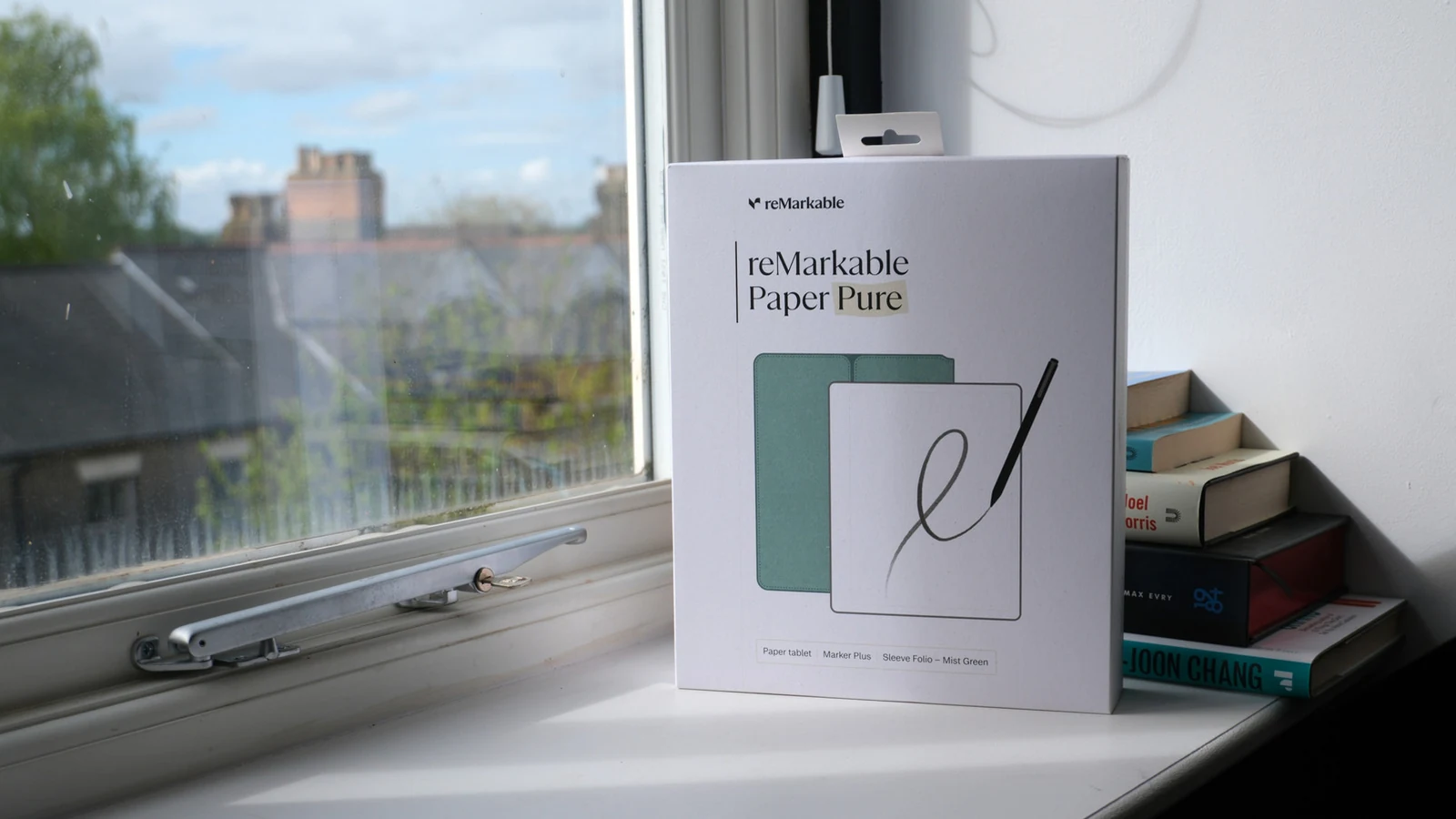
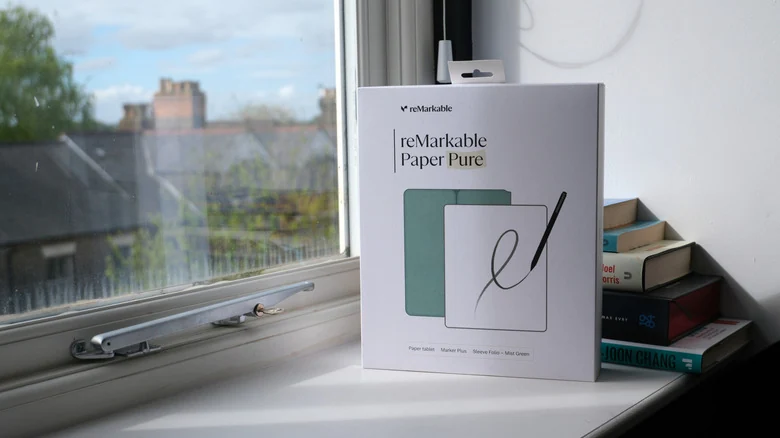
Efficiency remains a major differentiator. Devices such as the <a href="https://www.engadget.com/mobile/tablets/remarkable-paper-pro-review-writing-in-color-is-nice-but-itll-cost-you-173024590.html">reMarkable Paper Pro</a> benefit from an architecture that only demands power when the screen content needs to be refreshed. While an iPad must keep its display powered continuously during use, an E Ink device can enter a low-power, idle state between page turns. This creates a significant disparity in active battery life, making E Ink hardware a highly reliable tool for long-duration tasks like reading or drafting documents.
The Trade-offs of E Ink Displays
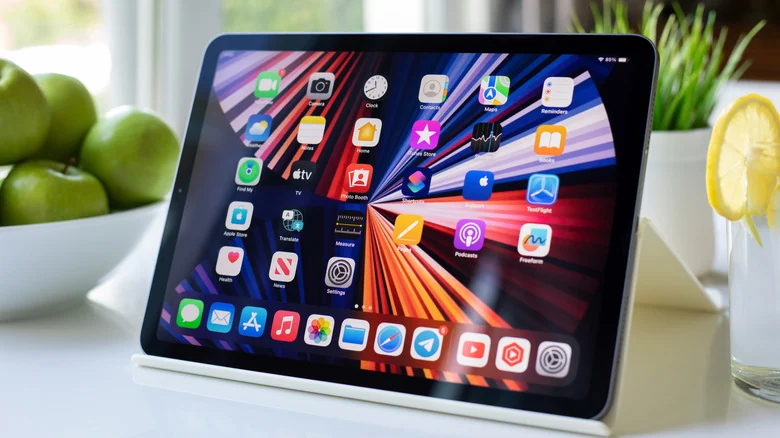
Despite their advantages, E Ink tablets have inherent physical limitations. The primary challenge involves motion and refresh rates. Because physical particles must move to change the image, these screens often struggle with video or complex animations, resulting in motion trails or flickering. Even with the introduction of color E Ink panels, they generally lack the vibrancy and color accuracy of the displays found on an iPad.
Furthermore, many E Ink devices are equipped with less powerful processors because they are not designed for intensive applications. Navigating menus or loading heavy web pages can feel slower than on a modern iPad, leading some users to prefer their smartphones for tasks involving rapid web interaction. These devices are ultimately optimized for static content rather than dynamic media consumption.
Making the Right Choice
Deciding between these platforms depends entirely on the primary intended use. For users whose priorities are text-based work, note-taking, or digital drawing, the ergonomic and battery benefits of E Ink make it a compelling, viable alternative to traditional hardware. Conversely, for those who primarily seek a device for high-quality media consumption, gaming, or app versatility, the conventional iPad or Android tablet remains the standard choice.
Sources
- EngadgetThe benefits of using an E Ink tablet over an iPad