
Amazon Quick Adds Live Data Support for AI-Built Apps
Amazon Quick has introduced a new capability that enables AI-built applications to query governed datasets in real time rather than relying on static, build-time snapshots.
 Radwan AbdulhadiEditor and technology writer
Introduction to Live Data in Apps
Amazon Quick has introduced a feature called Live Data in Apps, enabling artificial intelligence-built applications to query governed datasets in real time. Previously, any dataset metrics displayed within an application were static snapshots baked in by the agent at the time of publishing. While sufficient for static reports, those frozen snapshots posed limitations for teams requiring applications to reflect current operational data while respecting user access permissions. Through [Amazon Quick Apps](https://docs.aws.amazon.com/quick/latest/userguide/using-amazon-quick-apps.html), users can describe an application using plain language, allowing an AI agent to write and deploy a functional web application without manual coding or DevOps procedures.
Real-Time Queries and Security Controls
With the new capability, published applications query governed datasets every time a user opens them, eliminating the need to manually export charts or write routine SQL. Crucially, each query executes under the identity of the person viewing the application. This mechanism ensures that enterprise [row-level security (RLS) and column-level security (CLS)](https://docs.aws.amazon.com/quick/latest/userguide/restrict-access-to-a-data-set-using-row-level-security.html#apply-row-level-security) are strictly enforced per reader, meaning individuals only see data they are authorized to access. Both SPICE in-memory datasets and Direct Query modes are supported, allowing teams to leverage existing configurations safely.
Natural Language Building and Dataset Consent
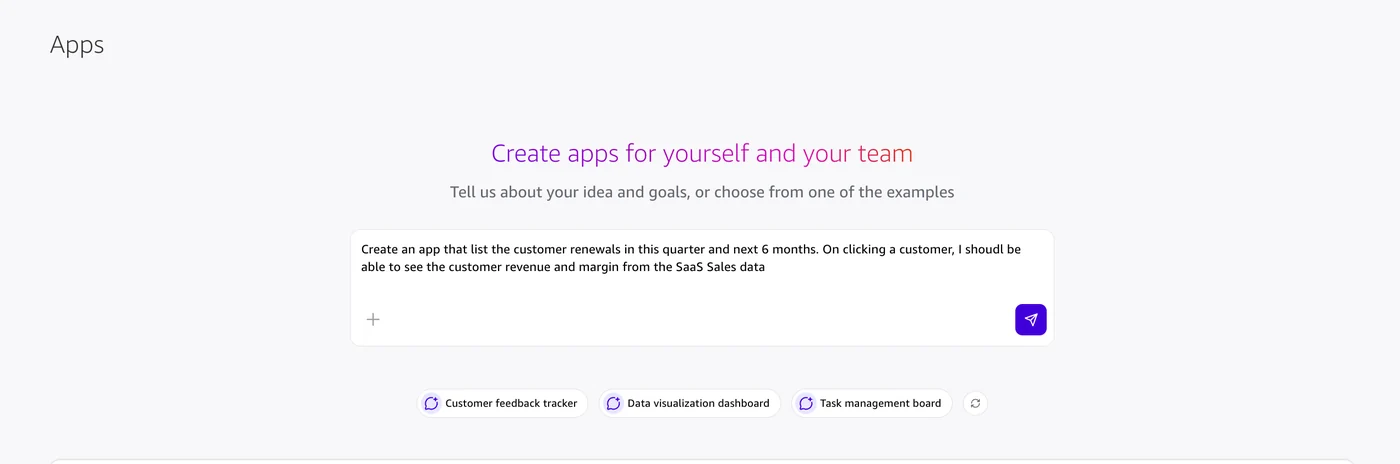
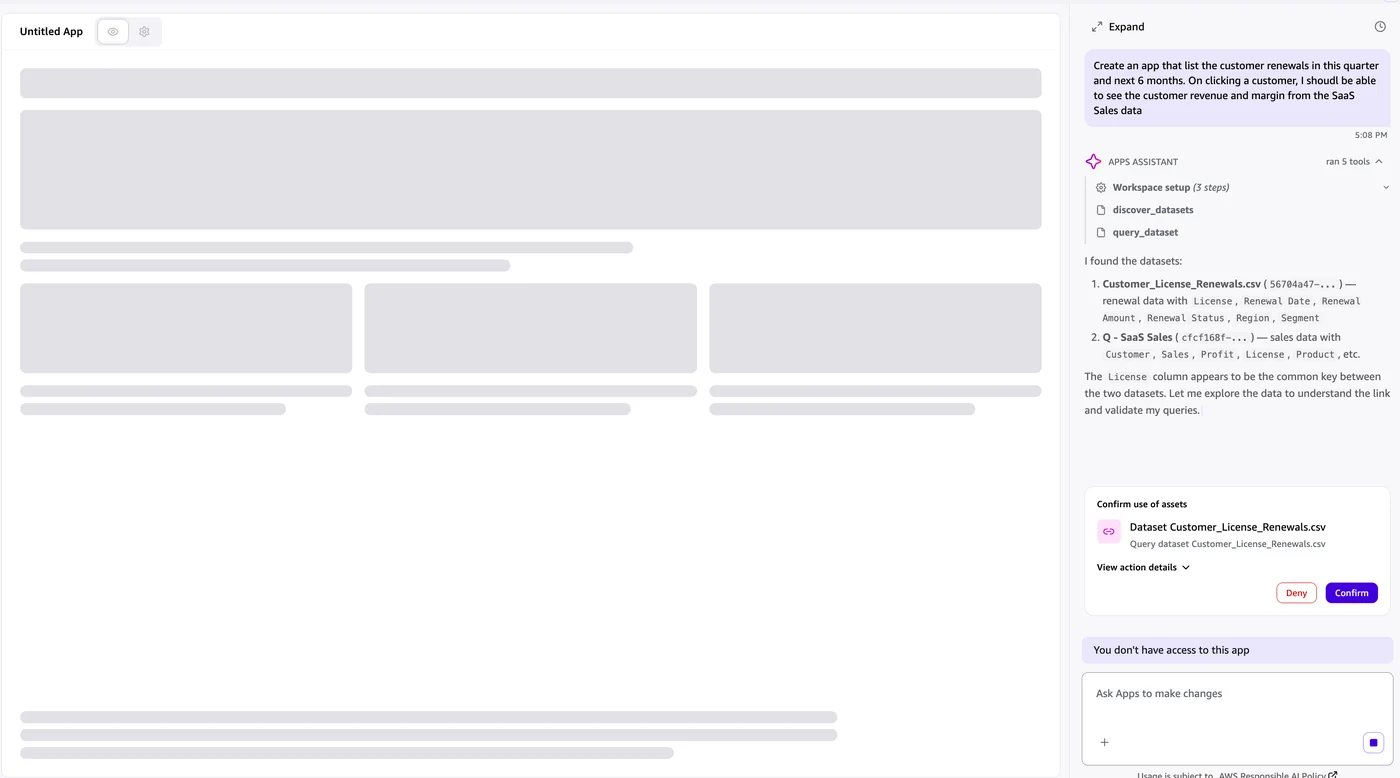
Building a live-data application involves entering a natural language request into the Amazon Quick Apps prompt box. The AI agent automatically discovers relevant curated datasets [created](https://docs.aws.amazon.com/quick/latest/userguide/creating-data-sets.html) within the platform, drafts the necessary SQL statements, and prompts the builder to approve each dataset by name. Once the builder approves the datasets and verifies the preview, the application can be shared. Authentication is mandatory, requiring viewers to be authenticated professional users, as anonymous or public access is not supported for applications utilizing live data sources.
Practical Enterprise Workflows
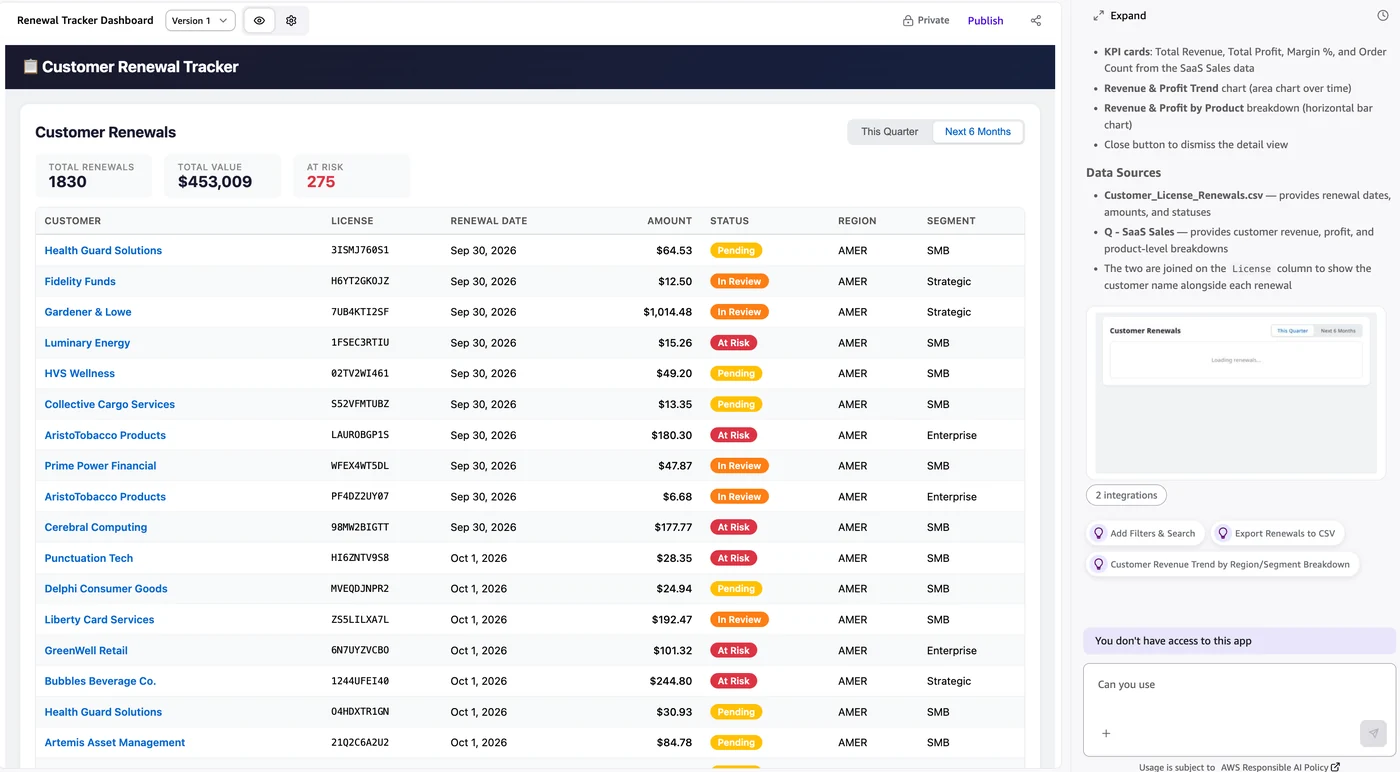
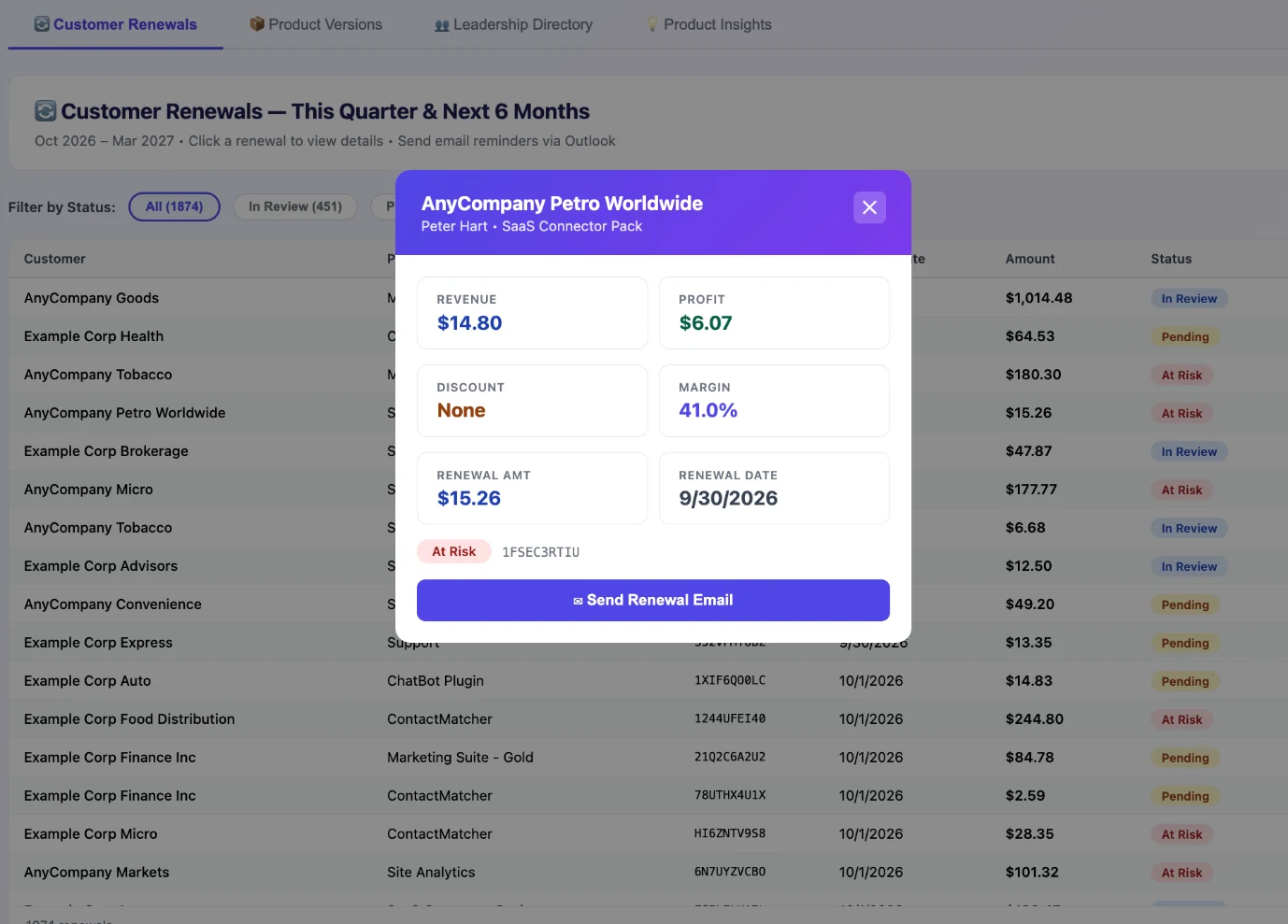
The integration expands the utility of enterprise analytics by combining structured revenue data with unstructured content sources, such as product strategy documents or action connectors like Slack and Jira. For example, regional sales leaders can build workflows to track customer renewals and evaluate deal margins without relying on IT support. For further details regarding compatible sources and configuration rules, administrators can consult the official [documentation](https://docs.aws.amazon.com/quick/latest/userguide/apps-limitations.html) provided by [AWS Machine Learning Blog](https://aws.amazon.com/blogs/machine-learning/).
Sources
- AWS Machine Learning BlogServe live, governed data in AI-built apps with Amazon Quick