Mbps vs MB/s: Understanding the Difference in Speeds
Navigating internet service providers and technical jargon can be difficult, especially when dealing with data transfer rates like Mbps and MB/s.
 Radwan AbdulhadiEditor and technology writer
The Core Difference Between Bits and Bytes
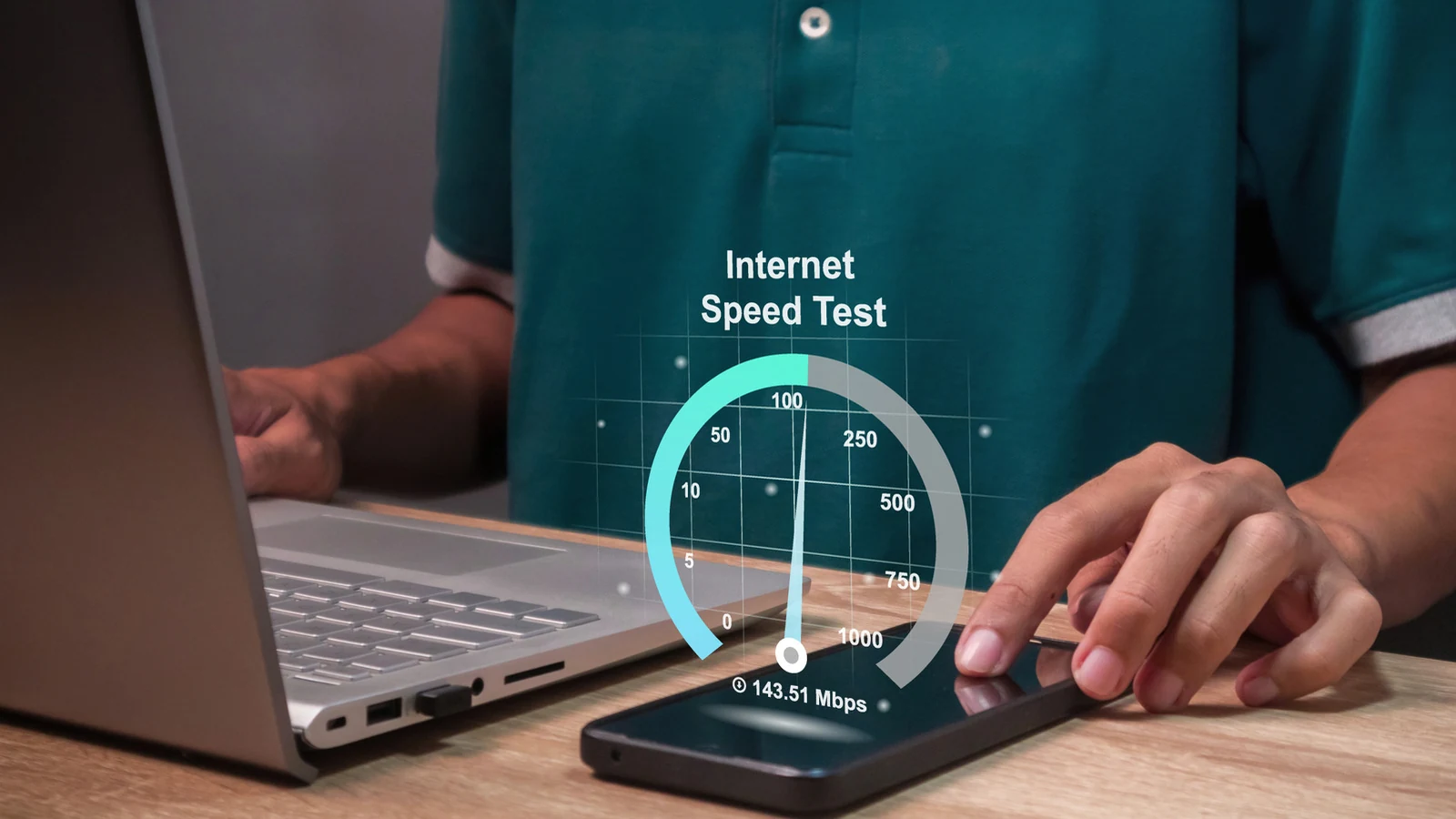
When shopping for internet providers, users can easily lose themselves in technical terminologies. Debates over whether you should prioritize internet speed vs. bandwidth or whether you need a Wi-Fi 7 router can derail your search if you do not know what to look for. A prevalent and consequential mix-up involves Megabits per second (Mbps) and Megabytes per second (MB/s). Although both metrics measure data transfers, confusing them can lead to major implications.
To understand these measurements, you must first grapple with the difference between bits and bytes. Bits represent the basic unit of information for computing, measuring the binary ones and zeros that make up a string of code. Bits per second are commonly used to measure data transfer speeds, such as internet streaming speeds or download speeds. Conversely, bytes are groups of eight bits—typically the amount required to produce a single letter, symbol, or number.
Defining Mbps and MB/s
Bytes and bytes per second are used to describe file sizes, storage space, and how fast those files can be transferred. For example, a movie file's size is described in terms of bytes. Because both base units are too small to meaningfully describe contemporary computing power, the prefix "mega" is added to indicate one million units. Therefore, Mbps and MB/s refer to how quickly a million bits and bytes can move, respectively.
Understanding megabit per second rates is critical to gauging the quality of your home internet speed. Typically, download speeds severely outpace upload speeds. According to a report by internet speed test company Ookla, the median download and upload speeds for American households in August 2026 reached 307 Mbps and 63 Mbps, respectively.
Broadband Standards and Performance
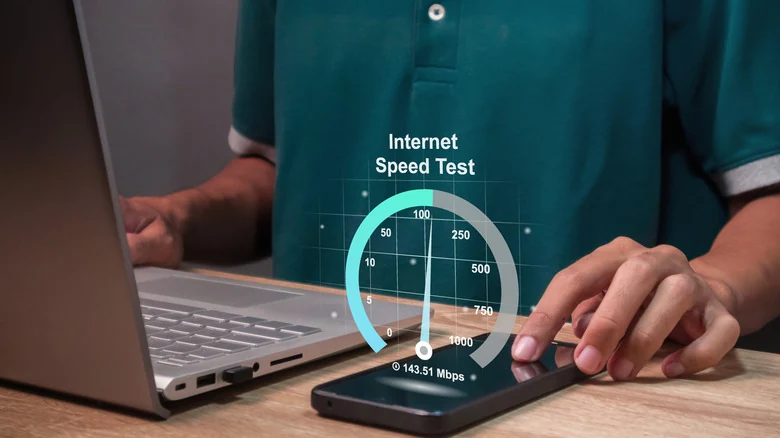
Regulatory bodies continually update their benchmarks to reflect growing network capabilities. The FCC lists 100 Mbps as the threshold for broadband internet speed, while the requirement for uploading information sits at 20 Mbps. These average speeds have skyrocketed over the past decade. In 2015, the FCC benchmarks for high-speed internet were four times slower than current standards.
If an internet connection continues to perform middlingly, users can potentially boost their Mbps through a few simple fixes. Making minor adjustments to router settings or hardware positioning can often yield better download and streaming performance without necessarily upgrading an entire service plan.

When to Use Megabytes Per Second
Megabytes per second (MB/s) is typically used to describe the speed of a large data transfer moving to and from a storage device. For instance, you might use this measure to describe how fast a file uploads to cloud storage or how quickly data moves from a physical hard disk.
By utilizing megabytes per second, users can easily quantify how long it will take to download a video file or transfer a large document. Because operating systems and download managers frequently display file transfer rates in MB/s rather than Mbps, understanding this distinction prevents confusion regarding expected transfer times.
Converting Between Metrics
Consumers may occasionally see the two metrics used interchangeably by mistake in marketing materials or informal settings. Luckily, comparing and converting between the two metrics is simple. Because there are eight bits in a byte, users can just divide their megabits by eight to find the megabytes per second.
For example, if an internet service plan advertises a download or upload capability of 100 Mbps, that figure equates to 12.5 MB/s. Conversely, to convert MB/s back into Mbps, you simply multiply the value by eight. Keeping this mathematical relationship in mind makes evaluating different network specifications and file transfer estimates straightforward.
Sources
- EngadgetMbps Vs MB/s: What do these speeds mean?
Continue chronologically


Related stories
SpaceX Moves to Challenge AT&T, Verizon, and T-Mobile
SpaceX is advancing an ambitious mobile carrier strategy, securing spectrum assets and regulatory approvals to build a competitive wireless network.

DJI Unveils Dock 4 With 25-Second Battery Swaps
DJI has announced its first battery-swapping drone dock, the Dock 4, capable of turning around the Matrice 5TD drone in under 45 seconds.

FCC's Brendan Carr Defers to Pete Hegseth on Execution Broadcasts
FCC Chairman Brendan Carr says the agency will defer to Secretary of Defense Pete Hegseth on whether TV networks can air a planned execution.

Starlink Spectrum Deal Boosts Mobile Plans
SpaceX agrees to purchase nationwide 800 MHz low-band spectrum from Grain Management to support its planned terrestrial mobile network and Starlink Mobile service.