GitHub Unveils Copilot App Updates and New Projects Feature
GitHub has rolled out substantial enhancements to its development ecosystem, expanding the capabilities of the GitHub Copilot app with project management features and computer use support.
 Radwan AbdulhadiEditor and technology writer
Introduction to GitHub Copilot App Updates
Work routines do not always fit neatly into a single repository or session, as modern features frequently span multiple repositories or involve launch plans incorporating specifications, designs, and assets without touching a repository. To address this, the platform has announced updates via the official [GitHub Changelog](https://github.blog/changelog/2026-10-28-github-copilot-app-universe-releases/), providing developers with expanded functionality to streamline complex workflows.
Developers looking to integrate the latest tools into their daily workflows can download the updated software directly through the [GitHub Copilot app](https://github.com/features/ai/github-app?utm_source=agent-first-app-changelog-app-download&utm_medium=changelog&utm_campaign=universe-2026) portal to access the newly released capabilities.
Streamlining Workflows with Copilot Projects
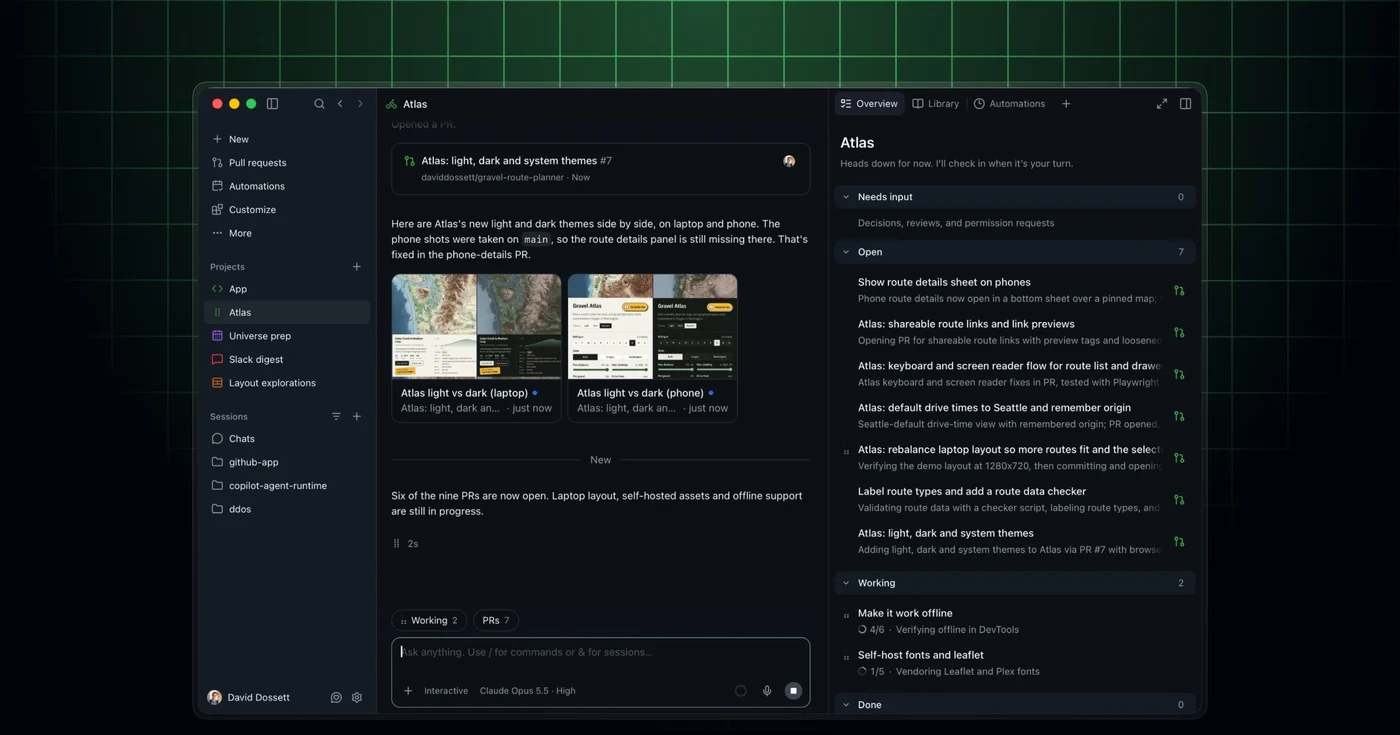
The newly introduced Copilot Projects feature gives multi-repository work a unified home, bringing context, agents, and results together in a single interface. Copilot coordinates tasks in the background and checks in with the user when necessary. Users can initiate a project, describe the objective, and incorporate required context from repositories, design mocks, Slack threads, or meeting notes.
Furthermore, developers can select specific models and tools for the job, allowing Copilot to run multiple agents and return results like pull requests for review. Project automations can also handle repeatable tasks, such as generating a promotional video when a feature is successfully launched. For focused tasks within a single repository, users retain the option to start a session directly from that repository.
Copilot Projects are currently available in public preview. Comprehensive details and instructions are detailed in the [projects documentation](https://docs.github.com/copilot/how-tos/github-copilot-app/working-with-projects?utm_source=agent-first-app-changelog-projects-docs&utm_medium=changelog&utm_campaign=universe-2026).
Expanded Context and Tool Integrations
The updated application leverages context from connected external tools, including Slack and Figma. This integration enables users to conduct research for requests, draft specifications, or work through design elements right alongside their underlying codebase.
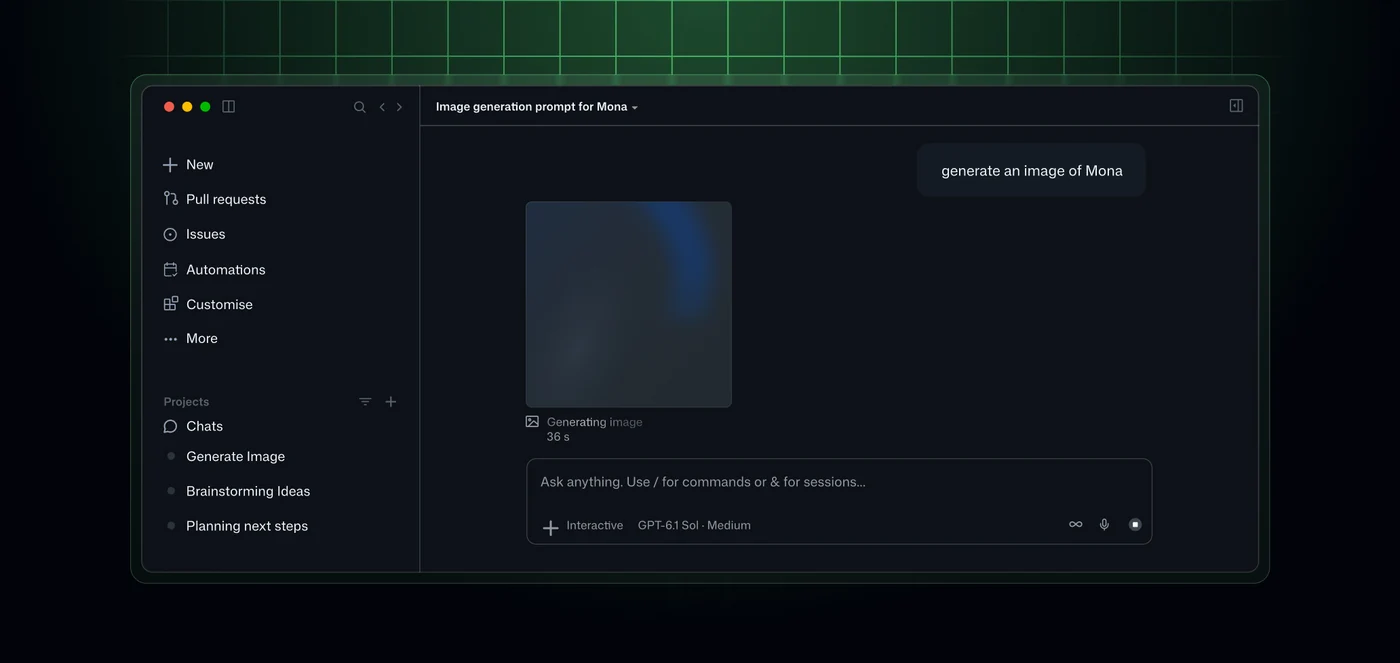
In addition to code and design collaboration, users can generate and edit images using natural language instructions directly within the chat interface, adding a new dimension to creative tasks within the development environment.
Desktop Automation via Computer Use
A notable addition to the release is the computer use feature, which allows Copilot to work through tasks in desktop applications, such as managing expense-report workflows. Currently in public preview on macOS and Windows, computer use enables Copilot to read application content, click on controls, enter or edit text, and navigate across applications—including those that lack an API, command-line interface, or MCP integration.
For safety and security, Copilot explicitly asks for user approval before taking control of an application. Additionally, organizations can disable the feature entirely through managed settings. To enable the functionality, users can navigate to Settings, select Computer Use, and turn on the enablement toggle. On macOS, users must also grant the required Accessibility and Screen Recording permissions.
Comprehensive guidelines and implementation steps can be found in the [computer use documentation](https://docs.github.com/copilot/how-tos/github-copilot-app/computer-use?utm_source=agent-first-app-changelog-computer-use-docs&utm_medium=changelog&utm_campaign=universe-2026).
Community Involvement and Feedback
As these features roll out to users in public preview, developers are encouraged to engage with the platform's ecosystem. Feedback, tips, and collaborative discussions are actively taking place within the [GitHub Community](https://github.com/orgs/community/discussions/211001?utm_source=agent-first-app-changelog-community-discussion&utm_medium=changelog&utm_campaign=universe-2026) space.
Sources
- GitHub ChangelogGitHub Copilot app, Universe releases
Continue chronologically

Related entity coverage
Related stories
GitHub Copilot in Slack and Teams Adds Multi-Repo Support
GitHub Copilot in Slack and Microsoft Teams now features multi-repo support, more natural conversations, better context handling, and enhanced reliability.

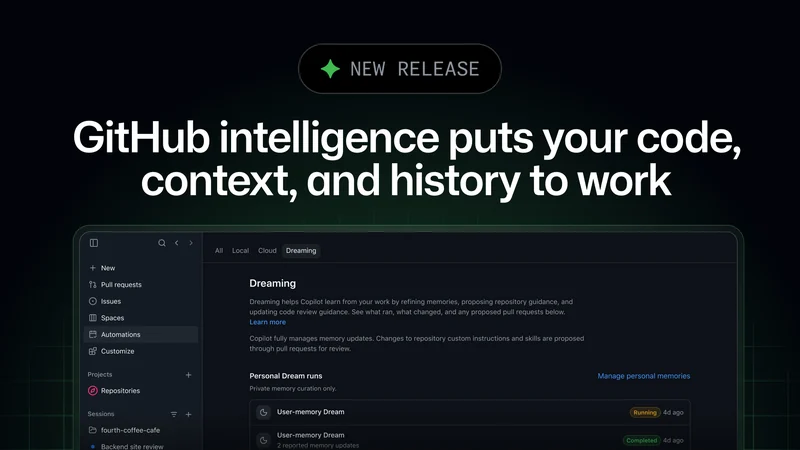
GitHub Intelligence Empowers AI Agents with Team Context
GitHub introduces GitHub intelligence, using code, context, and development history to help AI agents adapt to team workflows and conventions.
GitHub Releases Copilot Model Policy REST API
GitHub introduces a new REST API allowing enterprises, organizations, teams, and apps to retrieve and update Copilot model policies.

GitHub Adds Feature Engagement to Copilot Dashboard
GitHub’s Copilot impact dashboard now shows regular feature use, while enterprise and organization reports add 28-day engagement data.