
Android Games Officially Expand to Car Screens
Google has officially transitioned the games category for Android Auto and Android Automotive OS out of beta. Developers can now publish titles optimized for vehicle displays to the Google Play Store.
 Radwan AbdulhadiEditor and technology writer
General Availability for Automotive Gaming
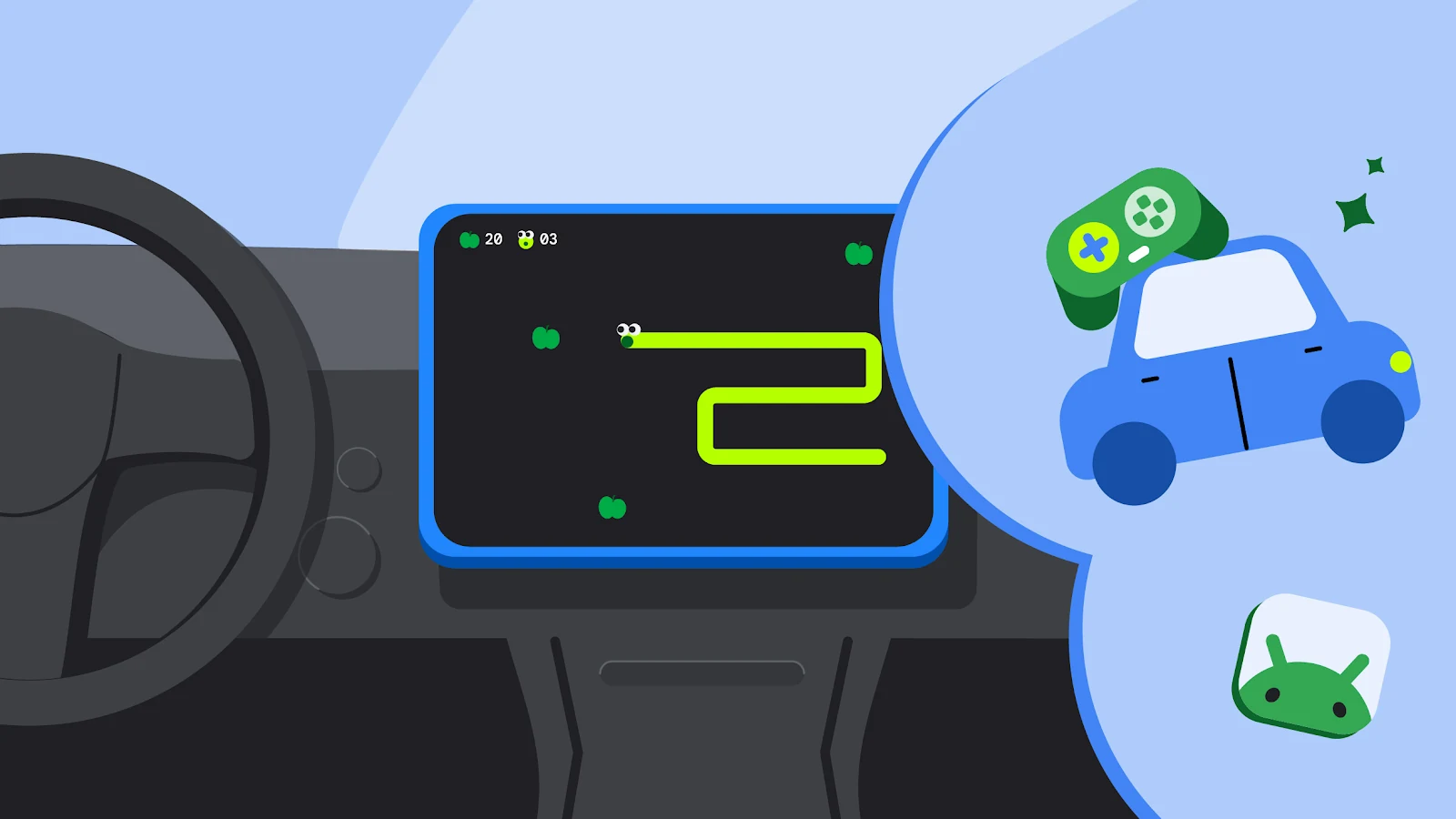
Google has announced that the games category for Android Auto and cars powered by Android Automotive OS with Google built-in has officially graduated from beta to general availability. As detailed on the [Android Developers](https://android-developers.googleblog.com/2026/09/bring-android-game-to-car-screen.html) blog, this milestone allows developers to publish their gaming titles to open testing and production tracks on the [Google Play](https://developer.android.com/distribute) store.
The initiative aims to provide entertainment during natural downtime, such as when users are waiting at charging stations or for curbside order pickups. While early access partners have already provided a selection of titles, the move to general availability opens the door for a wider range of developers to reach users directly within their vehicles.
Implementation and Manifest Configuration
Adapting an existing Android game for the vehicle environment requires specific technical adjustments. Developers must first declare their application's category by adding the android:appCategory="game" attribute to the <application> element in their manifest file. For those interested in deeper technical insights, additional resources can be found via the [Android Developers](https://developer.android.com/about) portal.
For Android Auto, games are supported on devices running Android 15 or higher. Developers must include the appropriate category element in their manifest’s intent filter to ensure the game is recognized by the vehicle’s operating system. Similarly, those building for Android Automotive OS must declare their support by including the specific hardware features in the manifest, ensuring the game is correctly identified for the target platform.

Safety and Distraction Guidelines
A primary requirement for automotive games is strict adherence to safety protocols. Because cars introduce a unique physical context, these games are categorized as 'parked apps.' They are prohibited from running while the vehicle is in motion to prevent driver distraction. Developers are instructed not to include the distractionOptimized metadata element in their manifests.
System-level safeguards in Android Auto and Android Automotive OS will automatically block games if the vehicle starts moving. Developers must also ensure that all audio ceases when the driver begins operating the vehicle and that these sounds cannot be unpaused while the car is in motion. Furthermore, games must be capable of restoring their state as closely as possible after being relaunched.
Optimizing for the In-Car Experience
The automotive environment presents unique challenges, particularly regarding screen variety. Vehicle displays come in numerous aspect ratios and sizes, ranging from portrait orientations to wide landscape screens. Google emphasizes the need for games to be fully adaptive to avoid issues like letterboxing or pillarboxing. Testing against canonical screen sizes is essential for maintaining a high-quality user experience.
While car screens support touch input, many players may prefer using a gamepad. Developers can declare support for controller input in the manifest, which can improve an app's visibility to users searching for such experiences. Guidance on how to implement these features can be explored via the official [Docs](https://developer.android.com/docs) library.
Testing and Submission
Before a game can move to the production track, it must undergo a rigorous review process against the car app quality guidelines. Developers are encouraged to use the Desktop Head Unit for testing Android Auto compatibility and the Android Automotive OS emulator for verifying performance on the vehicle's native operating system.
Once testing is complete, developers can opt-in to the specific vehicle form factors through the Google Play Console. By following these established criteria, creators can ensure their games provide a stable, responsive, and engaging experience for users during their time spent waiting in their vehicles.
Sources
- Android DevelopersBring your Android game to the car screen today