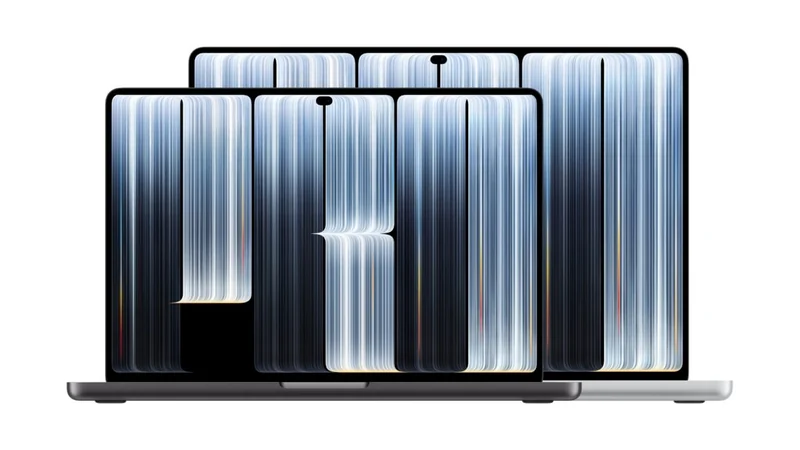
Apple Introduces Touchscreen MacBook Pro with PROLED Display
After years of resisting touchscreens on laptops, Apple has officially launched the MacBook Pro with a PROLED XDR Display, bringing touch capabilities to its professional portable lineup.
 Radwan AbdulhadiEditor and technology writer
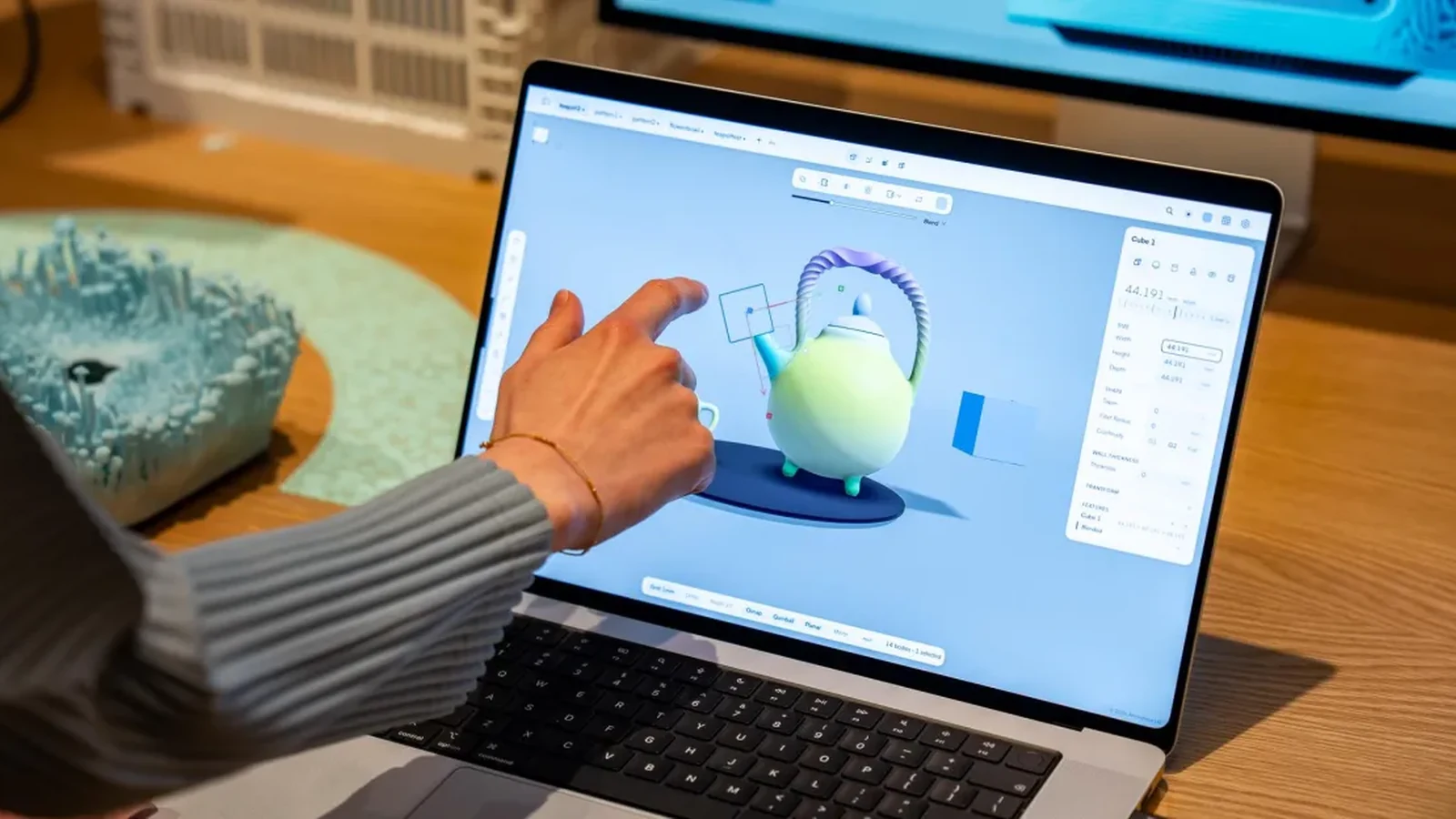
Apple Enters the Touchscreen Laptop Market
Apple has officially entered the touchscreen laptop market with the announcement of the MacBook Pro with PROLED XDR display. This release marks a major shift for the company, which spent nearly two decades arguing against touchscreens on laptops. Former leaders previously dismissed the concept, with Steve Jobs calling the ergonomics terrible and Tim Cook jokingly comparing laptop-tablet hybrids to combining a refrigerator and a toaster.
Despite past resistance, the newly unveiled MacBook Pro is thinner, lighter, and brings direct touch capabilities to macOS. Reviewers getting hands-on time with the device noted that while adding a touchscreen is a notable milestone, the overall experience feels surprisingly normal compared to revolutionary shifts anticipated over a decade ago.

PROLED XDR Display and Integrated Touch Sensor
The standout hardware component of the new laptop is its display. The PROLED XDR Display delivers deep blacks, high brightness, rich colors, and infinite contrast. Apple has positioned it as a reference-caliber display, and it stands as the first laptop screen to support Apple CMF 2026 color modes.
Unlike some traditional laptop touchscreens, the touch sensor in this MacBook Pro is not a separate layer on top of the screen. Instead, the touch sensor is built directly into the display itself. Apple claims this integrated design reduces latency, ensuring that touching the screen feels like interacting directly with the content.
Software Integration and Touch Capabilities
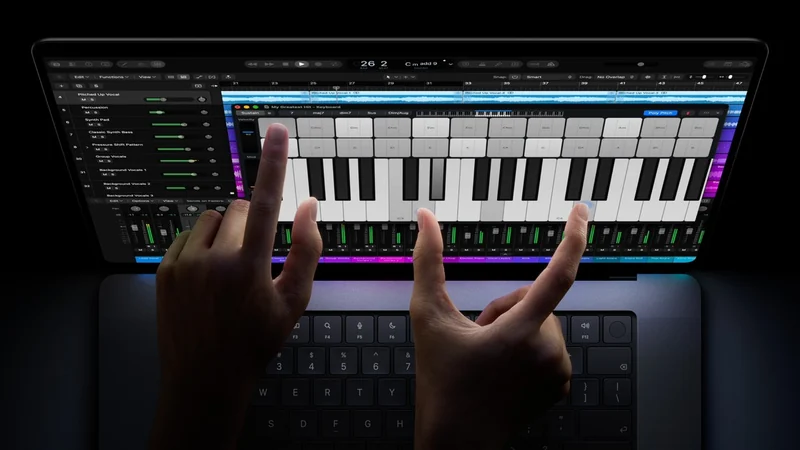
To support the new hardware, Apple has incorporated touch functionality into macOS. Users can slide fingers to scroll through documents and web pages, pinch to zoom, and draw or annotate directly on the screen. Professional users may find the touchscreen useful for manipulating 3D objects and testing iOS application workflows, while everyday users can utilize touch within native apps.
Additional interface adjustments include increased spacing between menu items to improve selection accuracy and iPad-inspired features such as the ability to hide the dock using a finger. Reviewers note that while these additions are helpful, many touch gestures directly mirror existing trackpad functions.

Professional Reception and Future Outlook
During initial professional briefings, early testers reported that the touchscreen serves primarily as a convenient bonus rather than a complete workflow redefinition. Most professionals continue to default to the keyboard and trackpad. Furthermore, Apple has not announced plans to introduce Apple Pencil support or a 360-degree hinge for this model.
With a starting price of at least $2,899, the new MacBook Pro serves as a high-end entry point for touch-enabled macOS devices. Industry watchers expect that this strategic rollout will eventually pave the way for touchscreen capabilities to trickle down to more accessible product lines in the future.
Sources
- The VergeThe touchscreen MacBook Pro is just a MacBook Pro with a touchscreen
- EngadgetHere's how the touchscreen on the MacBook Pro with PROLED display works
Continue chronologically


Related entity coverage
Related stories
Apple Announces First Touchscreen MacBook Pro
Apple has announced its first MacBook with a touchscreen, bringing macOS changes, Dynamic Island, and app-level optimizations.
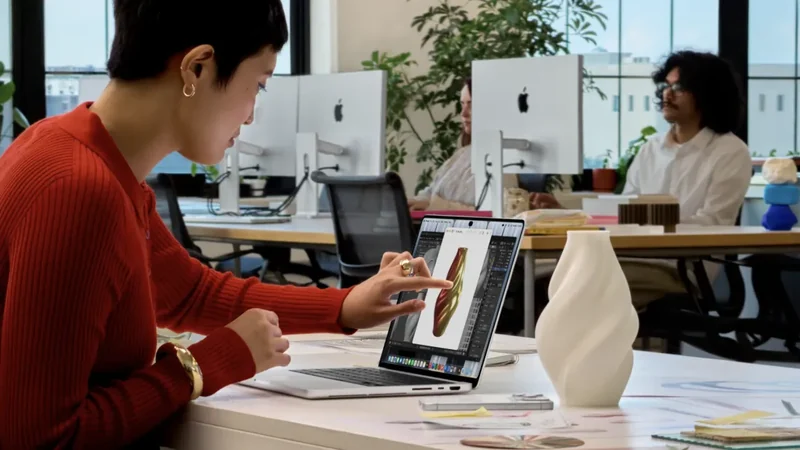
Apple Reveals First Touchscreen MacBook Pro with PROLED XDR
Apple announces its first touchscreen MacBook Pro models featuring PROLED XDR displays, a lighter design, and a $2,899 starting price point.
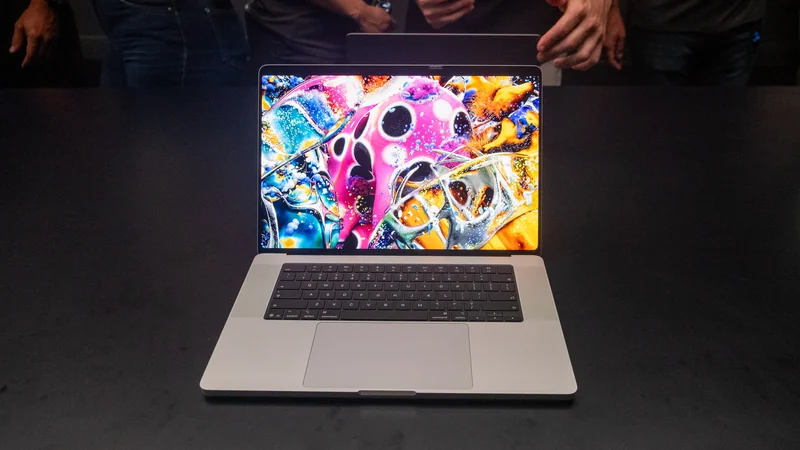
Apple Launches Redesigned MacBook Pro With PROLED XDR Display
Apple has unveiled 14-inch and 16-inch MacBook Pro models with tandem OLED displays, touch support, M5 Pro and M5 Max chips, starting at $2,899.
Apple Announces Touchscreen MacBook Pro With OLED Display
Apple has officially announced its first touchscreen MacBook Pro featuring an OLED display, M5 Pro and M5 Max chips, and starting prices from $2,899.