New Controls and Chat Improvements in Copilot for JetBrains
The latest update to GitHub Copilot for JetBrains introduces enhanced administrative controls for default models, refined chat navigation, and better diagnostic tooling.
 Radwan AbdulhadiEditor and technology writer
Enhanced Model and Administrative Controls
Enterprise administrators can now leverage managed settings to select any available Copilot agent model as the default option for new conversations. This gives organizations tighter governance over the starting model while maintaining the flexibility of an explicit model picker choice. Detailed information regarding these changes can be found in the official GitHub Changelog. Further details are available from GitHub Changelog in the original source material.
Additionally, a newly introduced Model Context Protocol (MCP) setting gives developers the ability to disable automatic server startup for Copilot and Claude. This control ensures that users decide precisely when configured tools become active in their development environment.
Streamlined Diagnostics and Fix Actions
Addressing software diagnostics has been streamlined in this release. Diagnostic intention menus now include a dedicated Fix action. Selecting this option opens an inline chat and prompts Copilot to repair the issue immediately. Depending on availability, the action automatically engages agent mode or defaults to ask mode, minimizing the steps required to transition from a reported problem to a proposed remediation.
Chat Navigation and Account Management Upgrades
Everyday chat, navigation, and account management workflows receive notable visual and functional clarity in this update. Signed-in Copilot accounts now feature clearer labels, a simplified status display, smoother navigation for extensive lists, and a dedicated Switch Account action.
For users onboarding to chat, a one-time reminder helps locate the chat interface. Furthermore, the sign-in page introduces a responsive layout, improved provider choices, clear headings, a direct link to Copilot plans, and cancellable progress indicators during browser authorization.
Conversation navigation is now more structured, grouping chat messages by turn with dedicated controls to jump quickly between turns. User messages also incorporate actions to copy or edit their content, while the Copilot agent placeholder highlights context, questions, edits, and commands.
Reliability Improvements and System Migrations
The update brings overall reliability enhancements across language server startups, model and provider switching, MCP configuration, customization refreshes, file alterations, and worktree workflows. Interaction and display bugs in model management, tool-call details, working sets, and JetBrains IDE settings have also been resolved.
Regarding migration paths, accepting a migration command and selecting Go Back now correctly opens a Copilot home session, even when the user continues the local conversation.
JetBrains IDE Version Requirements and User Feedback
Developers should note that GitHub Copilot has officially ended support for JetBrains IDE 2025.1. Moving forward, users must run JetBrains IDE 2025.2 or later to utilize the plugin successfully.
The development team encourages users to share feedback regarding their experience through the in-product feedback mechanisms within the IDE or via the designated public repository channels.
Sources
- GitHub ChangelogNew controls and chat improvements in Copilot for JetBrains
Continue chronologically

Related entity coverage
Related stories
GitHub Updates Usage Metrics API with Custom Skills and MCP Servers
GitHub updates the Copilot usage metrics API to display specific names for custom skills, agents, MCP servers, slash commands, and plugins.
GitHub Enterprise Now Includes Access to GitHub Copilot
GitHub Enterprise now includes GitHub Copilot for every licensed user working with a GitHub or Microsoft account team, streamlining management.
GitHub Copilot Integrates with JetBrains Air
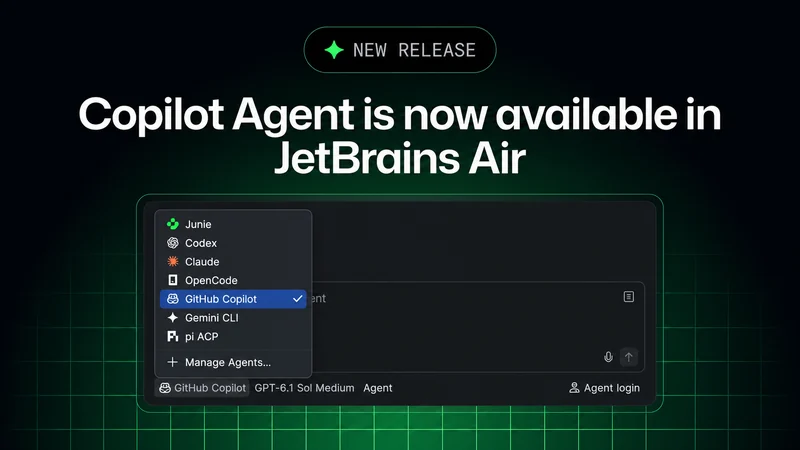
GitHub Copilot is now available in JetBrains Air, enabling developers to delegate coding tasks, guide execution, and review results locally or in the cloud.
Microsoft Introduces Copilot Harness for Multi-Model AI
Microsoft has introduced the Microsoft Copilot harness, bringing GitHub-built multi-model orchestration to developers and enterprise customers via Microsoft Foundry.