GitHub Copilot Integrates with JetBrains Air
Developers can now use GitHub Copilot within JetBrains Air to delegate coding tasks, manage parallel workflows, and execute operations across local and cloud environments.
 Radwan AbdulhadiEditor and technology writer
Introduction to GitHub Copilot in JetBrains Air
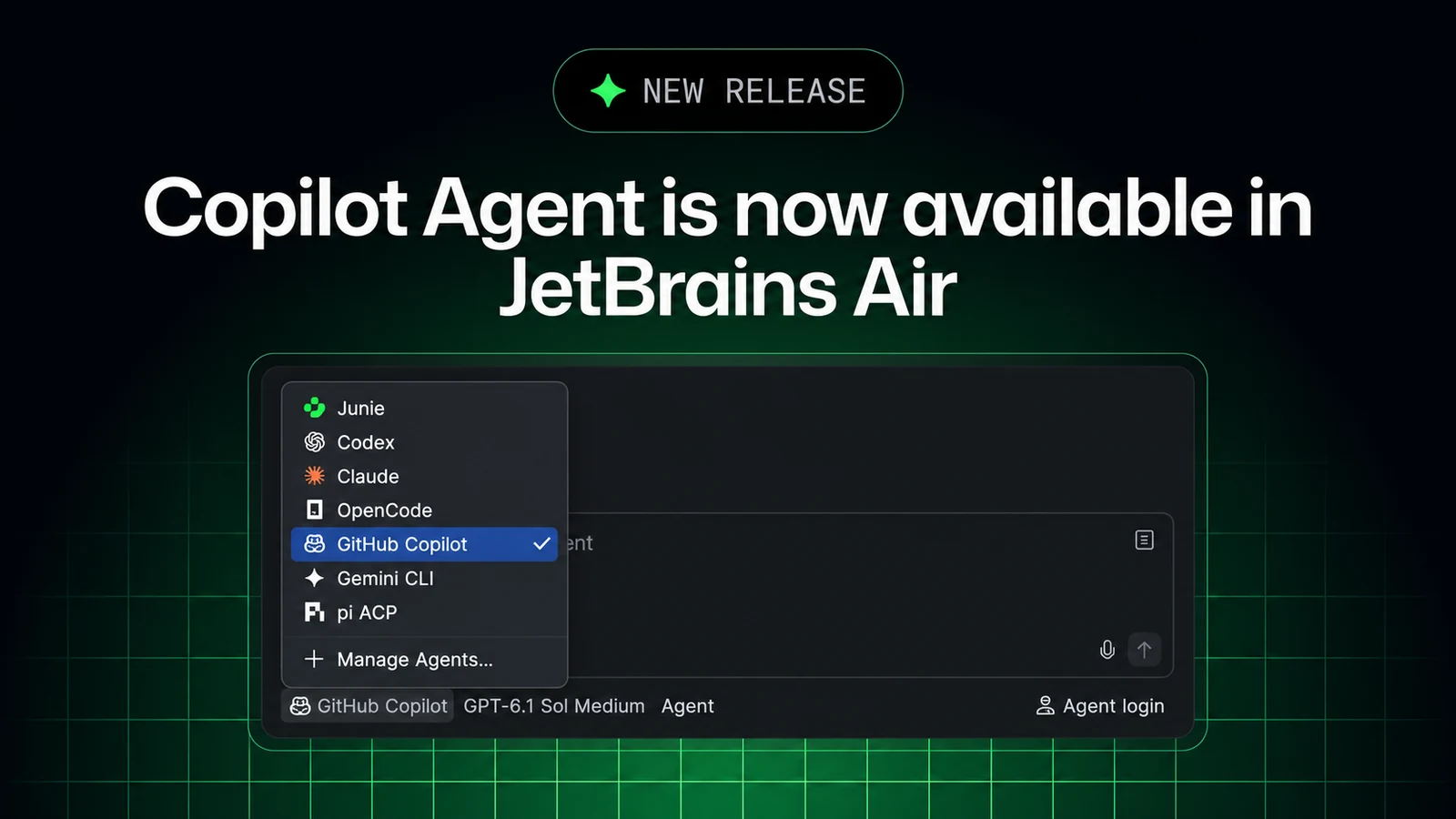
Developers can now delegate coding tasks, guide execution, and review results using GitHub Copilot in JetBrains Air. According to the official [GitHub Changelog](https://github.blog/changelog/2026-11-03-github-copilot-is-now-available-in-jetbrains-air/), this integration is built using the Agent Client Protocol (ACP) and supports operations directly inside your development environment or remotely in the cloud.
The new integration allows users to run Copilot in Air alongside the standard GitHub Copilot plugin, giving developers the flexibility to choose the workflow that best fits their programming style. A comprehensive overview, comparison, and FAQ can be found directly through the [GitHub Copilot in JetBrains Air](https://aka.ms/ghcp/jetbrains/air) documentation resource.
Agent Selection and Parallel Workflows
Inside the platform, users can leverage the Copilot agent picker to select GitHub Copilot and apply their existing subscription toward coding assignments. The environment supports parallel work and in-context reviews, enabling developers to track multiple agent sessions, utilize project context alongside native IDE tools, and examine changes side by side with their primary codebase.
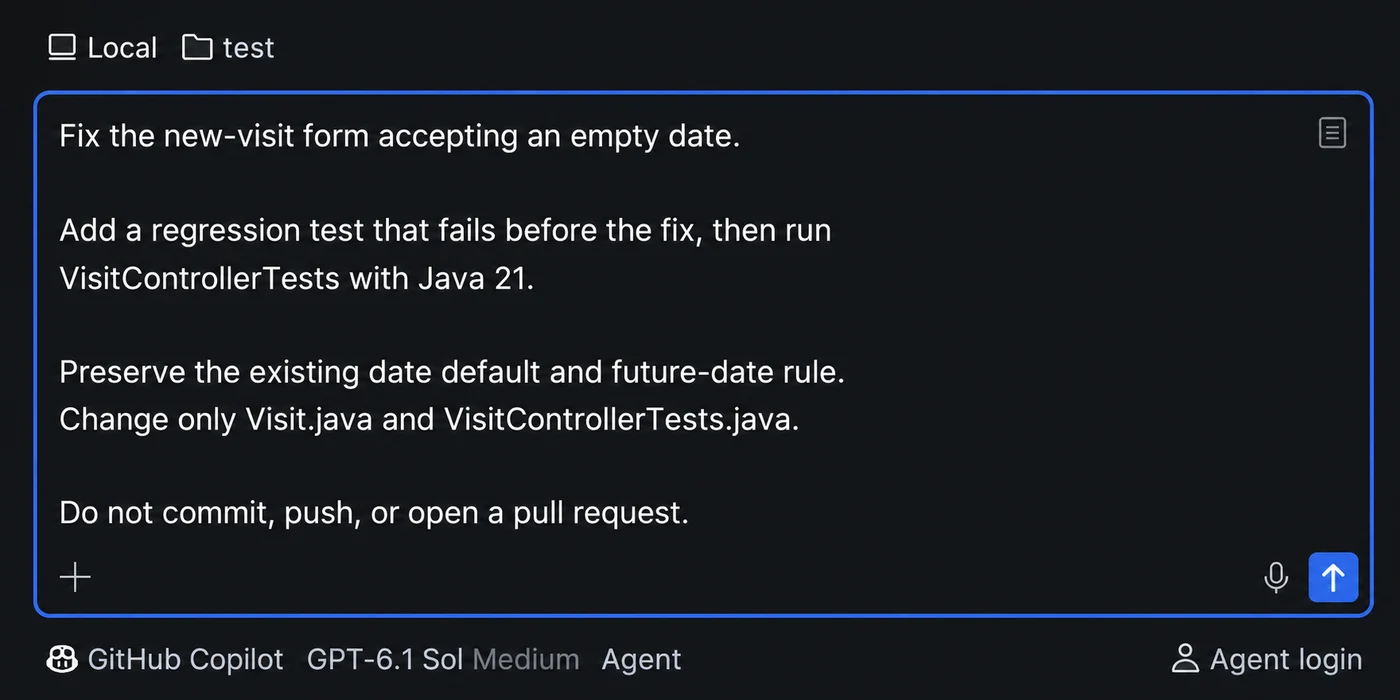
For developers looking to set up local tasks, the workflow requires installing the tool within their preferred environment. Detailed guidance is available for getting started with [Air in your JetBrains IDE](https://plugins.jetbrains.com/plugin/33314-air-alpha) by selecting the appropriate agent and connecting a valid account.
Executing Cloud Tasks and Sandboxing
In addition to local execution, users can run Copilot in isolated cloud environments through Air Teams, utilizing either an IDE interface or a web browser. Cloud operations draw from a developer's GitHub Copilot plan rather than consuming individual JetBrains AI credits, though they require specific business organization configurations and administrative enablement.
When executing tasks via browser workflows, developers can access [Air in your browser](https://air.jetbrains.cloud/), configure version control providers, select repositories and remote branches, and submit prompts directly to the assistant.
To ensure security and environmental integrity, cloud tasks operate inside a Docker container running on a fresh virtual machine. Traffic is routed through a proxy with no state carried over between sessions, allowing Copilot to build, test, and install packages securely. Further technical details on this architecture are outlined in the report on [Cloud agent sandboxing in Air](https://blog.jetbrains.com/air/2026/10/cloud-agent-sandboxing/).
Subscription Verification and Administration
Connecting GitHub Copilot to the platform does not request extensive permissions from GitHub. Instead, the system verifies subscription or credit availability only when a cloud environment initiates. If verification fails, the task terminates and surfaces an error message within the active session.
Regarding administrative controls, Air managers retain the capability to disable GitHub Copilot via governance policies, though they cannot establish specific spending limits for Copilot directly inside Air. Furthermore, individual plan selection between personal and organizational tiers is restricted, and current usage analytics do not incorporate Copilot metrics.
Feedback and Community Engagement
As teams begin adopting the integration, the development teams encourage users to report issues and share suggestions. Feedback can be submitted directly through in-product channels, via the official [feedback repository](https://github.com/microsoft/copilot-intellij-feedback/issues), or by participating in a [private survey](https://aka.ms/ghcp-jb-survey).
Sources
- GitHub ChangelogGitHub Copilot is now available in JetBrains Air
Continue chronologically


Related entity coverage
Related stories
GitHub Updates Usage Metrics API with Custom Skills and MCP Servers
GitHub updates the Copilot usage metrics API to display specific names for custom skills, agents, MCP servers, slash commands, and plugins.
GitHub Adds BYOK Support to Copilot Usage API
GitHub updates its Copilot usage metrics API to separate bring-your-own-key usage and enterprise custom models from Copilot-hosted data.
GitHub Enterprise Now Includes Access to GitHub Copilot
GitHub Enterprise now includes GitHub Copilot for every licensed user working with a GitHub or Microsoft account team, streamlining management.
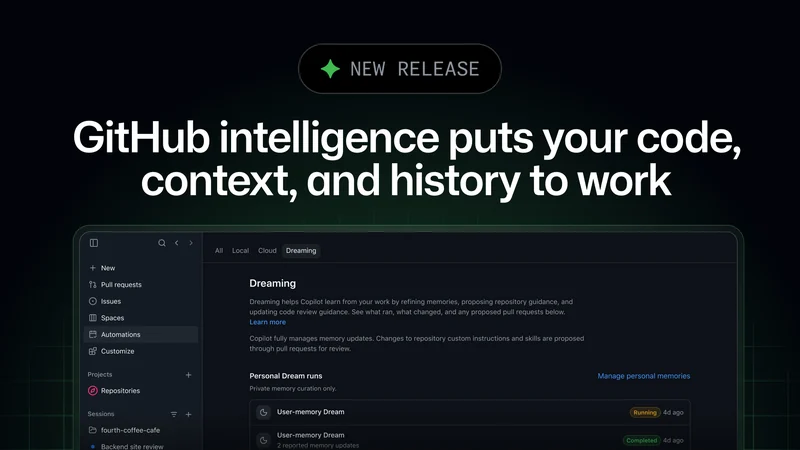
GitHub Intelligence Empowers AI Agents with Team Context
GitHub introduces GitHub intelligence, using code, context, and development history to help AI agents adapt to team workflows and conventions.