GitHub Rolls Out Shared Copilot Automations for Teams
GitHub has announced the rollout of shared Copilot Automations, allowing development teams to collaboratively build, manage, and execute AI-powered workflows around their specific development processes.
 Radwan AbdulhadiEditor and technology writer

Introduction to Shared Copilot Automations
GitHub has announced the rollout of shared Copilot Automations, a new capability designed to enable development teams to build and maintain AI-powered workflows together. According to the [GitHub Changelog](https://github.blog/changelog/2026-10-28-build-shared-workflows-for-your-team-with-copilot-automations/), these automations allow users to combine prompts, triggers, and tools to design workflows tailored to their team's specific working style.
Previously, Copilot automations were restricted to personal use, meaning only the individual creator could view, edit, and run them using their own personal identity and AI credits. While personal automation works well for individual tasks like drafting standup updates, it does not support collaborative workflows that an entire team depends on. The new shared framework addresses this limitation by moving automation management to the team level.
Cloud Execution and Practical Use Cases
Copilot Automations run autonomously in the cloud, strictly utilizing the tools that developers and teams have permitted. Organizations can leverage this capability to streamline various routine development and operational tasks.
Examples of supported workflows include reproducing bugs immediately when a new issue is opened, capturing screenshots of modifications when a pull request is marked as ready for review, and automatically investigating production incidents as soon as monitoring tools detect them.
Permissions, Billing, and Administration
Shared Copilot Automations introduce clear access rules within repositories. Anyone with read access to a repository can view a shared automation, while individuals with write access are granted permission to edit it. Furthermore, actions performed by these automations on GitHub are officially attributed to Copilot rather than to any individual user.
Billing structures are also adjusted for team environments. Instead of charging the individual who created the automation, AI credits are billed directly to the organization or user that owns the repository. Additionally, because shared automations belong to the repository itself, they continue running even if the original creator departs the team. A detailed change history allows teams to audit how prompts, triggers, and tools evolve over time.
For shared automations to successfully execute inside an organization-owned repository, an administrator must explicitly enable the 'Allow use of Copilot cloud agent billed to the organization' policy.
Availability and Getting Started
When generating a new automation on github.com, Visual Studio Code, or the GitHub Copilot app, users can select 'Shared' under the Type setting. Developers should note that an automation's type cannot be altered after creation. More details regarding these configurations are available in the official documentation for [personal and shared automations](https://docs.github.com/copilot/concepts/agent-capabilities/agent-powered-workflows-and-operations/about-automations?utm_source=shared-workflows-changelog-docs&utm_medium=changelog&utm_campaign=universe-2026#personal-and-shared-automations).
The feature is currently rolling out to users across several subscription tiers, including Copilot Pro, Pro+, Max, Business, and Enterprise plans. Availability may experience gradual variance as the rollout progresses. Once accessible, users can establish shared automations in any repository where they maintain write access.
Developers wishing to engage with others can join the conversation via the [GitHub Community](https://github.com/orgs/community/discussions/211004?utm_source=shared-workflows-changelog-community-discussion&utm_medium=changelog&utm_campaign=universe-2026) to share best practices and discuss technical guides.
Sources
- GitHub ChangelogBuild shared workflows for your team with Copilot Automations
Continue chronologically

Related entity coverage
Related stories
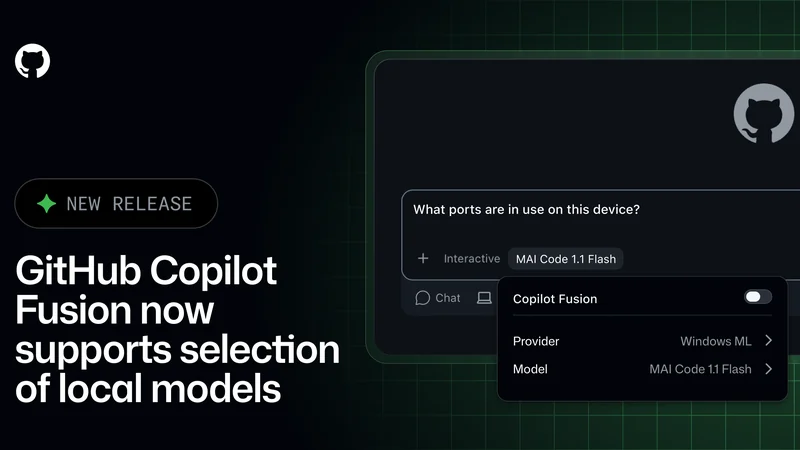
GitHub Copilot Fusion Adds Support for Local Models
GitHub Copilot Fusion now supports intelligent routing for local models in an experimental preview across the Copilot CLI, app, and VS Code.
GitHub Tightens Enterprise Copilot Settings Enforcement
GitHub is giving enterprise administrators stricter control over Copilot policies with fresh settings checks and minimum client versions.

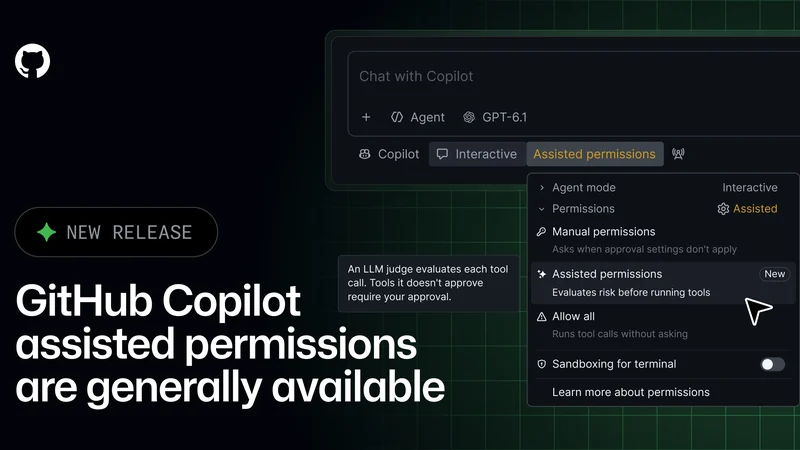
GitHub Copilot Assisted Permissions Generally Available
GitHub Copilot assisted permissions are now generally available in Visual Studio Code, the GitHub Copilot app, and the GitHub Copilot CLI.
GitHub Fixes Copilot Metrics Bug Affecting Agent Activity
GitHub is rolling out an IDE fix to restore missing agent activity and lines of code in Copilot usage metrics following a recent SDK transition issue.