Agentic Autofix for Code Scanning Alerts Reaches GA
GitHub has officially launched agentic autofix for code scanning alerts, bringing developer-like remediation capabilities to enterprise cloud customers.
 Radwan AbdulhadiEditor and technology writer
General Availability Announcement
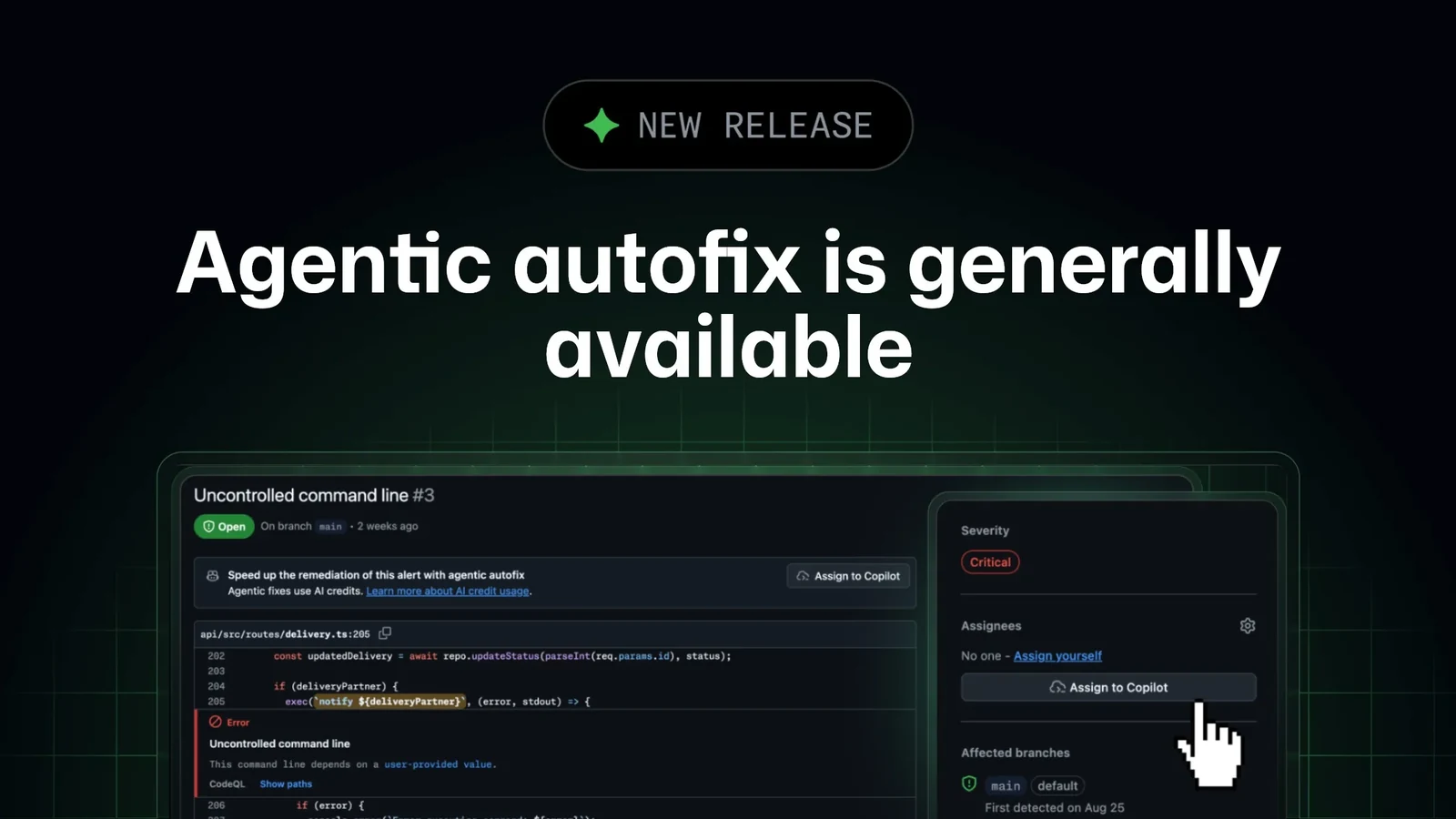
GitHub has announced the general availability of agentic autofix for code scanning alerts, according to an update on the [GitHub Changelog](https://github.blog/changelog/2026-10-15-agentic-autofix-for-code-scanning-alerts-general-availability/). The feature is designed to remediate security alerts by working across a codebase much like a human developer would.
By exploring relevant files, proposing a specific fix, and rerunning CodeQL to confirm that the change successfully closes the alert before opening a pull request, the tool aims to streamline vulnerability management.
How the Remediation Workflow Operates
When a user assigns a code scanning alert to Copilot, the agent explores relevant files across the codebase and iterates if necessary. It then opens a draft pull request that includes a summary of the fix, an explanation of why it addresses the alert, and the validation steps taken to verify its correctness.
Developers can interact further with the pull request by commenting on it or utilizing the session in the Agents tab of the repository to request additional modifications. When enabled, the agentic autofix capability replaces the standard free Generate Fix option with an Assign to Copilot button.
Assignment Methods and Prerequisites
Alerts can be assigned to Copilot from the default branch of a repository, from a list of security alerts or security campaigns where up to 25 alerts can be selected for joint remediation, or programmatically via the [Update a Code Scanning Alert REST API](https://docs.github.com/enterprise-cloud@latest/rest/code-scanning/code-scanning?apiVersion=2026-03-10#update-a-code-scanning-alert) by targeting the designated bot assignee.
The feature supports code scanning alerts located specifically on a repository’s default branch. Alerts detected exclusively on pull requests or alternative branches are not eligible for Copilot assignment.
Administration and Enabling Policies
To utilize agentic autofix, an enterprise administrator must first enable access through a new policy within the Advanced Security policies menu. Following that configuration, organization or repository administrators can activate the feature directly within their Code Security settings.
Deployment also requires a designated Copilot billing method to be established. Detailed information regarding setup procedures and operational scopes can be found by consulting [agentic autofix in the documentation](https://docs.github.com/enterprise-cloud@latest/code-security/concepts/code-scanning/autofix-for-code-scanning).
Billing and Resource Consumption
The operation of agentic autofix draws AI Credits from the designated Code Security budget alongside standard GitHub Actions minutes. Enterprises can monitor this resource utilization through the AI usage area of enterprise billing.
Administrators have the ability to establish SKU-level budgets for Code Security AI credits. Further specifics regarding financial management and resource allocation are detailed in the guidelines for [Copilot usage-based billing](https://docs.github.com/enterprise-cloud@latest/copilot/concepts/billing/usage-based-billing-for-organizations-and-enterprises).
Sources
- GitHub ChangelogAgentic autofix for code scanning alerts general availability
Continue chronologically


Related entity coverage
Related stories
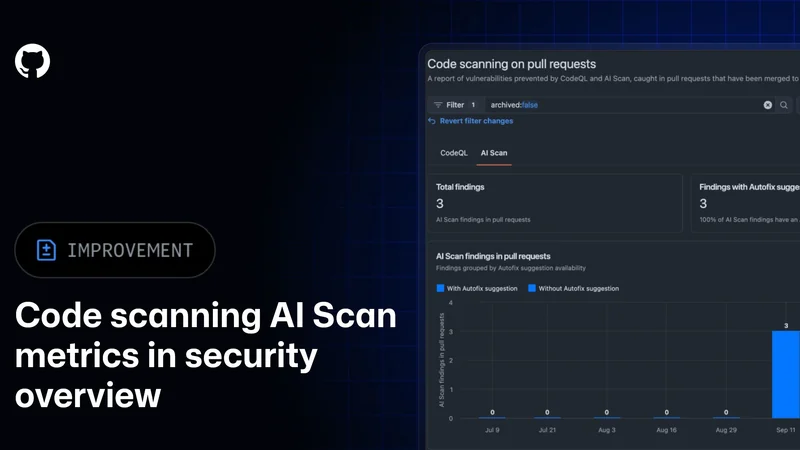
GitHub Adds AI Scan Metrics to Security Overview
GitHub is adding AI Scan metrics to its security overview, giving organization and enterprise administrators new data on findings and fixes.
GitHub expands AI Scan beyond CodeQL default setup
GitHub’s AI Scan for pull requests can now detect security vulnerabilities without CodeQL default setup, in public preview for eligible customers.
GitHub improves Copilot code review with new tools
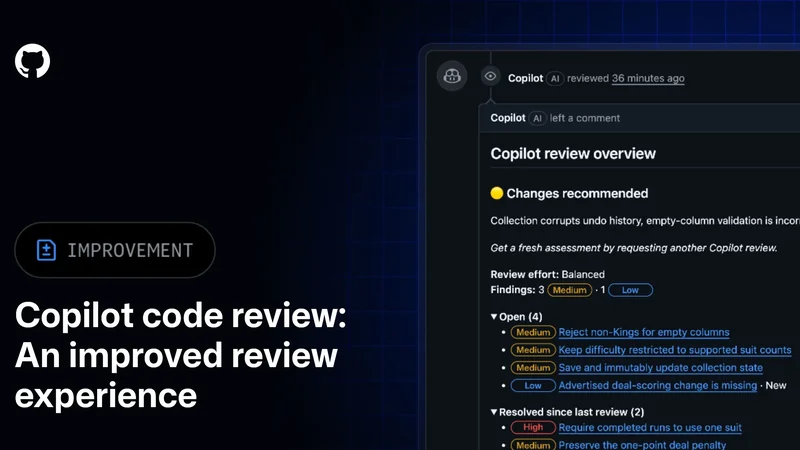
GitHub has made Copilot code review generally available with clearer review tracking, smarter comment resolution and batch commit messages.
GitHub Agentic Autofix Now Leverages Copilot Memory
GitHub has updated Agentic Autofix to use Copilot Memory, allowing the AI to review past context and store secure fix patterns for future security alerts.