
Wired vs wireless Xbox controllers balance latency and freedom
Wired and wireless Xbox controllers offer different tradeoffs for gamers. The best choice depends on latency needs, battery habits and how players set up their gaming space.
 Radwan AbdulhadiEditor and technology writer
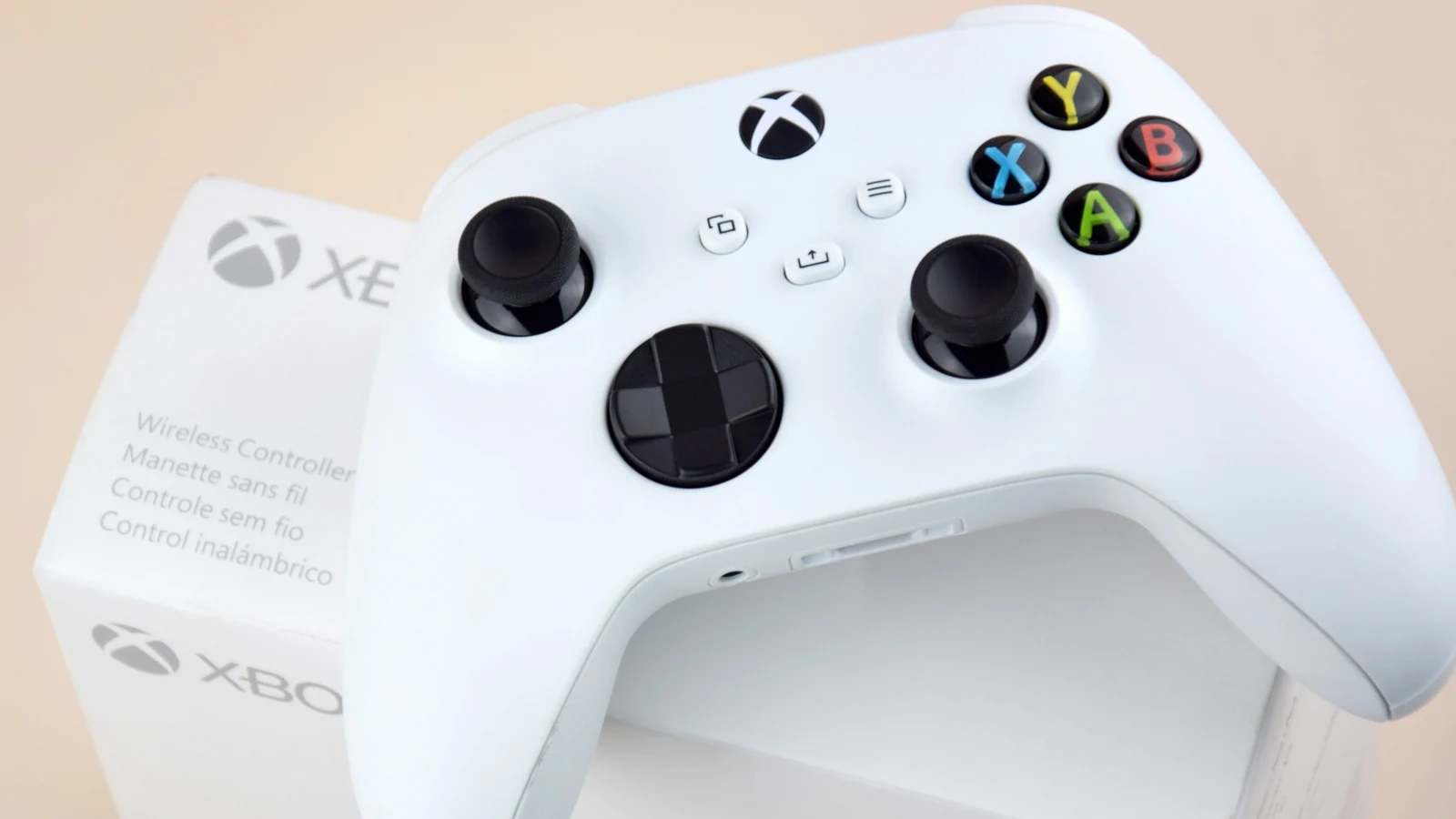
Controller choice starts with the gaming setup
An Engadget analysis of wired vs wireless Xbox controllers frames the decision as a practical choice between convenience and maintenance. Wireless controllers are the default on Xbox consoles because they let players move without managing a cable, while wired controllers reduce concerns about charging, batteries and wireless syncing.
The difference matters most depending on where the controller is used. At a desk, a cable is usually manageable. In a living room, the same cable can become an obstacle, especially if players move around, friends share the space or children handle the controller.
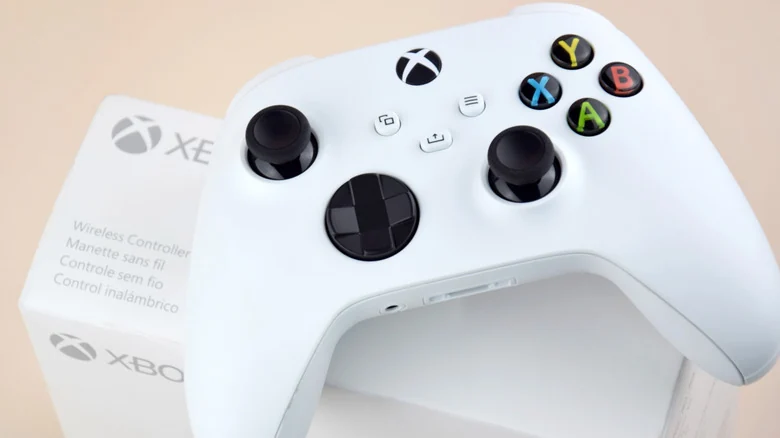
Latency is not always cable versus wireless
Competitive gamers often look for the fastest response between a controller input and what appears on-screen. A wired connection may seem like the clear winner because it avoids wireless latency, but the supplied testing suggests the gap is smaller than expected for some Xbox controller connections.
Polling Rate Test reports similar polling rates for Microsoft Xbox controllers over USB and through the Xbox Wireless Adapter, an accessory that connects a controller to a PC using the same proprietary connection protocol used by Xbox consoles. The reported polling rate is around 125Hz, which means a maximum input delay of about eight milliseconds. At 60fps, that is roughly half a frame, a delay the source says is not perceptible to most people.
The measurement is not the full delay between pressing a button and seeing an action on-screen. On Xbox Series X and Series S, Microsoft uses Dynamic Latency Input to send the latest button presses just before the game needs them. Bluetooth connections to a PC or phone or tablet are different, with estimated additional delay of four to eight milliseconds depending on the setup and nearby wireless devices.
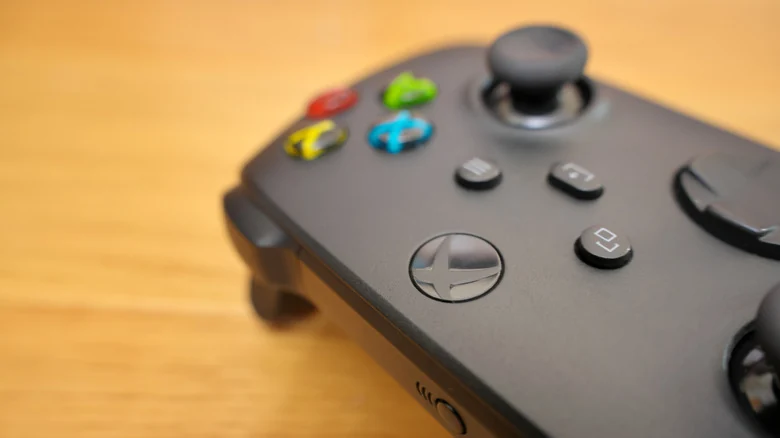
Wired controllers remove battery interruptions
Battery management is one of the strongest arguments for a wired Xbox controller. A wired gamepad receives power over USB, so players do not need to replace AA batteries, recharge a battery pack or scramble for spare power during an online match. A suitable USB data cable can also serve as a backup when a wireless controller needs a connection.
Wireless controllers require more planning. Microsoft estimates that a standard Xbox controller can run for up to 40 hours with AA batteries, though the source says the figure depends on the batteries and whether accessories such as a headset or plug-in keyboard are in use. Microsoft also offers the Xbox Rechargeable Battery, which fits where AA batteries normally go and charges through an included 9-foot USB-C cable.
Wireless controllers give players more freedom
The main advantage of a wireless Xbox controller is freedom of movement. Players can sit anywhere in a room where they can comfortably see the screen, swap controllers with friends or family, and avoid cable slack that may wrap around furniture or catch when someone stands up. Running a cable under a rug or along a baseboard can help, but the source notes that this is not always possible.
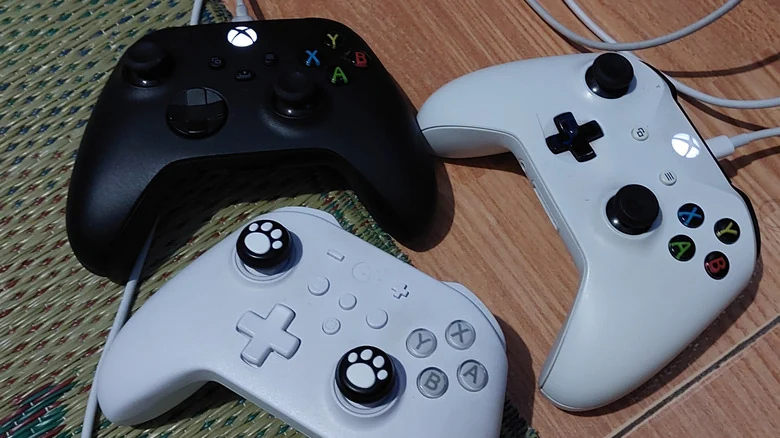
Third-party wired controllers add budget options
Third-party Xbox controllers can make the wired choice more attractive, especially for players looking for a lower-cost spare. Basic wired models from brands including PowerA and PDP are presented as sensible options for gamers who want an affordable controller that does not depend on batteries. This can be useful for a gamepad that sits unused for months and is only needed for occasional split-screen sessions.
Some third-party controllers also change the control layout. Options may include extra customizable buttons on the back for actions usually handled by the thumbs, while the GameSir G7 SE uses Hall effect thumbsticks with magnetic sensors instead of conventional sticks. Compatibility is not guaranteed, however, so players should check whether a model works wirelessly on PC, USB-only on an Xbox console or both before buying.

Which Xbox controller connection should players choose
For most people using an Xbox console wirelessly, the latency is not noticeable, and the convenience of avoiding cables is the bigger benefit. PC players who want to avoid Bluetooth delay may prefer a wired connection, while players who value movement and shared-controller use may accept the need to manage battery power. The source's conclusion is practical: the best option depends on whether freedom or battery-free operation matters more in a player's setup.
Sources
- EngadgetThe pros and cons of using wired vs. wireless Xbox controllers