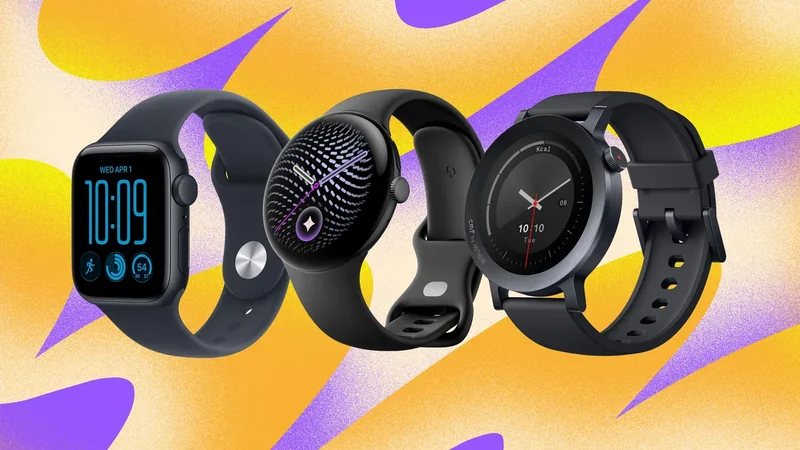
What Does the Orange Dot on Your Samsung Galaxy Watch Mean?
Samsung's wrist-worn technology features unique attributes like the minimalist orange dot on the display, which serves as a notification indicator for users.
 Radwan AbdulhadiEditor and technology writer
Understanding the Orange Dot
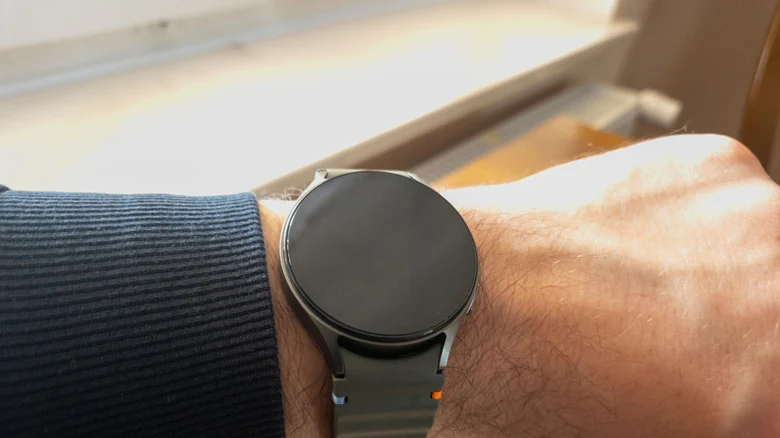
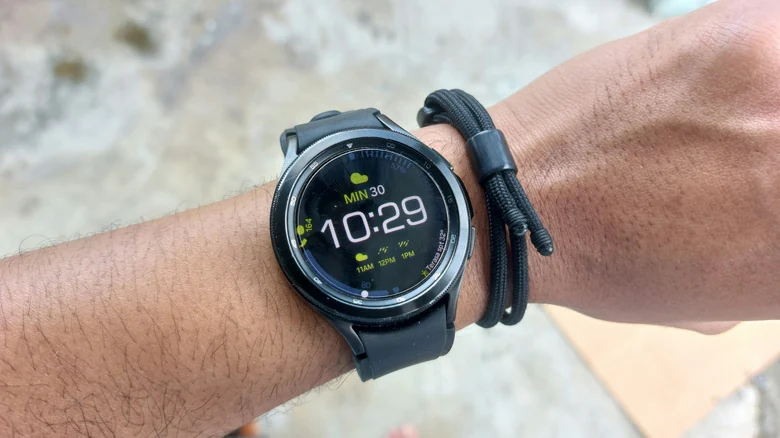
Whether you are getting into digital watches for the first time or transitioning from another brand such as moving from the Apple Watch Ultra 4 to the Galaxy Watch Ultra 2, Samsung's smartwatches feature distinct design quirks. One notable attribute is the small orange dot that appears on the far left of the display screen.
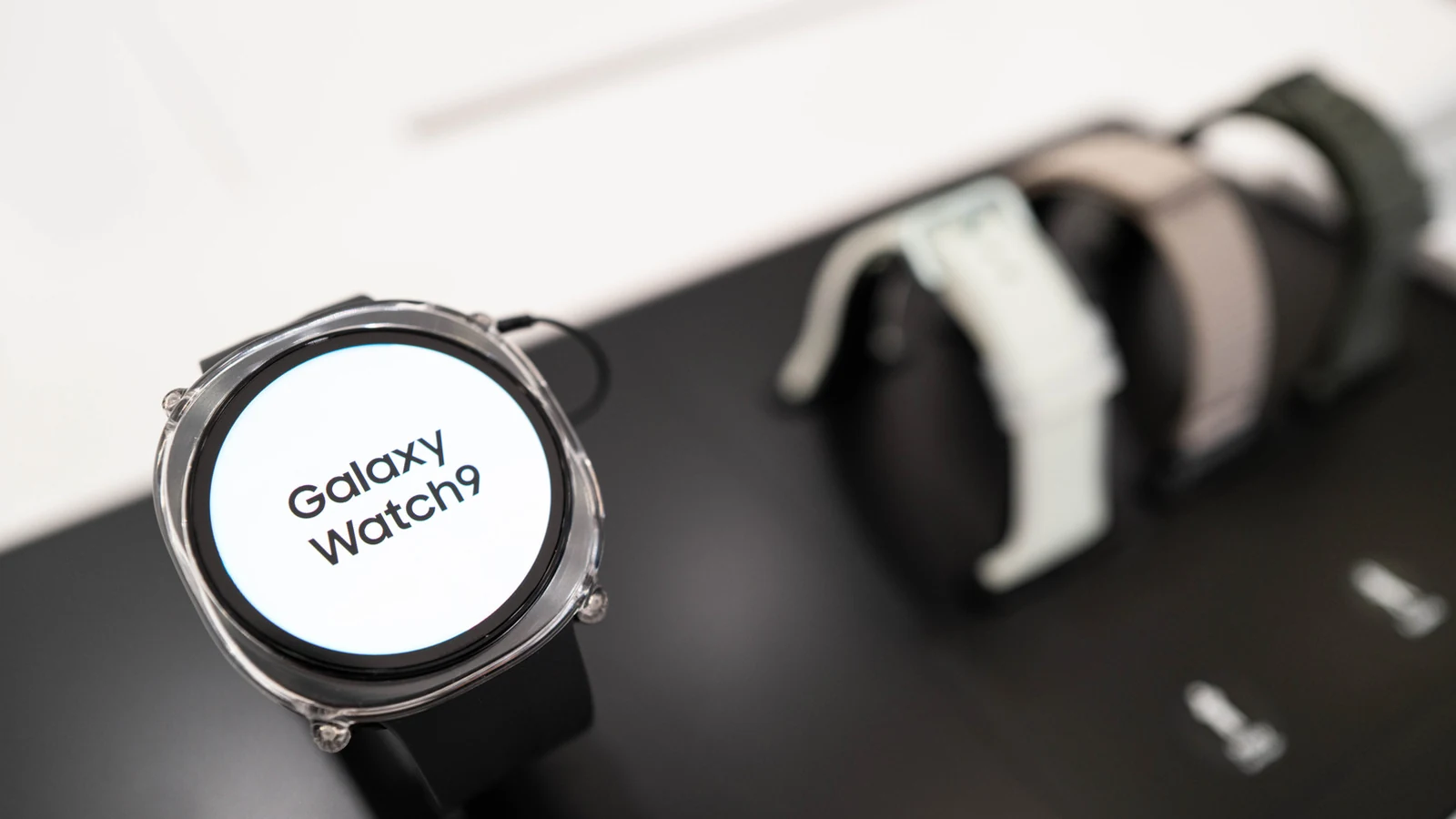
This minimalist indicator has remained a constant feature across various hardware generations. It is present on newer models like the Galaxy Watch 8 and the Galaxy Watch 9, as well as the Ultra 2 lineup.
What the Indicator Tells You
The primary function of the orange dot is to alert users to unread notifications. It remains visible on the watch face until all outstanding alerts have been read, at which point it disappears from the screen. If the dot appears in red instead of orange, it signifies an urgent message that requires prompt attention.
How to Turn Off the Notification Indicator
While the indicator is harmless and common, users who prefer a cleaner display can easily disable it. To turn it off directly on the device, navigate to Settings, select Notifications, go to Advanced Settings, and toggle off New notification indicator on watch face.
Alternatively, users can make the adjustment via a linked Samsung phone. Open the Wearable app, go to Watch Settings, select Notifications, open Advanced notification settings, and toggle off New notification indicator on watch face.
Other Display Symbols and Icons
The orange dot is not the only symbols of its kind on Galaxy Watches. Designing efficient interfaces for the best smartwatches requires maximizing limited screen space through minimalist status indicators located at specific areas of the display.
At the top of the display, users may encounter a phone icon with a slash indicating a lost Bluetooth connection, a rectangle with a cloud signifying a connection via mobile data or Wi-Fi, or a padlock symbol indicating that the watch is locked and requires a password or PIN.
At the bottom of the screen, a blue music note appears to show media playback and pause states, allowing users to tap the icon for audio controls. A green phone icon may also appear in the same position when either the watch or a linked phone is actively engaged in a call.
Sources
- EngadgetWhat does the orange dot on your Samsung Galaxy Watch mean?
Continue chronologically


Related stories
Samsung Galaxy Watch 4 Lineup Excluded From One UI 9 Update
Samsung's One UI 9 Watch update will skip the Galaxy Watch 4 lineup after older devices reached their promised four major OS upgrades limit.
Galaxy Watch Enhances Heart Health Tracking for World Heart Day
Discover how Samsung Galaxy Watch and Samsung Health utilize advanced sensor technology and daily metrics to support proactive cardiovascular wellness.

Samsung Intelligent Eyewear Launch Set for December
Samsung’s upcoming Android XR intelligent eyewear lineup is reportedly preparing for a launch in the United States and South Korea ahead of Christmas.

Amazon Prime Day Wearable Deals Feature Apple, Google, Samsung
Explore the best Amazon Prime Day wearable deals on smartwatches and fitness trackers from Apple, Google, Samsung, and more before the sale ends.