
Does Apple’s Safari Browser Actually Protect iPhone Privacy?
While Safari is designed to keep iPhone users secure by default, its privacy features are not an impenetrable fortress against all tracking and data collection methods.
 Radwan AbdulhadiEditor and technology writer
Understanding Safari's Privacy Default Settings
For many iPhone users, Safari serves as the primary gateway to the internet, often preferred as an alternative to browsers like Chrome. According to the Safari info page, the browser is engineered to mitigate tracking out of the box. By default, it blocks third-party cookies, utilizes machine learning to restrict cross-site tracking, and strips identifying information from specific URLs. These measures are designed to curb the influence of advertising and data-broker networks (and by extension, the FBI), which frequently attempt to build detailed infrastructure based on individual user behavior across the web.
Apple has been transparent about these capabilities, providing detailed documentation for those seeking a technical deep dive. In 2019, Apple published a white paper which outlines the full scope of the browser's privacy architecture. This framework aims to prevent advertisers from following users across unrelated sites, searches, and purchases, effectively cutting off many data leeches that rely on persistent cross-site tracking.
Privacy Versus Security in Mobile Browsing
It is critical to distinguish between privacy and security, as they are related yet distinct concepts. Privacy pertains to how personal data is collected and utilized, while security focuses on safeguarding that data from malicious attacks. Even if a website employs secure practices, it may still maintain poor privacy standards. Safari attempts to bridge this gap by offering tools that address both, such as Private Browsing, which adds layers of protection like IP masking and automatic link cleanup to prevent known trackers from identifying a user's digital signature.
However, the browser is not a substitute for a quality VPN. While Safari limits the data shared with third parties, websites can still access basic information required to serve a page, such as a general approximation of a user's location. Ultimately, Safari's default protections mean that the average user shares less information unknowingly, but it does not provide an absolute shield against every form of digital monitoring.
Advanced Authentication and Credential Safety
Security within the browser has evolved to address the risks posed by traditional password usage. Safari now supports passkeys, which allow users to authenticate using biometric data like Face ID or Touch ID. Because passkeys are cryptographically tied to a specific website, they are inherently resistant to phishing attacks that rely on fake lookalike pages to capture credentials.
For commerce, Apple has integrated its payment infrastructure directly into the browser. Users can complete transactions without manually entering card numbers, instead using authentication through Face ID to access payment information stored privately in Apple Wallet. While these features significantly enhance security, they do not alleviate the risk of a user choosing to trust or enter sensitive data into a malicious or illegitimate website.
The Real-World Limitations of Safari
Despite Apple's robust built-in features, Safari faces inherent limitations common to all browsers. It serves as an early warning system for dangerous sites, but it cannot verify the legitimacy of every page a user visits. It also does not hide activity from an Internet Service Provider (ISP) or prevent data collection if a user explicitly submits information to a site. Furthermore, while upcoming features in future iOS updates are expected to automate stronger password generation, current versions still require caution from the user.
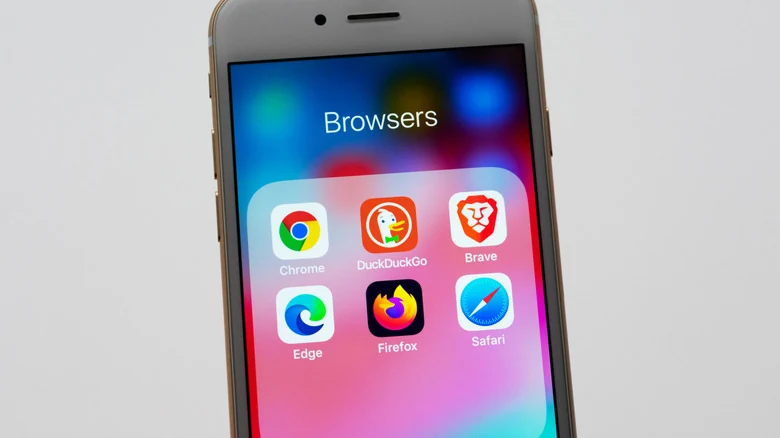
On iOS, the distinction between browsers is further complicated by Apple's requirement that third-party browsers must use the WebKit rendering engine. This means that alternatives like Chrome, Firefox, or Brave function differently on an iPhone than they would on a desktop computer. While some users may turn to Brave for more aggressive content blocking or to utilize its privacy-focused search engine, the choice ultimately depends on whether a user prefers default, integrated protections or the ability to customize privacy settings further.
Sources
- EngadgetDoes your iPhone's Safari browser privacy features actually make you safer?