Edifier Hecate G2000 Pro Review: Clear and Colorful Desktop Audio
Edifier has introduced the Hecate G2000 Pro 2.0 system, combining a unique transparent design with surprisingly robust audio performance.
 Radwan AbdulhadiEditor and technology writer
Design and Build Quality
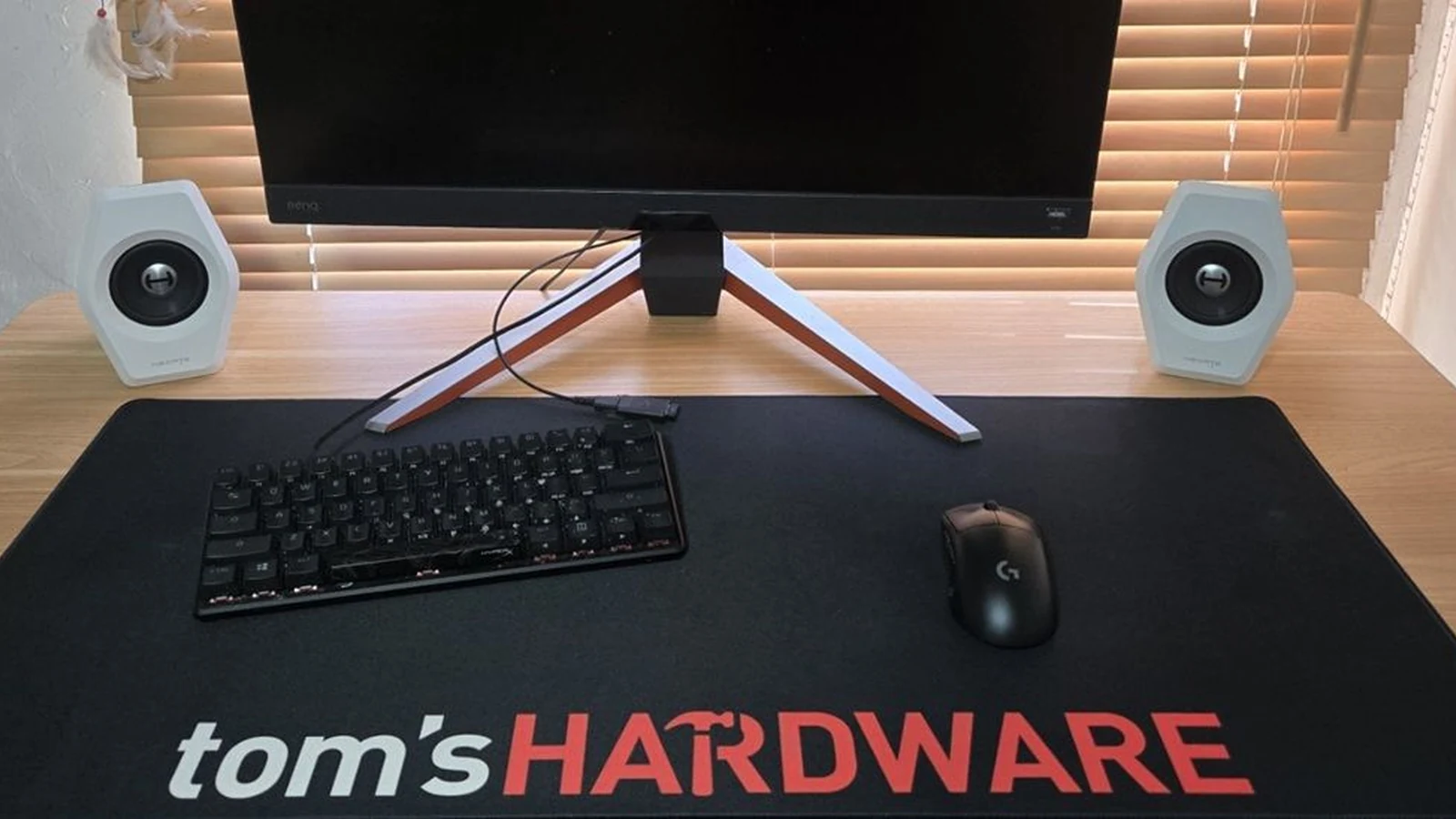
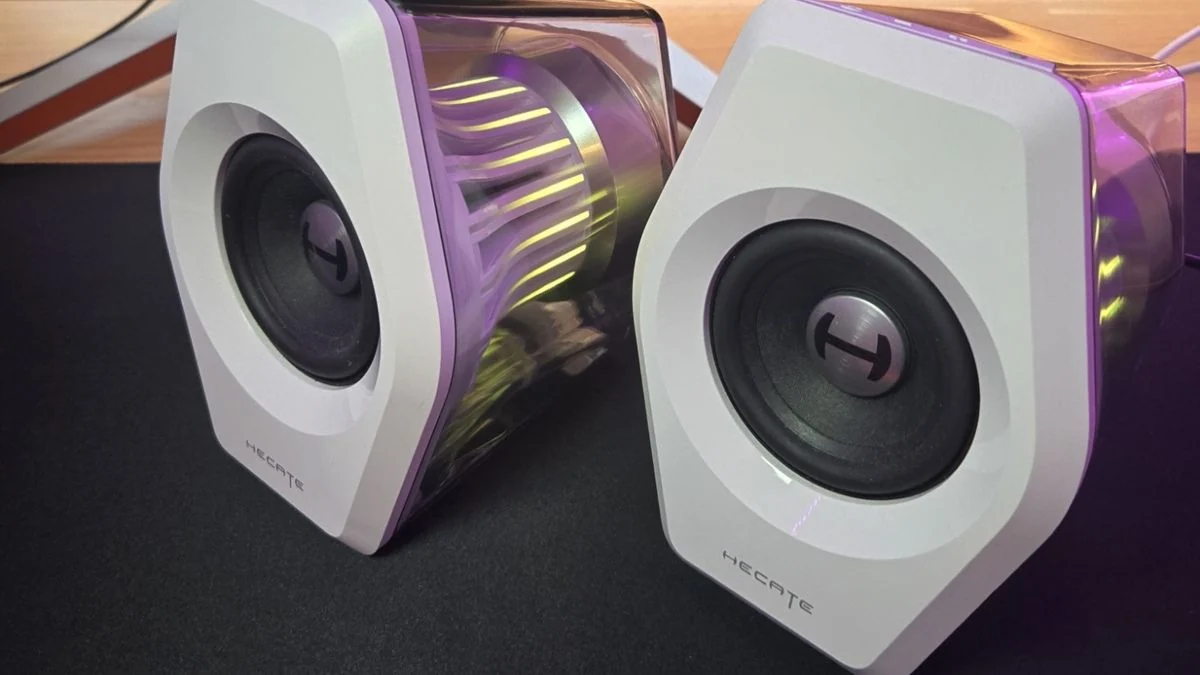
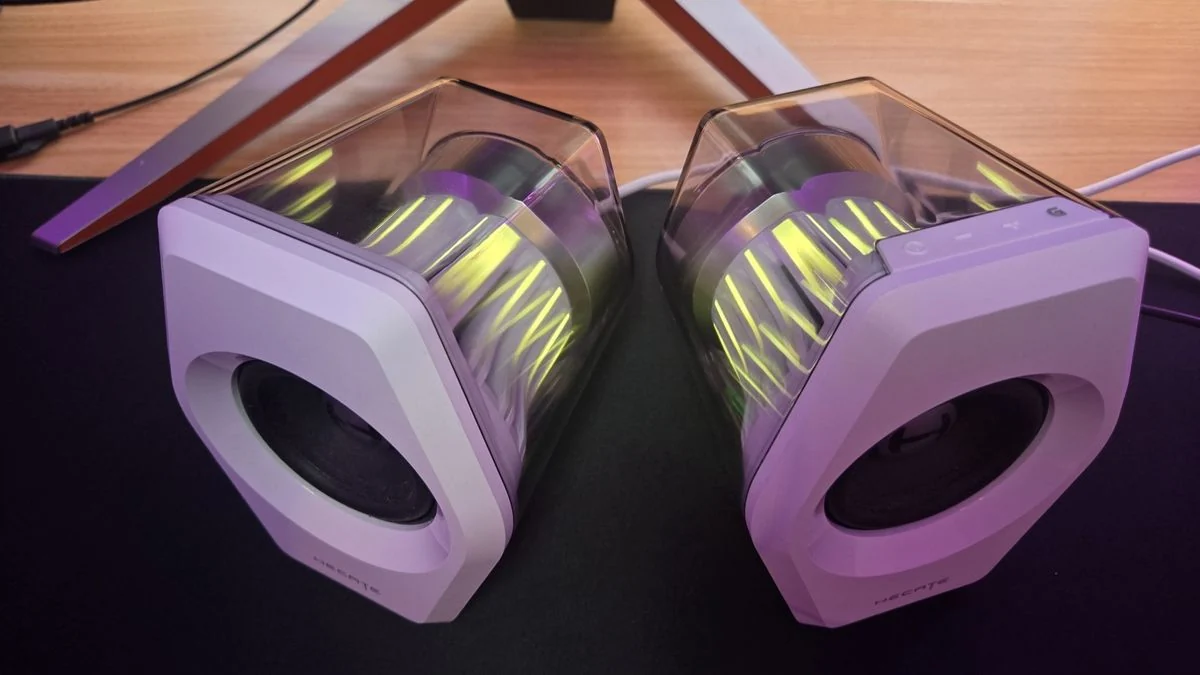
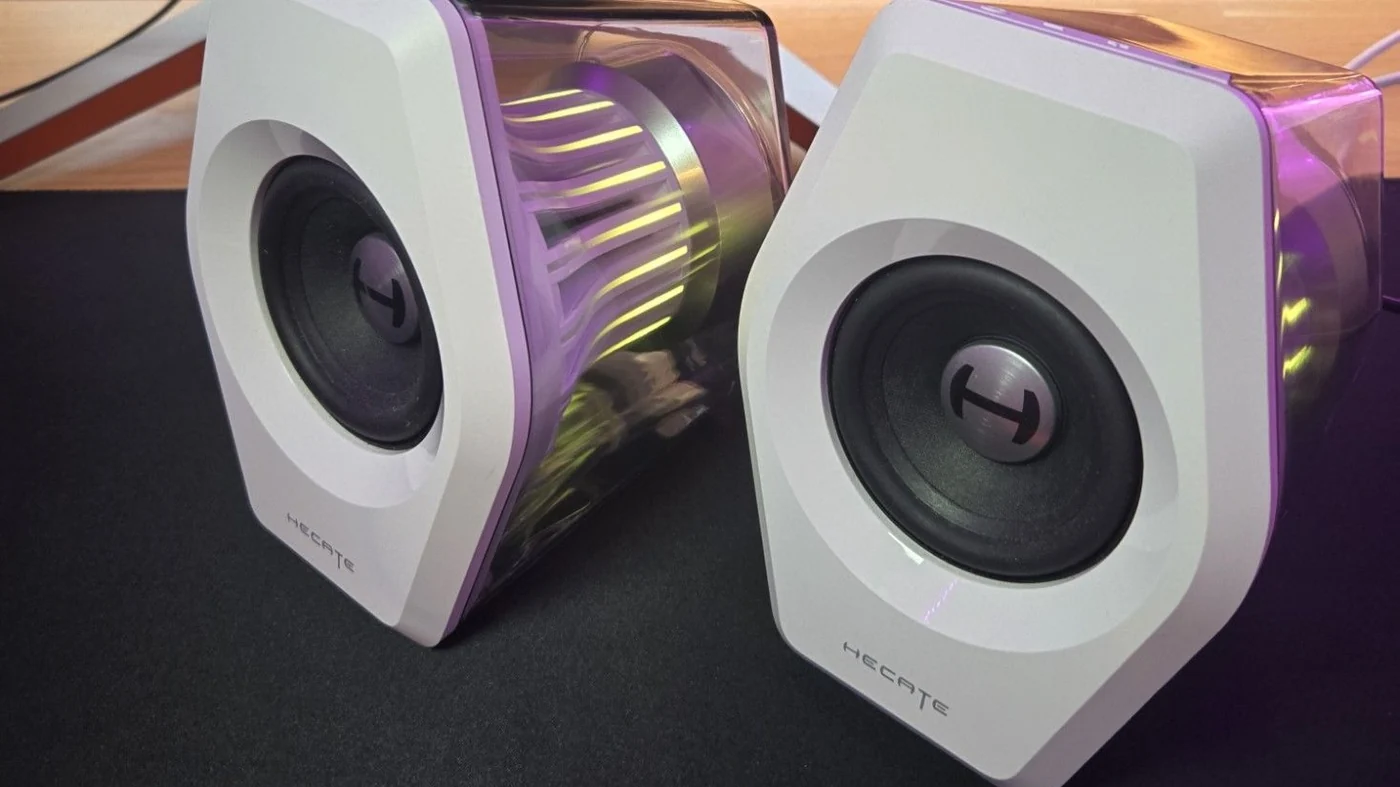
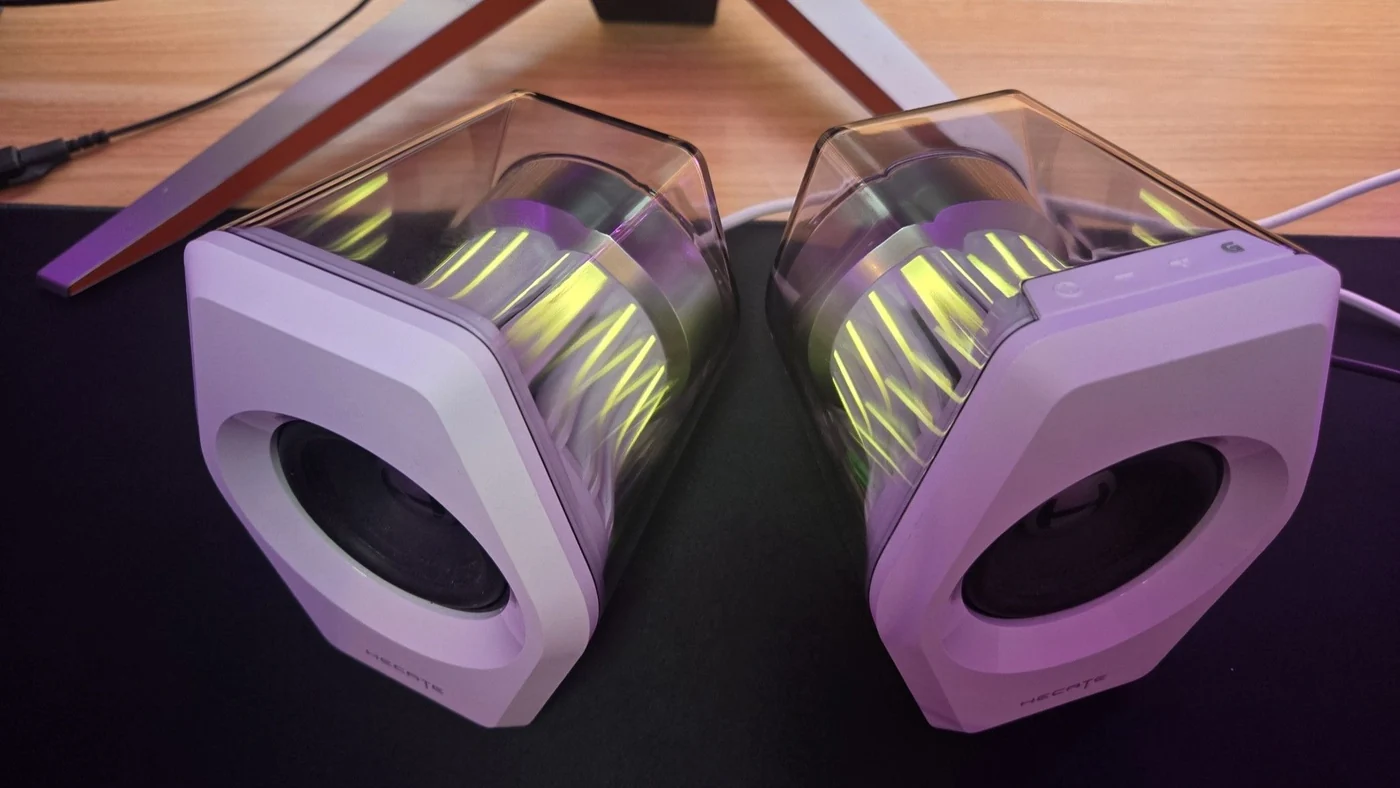
The Edifier Hecate G2000 Pro system brings a distinct aesthetic to the market of desktop PC speakers. Featuring a squished and elongated hexagonal shape, the speakers utilize a clear, see-through speaker enclosure paired with integrated RGB lighting for a modern, futuristic appearance. Users who prefer a more subdued look can easily disable the lighting to avoid constant flashing effects. Each speaker incorporates a 10-degree upward tilt directly into its physical architecture, eliminating the need for extra angled desktop stands to direct sound toward the listener's ears.
Control elements are located on top of the right speaker, consisting of four rubberized silicone buttons, while power ports and audio connections reside on the rear panel. The two stereo units connect via a hardwired 1.5-meter braided cord. Large rubber feet on the bottom of each cabinet help absorb vibrations and prevent slipping. Inside the transparent enclosure, a clear bass reflex port houses a mesh dust filter halfway along its length to keep the interior clean.
Audio Performance and Capabilities
Equipped with a single 3-inch speaker driver in each unit, the G2000 Pro delivers an audio experience that surpasses what its compact dimensions might suggest. According to evaluations by Tom's Hardware, the system produces a remarkably large soundstage capable of handling both gaming sessions and music playback with impressive clarity. The total output power reaches 32W, providing enough volume for casual listening or more immersive media consumption without requiring a massive physical footprint.
Because the system lacks a dedicated subwoofer and a corresponding port, users will not experience the deep floor-rattling bass rumble typical of 2.1 setups. However, the default flat EQ provides a clean and balanced profile, whereas software-based dynamic bass adjustments can sometimes compromise the overall fidelity. Positional audio cues remain easy to detect during gameplay, though software-enabled 7.1 virtual surround sound works best primarily in games specifically designed with advanced positional audio composition.
Connectivity and Inputs
Versatility is a core highlight of the Hecate G2000 Pro architecture, offering multiple ways to link external equipment. Users can utilize an AUX port for sound mixers, a USB-C port for direct computer connections using the bundled USB-C to USB-A cable and adapter, or Bluetooth 5.4 wireless technology for mobile devices. Additionally, a 3.5mm headphone jack is positioned on the rear panel for private listening sessions.
While wireless streaming via Bluetooth functions reliably, wired connections through USB or AUX yield cleaner source audio reproduction. The physical configuration allows consumers to switch between various hardware sources seamlessly, accommodating both desktop setups and mobile device pairing.
Software and Operation
The companion software for the G2000 Pro provides options to toggle features such as the equalizer, dynamic bass, smart volume, voice clarity, and headphone-specific 7.1 surround sound. However, the user interface relies on small selectable UI elements and tiny radial buttons that can make navigation cumbersome. Furthermore, adjusting lighting profiles through the software occasionally introduces conflicts with active media playback software like Spotify.
Operating the speakers on a Windows PC does not strictly require the auxiliary software, as standard operating system controls and physical buttons on the device manage day-to-day functions efficiently. Reviewers note that double-pressing buttons for lighting modes and stored audio presets requires a brief learning curve.
Sources
- Tom's HardwareEdifier Hecate G2000 Pro Review: Clear and Colorful
Continue chronologically
Related stories
Nintendo Switch 2 Discounted to $469 in Rare Sale
The Nintendo Switch 2 portable gaming console is currently discounted to $469.99, offering a $30 savings off its recent $499 price tag.

Tom's Hardware Details Vera CPUs and Agentic AI Benchmarks
Explore the latest Tom's Hardware coverage including Nvidia Vera CPUs on Oracle clusters, agentic AI benchmarks, and LLM primers.
Nvidia Vera CPU Benchmarked Against AMD and Intel
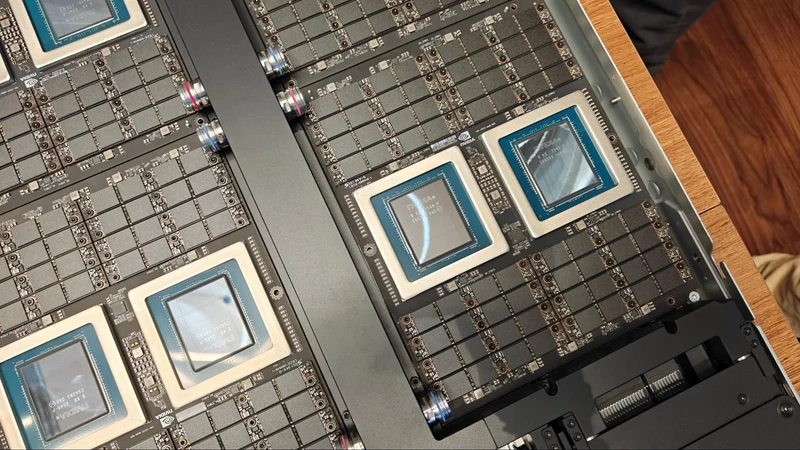
Nvidia's Vera data center CPU is benchmarked against AMD EPYC Turin and Intel Granite Rapids-AP, showcasing strong Python performance and bandwidth.
Microsoft adds Intel APX support to Windows 11 Insider
Microsoft is preparing for future processors by introducing an early Advanced Performance Extensions setting for Windows 11 Insiders.