
Boost Your Home Automation with Home Assistant and Raspberry Pi
The open-source Home Assistant platform offers unparalleled flexibility when combined with the processing power of a Raspberry Pi. These four projects demonstrate how to move beyond basic scheduling into truly intelligent home control.
 Radwan AbdulhadiEditor and technology writer
Getting Started with Home Assistant
For many enthusiasts, home automation starts with simple tasks like automated lighting, but the platform's true potential lies in its ability to integrate over 1,500 different devices and services. Home Assistant is a free, open-source project that allows users to create complex automations based on location, NFC tags, power consumption, or device status changes.
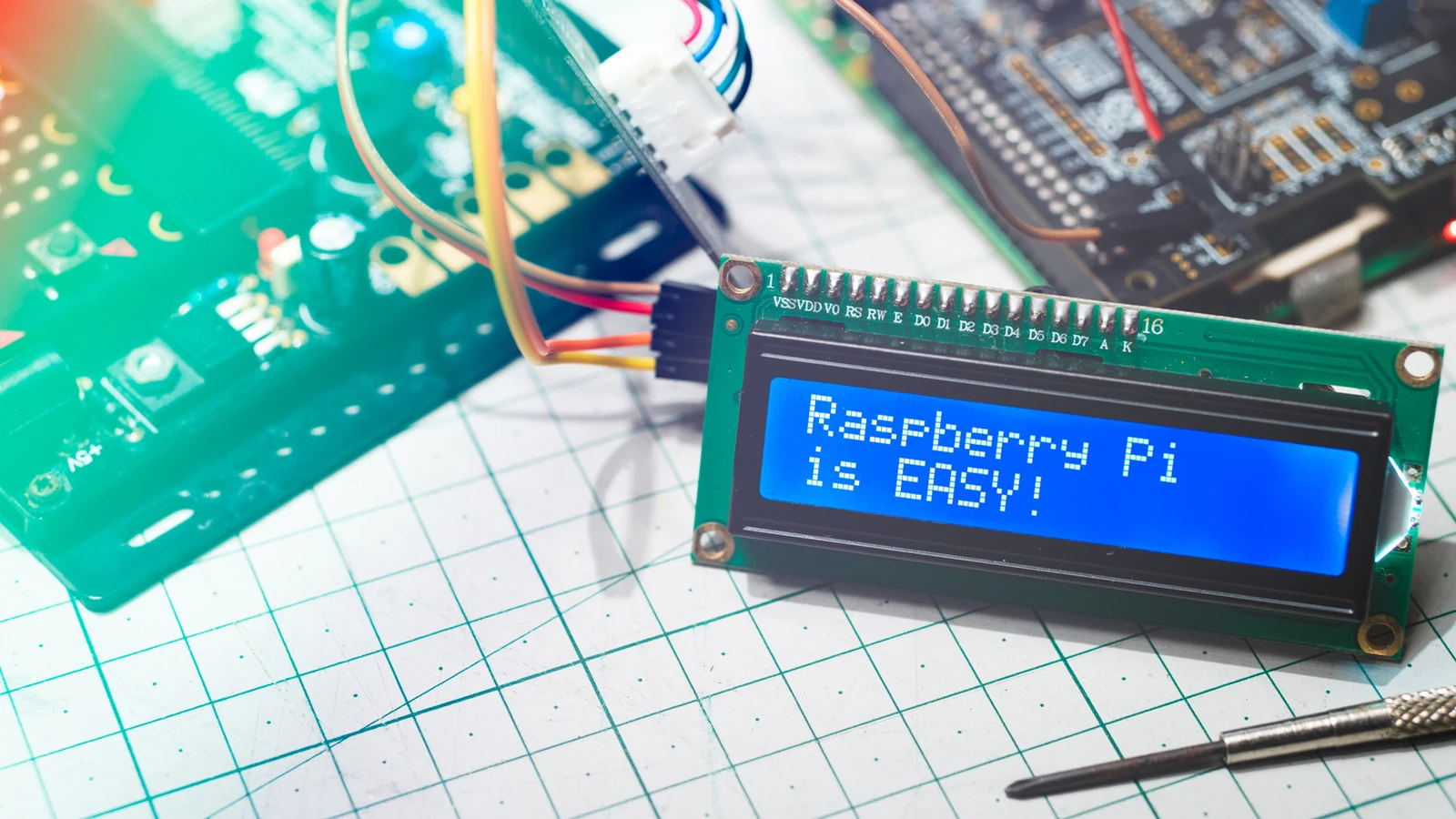
To begin, users can install Home Assistant OS on a Raspberry Pi 4 and Pi 5, which are officially supported devices. While the software itself is free, it is recommended to ensure you have at least 2GB of RAM and a 32GB microSD card to ensure stable operation. Once configured, this setup allows users to control their smart environments without being locked into a single manufacturer's ecosystem.
Bridging Digital Media with NFC Tags
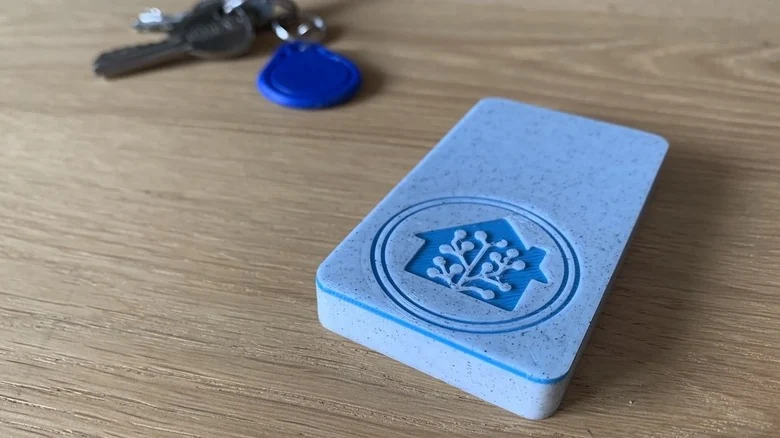
Streaming services offer vast libraries, but sometimes the process of searching for content becomes a chore. Home Assistant provides a creative alternative by using NFC tags to trigger specific media actions. By assigning stickers or cards to individual albums or movies, users can scan them with their phone to initiate playback instantly.
For those seeking a more tactile experience, one user developed a custom 3D-printed movie player using an ESP32 and an NFC reader. This setup utilizes physical cartridges to trigger content through platforms like Plex. While this is an advanced project, the core functionality is accessible to anyone using the Home Assistant app, allowing for seamless integration of physical items into a digital home setup.
Transforming Bedtime Routines
Automation can simplify the process of shutting down your home at night by utilizing your phone's charging status. By configuring the Home Assistant Companion app to recognize when your phone is plugged in, you can create a dedicated bedtime routine that triggers a sequence of actions.
These automations can include adjusting smart thermostats, closing blinds, or powering down downstairs lights. To avoid false triggers during the day, users can set specific conditions—such as the time of day or whether the user is physically present at home—before the routine executes. This ensures your home only prepares for sleep when you truly intend to go to bed.

Adding Intelligence to Legacy Appliances
Many household appliances, such as washing machines, dishwashers, and coffee makers, lack modern connectivity. However, you can make these older machines appear significantly smarter by using an energy-monitoring smart plug. Home Assistant monitors the real-time power consumption of these devices to determine their operational state.
Because appliances have distinct power profiles, users can identify when a cycle is complete by observing when energy draw drops below a specific threshold for a sustained period. Once the system detects the end of an operation, it can send a notification to the user’s smartphone, effectively giving an 'old' appliance a smart upgrade without requiring high-cost hardware replacements.

Location-Aware Shopping Lists
To solve the issue of arriving at a store and forgetting your shopping list, Home Assistant utilizes geofencing through its Companion app. By defining a specific 'zone' for your favorite grocery stores, the system can send a push notification to your phone the moment you arrive.
A simple tap on the notification opens your list, ensuring you never miss a requested item. For users concerned about data, the app offers flexible location settings, including a 'Zone Name Only' option that avoids unnecessary tracking. This project highlights how Home Assistant uses basic device sensors to create genuinely useful, context-aware automations.
Sources
- Engadget4 cool projects you can do with Home Assistant on Raspberry Pi