How to Add Dolby Atmos to Your TV on a Budget
Upgrading your home entertainment system with immersive audio does not require purchasing a multi-thousand-dollar multi-speaker setup.
 Radwan AbdulhadiEditor and technology writer
The Limitations of Modern TV Audio
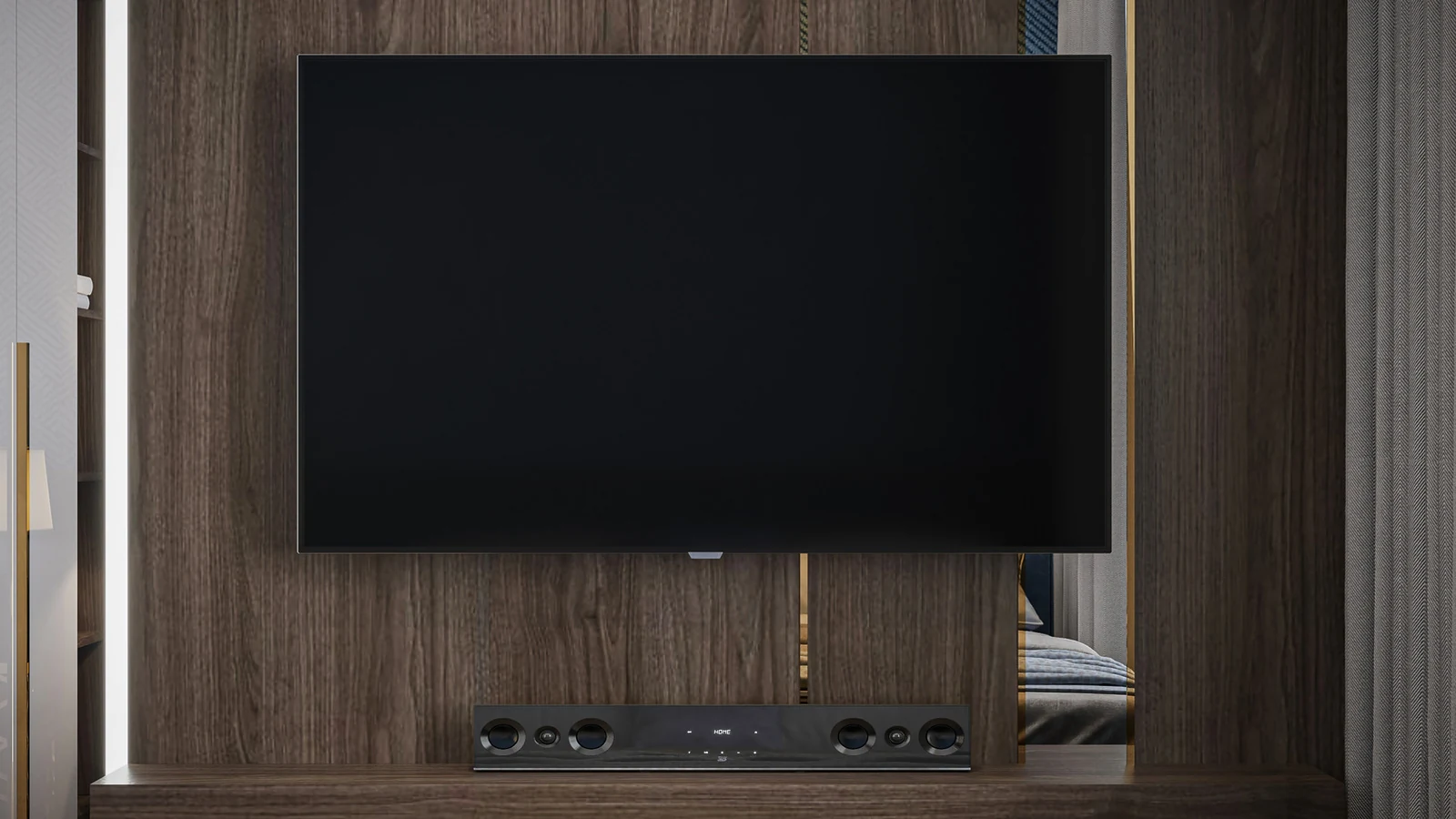
If you are a cinephile or sports fanatic, watching a movie or live game at home often feels lackluster compared to a theater or stadium experience. This shortfall is largely driven by subpar built-in TV speakers. While brands like LG, Sony, and Hisense manufacture televisions with integrated speaker arrays that support Dolby Atmos, these premium models may not fit every budget or satisfy demanding audiophiles.
As thin designs become the industry standard, modern televisions are barely thicker than a smartphone. Manufacturers simply lack the physical space required for premium drivers or resonance cabinets needed to produce truly dynamic audio. This typical design bottlenecks the sound, stripping away the height channels and depth essential for genuine spatial audio and leaving users with flat acoustics, muddy dialogue, and underwhelming bass.
Even some top-of-the-line TVs struggle to project sound forward into a room, causing dimensional audio cues to scatter in the wrong directions. Without specialized upward- or side-firing drivers, many sound effects get lost before reaching the viewer.
Choosing an Affordable Soundbar Solution
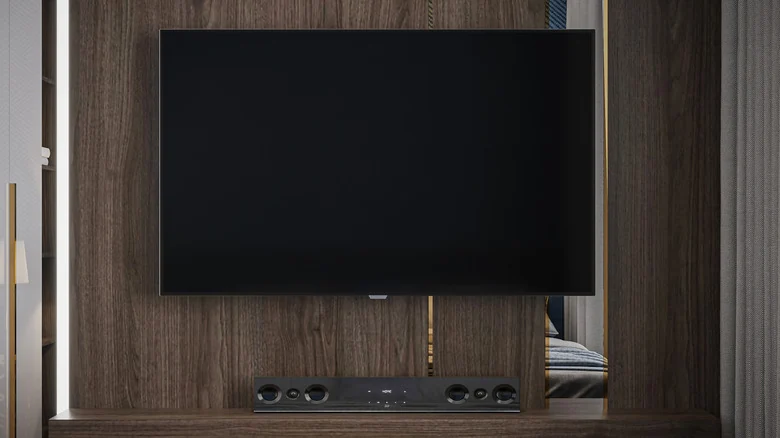
For casual viewers who are not passive streamers content with background noise, upgrading the audio experience is a priority. Instead of spending thousands on a comprehensive multi-speaker home theater system, choosing a wallet-friendly soundbar lets consumers get a taste of spatial audio for a fraction of the price.
Depending on the brand, an Atmos-compatible soundbar typically costs much less than a full surround-sound setup, though it comes with notable trade-offs. Many budget-friendly models rely on virtualized processing rather than genuine physical drivers.
Rather than featuring dedicated up-firing speakers, these hardware options depend on specialized sound-coding to mimic overhead sound sources. While the resulting level of immersion cannot fully match actual physical height drivers, it still offers a clear and noticeable upgrade over standard internal television speakers.

Budget Models and Market Options
Several manufacturers offer hardware options that rely on virtual processing to deliver enhanced audio. Compatible models from brands like Amazon, TCL, and LG frequently run under $200, making them accessible to consumers looking to improve their home media setups.
However, these lower-cost units often lack the required physical height channels to completely take advantage of native spatial audio tracks. Buyers must carefully evaluate their specific hardware capabilities before making a purchase to ensure compatibility.
Verifying Passthrough and Streaming Hardware
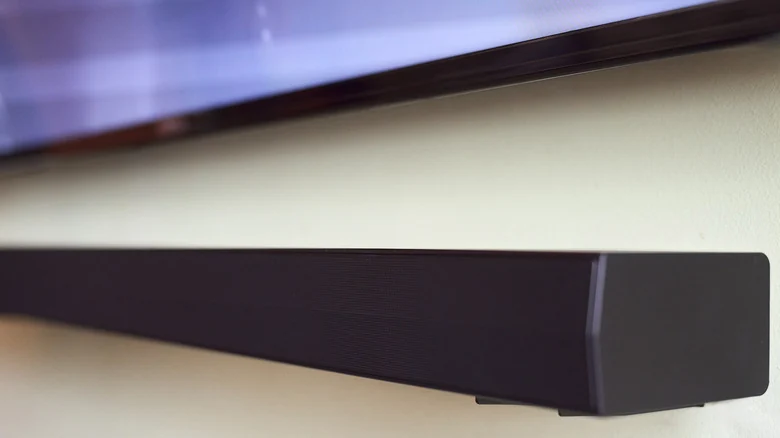
Before purchasing any affordable soundbar, consumers should verify whether their television natively supports Dolby Atmos passthrough. If a television lacks this capability out of the box, shoppers can bridge the gap using affordable external media hardware.
Integrating an affordable 4K streaming device, such as an Amazon Fire TV Stick or similar media player, can effectively handle the audio routing without breaking the bank, ensuring that immersive sound tracks reach the soundbar correctly.
Sources
- EngadgetThis is one of the cheapest ways to add Dolby Atmos to your TV
Continue chronologically
Related stories
Why You Should Add a Streaming Device to Your Smart TV
While many televisions come with built-in apps, adding a standalone streaming device can improve performance, extend hardware life, and reduce ads.
Nvidia Shield TV Pro Gets $100 Price Hike Due to AI
The 7-year-old Nvidia Shield TV Pro has received a $100 price increase to $299.99, as soaring component and memory costs tied to generative AI hit hardware.
Amazon Pledges $1 Billion for Data Center Communities
Amazon Web Services announces a $1 billion community investment program, though critics point out it represents a fraction of its AI budget.

Original PlayStation 2 Security Chip Reverse Engineered
More than 25 years after the fat PlayStation 2 launched, developers have successfully reverse engineered and dumped its stubborn SPC970 security chip.