Choosing the Best Roku Streaming Stick for Picture Quality
Selecting the best Roku streaming stick largely depends on your picture quality needs, with most options offering 4K output.
 Radwan AbdulhadiEditor and technology writer
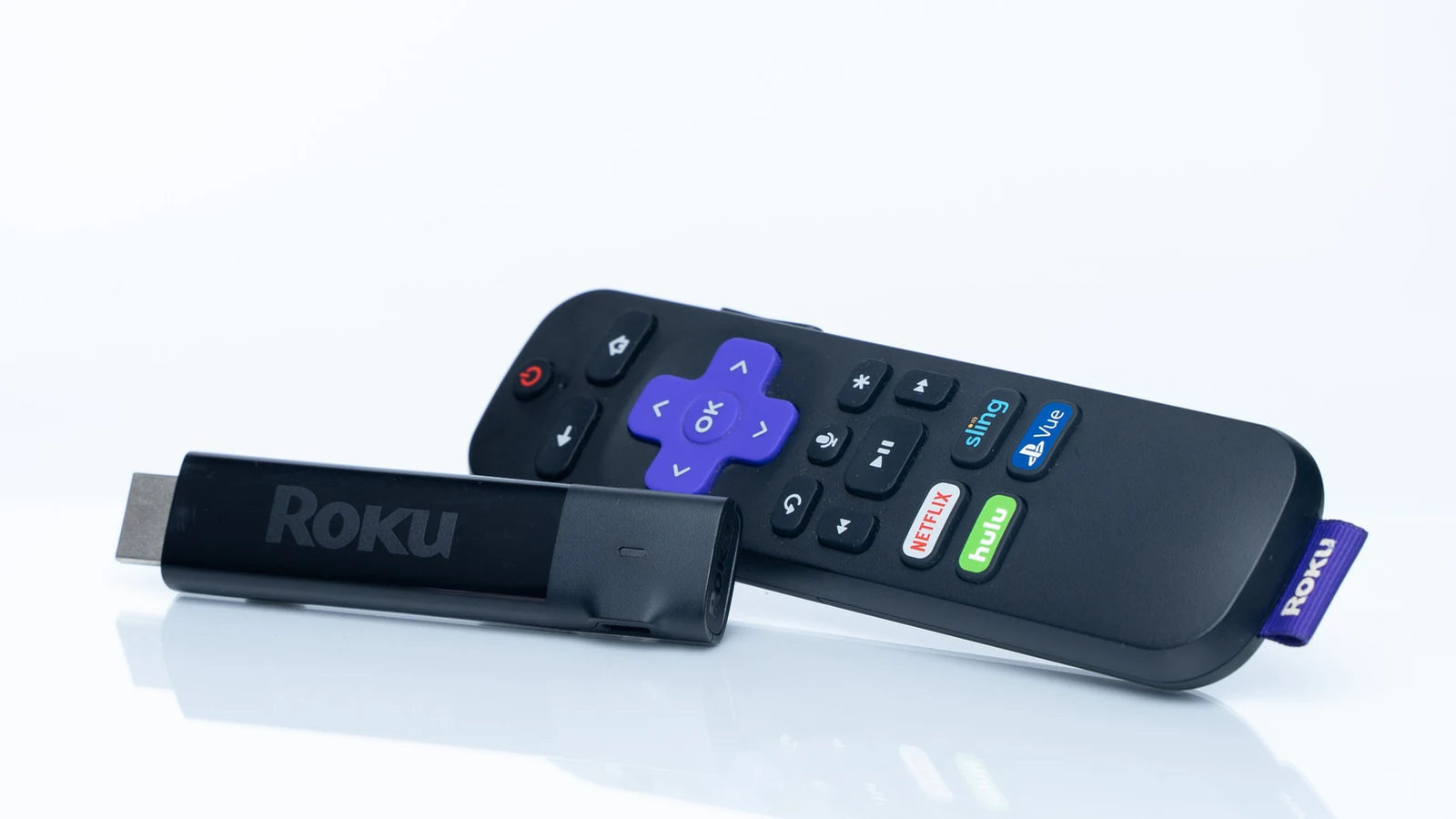
Understanding Roku Picture Quality Options
Even after a recent price increase , Roku streaming sticks remain some of the most popular streaming hardware choices available on the market today. However, choosing the right model can sometimes be confusing for consumers trying to navigate the different features and specifications. Further details are available from Engadget in the original source material.
While higher-end models come with a few additional features, the biggest differentiator across the lineup is picture quality. Fortunately, Roku only sells one streaming device that does not support 4K output, making your decision much simpler if high-definition resolution is a priority.
Comparing the Entry-Level and Mid-Range Sticks
When looking at the entry-level options, the choice between standard definition and high resolution is straightforward. Every single Roku product except for the lowest-priced streaming stick, which is priced at $40, offers full 4K streaming capabilities.
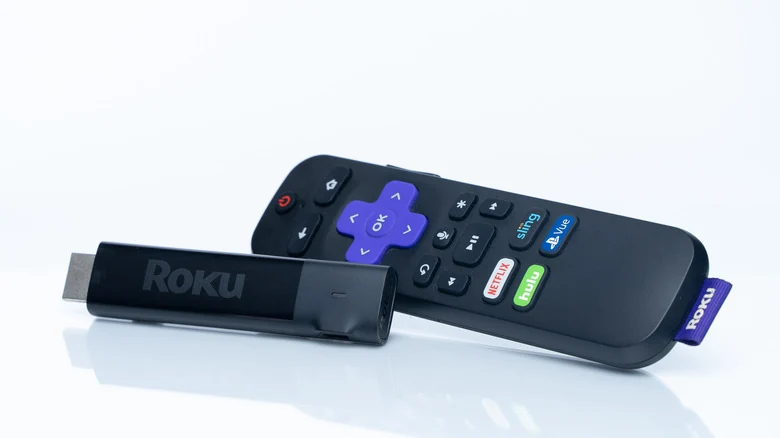
Shoppers might naturally assume they need the $80 Streaming Stick 4K to achieve higher resolutions, but the Streaming Stick Plus delivers 4K capabilities for $20 cheaper, making it a compelling alternative for budget-conscious buyers.
Evaluating Dolby Vision and Wi-Fi Range
Moving up from the mid-range option to the Streaming Stick 4K introduces support for Dolby Vision alongside an extended Wi-Fi range. Dolby Vision is a specialized high-dynamic range format that aims to improve standard HDR, though user opinions remain divided on whether it provides a noticeable real-world difference for everyday viewers.
Alternatively, the longer Wi-Fi range can prove quite useful if your television happens to be located a significant distance away from your home wireless router, ensuring a more reliable connection during playback.
High-End Streaming Choices and Set-Top Boxes
Beyond the traditional sticks, Roku offers two distinct $150 devices: the Roku Ultra set-top box and the Streambar SE. While both cater to advanced setups, only the Roku Ultra includes Dolby Vision support.
The Roku Ultra is designed as a small set-top box built for users seeking the strongest internet connection possible. Alongside Wi-Fi 6 compatibility, it features a physical Ethernet port, making it ideal for homes with Wi-Fi 6 networks or unstable wireless signals.
Audio Integration with the Streambar SE
On the other hand, the Streambar SE focuses heavily on audio performance rather than advanced internet connectivity. It stands out as the only Roku model equipped with built-in speakers, allowing it to function simultaneously as a standalone streaming device and a soundbar.
Despite offering built-in audio benefits, the Streambar SE does not include the Dolby Atmos surround sound support found on the Roku Ultra. To fully leverage Dolby Atmos capabilities on the Roku Ultra, users must ensure they have a compatible audio system connected.
Sources
- EngadgetThe best Roku Streaming Stick depends on your picture quality needs
Continue chronologically


Related stories
Prime Day TV Deals Bring Deep Discounts on Major Screens
Explore the best television and streaming device deals available during Prime Day, featuring steep markdowns on top models from Sony, Roku, and more.

What Is the Star Button on Your Roku Remote?
Discover the mysterious multi-purpose star button on your Roku remote, its contextual features, accessibility shortcuts, and viewing options.

Why You Should Add a Streaming Device to Your Smart TV
While many televisions come with built-in apps, adding a standalone streaming device can improve performance, extend hardware life, and reduce ads.

Smart TVs Track Your Viewing Habits With Automatic Content Recognition
Smart TVs monitor your viewing habits every second using Automatic Content Recognition technology, but you can limit this data collection.