Google Photos vs. Gallery App: Choosing the Right Tool
Google offers two distinct applications for managing images on mobile devices: the feature-rich Photos app and the streamlined, pared-down Gallery application.
 Radwan AbdulhadiEditor and technology writer
Understanding Google's Two Image Applications
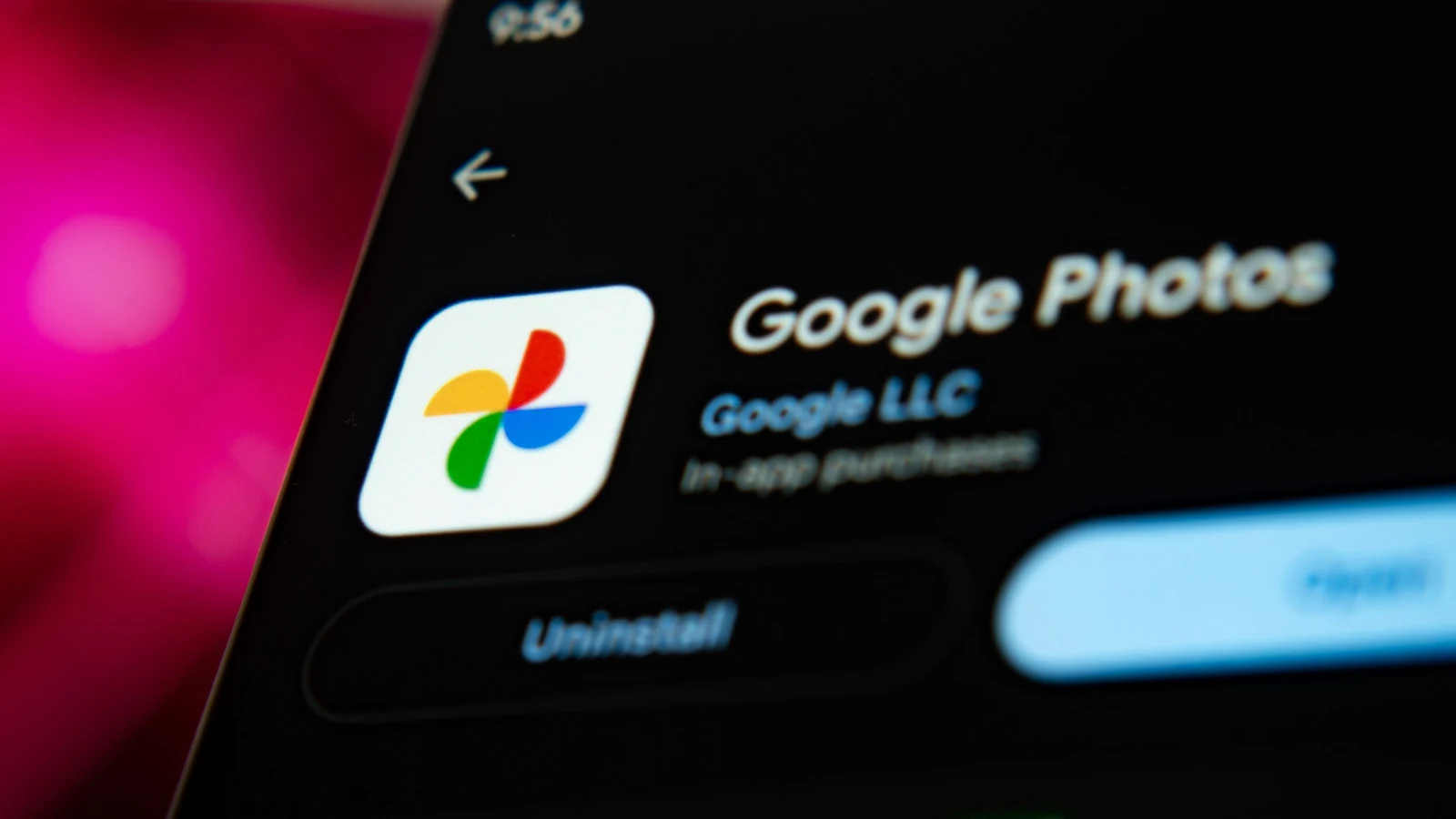
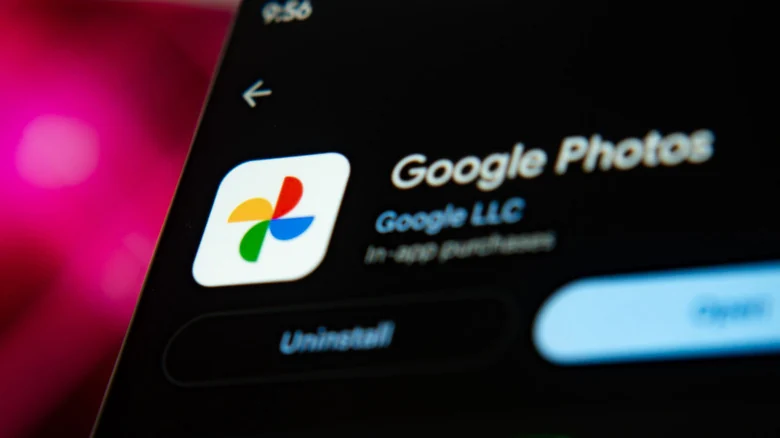
When managing pictures on an Android device, users often encounter multiple choices. Beyond preloaded brand-specific applications like Samsung's Gallery, Google itself developed a simpler alternative simply called Gallery. According to details shared in an <a href="https://www.engadget.com/2273767/google-photos-vs-gallery-app-differences-explained/">Engadget</a> report, this stripped-down application is designed for users who do not care for most of <a href="https://www.engadget.com/category/google/">Google</a>'s advanced Photos features and just want a straightforward tool to organize their images.
Users do not strictly have to choose just one application for their mobile device. While the Gallery app may need to be downloaded from Google Play, individuals can keep both installed and switch between them depending on their daily needs and preferences.
Cloud Backup and Storage Differences
One of the most important operational differences between the two applications is cloud connectivity. The <a href="https://www.engadget.com/2267415/google-photos-update-redact-tool/">Photos</a> app can automatically back up images to the cloud, whereas the Gallery app lacks this automated functionality. Users can easily enable automatic backup inside Photos by tapping their profile avatar in the top right corner, selecting Backup, and toggling the feature on.
Storage capacity limits vary depending on when the account was registered. Old personal Google accounts come with 15GB of free storage, but new accounts created on or after March 9, 2026, only receive 5GB by default. Users can unlock an additional 10GB by verifying a valid phone number. Storage is shared across multiple services including Gmail, Drive, WhatsApp, and Photos. To expand this space, subscribers must purchase a Google One plan, which costs $2 per month for 100GB or $3 per month for 200GB.
Device Space Management and Manual Backups
Purchasing extra storage is typically the fastest method to prevent running out of physical space on a phone. Within the <a href="https://profile.google.com/@engadget/">Google Discover</a> ecosystem and the Photos app profile menu, users can tap an option to free up space on the device. This action deletes items from local hardware that are already safely backed up to the cloud in the <a href="https://support.google.com/photos/answer/6220791?hl=en&co=GENIE.Platform%3DAndroid">quality of your choice</a>.
It is important to remember that if items are manually moved to the Trash inside either Photos or Gallery, they will be permanently deleted from the cloud backup and all connected devices after 30 days. Individuals who prefer manual device backups and local deletion routines can rely solely on the Gallery app. Those users can alternatively connect an external storage drive to their phone's USB-C port to save pictures without utilizing cloud infrastructure.
Editing Tools: Minimalist vs. Comprehensive
Editing capabilities represent another clear division between the two software options. Because Gallery is built as a simpler application, it features minimal editing tools limited to rotation, cropping, and a small selection of filters.
In contrast, Google <a href="https://www.engadget.com/category/big-tech/">Big Tech</a> developments are showcased heavily within the Photos app, which grants access to a broad suite of editing functions and AI enhancements. Users can adjust image brightness, contrast, tone, highlights, and shadows, as well as apply blurring effects, sharpen details, and reposition specific elements. The application also supports freehand doodles, text additions, and a one-tap utility designed to smoothen skin textures, whiten teeth, and reduce under-eye shadows.
Making the Final Choice
For individuals who edit pictures frequently, Google Photos serves as the more robust option, provided they do not already rely on a separate dedicated editing suite. Meanwhile, the Gallery app is completely sufficient for users who only need occasional cropping functionality.
Both applications allow users to share images directly to social media networks, send them via email, or route them through messaging apps, meaning sharing capabilities do not need to influence the final decision-making process.
Sources
- EngadgetGoogle Photos vs. Gallery app: What's the difference and which should you use?
Continue chronologically
Related entity coverage
Related stories
Google Pay vs. Google Wallet: Understanding the Differences
Explore the history and differences between Google Pay and Google Wallet, and learn how these digital payment tools function together on devices.
How to Enable Developer Mode on Your Chromebook
Learn how to turn on Developer Mode on your Chromebook, what changes to system security occur, and when advanced system access is necessary.
Google Releases October 2026 Android Updates Patching 25 Vulnerabilities
Google has rolled out its October 2026 Android security updates, patching 25 vulnerabilities across Framework and System components, including critical bugs.
Google's Fitbit Edge leaks with Apps and Notifications
Retail listings reveal Google's Fitbit Edge tracker, showing its design, colors, apps, notifications support and battery claims.