Apple Announces Major Creator Studio Updates With New AI Features
Apple has unveiled comprehensive updates to its creative software collection, introducing powerful in-app intelligence, expansive toolkits, and seamless workflows.
 Radwan AbdulhadiEditor and technology writer
Transformative Updates to Apple Creator Studio
Apple has announced transformative updates to its creative software suite designed for Mac, iPad, and iPhone. The latest enhancements bring studio-grade capabilities and advanced intelligence features to modern creators, ranging from emerging storytellers to seasoned industry professionals. Brent Chiu-Watson, Apple's senior director of Worldwide Product Marketing for Apps and iCloud, highlighted the release as the suite's most exciting update since its original launch, noting that the new features deliver exceptional value and unprecedented creative flexibility. Further details are available from Apple Newsroom in the original source material.
Subscribers can expect the refreshed software to arrive on the App Store this November. For existing subscribers, the update will be completely free. New subscribers can sign up for $12.99 per month or $129 per year, with a one-month free trial included. Additionally, customers purchasing a new Mac or a qualifying iPad will receive three months of the suite for free, while educational pricing is available for eligible college students and educators. Further details are available from Apple Creator Studio in the original source material.
Expansive Video Workflows and Final Cut Pro Enhancements
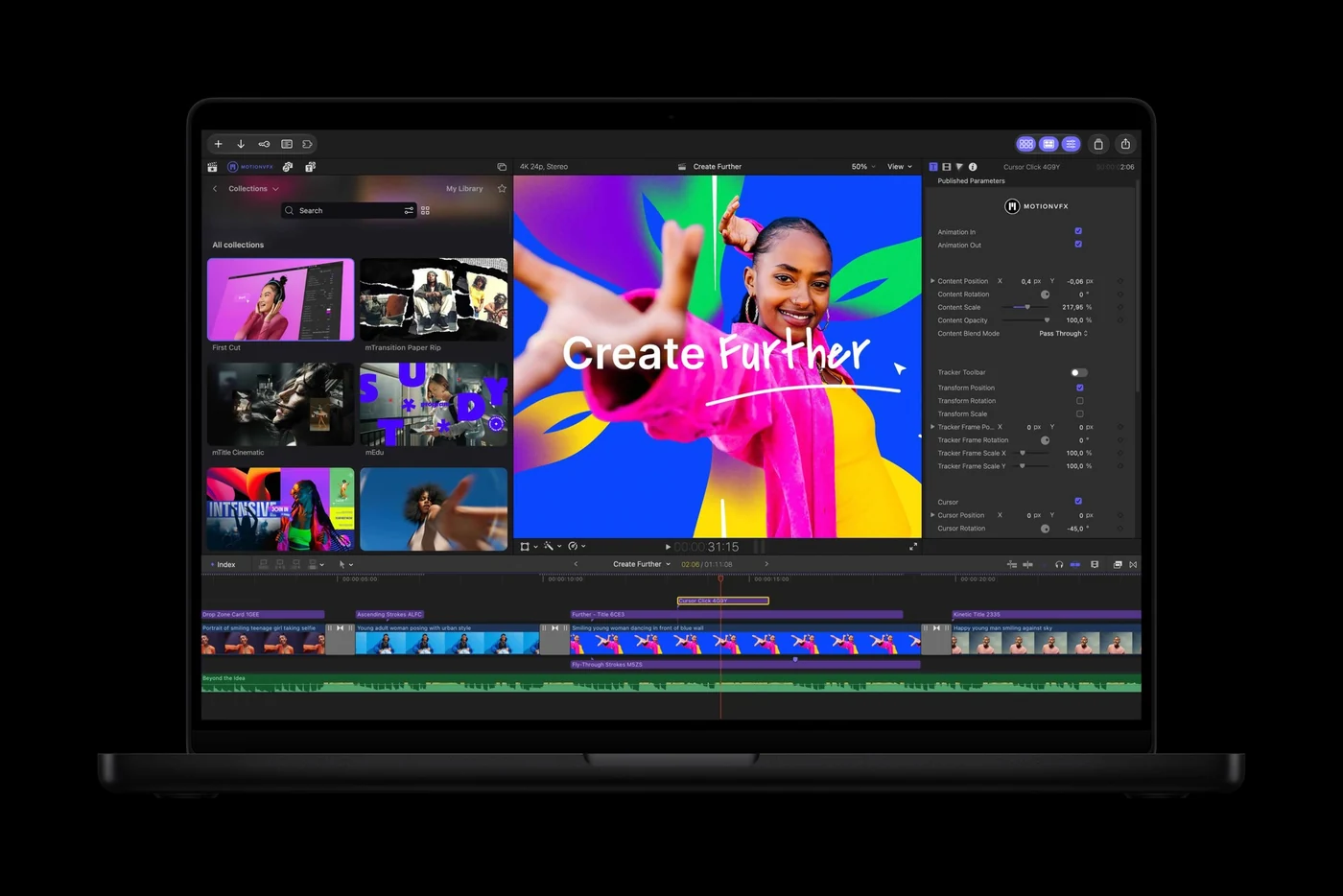
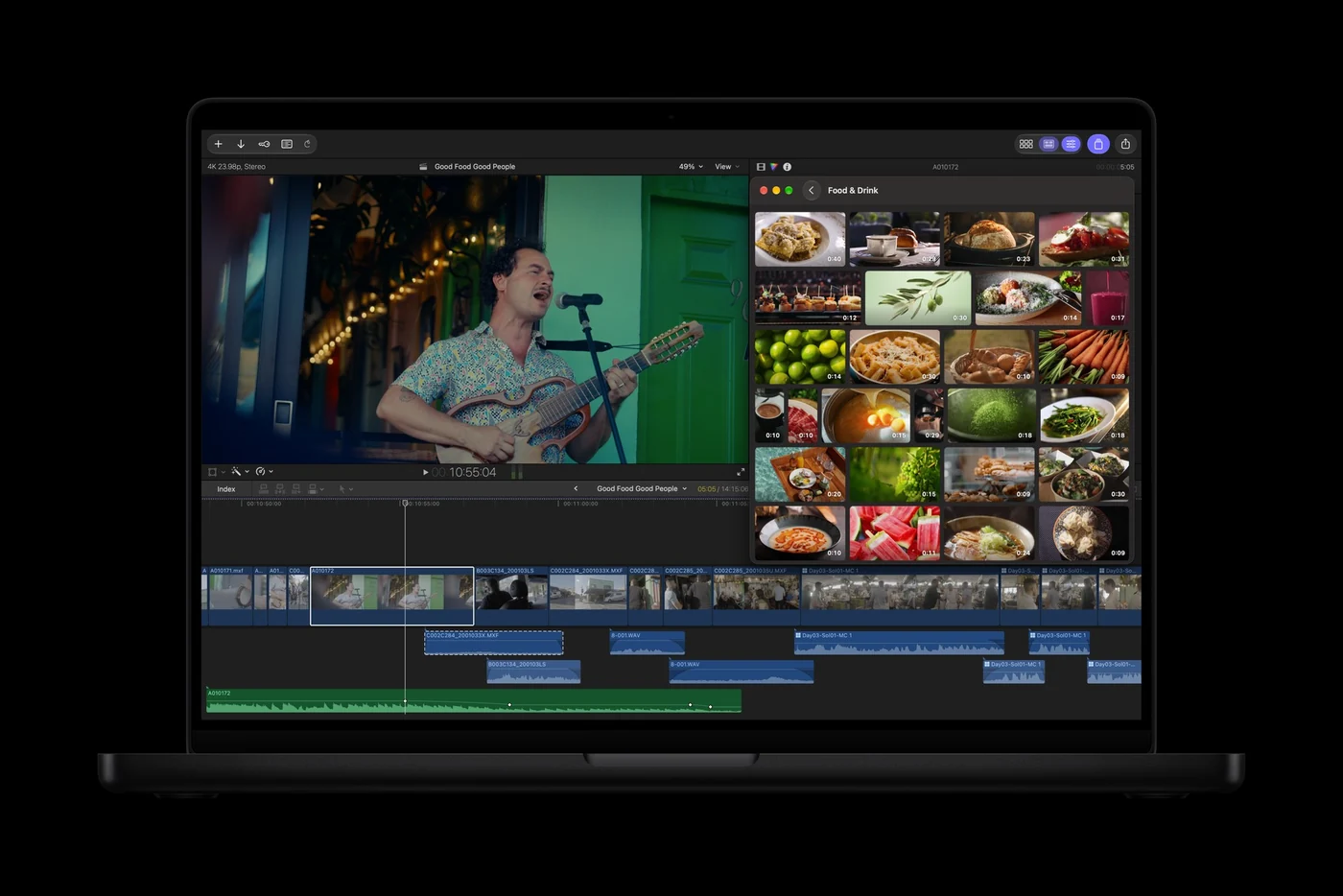
Final Cut Pro for Mac has received significant workflow upgrades, most notably through the direct integration of MotionVFX. Editors now have access to thousands of visual effects, plug-ins, transitions, templates, and motion graphics tools—including capabilities for rotoscoping, tracking, and color grading. Furthermore, the curated Content Hub within Final Cut Pro now includes video assets, providing a library of stock videos, photos, and backgrounds directly inside the editing environment.
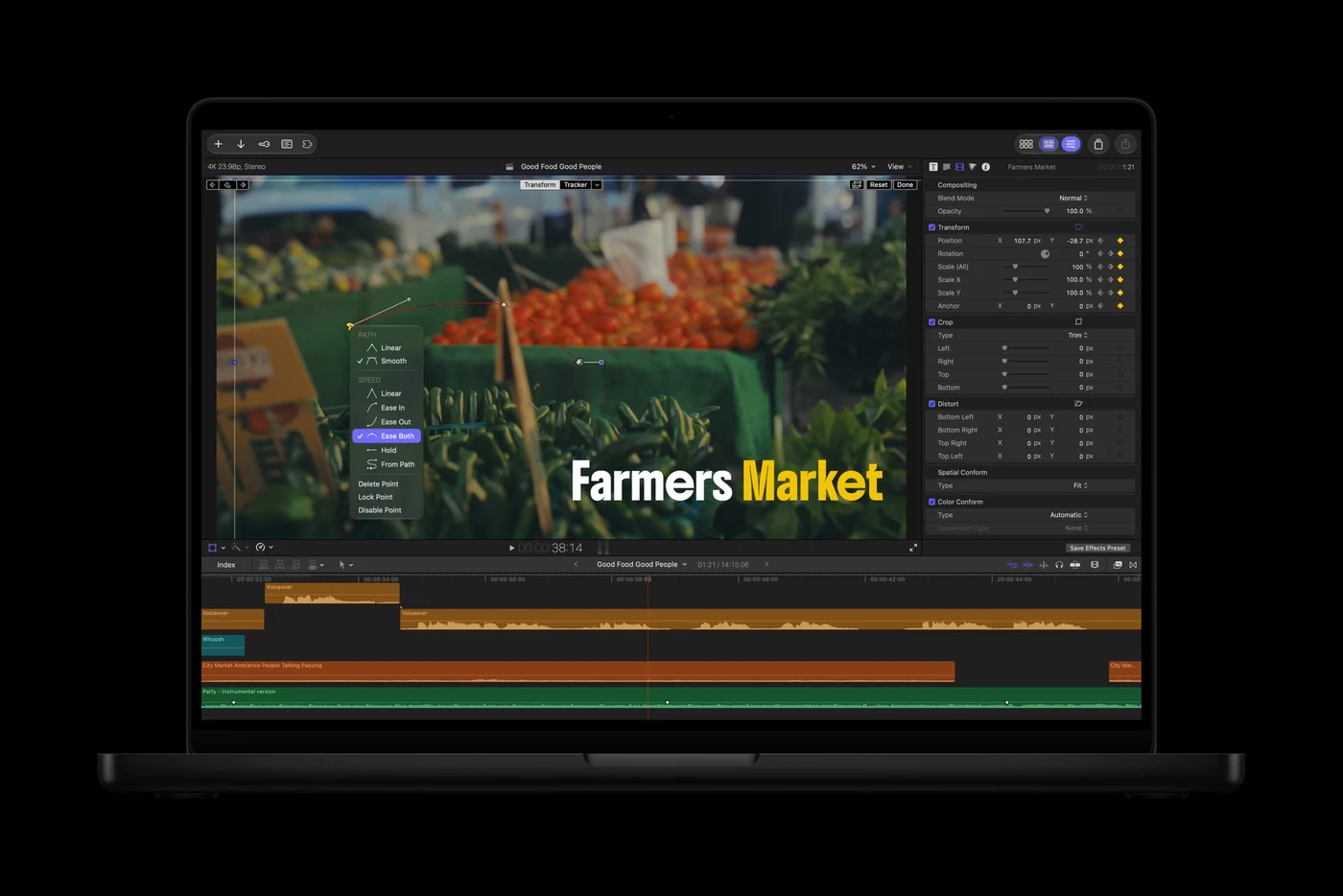
Cross-app integration has also been streamlined. Video creators can open any timeline image directly in Pixelmator Pro to execute advanced editing tasks, with modifications automatically saved back to the project without requiring manual reimporting. Final Cut Pro also introduces advanced image generation from text descriptions, keyframe easing adjustments, clip detachment from primary timelines, and 23 new transcription languages to simplify captioning.
Reimagined Image Editing With Pixelmator Pro
Pixelmator Pro introduces Generate Fill, a powerful tool that enables creators to transform selected areas of an image using natural language. By circling an area and describing the desired change, users can let the application intelligently match the lighting, perspective, and texture of the surrounding environment.
To achieve precise edits, creators can utilize familiar selection tools such as Free Selection, Quick Selection, or Magnetic Selection. Built-in Super Resolution automatically upscales generated content to ensure sharpness at any dimension. These generated elements can be integrated into existing layers or added as new layers complete with intelligent masking for continuous refinement.
Advanced Music Creation Tools in Logic Pro
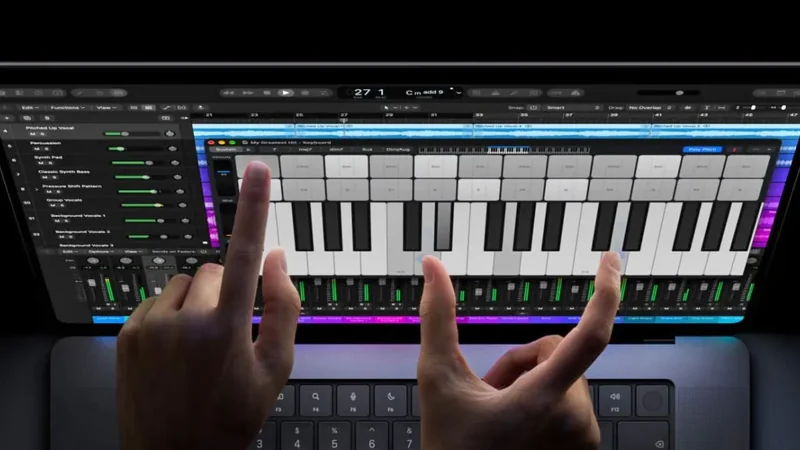
Logic Pro for Mac and iPad has been updated with intuitive production tools and a redesigned interface featuring Liquid Glass, which employs translucent surfaces and deeper contrast to highlight audio waveforms. Music producers can now utilize an intelligent assistant in beta—powered by a combination of Apple-built models and OpenAI—to navigate production tasks, initiate new songs, set up vocal tracks from simple prompts, or refine active projects.
The platform also features an enhanced Stem Splitter that now isolates drums, alongside a redesigned Browser on Mac that centralizes loops, instruments, and effect patches. The updated browser incorporates music understanding and integrates a Splice library to accelerate sound discovery and experimentation.
Productivity and Intelligence in Keynote, Pages, and Numbers
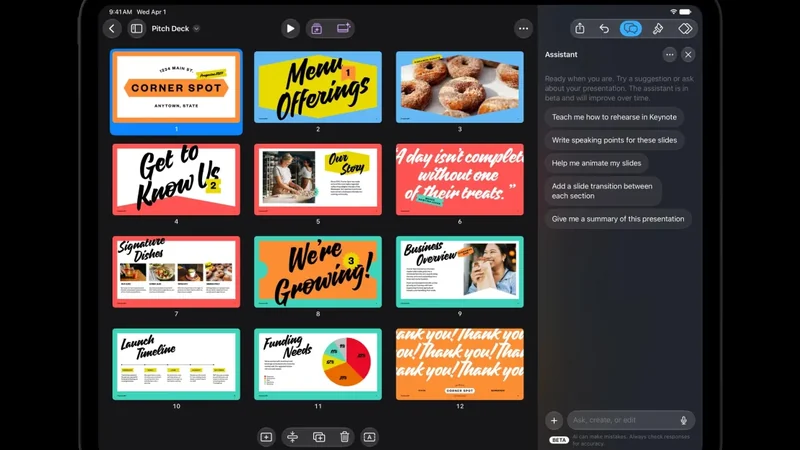
Productivity applications Keynote, Pages, and Numbers are gaining new artificial intelligence features in beta, including context-aware assistants designed to help users draft and refine documents. These tools also introduce Model Context Protocol support to facilitate workflow automation across tasks.
In addition to automation features, the apps now incorporate stock video assets within the Content Hub, alongside a selection of premium themes and templates. These additions aim to provide users with refined visual layouts and streamlined document creation capabilities across supported devices.
Sources
- Apple NewsroomApple Creator Studio adds powerful new AI features and even more creative tools
Continue chronologically


Related entity coverage
Related stories
Apple Creator Studio Update Brings MotionVFX and AI Features
Apple updates its Creator Studio software suite with integrated MotionVFX tools for Final Cut Pro, enhanced cross-app workflows, and AI assistants.
Apple Adds AI Chatbot to Pages, Keynote, and Numbers
Apple is bringing an AI assistant built on Apple and OpenAI models to its productivity apps, including Keynote, Pages, and Numbers.
Apple Unveils Touchscreen MacBook Pro and New M6 Macs
Apple wraps up its product week with a touchscreen MacBook Pro, an OLED iPad Mini, M6-powered Macs, and new AI-focused productivity app updates.
Apple Updates Final Cut Camera and Creator Studio Apps
Apple has rolled out an update to Final Cut Camera to support the iPhone 18 Pro's variable aperture alongside new Creator Studio app features.