Smart Window Adds Form Filling and Page Watching Features
Mozilla has updated its opt-in AI browsing experience with new capabilities designed to handle repetitive tasks like filling out applications and tracking web page updates.
 Radwan AbdulhadiEditor and technology writer
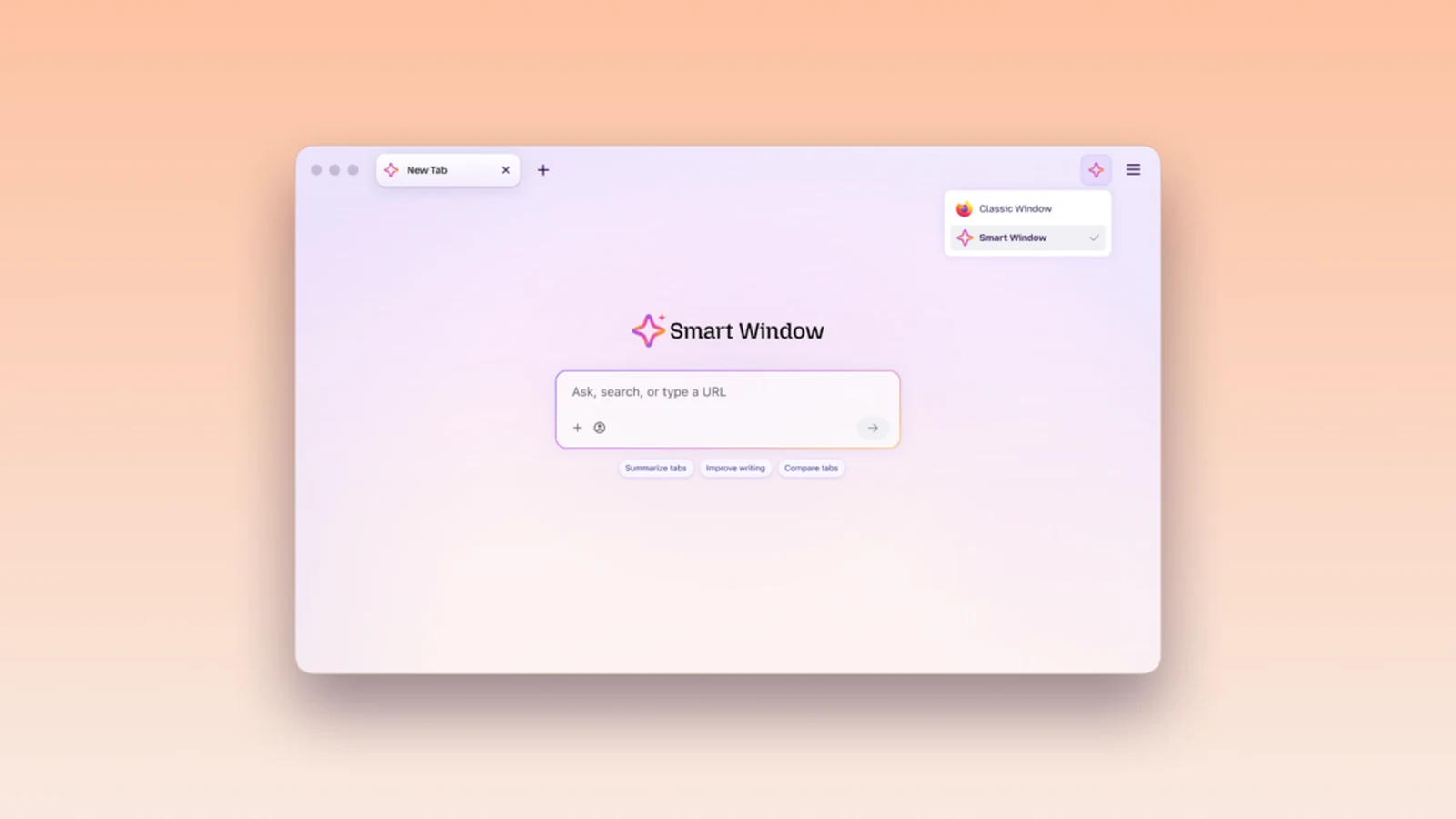
New AI Browsing Capabilities Introduced
Mozilla has rolled out fresh updates to its opt-in AI browsing experience, introducing new tools designed to streamline everyday web tasks. Whether users are preparing for holiday shopping or mapping out career moves, the latest additions aim to minimize routine busywork and repetitive copying and pasting.
The updated experience brings two main capabilities to the desktop beta version: intelligent form filling and automated page watching. According to the announcement on the [Mozilla Blog], these features are tailored to help users keep pace with long to-do lists by utilizing open tabs and tracking specific content changes across the web.
Streamlining Form Filling With Tab Context
Job applications frequently ask for detailed work history, while event registrations often require professional biographies. If those necessary details are already present in open browser tabs, the updated tool can draw from selected pages to suggest appropriate text entries, helping users avoid extra mouse clicks.
For instance, Smart Window can reference an online portfolio or professional profile to fill out employment records or draft responses to specific narrative prompts. Meanwhile, standard browser autofill continues to manage saved personal information like names and physical addresses independently of AI models.
To activate the function, users can click into a qualifying form field. If a form contains at least four text fields that the system can assist with, a "Fill from sources" prompt appears in the dropdown menu alongside a recommended source page. Users can review suggestions before submission and retain full control over editing the text, as the software does not submit forms automatically.
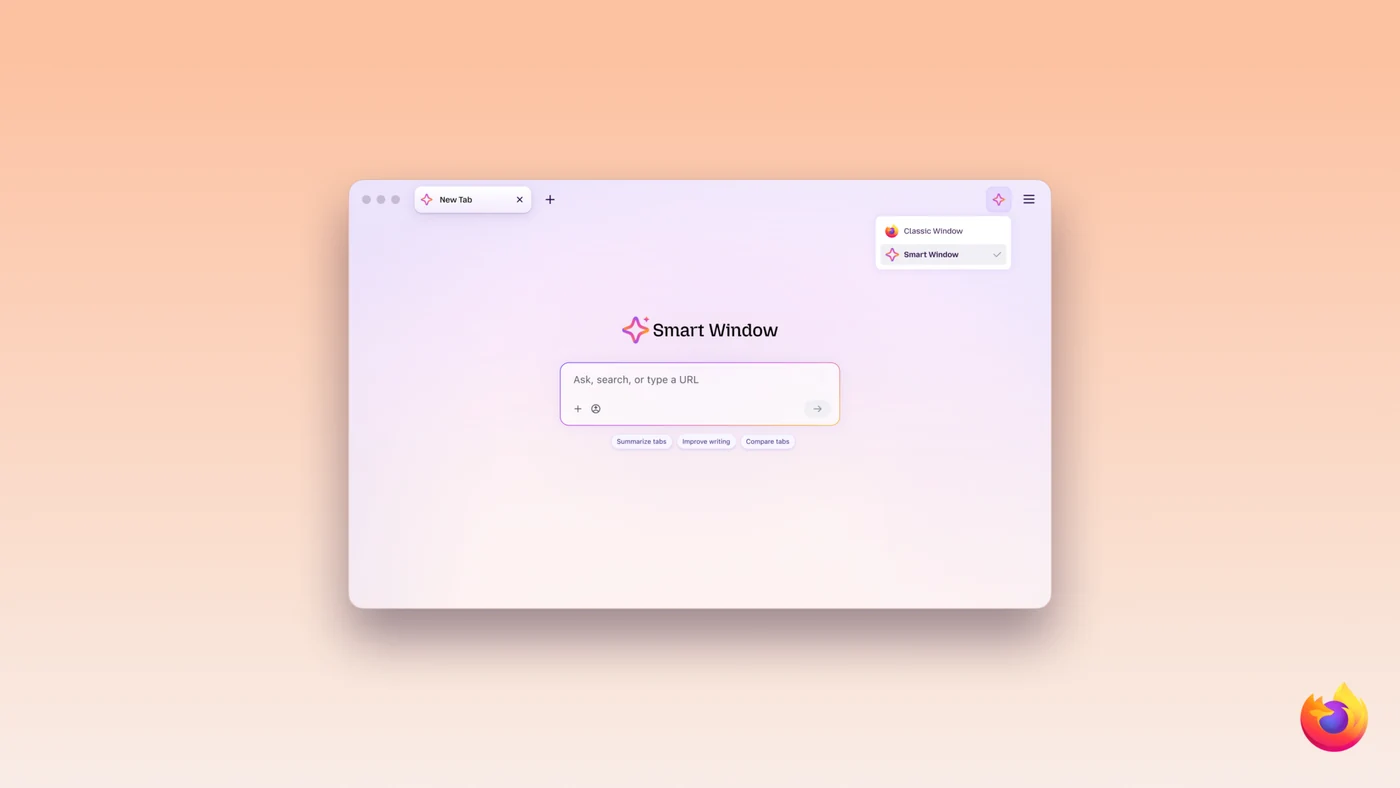
Under the Hood of Form Filling
When users activate this assistance feature, data from the chosen source pages is shared with Gemini 3.1 Flash Lite, which serves as the underlying AI model responsible for identifying form fields and extracting relevant details from selected tabs. User choices regarding chat model preferences remain unaffected, and saved local autofill values stay securely on the device.
The current implementation supports standard text fields on web forms and does not permanently store generated form fill outputs. Developers are actively exploring support for additional field types, including dropdown menus and PDF forms, alongside methods to save and manage generated information for future web forms.
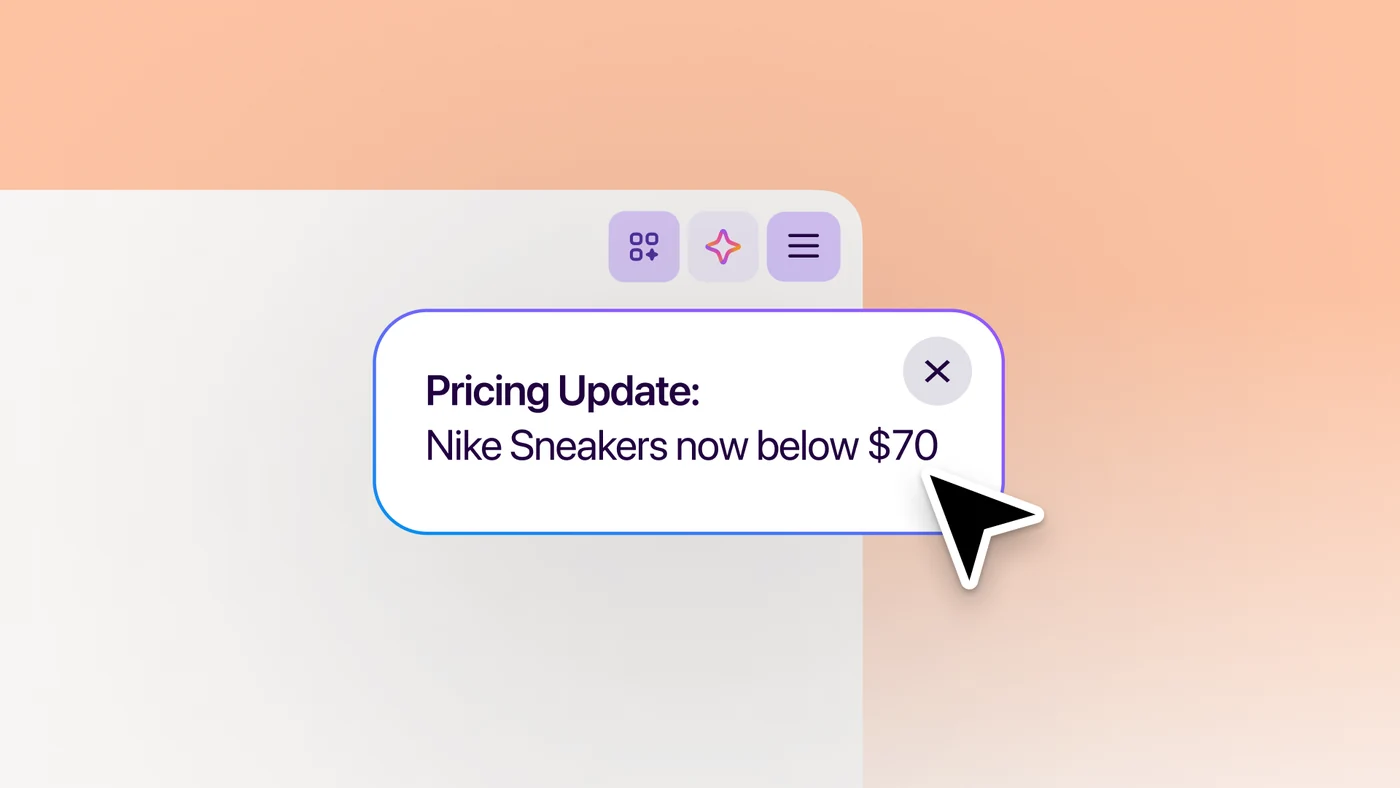
Automated Page Watching and Monitoring
In addition to assisting with forms, the updated system introduces page watching functionality to keep track of target web content. Users can set up tasks to monitor pages for specific updates, such as an item dropping in price or a new job listing featuring a specific company name or job title.
Each monitoring task can follow up to five different web pages simultaneously, enabling users to keep an eye across multiple online stores or job boards. Setup is initiated by typing a simple command into the chat interface, describing the desired target, and selecting whether the browser should run checks on a daily or weekly schedule while the browser application remains open.
Task Management and Availability
When a match occurs, alerts appear via the Tasks toolbar button. With desktop notifications enabled, the browser can also alert users directly, letting them open watched pages instantly with a single click. Users are permitted to run up to 15 active tasks concurrently, with full flexibility to edit, pause, or delete tasks as needed.
Tasks automatically pause after 60 days if no matching changes are detected, and monitoring stops completely after 90 days of inactivity. The page monitoring system relies on the Qwen AI model to spot relevant updates.
These new features are currently available in the desktop beta release for English-speaking users located in the United States and Canada, with plans to expand into additional international markets in the coming months.
Users can explore the new capabilities and share feedback regarding their workflow experiences by visiting the community discussion platform.
Sources
- Mozilla BlogSkip the busywork with Smart Window
Continue chronologically

Related entity coverage
Related stories
Firefox Details Recent Hidden Features and Roadmap Updates
Mozilla highlights recent Firefox browser improvements alongside upcoming features on its public roadmap, including Mini Window and offline mode.

Firefox Partners With AEG at Berlin's Uber Arena
Firefox teams up with Anschutz Entertainment Group in Berlin, offering browser users a dedicated Fast Lane at Uber Arena and Uber Eats Music Hall.

Mozilla Details Prompt Tuning for Firefox Shake to Summarize
Mozilla shares insights into its prompt tuning and modeling work for the Firefox Shake to Summarize feature on mobile devices.

Firefox Reunites Early Web Meme Icons in New Campaign
Firefox is teaming up with iconic early internet personalities for a new campaign to remind users what the web used to feel like.