GitHub adds search and filters to budget management
GitHub has updated its billing settings so users can find budgets without paging through a full list. The change applies to personal accounts, organizations and enterprises.
 Radwan AbdulhadiEditor and technology writer
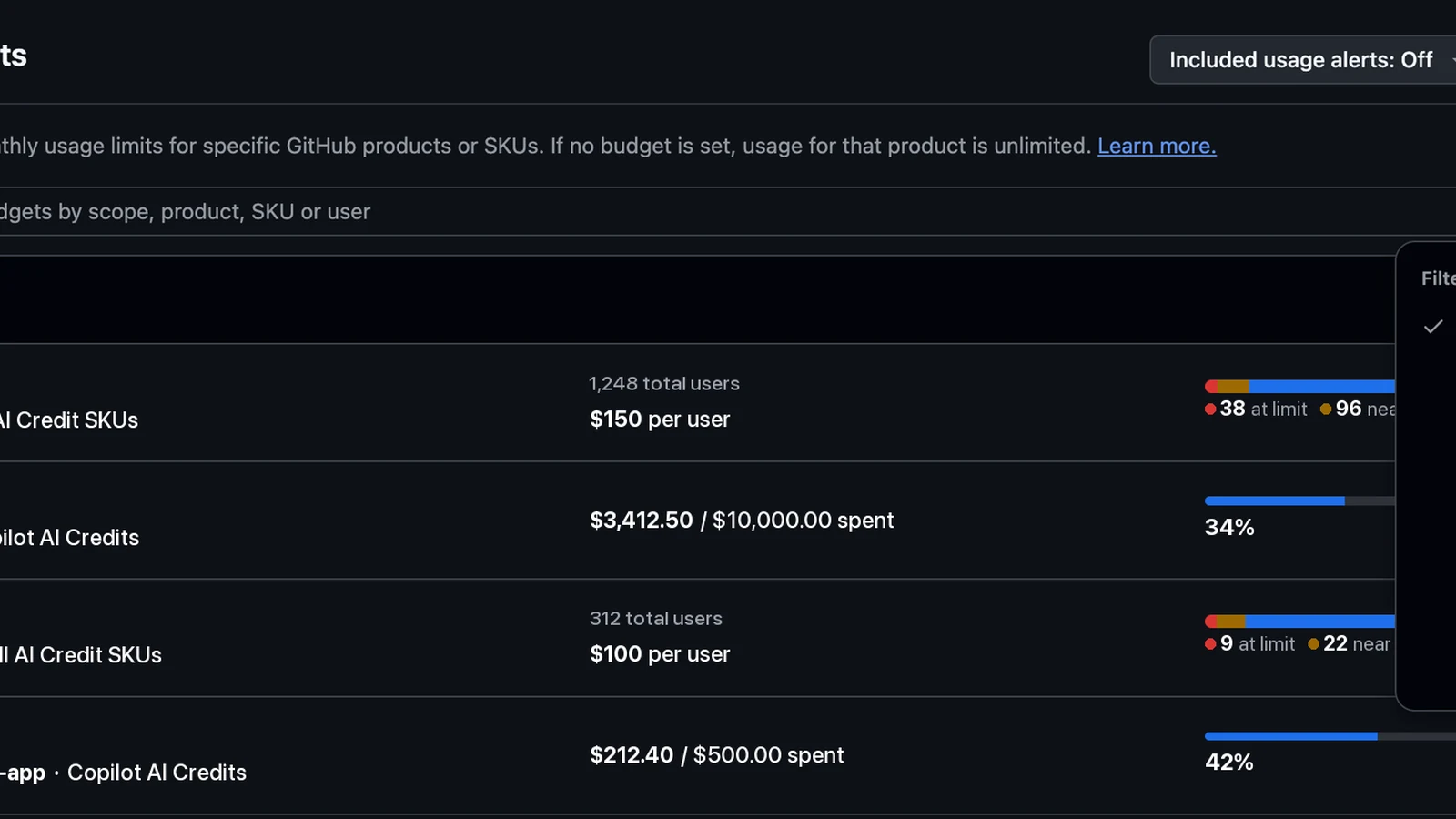
A single list for GitHub budgets
GitHub has introduced search and filtering for budgets in its billing settings, bringing budgets into one list on the “Budgets and alerts” page. The company announced the change in a GitHub Changelog post, saying the updated page is designed to help users locate a specific budget without paging through the full list. Further details are available from GitHub Changelog in the original source material.
The update covers budgets for personal accounts, organizations and enterprises. Rather than presenting budget records across multiple paginated views, the page now provides a consolidated place to search and narrow the available results. GitHub describes the change as a way to find an individual budget within the broader collection managed through billing settings.
Search and filter options
The list can be searched or filtered by scope, product or SKU. These options allow users to narrow the budgets shown according to the area they want to inspect, the GitHub product involved or the specific SKU associated with a budget. The available controls are intended to make the full budget list easier to navigate.
Users can also narrow the results to a particular scope through the Scope menu. GitHub specifically identifies organizations and cost centers as examples of scopes that can be selected. This lets account managers focus the list on a defined part of their billing setup instead of reviewing every budget at once.
User-level budgets in the same view
For enterprises and organizations, GitHub adds user search to the budget-management experience. Administrators can search for budgets by user, extending the list’s existing search and filtering options beyond scope, product and SKU.
The same list also tracks user-level budgets and shows which user a budget applies to. GitHub says this makes it possible to discover and identify those budgets alongside other budget records, rather than treating user-level entries as a separate list.
Where the change applies
The functionality is available from the Budgets and alerts page within GitHub billing settings. Its scope spans the account types named by GitHub: personal accounts, organizations and enterprises. The company’s description does not identify a separate rollout process or additional setup requirement for the new list controls.
The update concerns finding and organizing existing budget information in the billing interface. GitHub’s announcement focuses on search, filtering and visibility, including the ability to locate budgets associated with a specific user or a selected scope.
Budget management context
Budgets and alerts are managed through GitHub’s billing settings. Users looking for the company’s instructions on creating or configuring budgets can consult GitHub’s documentation on [Setting up budgets](https://docs.github.com/billing/how-tos/set-up-budgets), while the new list controls provide a way to search and filter the budgets displayed there.
GitHub presented the change as part of its Changelog updates. The announcement says the new search and filtering experience is intended to help people who manage multiple budgets find a particular entry more directly, whether the budget belongs to a personal account, an enterprise or an organization.
Sources
- GitHub ChangelogSearch and filter for budgets now available
Continue chronologically


Related entity coverage
Related stories
GitHub Updates Usage Metrics API with Custom Skills and MCP Servers
GitHub updates the Copilot usage metrics API to display specific names for custom skills, agents, MCP servers, slash commands, and plugins.

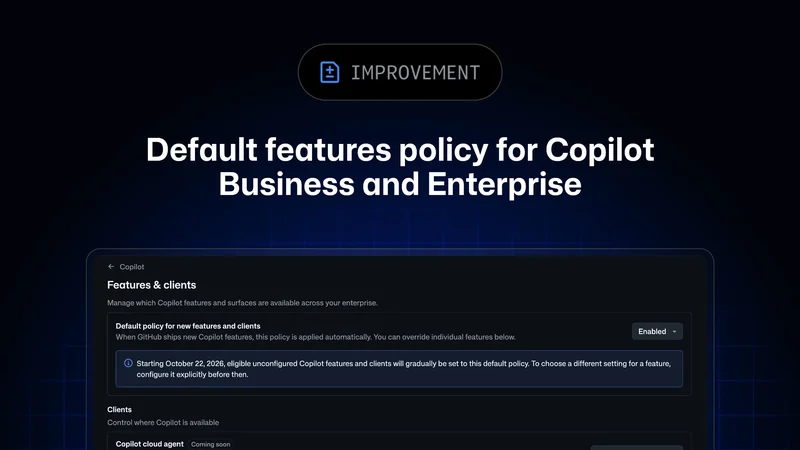
GitHub Announces Default Copilot Policy for Businesses
GitHub introduces a new global default policy for generally available GitHub Copilot features across enterprise and organization settings.
GitHub Tightens Enterprise Copilot Settings Enforcement
GitHub is giving enterprise administrators stricter control over Copilot policies with fresh settings checks and minimum client versions.

GitHub Makes Copilot Budget Requests Generally Available
GitHub now lets Copilot Business and Enterprise members request more AI-credit budget when they reach their usage limit.