
GitHub Announces Default Copilot Policy for Businesses
GitHub has rolled out a new global default policy governing generally available GitHub Copilot features and supported client capabilities for enterprise and organization settings.
 Radwan AbdulhadiEditor and technology writer
Introduction to the Global Default Policy
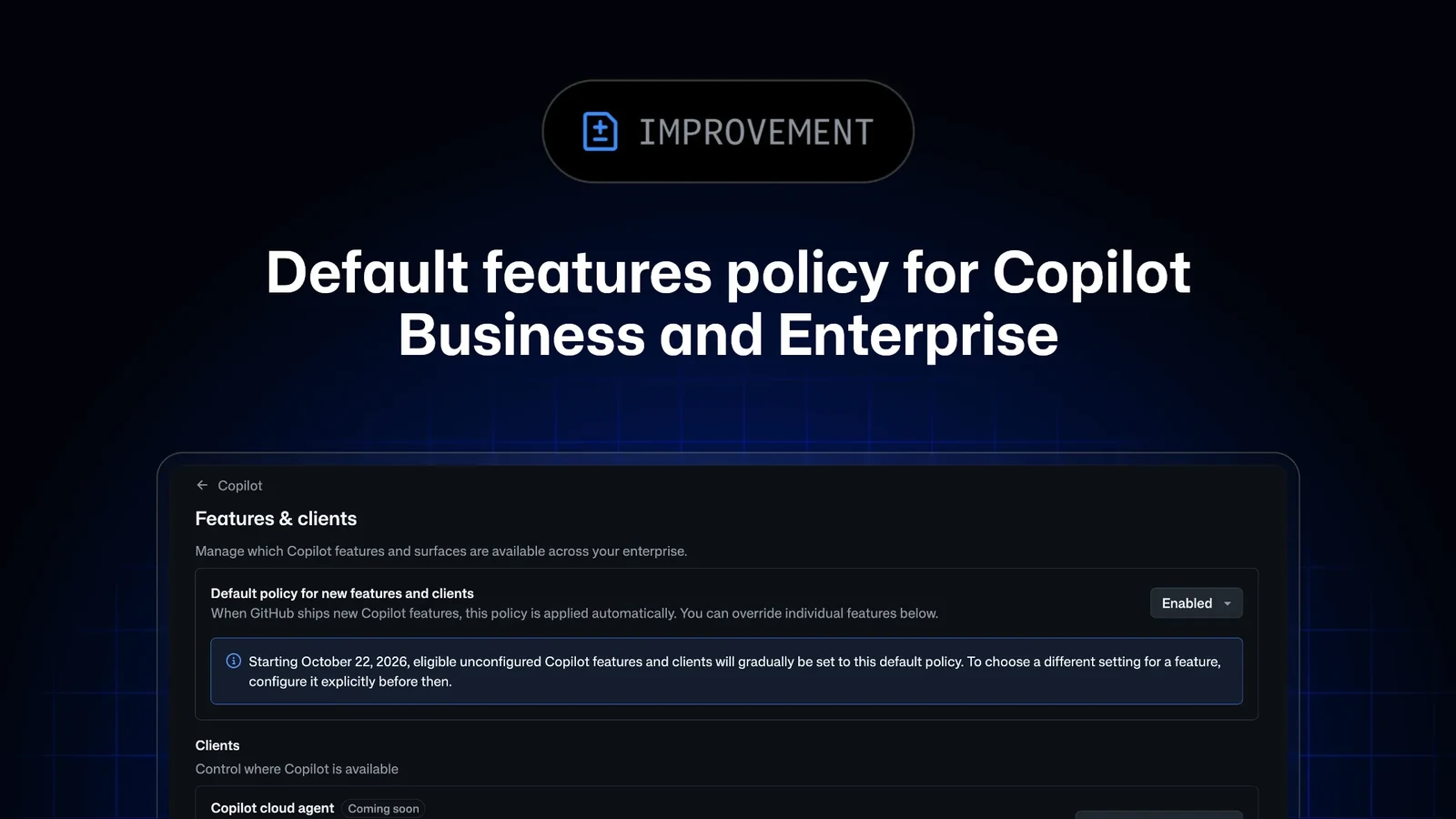
GitHub has officially announced the introduction of a new global default policy for generally available GitHub Copilot features and supported client capabilities in enterprise and organization Copilot settings. As detailed in the official [GitHub Changelog](https://github.blog/changelog/2026-09-24-default-enablement-of-copilot-features-for-copilot-business-and-enterprise/), this update aims to streamline how administrators manage AI capabilities across their developer environments.
During the initial 28-day window following the announcement, administrators have the opportunity to configure this policy. Crucially, configuration adjustments made during this introductory period will not immediately affect feature access for users, allowing enterprises ample time to review their preferred default posture before full enforcement begins.
Configuration Options and Available Settings
Administrators can configure the new policy by navigating to the "AI Controls" page, opening the "Copilot" subpage, and selecting an appropriate configuration option under the "Default policy for new features" section. This policy governs eligible features managed on the enterprise's "Features & clients" page, alongside the Copilot Code Review policy found on the "Agents" page and Model Context Protocol (MCP) servers in Copilot.
Within the settings interface, enterprises are presented with three distinct choices: Enabled, Disabled, and Let organizations decide. Selecting "Enabled" ensures that current and future eligible features become automatically available to users by default. Choosing "Disabled" keeps current eligible features unavailable and mandates administrator approval for future additions. Alternatively, opting for "Let organizations decide" empowers individual organization administrators to make their own determinations regarding feature availability.
For complete details concerning feature eligibility criteria and specific exceptions, administrators are encouraged to consult [our docs on default availability](https://docs.github.com/copilot/concepts/enterprise/default-availability) provided by GitHub.
Timeline and Enforcement Details
The newly introduced global default policy is scheduled to take effect starting on October 22. Once this enforcement date is reached, any eligible generally available features and client capabilities that have been left unconfigured will automatically follow the selected global default setting of enabled, disabled, or organization-level discretion.
GitHub has confirmed that explicit administrative decisions will be preserved. If an enterprise has already explicitly enabled or disabled a particular feature, the system will not override that choice. Similarly, preview features remain strictly opt-in; if an administrator opts into a preview feature that subsequently transitions to generally available status, their existing choice will be fully preserved.
Community Engagement and Discussions
As organizations evaluate how the new policy fits into their broader enterprise management workflows, GitHub encourages users and administrators to participate in ongoing conversations and share feedback by joining the discussion within the [GitHub Community](https://github.org/orgs/community/discussions/208757).
Sources
- GitHub ChangelogDefault Enablement of Copilot Features for Copilot Business and Enterprise