Google Fitbit Edge Review: Balancing Style and Fitness Features
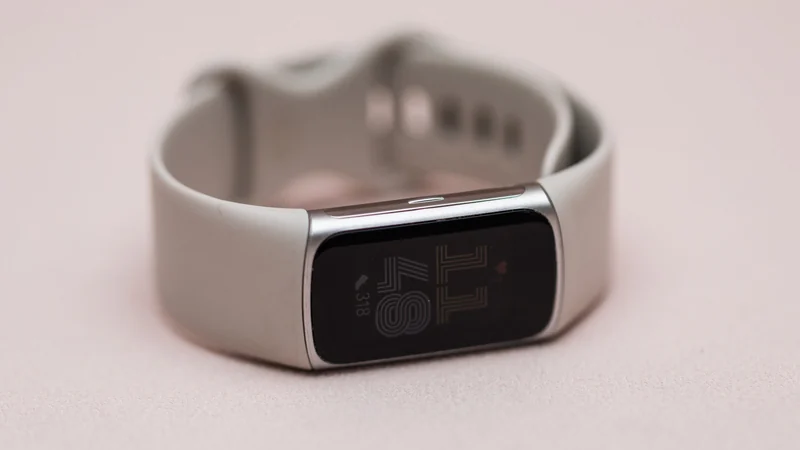
Google's new Fitbit Edge bridges the gap between basic fitness bands and smartwatches, offering a bright display and physical controls without packing a full AI assistant onto the user's wrist.
 Radwan AbdulhadiEditor and technology writer
Introduction and Design Evolution
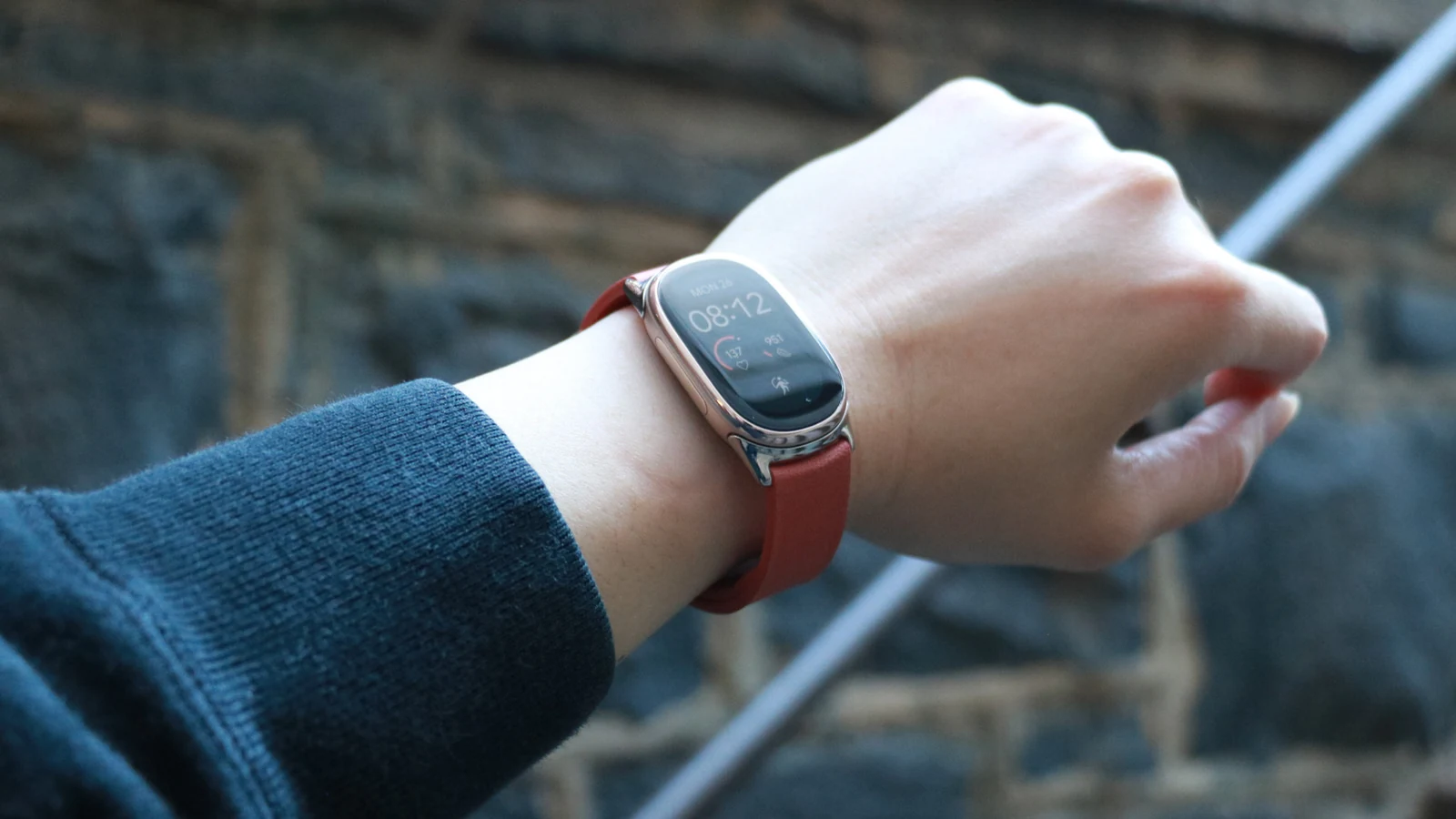
Over the past decade, Google and Fitbit have iterated on various form factors to make activity trackers more visually appealing. From early attempts like the original Fitbit Alta to sleeker alternatives such as the Luxe, sleek design has frequently taken a back seat to functionality. The Fitbit Edge arrives as a curvier, wider oblong device that aims to resolve previous ergonomic issues while remaining much narrower than standard smartwatches like the Pixel Watch series or Apple Watch models.
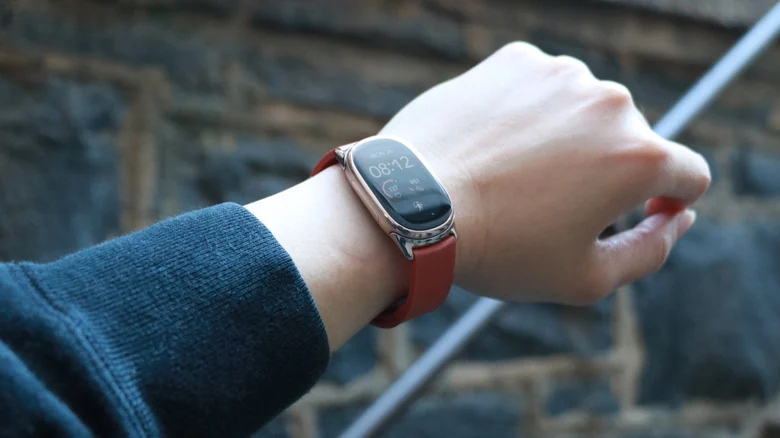
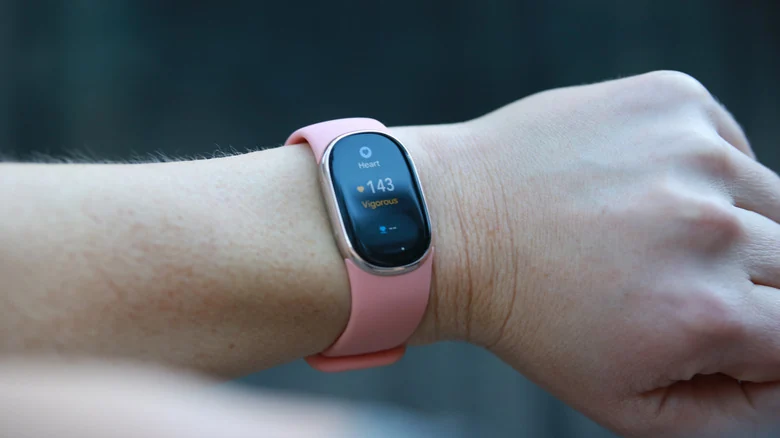
Reviewers note that the narrower shape of the Fitbit Edge allows it to stay safely out of the way during exercises like pushups or planks. Unlike wider wearables whose physical buttons can accidentally trigger during wrist flexes, the Edge allows for a generous bending angle without unintended inputs. Furthermore, it avoids using the touch-sensitive or haptic faux buttons found on prior generations, opting instead for a satisfying and reliable physical side button.
Display, Software, and Interface
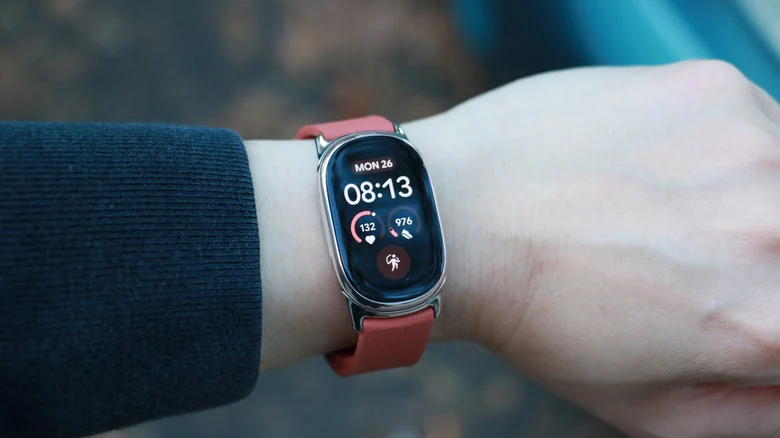
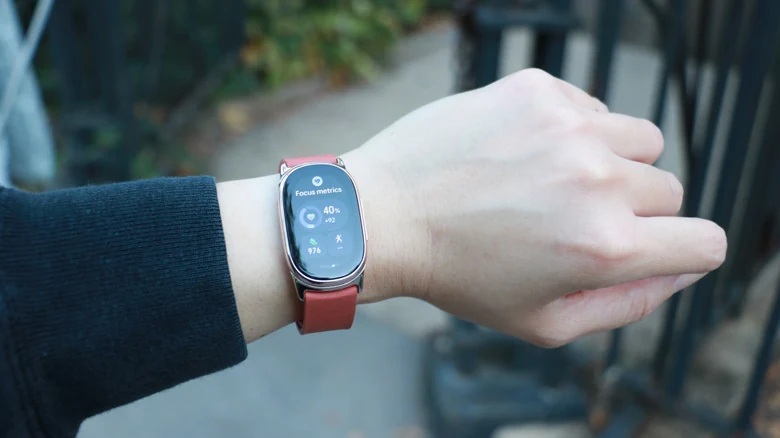
Equipped with a bright, navigable touchscreen, the Fitbit Edge addresses past complaints regarding sluggish and hard-to-read panels. The display remains consistently legible in various lighting conditions and generally registers swipes and taps promptly, representing a major step forward from older, laggy Fitbit displays. Users can view notifications below the clock face and quick settings above, accompanied by customizable tiles on either side that mirror the clean aesthetic of Google's modern design language.
Despite the visual upgrade inspired by Google Health, the underlying software architecture still utilizes the familiar interface mechanics long seen on Fitbit devices. While this interface successfully handles basic tasks and quick workout selection via a dedicated Quick Start tile, certain elements remain clunky. Notification handling can feel restrictive, as preview text is limited unless expanded, and incoming alerts stack heavily in the user interface during busy periods.
Hardware Comparison and Pricing
Priced at $180, the Fitbit Edge acts in many ways as a spiritual successor to earlier fitness-focused devices, bringing a larger and brighter adjustable screen, an altimeter for elevation tracking, and built-in GPS for outdoor excursions. It also incorporates an IP68 dust and water-resistance certification alongside its 5 ATM rating. However, a detailed look at the list of differences between the two models reveals that the Edge omits NFC support for contactless payments, which was present on some preceding models.
The device features a lightweight build that feels unnoticeable during daily wear. Google offers several official accessories for customization, including silicone options and specialized bands. For those seeking a dressier appearance, optional accessories like the Metal Links band provide a polished, premium look reminiscent of luxury timepieces, though premium hardware additions command separate investments that approach the retail cost of the tracker itself.
Health Tracking and Battery Life
Fitness tracking functionality remains a core pillar of the Fitbit Edge experience. The updated model boasts improved sensitivity for automatic activity detection, registering cycling and walking sessions with heightened accuracy compared to its screenless counterparts. Users receive timely notifications prompting them to confirm and label their tracked exercises within the mobile application.
Battery efficiency is another strong suit for the hardware. When configured without the always-on display enabled, the tracker easily endures extended periods of continuous monitoring, requiring a recharge only once over the course of a normal multi-day review cycle. This longevity ensures that users can continuously log sleep metrics and daytime activity without frequent interruptions for power management.
Sources
- EngadgetFitbit Edge review: Google strikes the right balance
- 9to5GoogleFitbit Edge Review: Too much and too little at the same time
Continue chronologically


Related entity coverage
Related stories
Google Announces Fitbit Edge With Health Tracking and Replaceable Battery
Google has officially revealed the Fitbit Edge, featuring a slim profile, OLED display, advanced health tracking, and a replaceable battery starting at $179.99.
Google Unveils Fitbit Edge to Fill Gap in Wearables Lineup
Google announces the Fitbit Edge, a new mid-range wearable bridging the gap between the Fitbit Air and Pixel Watch 5 with advanced health tracking.
Google Teases Fitbit Edge Fitness Tracker Launch Next Week
Google has officially teased the upcoming Fitbit Edge fitness tracker on X, pointing toward a launch date of October 12, 2026, following months of extensive industry leaks.
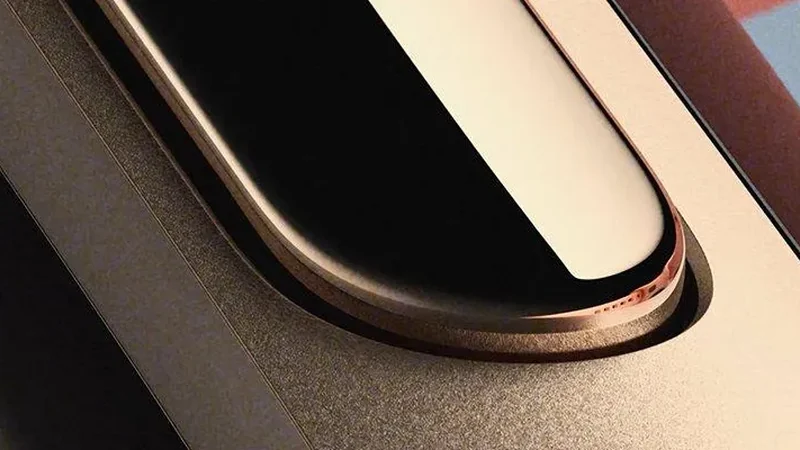
Google Teases New Fitbit Edge Ahead of October 12 Reveal
Google has seemingly confirmed the rumored Fitbit Edge fitness tracker with official social media teasers pointing to an October 12 release.