Managing Personal ChatGPT Use at Work and Data Risks
When employees use personal ChatGPT accounts on corporate devices, sensitive company information can be exposed even if an organization provides an approved Enterprise workspace.
 Radwan AbdulhadiEditor and technology writer
The Challenge of Personal ChatGPT Accounts on Managed Devices
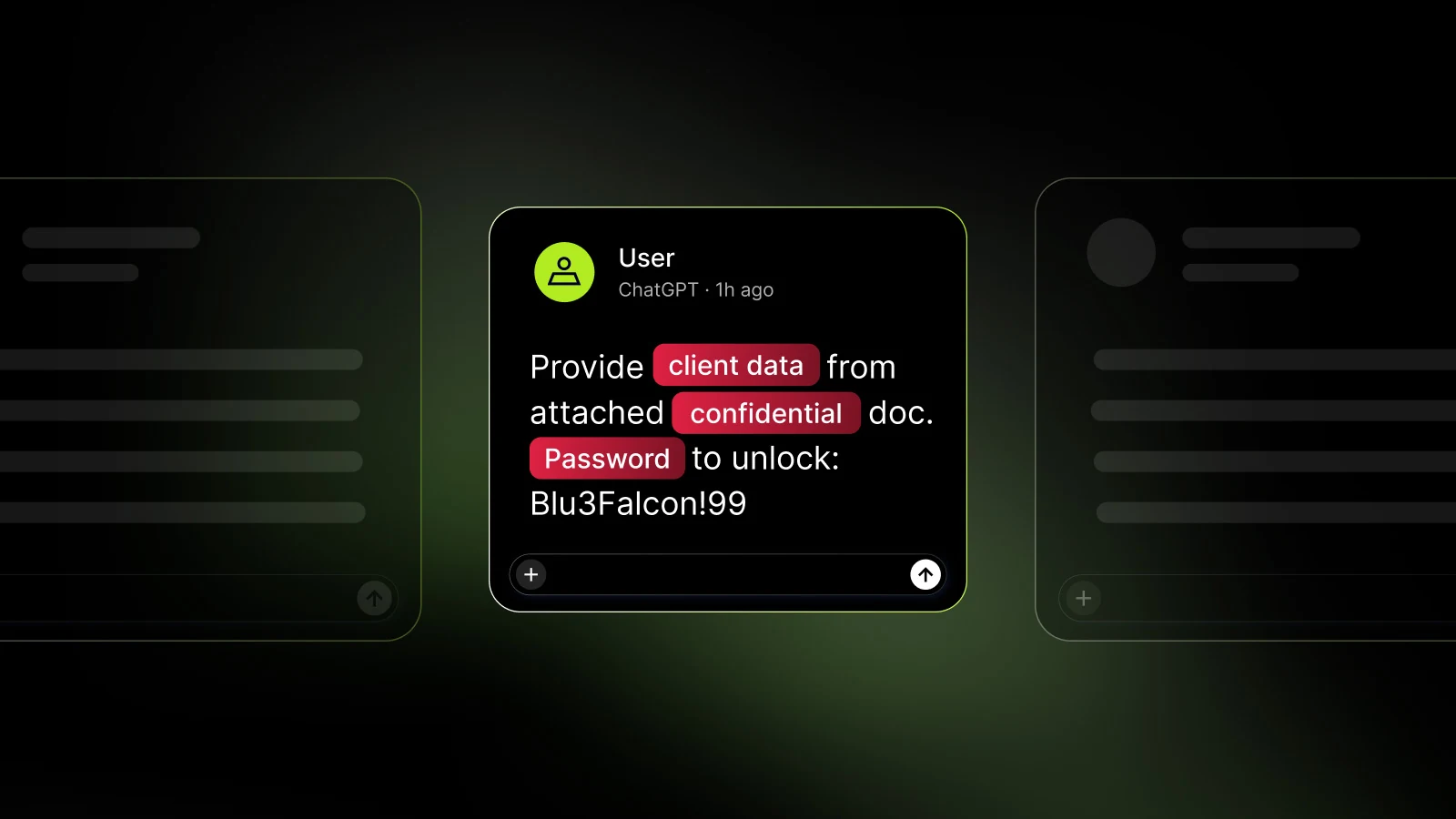
Managing corporate security often involves unexpected alerts, such as security tools flagging personal ChatGPT use on a managed laptop despite the organization paying for a dedicated Enterprise workspace. According to an analysis by BleepingComputer, this scenario can lead employees to submit sensitive data—ranging from public job descriptions and customer support tickets to internal account details—into unmanaged environments.
Without specialized monitoring tools, IT administrators face a complex investigative process. An event might show a corporate email address tied to security tools while the underlying ChatGPT login belongs to a personal account. This mismatch leaves security teams with multiple identities to reconcile and potentially compromised data to uncover.
Investigating Unauthorized AI Usage Without Advanced Controls
In organizations lacking dedicated prompt-level controls, retained security events often only indicate that a personal account was utilized. Because these logs typically hold no prompt text or sensitive data findings, administrators cannot easily rebuild what was submitted without direct employee cooperation.
Conducting an incident review under these conditions requires asking the employee to display the specific work exchange around the timestamp in question. Frequently, the explanation is mundane: a corporate session expired, two-factor authentication took too long, a customer was upset, and a personal ChatGPT tab was already open and signed in. However, once customer data reaches a completed conversation in a personal account, IT teams must assess the exposure and determine whether privacy reviews or credential rotations are necessary.
Deploying Automated Visibility and Prevention Tools
To gain better oversight of how employees use artificial intelligence tools and coding applications across the network, organizations can implement specialized browser solutions. Tools like NordLayer AI Scout allow security teams to see AI use beyond the approved tool list and automatically classify new ChatGPT conversations as either personal or corporate.
When deployed on a managed browser, such solutions can evaluate prompts locally before they leave the device. If a configured detector matches sensitive formats like customer account numbers, automated actions can stop the submission entirely before data reaches an unauthorized third-party server.
Configuring Policy Actions and Fixing Workflows
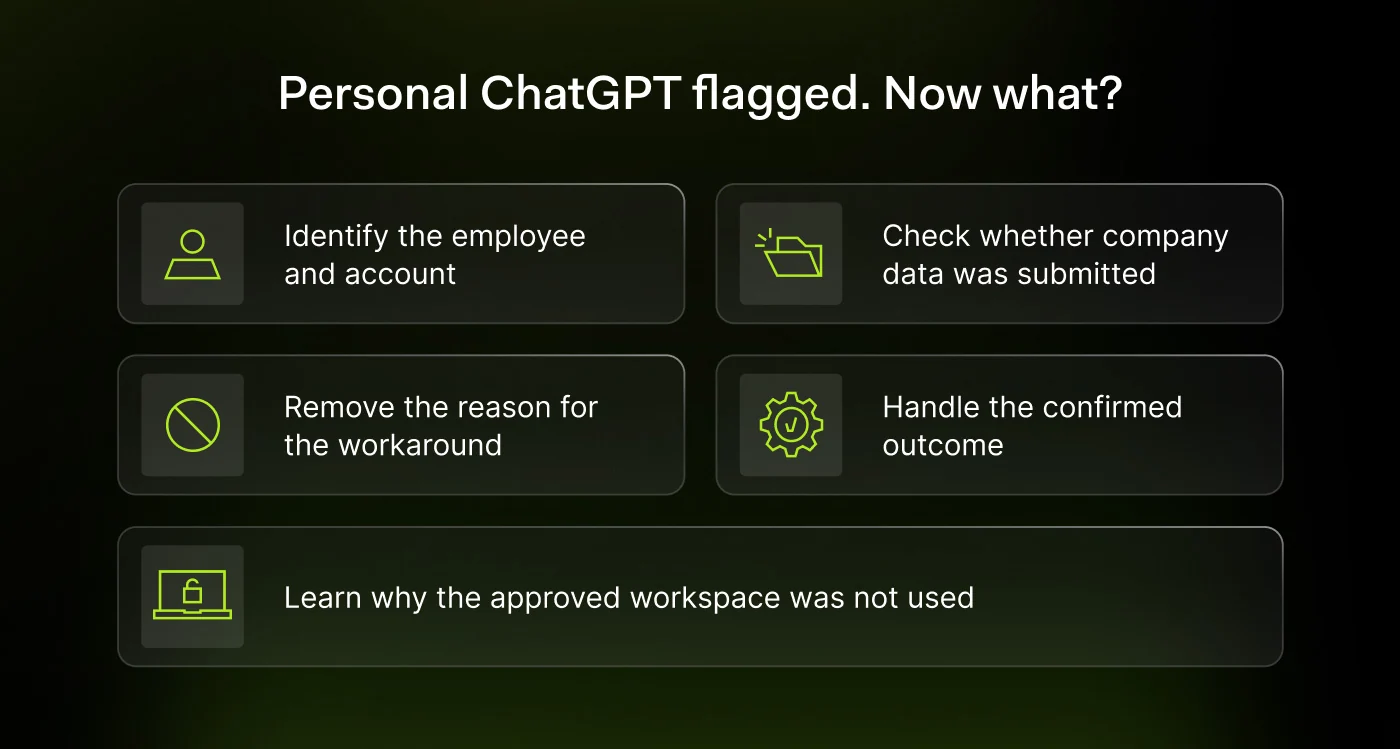
When establishing data loss prevention rules, administrators can choose from different response actions depending on the sensitivity of the information. Policy configurations typically include options to warn employees, automatically redact matched values, or completely block the prompt from sending.
Beyond technical controls, IT teams must address the root cause of the behavior—such as expired corporate sessions or cumbersome authentication procedures. Ensuring that corporate access functions smoothly on a busy morning prevents employees from seeking workaround solutions using unmanaged personal accounts.
Evaluating Enterprise Security Offerings
Organizations looking to evaluate their security posture and mitigate risks associated with shadow AI can explore specialized solutions. Security platforms offer trial options to help administrators test visibility features, allowing teams to Start Free Trial evaluations and assess how effectively they can monitor unauthorized artificial intelligence usage.
Ultimately, securing enterprise environments against accidental data leaks requires a combination of clear policies, proactive employee guidance, and robust browser-level controls that can intercept sensitive prompts before exposure occurs.
Sources
- BleepingComputerEmployees using personal ChatGPT at work? Here's what IT admins need to do
Continue chronologically


Related entity coverage
Related stories
OpenAI Doubles Pro Limits and Brings Work Features to Chat
OpenAI is doubling Pro usage limits, rolling out ChatGPT Work capabilities into regular Chat, and combining usage allowances across ChatGPT and Codex.

OpenAI Releases Signals Data on Global ChatGPT Work Use
OpenAI Economic Research has released new data covering 165 work activities across nearly 100 countries, mapping how people use ChatGPT for work.
ChatGPT macOS App Flaw Exposed Sensitive Data to Hackers
OpenAI patched a critical ChatGPT macOS vulnerability that could have let attackers harvest chat logs and run commands, highlighting AI software as a growing security target.

ChatGPT Desktop App Integrates With AWS GovCloud
The ChatGPT desktop app is now available on Amazon Bedrock in AWS GovCloud (US), offering secure model inference for government and defense agencies.